
$1.99
$1.00
50% Off
Circle Dashboard Watch Face
amoledwatchfaces™







About the App
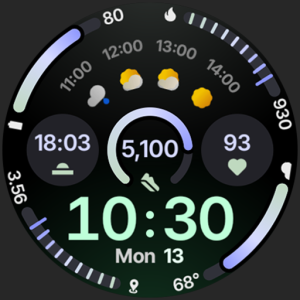
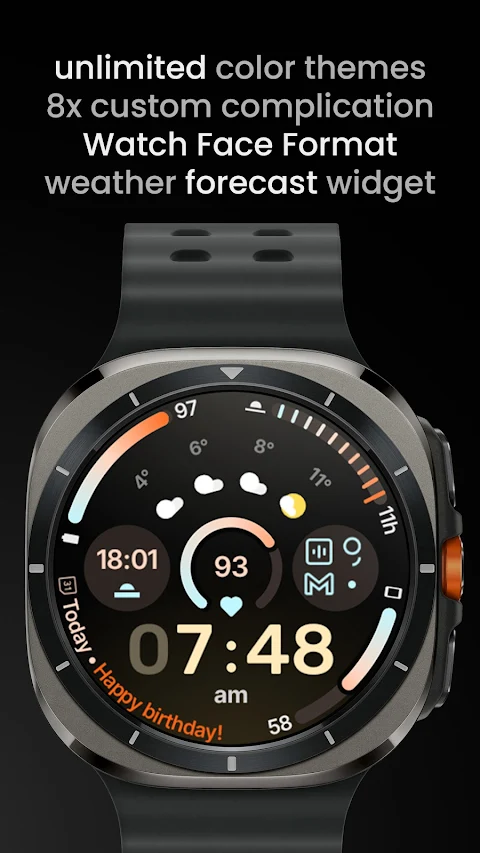
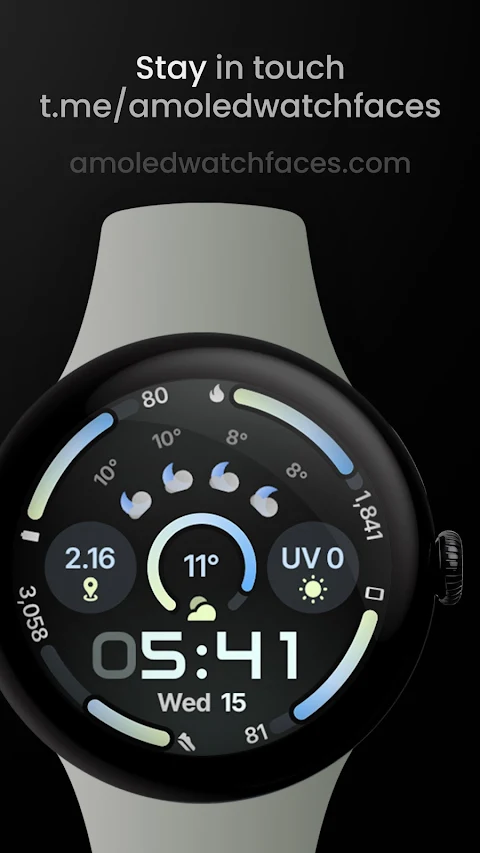
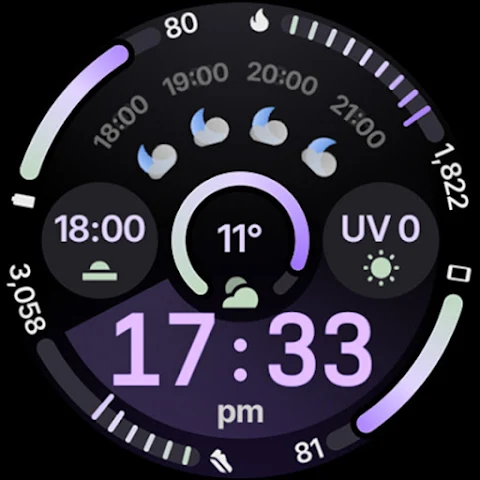
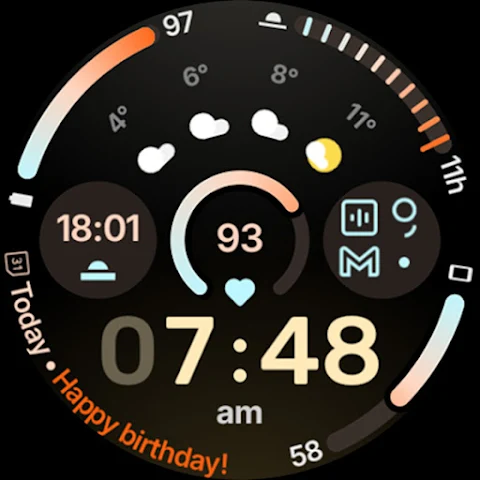
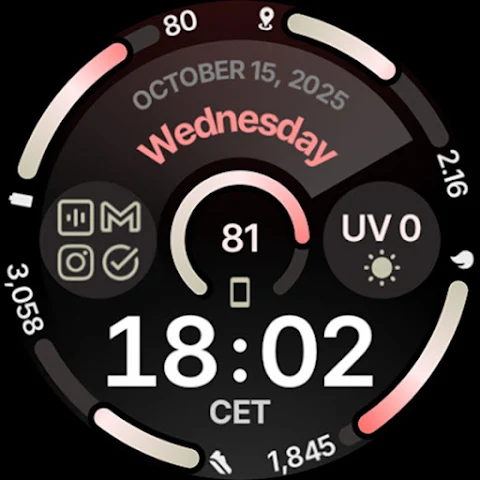
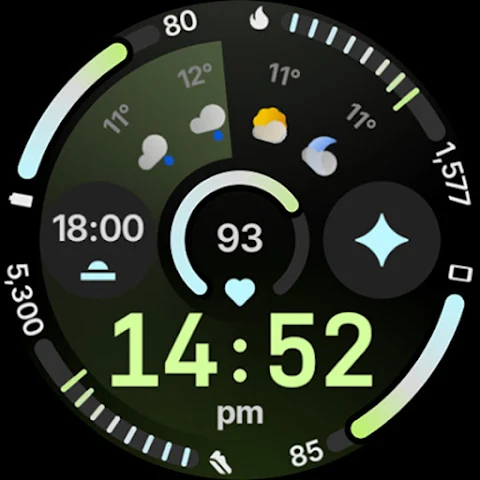
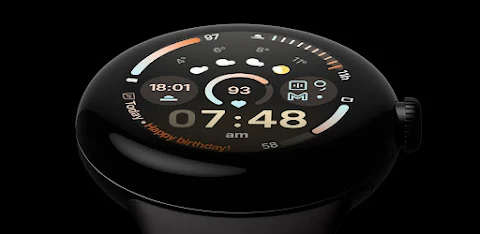
The Circle Dashboard Watch Face is specially designed for Wear OS 4+ devices. This watch face is inspired by the popular Circle Dashboard available in the Galaxy Watch 8 series. It uses the advanced Watch Face Format 4 to provide a smooth and vibrant display.
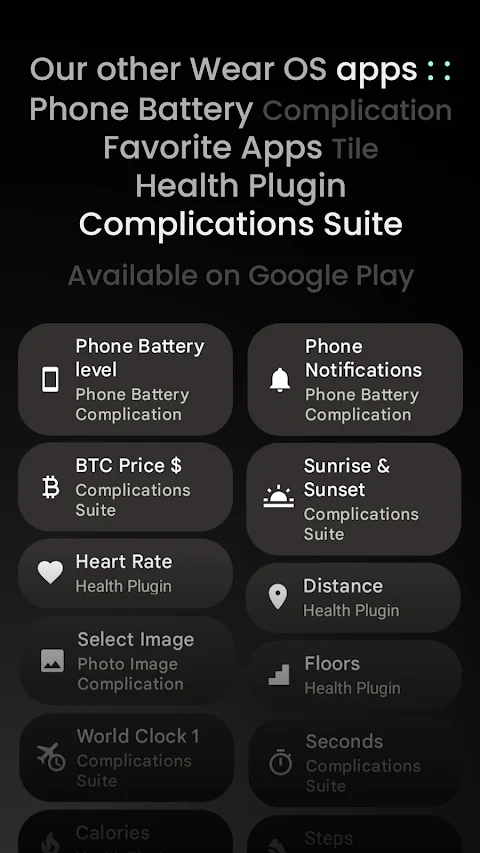
With this app, you can enjoy a variety of features that enhance your smartwatch experience. There are eight custom complication slots, allowing you to display information that's important to you. You can choose from different complication types, like short text, long text, ranged value, monochromatic icons, and small images. There’s also support for phone notifications, so you won't miss any important updates on your wrist.
The design includes material 3 expressive progress bars that offer a modern look. You can also enable an optional seconds indicator, making it easy to tell the time at a glance. The Circle Dashboard Watch Face supports multiple languages, ensuring that users from different backgrounds can enjoy it.
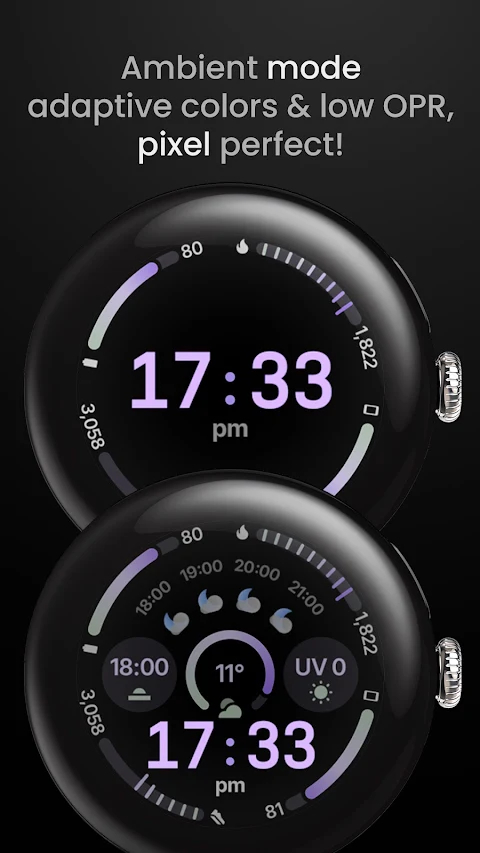
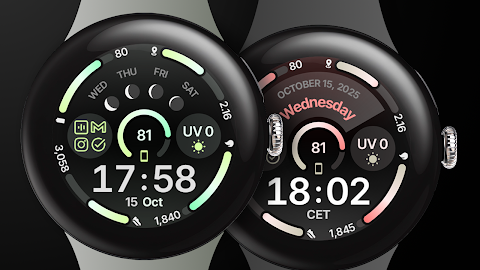
The watch face boasts a true black background which not only looks great but also helps save battery life. You can explore unlimited color theme combinations, allowing you to personalize the watch face to match your style. There are three always-on display styles to choose from, helping you see the time and other information even when your watch is not actively in use.
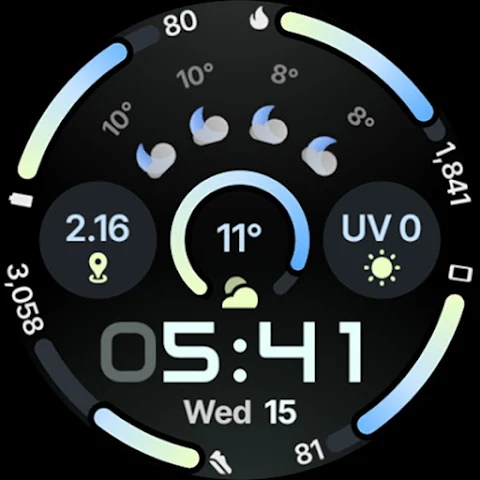
If you like digital clocks, you’ll find a selection of digital clock fonts to choose from. The watch face even has a digital clock blinking colon effect, adding a unique touch. There’s a weather forecast widget and moon phases widget available for those using Wear OS 5+.
You can also create a custom app shortcut as a complication to access your favorite apps quickly. If you have a device running Wear OS 6+, you’ll appreciate the animated AOD entering feature that adds some flair when checking the time. The Circle Dashboard Watch Face adapts the text size of complications based on your preferences, making it user-friendly.
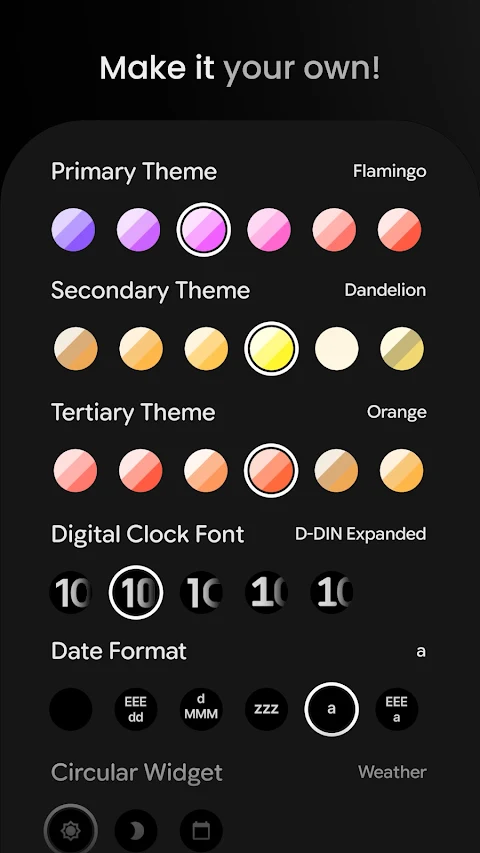
Customization options make this watch face even more appealing. You can select from over 60 primary, secondary, and tertiary color themes to ensure your watch looks just how you want it. Digital clock styles are varied as well, with five options to choose from. You can also change the date format to suit your needs.
The circular weather widget displays useful information like the weather forecast and moon phases. You can pick from two weather icon pack options and four weather providers for accurate updates. Users can toggle features like leading zero, a seconds indicator, a complications background, and percentage type arcs to further personalize their experience.
For those who want a vivid digital clock, a toggle option is available. If you encounter any issues or need help, an installation troubleshooting guide is provided to assist you through any setup questions. Additionally, for real-time support, you can join the live support group on Telegram.
The Circle Dashboard Watch Face makes it easy to have a stylish and functional display on your smartwatch. With so many customization options and features, it’s designed to fit your individual needs and preferences, making every glance at your watch an enjoyable experience.
With this app, you can enjoy a variety of features that enhance your smartwatch experience. There are eight custom complication slots, allowing you to display information that's important to you. You can choose from different complication types, like short text, long text, ranged value, monochromatic icons, and small images. There’s also support for phone notifications, so you won't miss any important updates on your wrist.
The design includes material 3 expressive progress bars that offer a modern look. You can also enable an optional seconds indicator, making it easy to tell the time at a glance. The Circle Dashboard Watch Face supports multiple languages, ensuring that users from different backgrounds can enjoy it.
The watch face boasts a true black background which not only looks great but also helps save battery life. You can explore unlimited color theme combinations, allowing you to personalize the watch face to match your style. There are three always-on display styles to choose from, helping you see the time and other information even when your watch is not actively in use.
If you like digital clocks, you’ll find a selection of digital clock fonts to choose from. The watch face even has a digital clock blinking colon effect, adding a unique touch. There’s a weather forecast widget and moon phases widget available for those using Wear OS 5+.
You can also create a custom app shortcut as a complication to access your favorite apps quickly. If you have a device running Wear OS 6+, you’ll appreciate the animated AOD entering feature that adds some flair when checking the time. The Circle Dashboard Watch Face adapts the text size of complications based on your preferences, making it user-friendly.
Customization options make this watch face even more appealing. You can select from over 60 primary, secondary, and tertiary color themes to ensure your watch looks just how you want it. Digital clock styles are varied as well, with five options to choose from. You can also change the date format to suit your needs.
The circular weather widget displays useful information like the weather forecast and moon phases. You can pick from two weather icon pack options and four weather providers for accurate updates. Users can toggle features like leading zero, a seconds indicator, a complications background, and percentage type arcs to further personalize their experience.
For those who want a vivid digital clock, a toggle option is available. If you encounter any issues or need help, an installation troubleshooting guide is provided to assist you through any setup questions. Additionally, for real-time support, you can join the live support group on Telegram.
The Circle Dashboard Watch Face makes it easy to have a stylish and functional display on your smartwatch. With so many customization options and features, it’s designed to fit your individual needs and preferences, making every glance at your watch an enjoyable experience.
Flawless KWGT
Raj Arya Designs
$0.99
$0.50
Retro Pulse Pro
Pikootell
$1.49
$0.99
Sparkling Starry Bloom
Bloomfield Watchfaces
$1.99
$0.80