

$1.99
$0.49
75% Off
Everything Adaptive Blue Icons
NARIK DESIGN

About the App
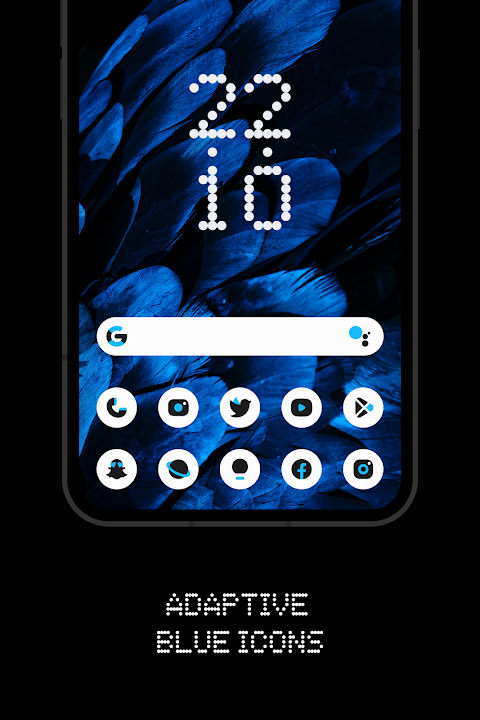
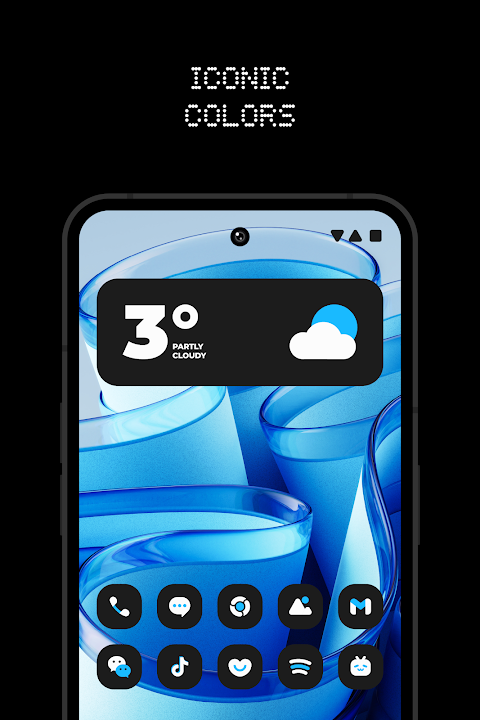
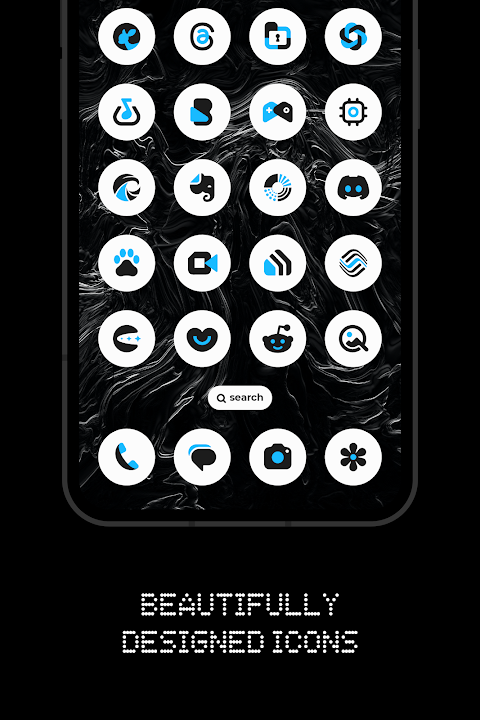
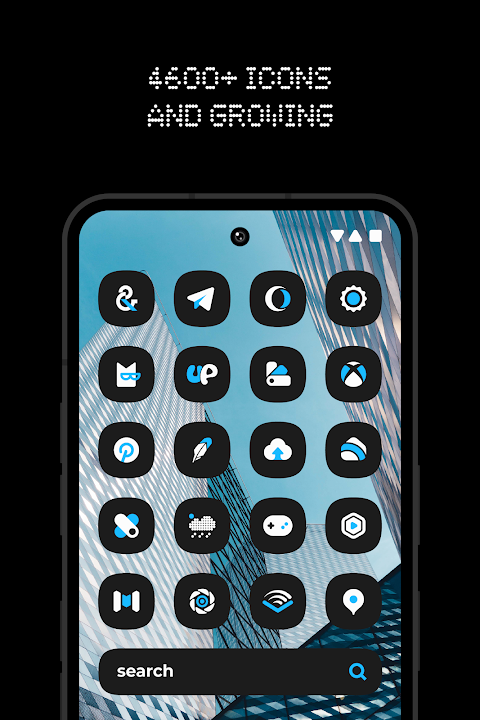
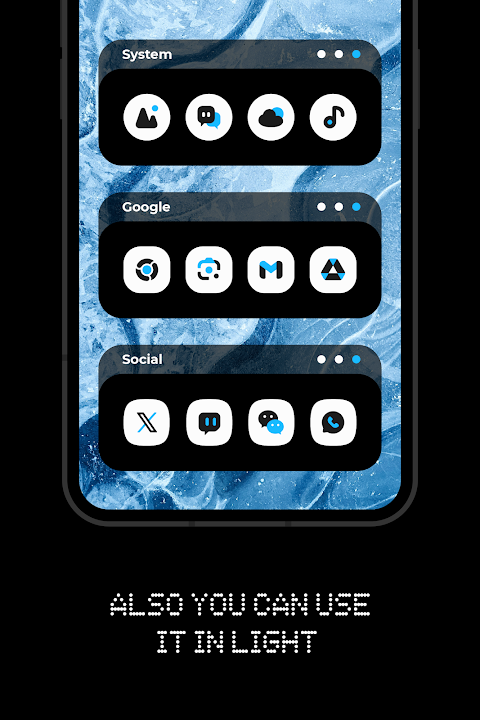
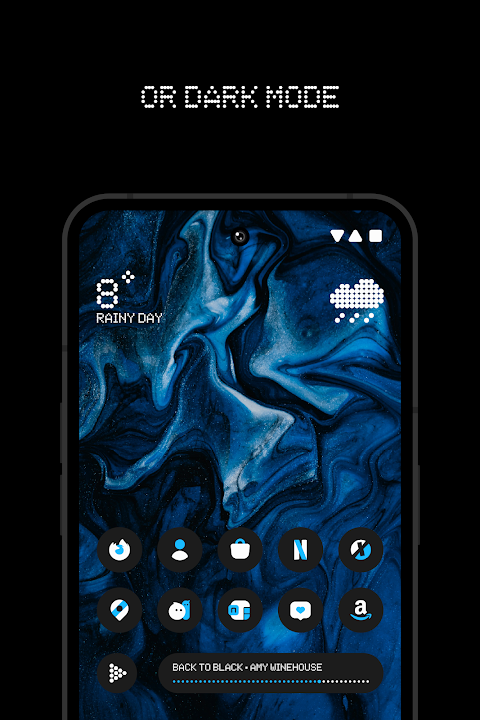
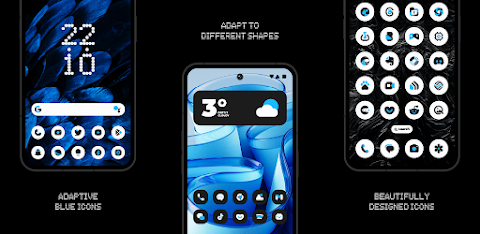
Everything Adaptive Blue Icons is a beautifully designed adaptive icon pack that allows you to change the shape of your app icons. With a focus on color harmony, this pack features iconic blue, black, and white tones. It matches perfectly with both light wallpaper and dark wallpaper, enhancing the look of your device.
This icon pack boasts over 5,600 premium adaptive icons. Each icon is crafted to fit seamlessly into your device’s design. Additionally, Everything Adaptive Blue Icons includes 13 Kustom widgets to customize your home screen further. A handy cloud-based wallpaper feature ensures that you have options that perfectly match your icons. Plus, there's an icon request tool, so if you have specific icons in mind, you can let the developers know.
To get started with this icon pack, you first need to install a supported launcher. Everything Adaptive Blue Icons works with a variety of popular launchers. Some of the supported launchers include Nothing Launcher, Nova Launcher, Lawnchair Launcher v2, and Smart Launcher 6. If you’re using other options like Rootless Pixel Launcher, Shade Launcher, Lean Launcher, Hyperion Launcher, or Posidon Launcher, you can enjoy the features as well. Just open Everything Adaptive Blue Icons, navigate to the “Apply” section, and select your launcher. If your launcher isn’t listed, you can apply it from your launcher settings.
For those who want to switch between light and dark mode, the process is straightforward. After changing your device’s theme to light or dark, you’ll need to reapply Everything Adaptive Blue Icons. You can also temporarily apply another icon pack and then switch back to this one to see the changes.
Colors will change automatically when using certain launchers, such as Lawnchair 12.1’s latest Dev version, Hyperion, Niagara Launcher, Stario Launcher, and Smart Launcher 6. However, it’s important to note that dark mode functionality only works on devices with Android 10 and above.
To successfully change the icon shape, having a custom launcher is essential. If you’re using the Pixel Launcher, which is the stock launcher on Pixel devices, you’ll need the Shortcut Maker app for this icon pack to work. For those with the Stock One UI Launcher, you can utilize Theme Park for customization. Keep in mind that utilizing Kustom widgets requires both the KWGT app and the KWGT PRO app.
As a rule of thumb, remember to check for updates frequently, as the icon pack receives regular updates to enhance your experience. The FAQ section within the app answers many common questions, so be sure to consult that before reaching out for additional help.
With Everything Adaptive Blue Icons, you’ll find a simple way to personalize your device. It’s perfect for anyone looking to elevate their home screen aesthetics without much hassle. Enjoy the blend of vibrant colors and adaptive features that truly make this icon pack stand out.
This icon pack boasts over 5,600 premium adaptive icons. Each icon is crafted to fit seamlessly into your device’s design. Additionally, Everything Adaptive Blue Icons includes 13 Kustom widgets to customize your home screen further. A handy cloud-based wallpaper feature ensures that you have options that perfectly match your icons. Plus, there's an icon request tool, so if you have specific icons in mind, you can let the developers know.
To get started with this icon pack, you first need to install a supported launcher. Everything Adaptive Blue Icons works with a variety of popular launchers. Some of the supported launchers include Nothing Launcher, Nova Launcher, Lawnchair Launcher v2, and Smart Launcher 6. If you’re using other options like Rootless Pixel Launcher, Shade Launcher, Lean Launcher, Hyperion Launcher, or Posidon Launcher, you can enjoy the features as well. Just open Everything Adaptive Blue Icons, navigate to the “Apply” section, and select your launcher. If your launcher isn’t listed, you can apply it from your launcher settings.
For those who want to switch between light and dark mode, the process is straightforward. After changing your device’s theme to light or dark, you’ll need to reapply Everything Adaptive Blue Icons. You can also temporarily apply another icon pack and then switch back to this one to see the changes.
Colors will change automatically when using certain launchers, such as Lawnchair 12.1’s latest Dev version, Hyperion, Niagara Launcher, Stario Launcher, and Smart Launcher 6. However, it’s important to note that dark mode functionality only works on devices with Android 10 and above.
To successfully change the icon shape, having a custom launcher is essential. If you’re using the Pixel Launcher, which is the stock launcher on Pixel devices, you’ll need the Shortcut Maker app for this icon pack to work. For those with the Stock One UI Launcher, you can utilize Theme Park for customization. Keep in mind that utilizing Kustom widgets requires both the KWGT app and the KWGT PRO app.
As a rule of thumb, remember to check for updates frequently, as the icon pack receives regular updates to enhance your experience. The FAQ section within the app answers many common questions, so be sure to consult that before reaching out for additional help.
With Everything Adaptive Blue Icons, you’ll find a simple way to personalize your device. It’s perfect for anyone looking to elevate their home screen aesthetics without much hassle. Enjoy the blend of vibrant colors and adaptive features that truly make this icon pack stand out.

CELEST1920 Military Watch
CELEST Watches
$1.99
$0.99

One 3D Color Icon Pack
PizzApp Design
$0.99
$0.69
ZKin Watch Mountain Dune
ZKin
$2.99
$1.49