
$1.99
$0.99
50% Off
CELEST1920 Military Watch
CELEST Watches
















About the App
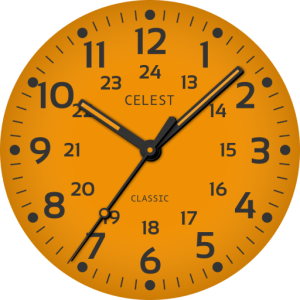
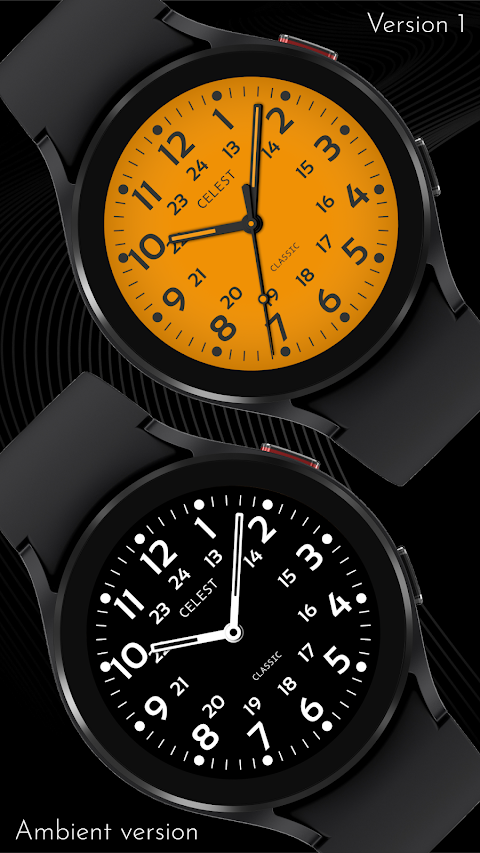
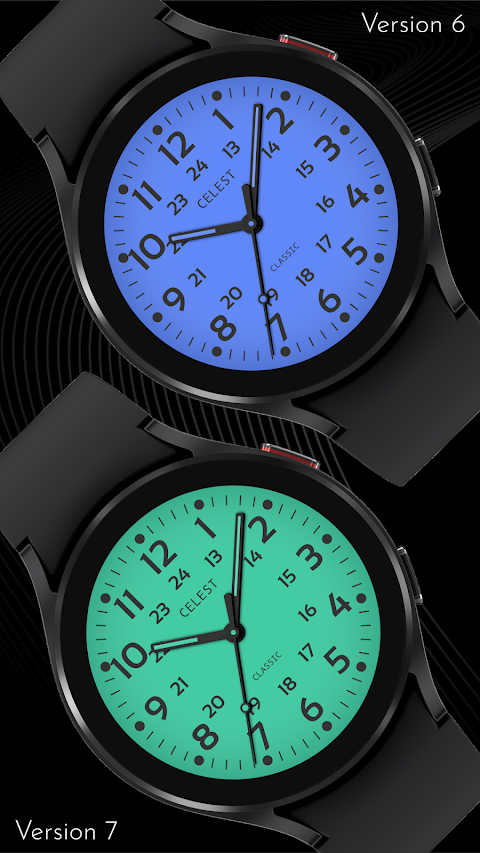
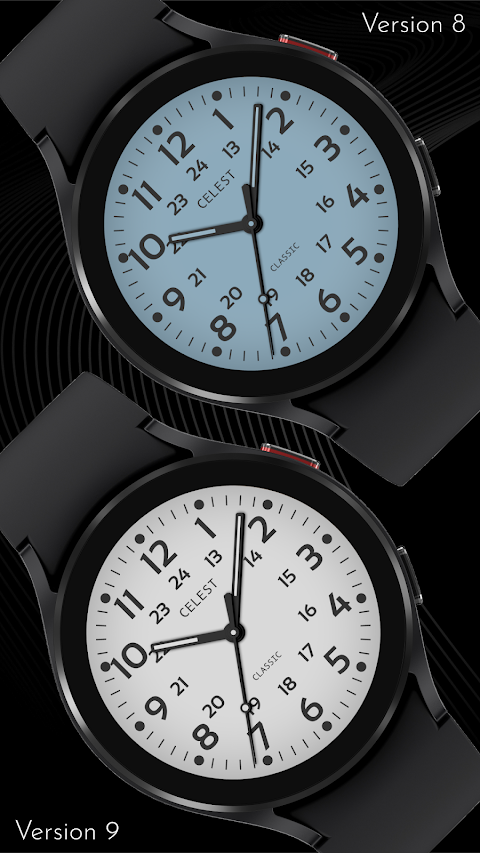
With the CELEST1920 Military Watch, you can express your unique style and taste through an elegant watch face. This app is perfect for anyone who appreciates the combination of functionality and fashion.
When you want to install the watch face, it’s essential to follow the installation guide to avoid any issues. Sometimes, the watch face may appear installed on your phone but not on your watch. In this case, the developers have provided a companion app to improve visibility on the Play Store. If you want to check the installation, look for a triangular symbol next to the Install button in the Play Store app. This symbol opens a dropdown menu, allowing you to select your watch as the target device for installation.
If you’re still facing challenges, consider using a web browser on your laptop, Mac, or PC to access the Play Store. This method gives you a visual means to select the correct device for installation, improving user experience.
For Samsung users, if you complete all the steps and the watch face isn’t visible, open the Galaxy Wearable app. There, you can navigate to the Downloaded section, where you should find the watch face ready for installation. Simply click it to get started.
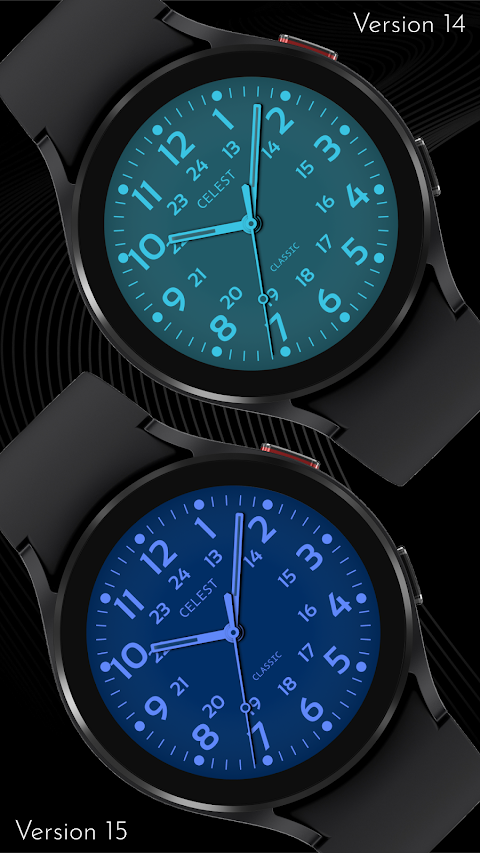
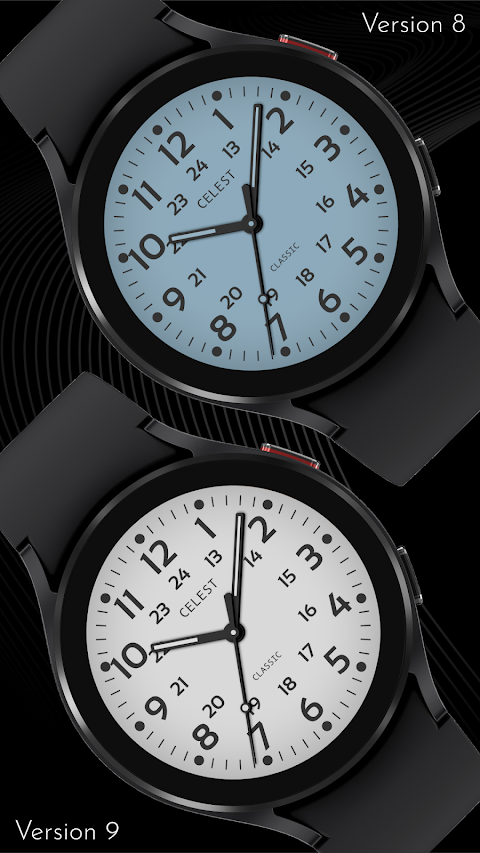
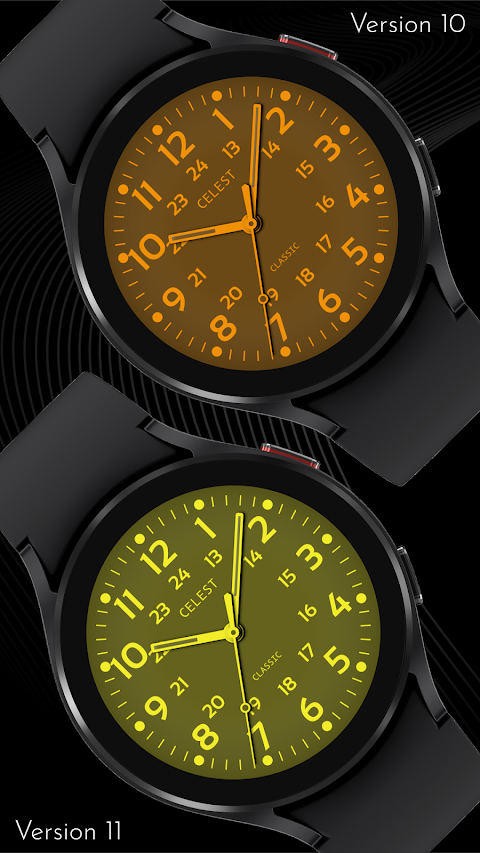
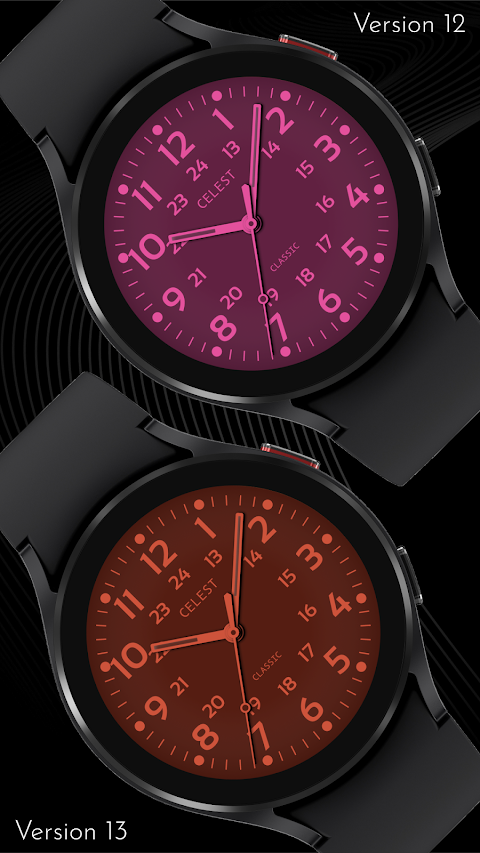
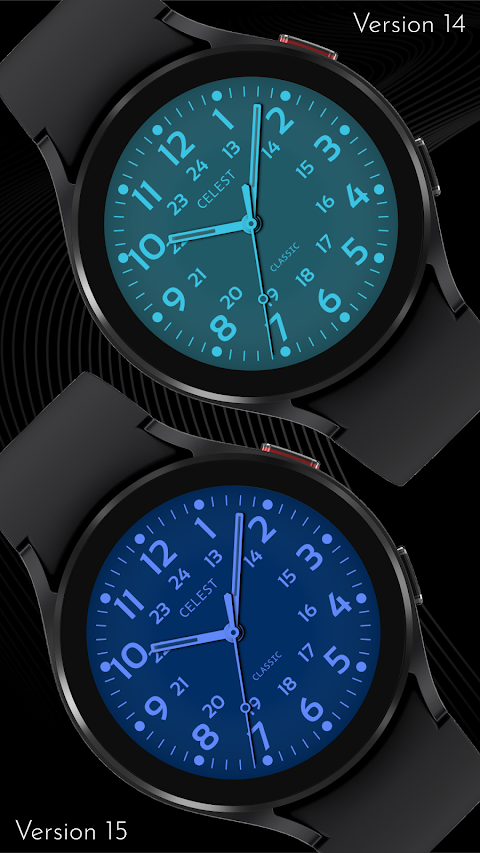
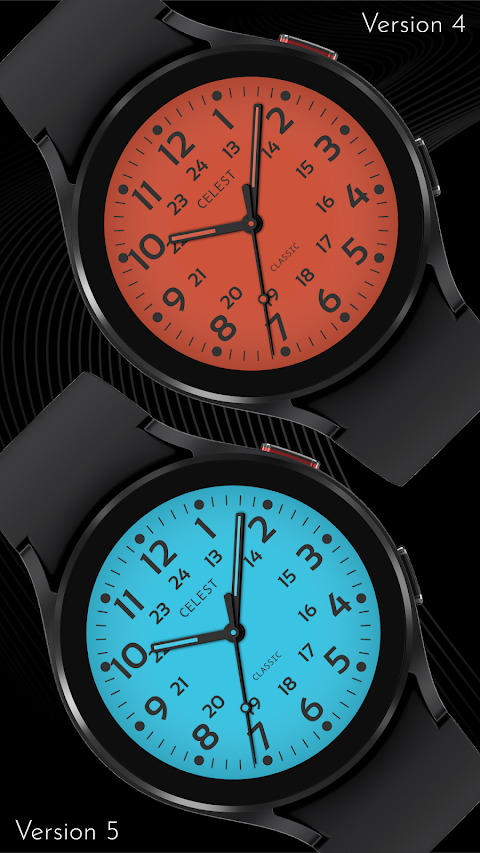
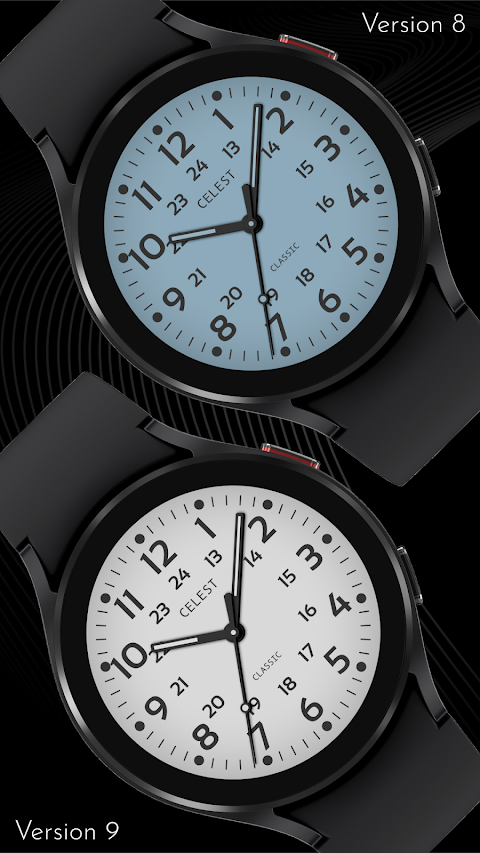
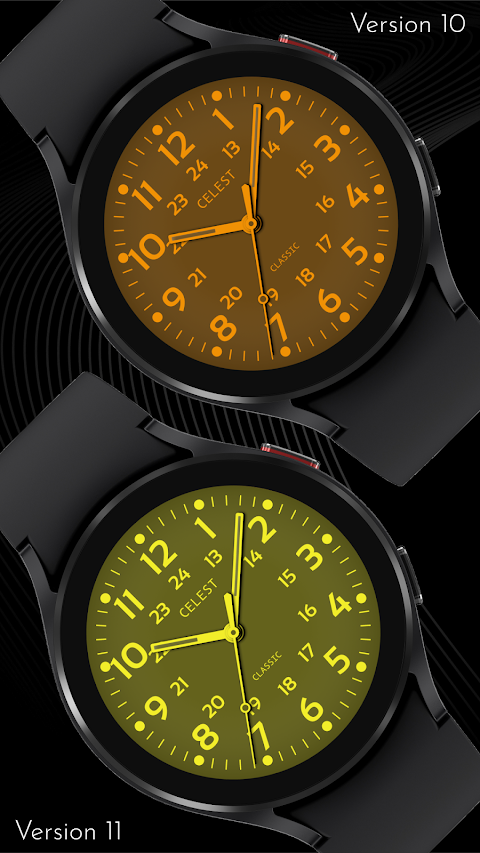
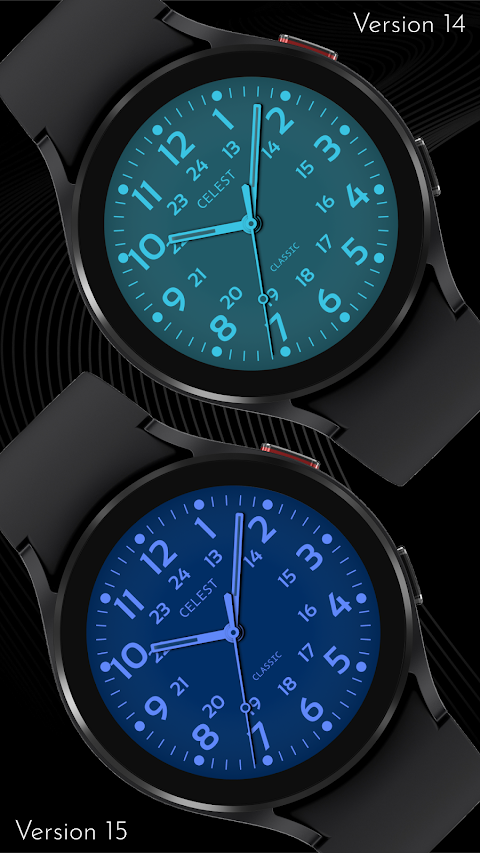
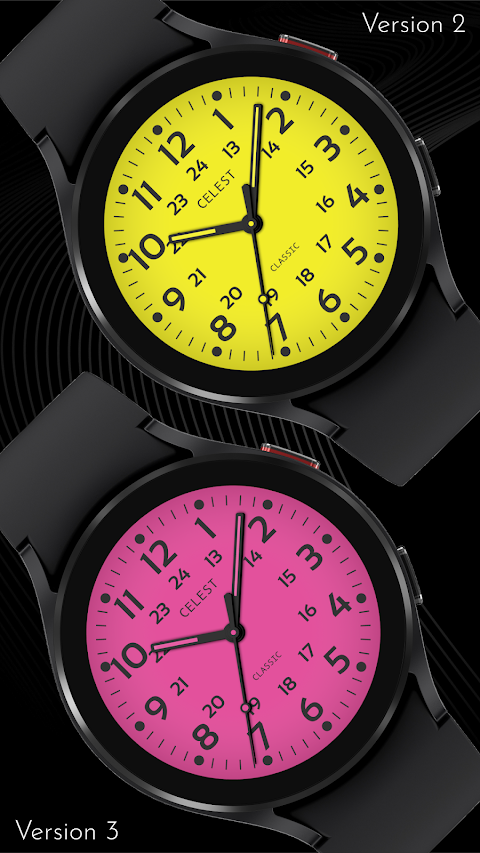
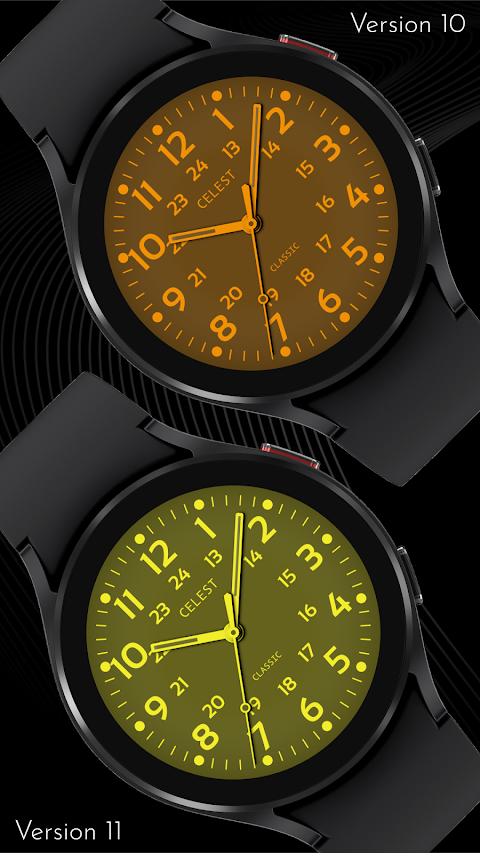
The CELEST1920 Military Watch comes with impressive details, including various customization options. You can choose from 18 color variations to match your personality or outfit, making it a versatile choice for anyone looking to customize their experience on Wear OS.
For those interested in a broader selection, our online catalog showcases various options. You can find discounts specifically for Wear OS watch faces, making it easy to enhance your smartwatch without breaking the bank.
Stay connected with us through our social media presence. You can follow our Instagram account for updates on the latest watch faces, check our Facebook page for community interaction, or keep in touch via our Twitter account. For instant news and updates, join our Telegram channel.
If you have questions about navigation in the app store or need help with installation, utilize the resources available in our guides. We aim to ensure you face minimal device compatibility issues and enjoy smooth watch face visibility.
Explore the CELEST1920 Military Watch to bring a unique touch to your wrist while taking advantage of all the customization options available to you. Whether you're using a mobile device for installation or navigating on a PC, we’re here to assist you in this journey.
When you want to install the watch face, it’s essential to follow the installation guide to avoid any issues. Sometimes, the watch face may appear installed on your phone but not on your watch. In this case, the developers have provided a companion app to improve visibility on the Play Store. If you want to check the installation, look for a triangular symbol next to the Install button in the Play Store app. This symbol opens a dropdown menu, allowing you to select your watch as the target device for installation.
If you’re still facing challenges, consider using a web browser on your laptop, Mac, or PC to access the Play Store. This method gives you a visual means to select the correct device for installation, improving user experience.
For Samsung users, if you complete all the steps and the watch face isn’t visible, open the Galaxy Wearable app. There, you can navigate to the Downloaded section, where you should find the watch face ready for installation. Simply click it to get started.
The CELEST1920 Military Watch comes with impressive details, including various customization options. You can choose from 18 color variations to match your personality or outfit, making it a versatile choice for anyone looking to customize their experience on Wear OS.
For those interested in a broader selection, our online catalog showcases various options. You can find discounts specifically for Wear OS watch faces, making it easy to enhance your smartwatch without breaking the bank.
Stay connected with us through our social media presence. You can follow our Instagram account for updates on the latest watch faces, check our Facebook page for community interaction, or keep in touch via our Twitter account. For instant news and updates, join our Telegram channel.
If you have questions about navigation in the app store or need help with installation, utilize the resources available in our guides. We aim to ensure you face minimal device compatibility issues and enjoy smooth watch face visibility.
Explore the CELEST1920 Military Watch to bring a unique touch to your wrist while taking advantage of all the customization options available to you. Whether you're using a mobile device for installation or navigating on a PC, we’re here to assist you in this journey.

Darkonis – Icon Pack
PhunktasticDesigns
$1.49
$0.75

EXD198: Dual Tone Hybrid Face
Executive Design Watch Face
$1.99
$1.49
Ballozi PRIM GOLD Classic
BALLOZI Watch Faces
$1.79
$0.36