

$1.29
$0.19
85% Off
Dove Icon Pack
JustNewDesigns



About the App
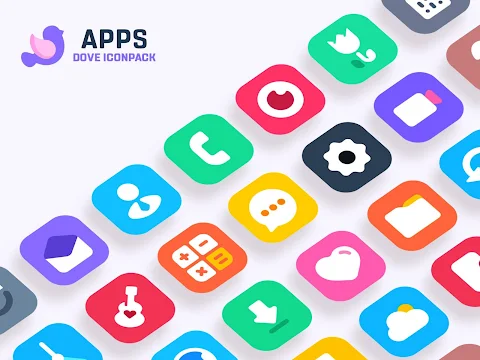
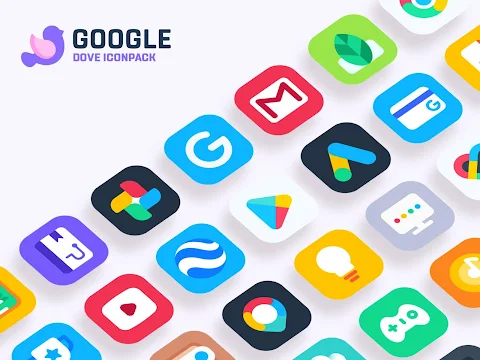
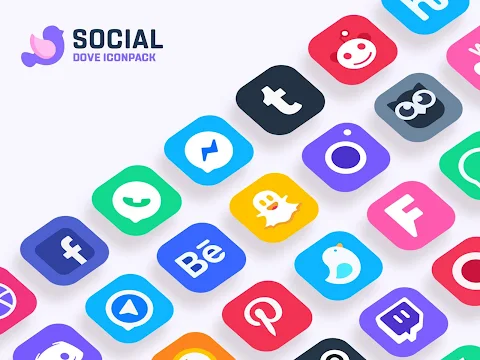
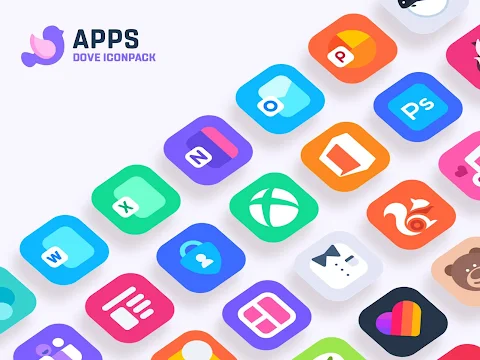
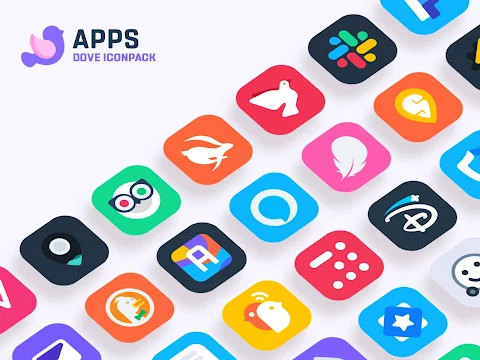
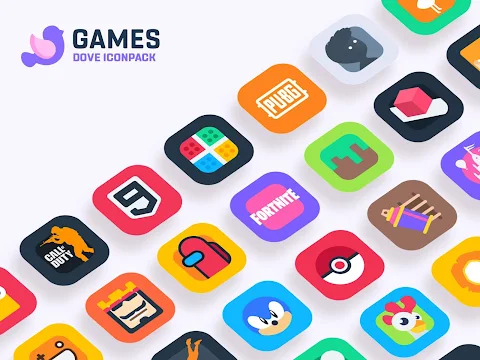
Dove Icon Pack is a collection of high-quality icons designed to enhance your mobile experience. Inspired by Apple Design, this icon pack focuses on simplicity and perfect shapes, featuring rounded corners and a creative touch. Each icon in this pack is crafted with great attention to detail, creating unique icon designs that stand out on your screen.
With over 3200 icons available, Dove Icon Pack is still new and continuously evolving. You can expect frequent updates that will add even more icons, ensuring your collection stays fresh and exciting. This variety offers plenty of customization options, allowing you to mix and match different styles to suit your personal taste.
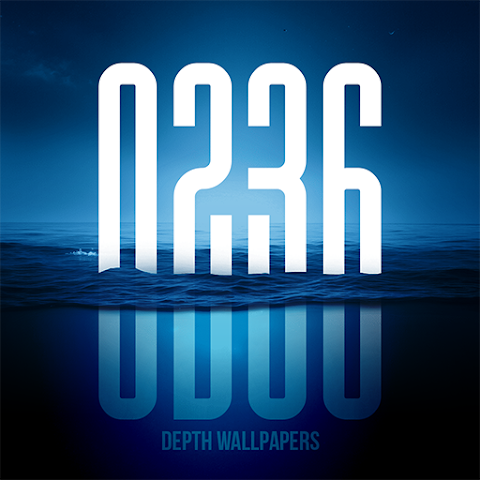
Dove Icon Pack is not just visually appealing; it also comes with an amazing wall collection that pairs beautifully with its icons. The pack is designed with Material Design principles in mind while adding a creative look, giving it a unique flair. It supports Muzei Live Wallpaper, allowing you to add a dynamic background that changes with your icons.
One notable feature is the server base icon request, where users can suggest icons they feel are missing. This ensures the pack can grow based on user feedback. Additionally, you can enjoy custom folder icons and app drawer icons, giving you more ways to personalize your device.
The icon preview feature allows you to see how each icon looks before applying it, making the icon application process smooth and user-friendly. Dynamic calendar support means that your calendar will always show the correct date, while the Slick Material Dashboard makes navigation easy.
To use Dove Icon Pack, you will need a supported launcher. It works best with NOVA Launcher or Lawnchair, which are recommended for optimal performance. Simply install the launcher, open the icon pack, and click on apply to transform your device.
This icon pack is compatible with a wide range of launchers including Action Launcher, ADW Launcher, Apex Launcher, and many others. While most launchers are well supported, some may not have an apply section in their dashboard. In those cases, you can still apply the icon pack through your theme setting.
If you have any questions or run into issues while using Dove Icon Pack, user support is readily available. Just reach out via email, and you'll receive assistance. Plus, if you find that the pack doesn't meet your expectations, there is a 100% refund policy in place for your reassurance.
Dove Icon Pack aims to provide a delightful customization experience for Android devices. With its innovative designs, frequent updates, and commitment to quality, it makes personalizing your device fun and easy. Don't hesitate to send in custom icon requests if you feel something is missing. Your feedback is always welcome, and the team is committed to making this pack better with each update.
With over 3200 icons available, Dove Icon Pack is still new and continuously evolving. You can expect frequent updates that will add even more icons, ensuring your collection stays fresh and exciting. This variety offers plenty of customization options, allowing you to mix and match different styles to suit your personal taste.
Dove Icon Pack is not just visually appealing; it also comes with an amazing wall collection that pairs beautifully with its icons. The pack is designed with Material Design principles in mind while adding a creative look, giving it a unique flair. It supports Muzei Live Wallpaper, allowing you to add a dynamic background that changes with your icons.
One notable feature is the server base icon request, where users can suggest icons they feel are missing. This ensures the pack can grow based on user feedback. Additionally, you can enjoy custom folder icons and app drawer icons, giving you more ways to personalize your device.
The icon preview feature allows you to see how each icon looks before applying it, making the icon application process smooth and user-friendly. Dynamic calendar support means that your calendar will always show the correct date, while the Slick Material Dashboard makes navigation easy.
To use Dove Icon Pack, you will need a supported launcher. It works best with NOVA Launcher or Lawnchair, which are recommended for optimal performance. Simply install the launcher, open the icon pack, and click on apply to transform your device.
This icon pack is compatible with a wide range of launchers including Action Launcher, ADW Launcher, Apex Launcher, and many others. While most launchers are well supported, some may not have an apply section in their dashboard. In those cases, you can still apply the icon pack through your theme setting.
If you have any questions or run into issues while using Dove Icon Pack, user support is readily available. Just reach out via email, and you'll receive assistance. Plus, if you find that the pack doesn't meet your expectations, there is a 100% refund policy in place for your reassurance.
Dove Icon Pack aims to provide a delightful customization experience for Android devices. With its innovative designs, frequent updates, and commitment to quality, it makes personalizing your device fun and easy. Don't hesitate to send in custom icon requests if you feel something is missing. Your feedback is always welcome, and the team is committed to making this pack better with each update.
CELEST5494 Artistic Watch
CELEST Watches
$1.99
$1.00
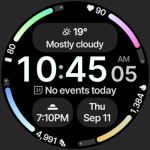
Adaptive Watch Face
amoledwatchfaces™
$1.99
$1.00
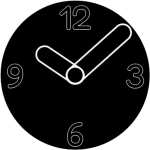
Minimal Watch Face 3
Galaxy Design Watch Face
$1.99