
$1.99
$1.00
50% Off
CELEST5494 Artistic Watch
CELEST Watches










About the App
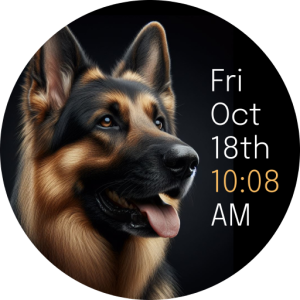
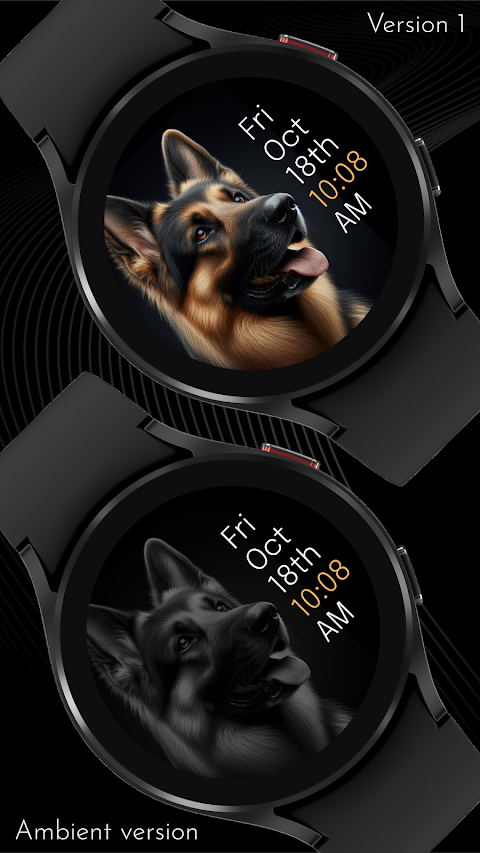
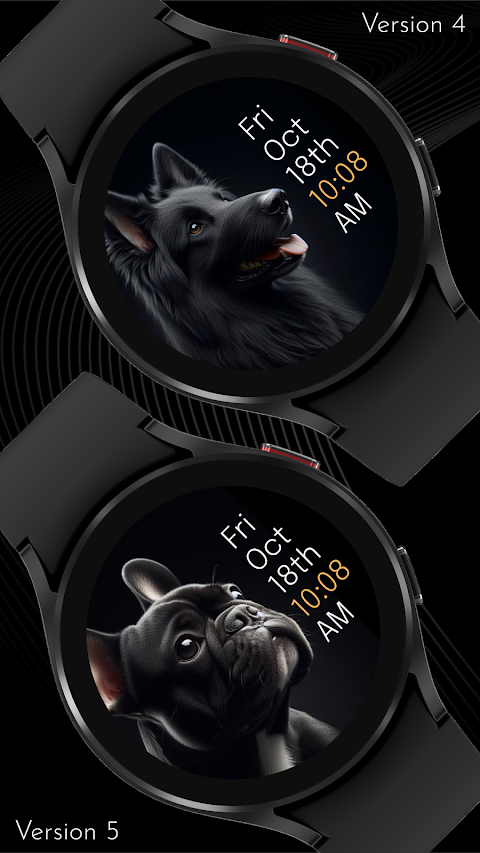
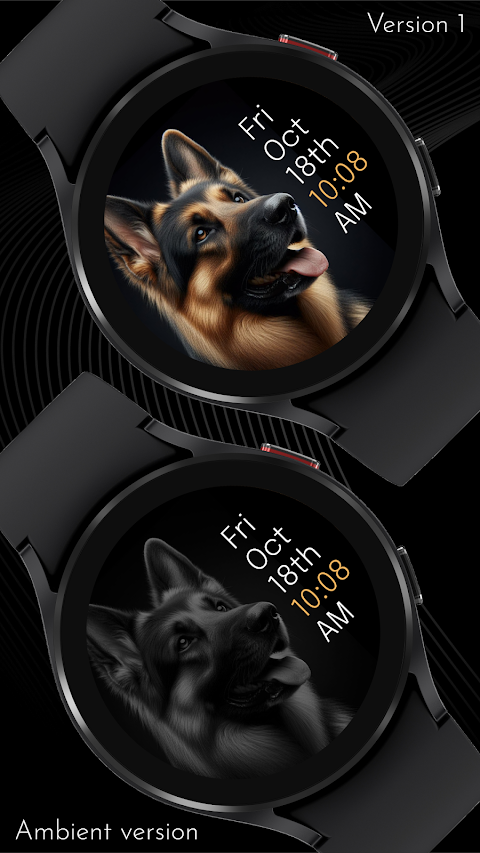
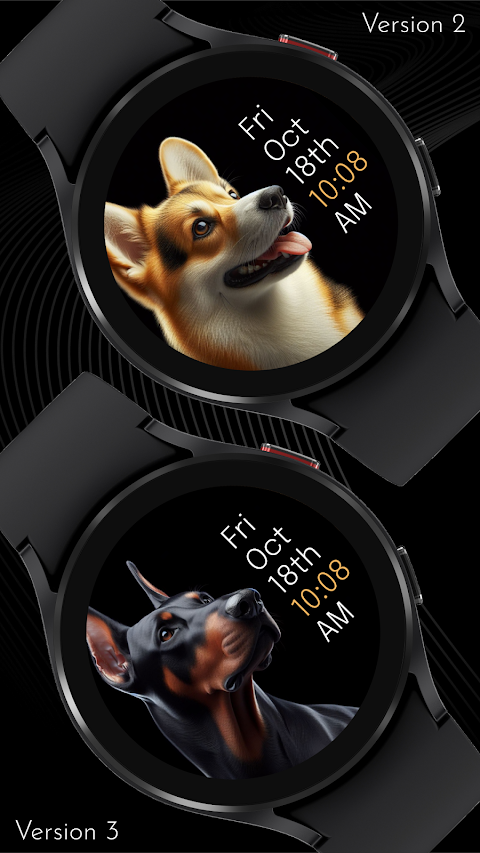
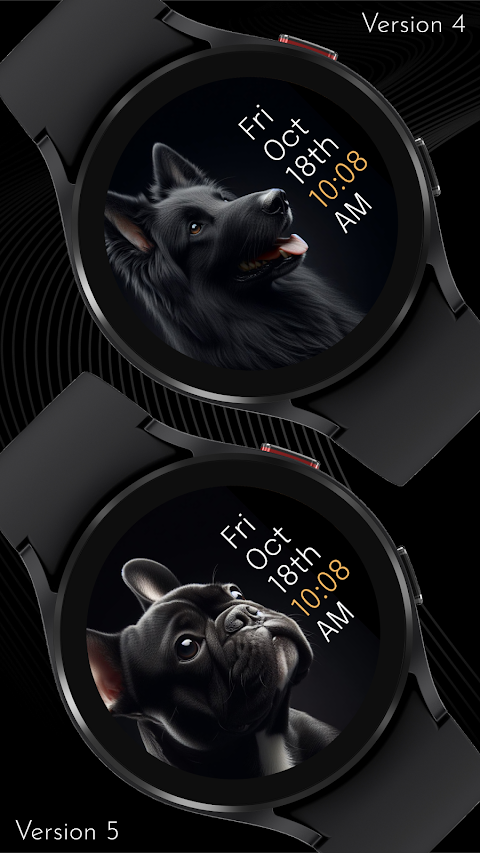
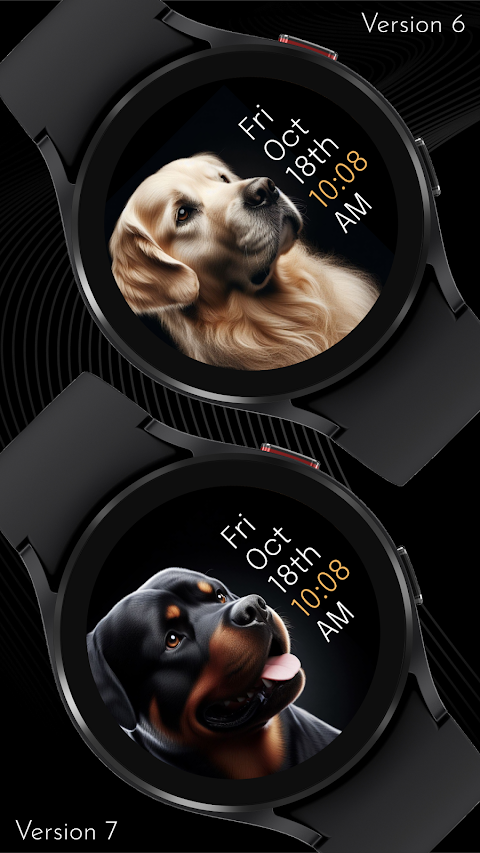
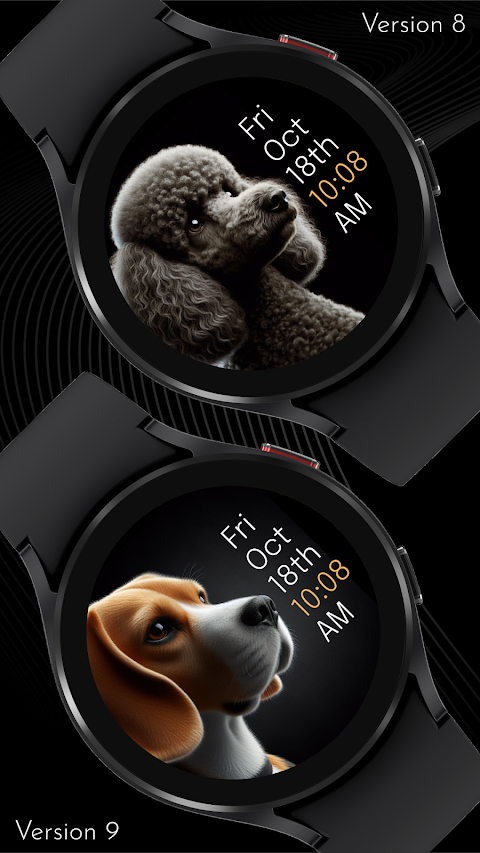
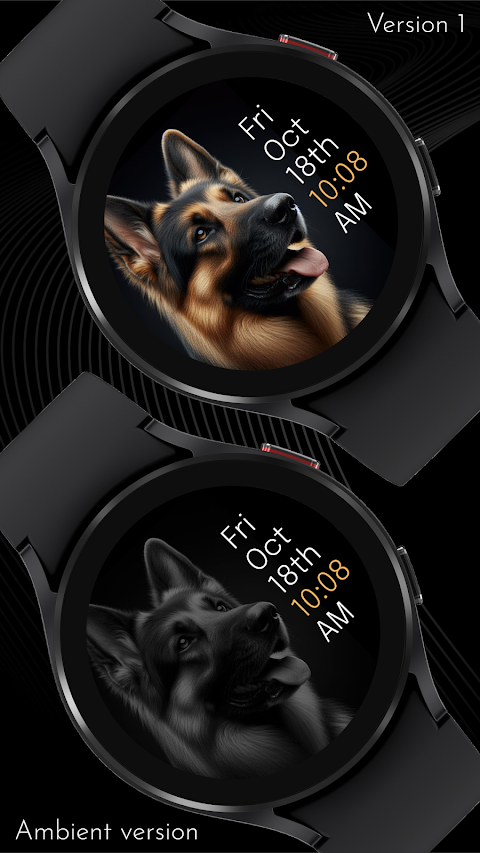
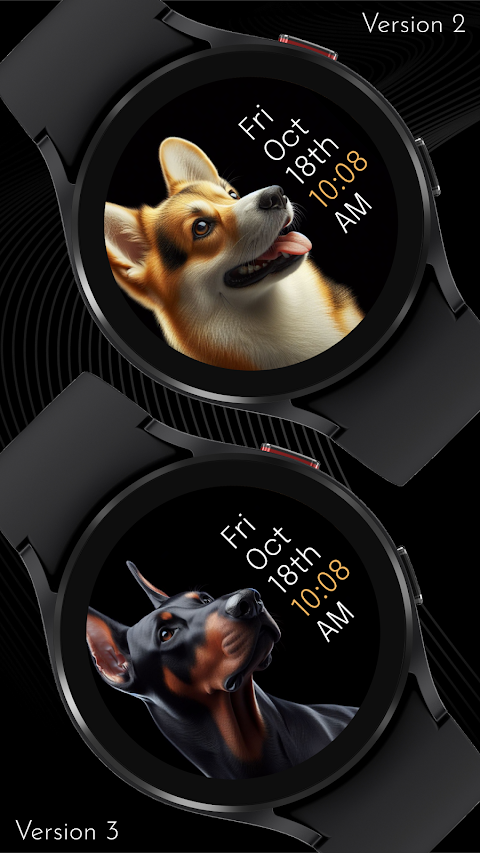
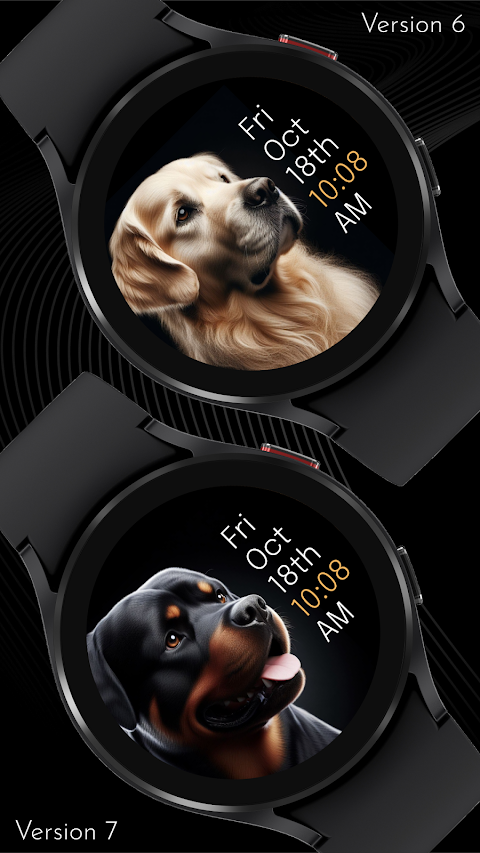
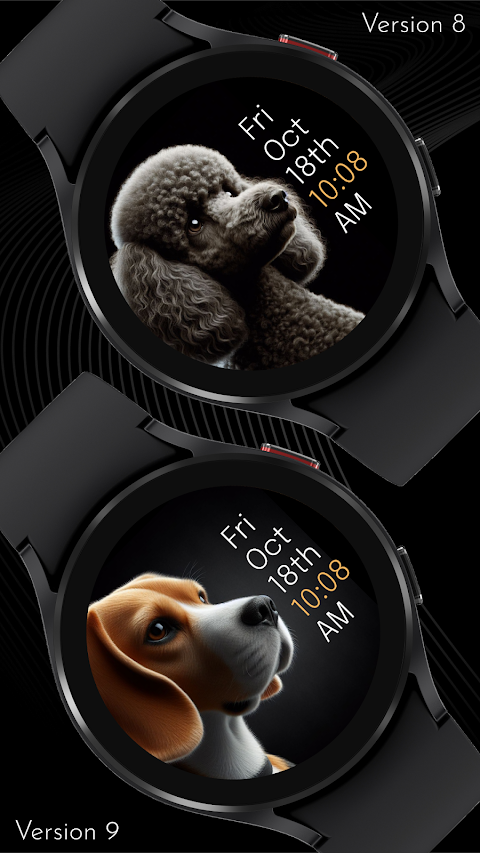
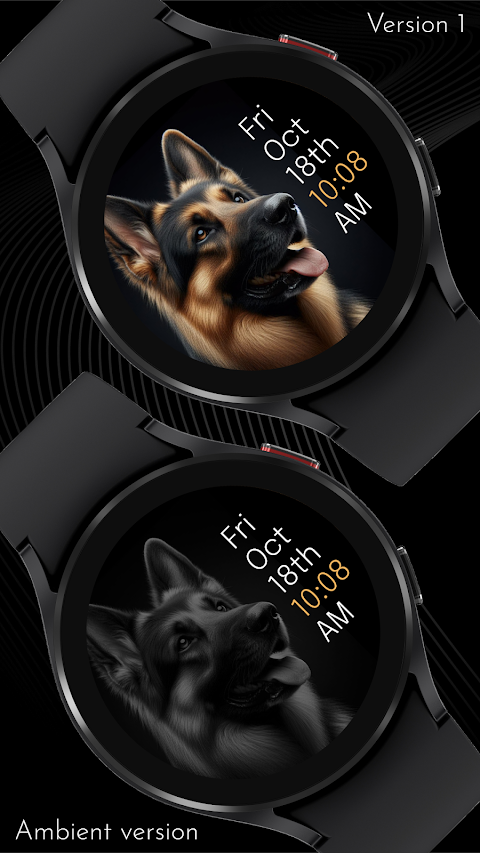
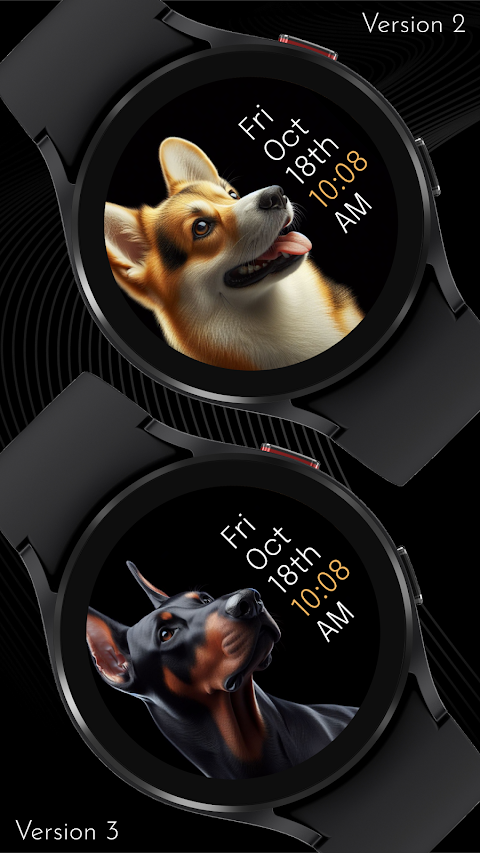
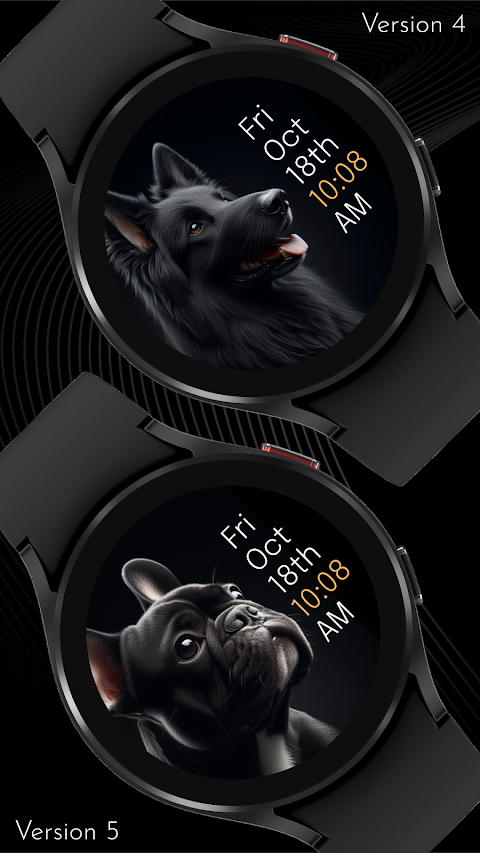
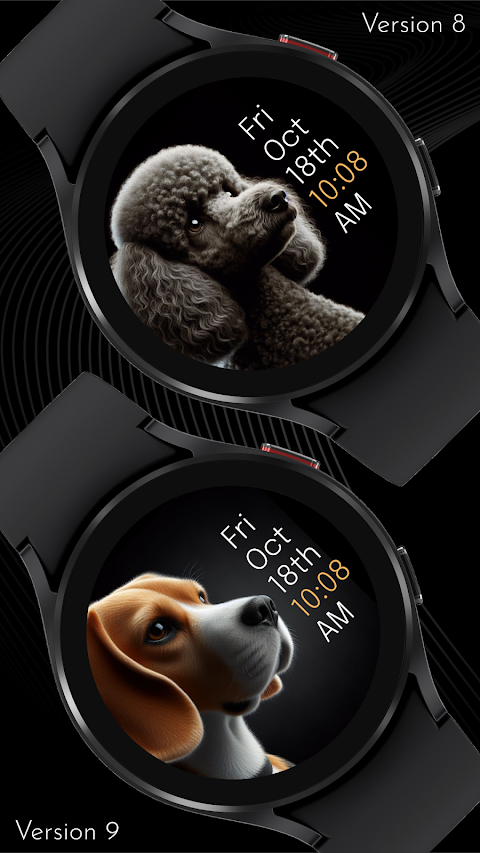
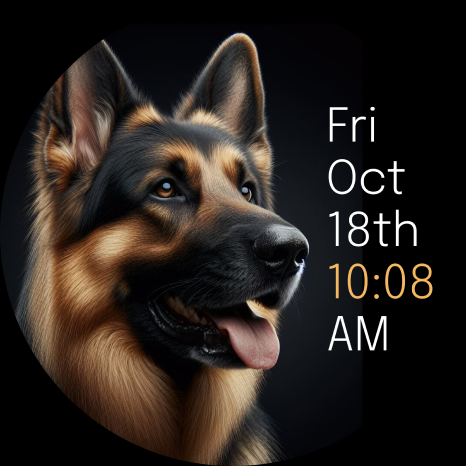
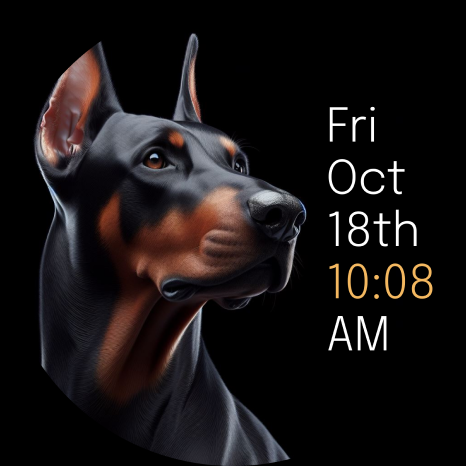
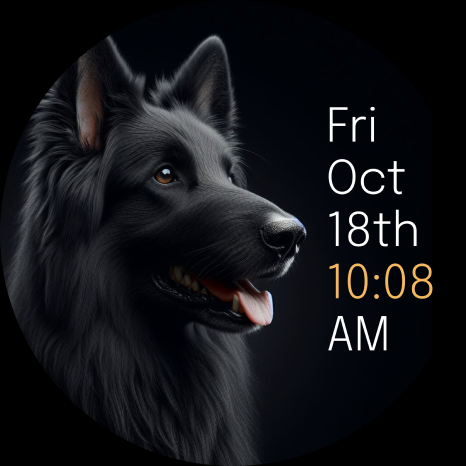
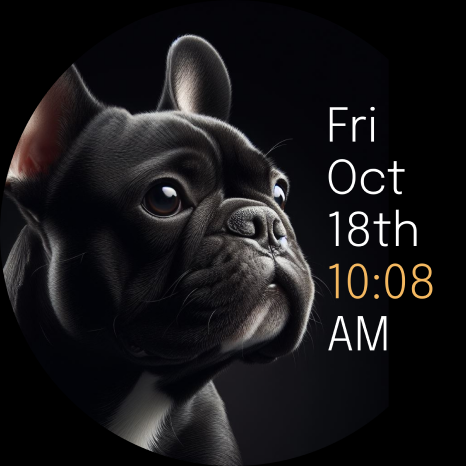
The CELEST5494 Artistic Watch is a unique digital watch face designed for your Wear OS device. With its stylish design, it’s not just a timekeeper; it's a piece of art that enhances your smartwatch's aesthetic. The default background showcases a captivating image of a Corgie, but that's just the beginning. You can explore ten background image variations, each featuring the beauty of a well-known dog breed. There are options like the majestic Belgian Shepard and the playful Beagle, allowing you to choose a representation that speaks to you.
The streamlined digital display ensures you enjoy a seamless timekeeping experience. You can also personalize your watch face with 12 accent color options, making it easy to match your watch's appearance to your mood or outfit. This level of customization means you can enjoy a watch face that truly reflects your personal style.
If you're wondering how to install your new watch face, we've made it easy. Start by visiting the Google Play Store. If you've installed the watch face on your phone but not on your smartwatch, don't worry! This issue often occurs because the Play Store may install a companion app instead. To install it directly on your watch, you can use the Play Store on your smartwatch to search for the CELEST5494 Artistic Watch name and install it right there.
Another simple method is to use the Play Store dropdown menu on your phone. Just tap the small triangular icon next to the "Install" button and select your watch as the target device. If that doesn’t work, try using a web browser on your PC, Mac, or laptop to open the Play Store and manually select your watch.
If you still don’t see the watch face on your smartwatch, there are additional steps. For Samsung devices, use the Galaxy Wearable app on your phone. Open the app, navigate to the downloaded section under watch faces, and find the CELEST5494 Artistic Watch to install it.
For those looking for even more help, we're here for you. You can reach out to us at info@celest-watches.com. We're committed to resolving any issues you may encounter quickly.
Your options for customization don’t stop with just the background images and colors. You can choose from five AOD (always-on display) background dimming options, ranging from 50% to 100%. This allows you to adjust how your watch looks when it’s not fully active.
Explore our full catalog of products for Wear OS to discover additional designs that might catch your eye. We also offer exclusive discounts, making it an excellent time to upgrade your smartwatch.
Stay connected with us on social media! You can find us on Instagram, Facebook, Twitter, Threads, Pinterest, TikTok, Tumblr, and even Telegram. Follow us for updates, tips, and community interactions.
The CELEST5494 Artistic Watch is more than just a watch face; it’s a stylish design that enhances your wrist. With stunning dog breed watch faces and user-friendly installation steps, you’ll find it easy to enjoy your smartwatch in a way that’s uniquely you.
The streamlined digital display ensures you enjoy a seamless timekeeping experience. You can also personalize your watch face with 12 accent color options, making it easy to match your watch's appearance to your mood or outfit. This level of customization means you can enjoy a watch face that truly reflects your personal style.
If you're wondering how to install your new watch face, we've made it easy. Start by visiting the Google Play Store. If you've installed the watch face on your phone but not on your smartwatch, don't worry! This issue often occurs because the Play Store may install a companion app instead. To install it directly on your watch, you can use the Play Store on your smartwatch to search for the CELEST5494 Artistic Watch name and install it right there.
Another simple method is to use the Play Store dropdown menu on your phone. Just tap the small triangular icon next to the "Install" button and select your watch as the target device. If that doesn’t work, try using a web browser on your PC, Mac, or laptop to open the Play Store and manually select your watch.
If you still don’t see the watch face on your smartwatch, there are additional steps. For Samsung devices, use the Galaxy Wearable app on your phone. Open the app, navigate to the downloaded section under watch faces, and find the CELEST5494 Artistic Watch to install it.
For those looking for even more help, we're here for you. You can reach out to us at info@celest-watches.com. We're committed to resolving any issues you may encounter quickly.
Your options for customization don’t stop with just the background images and colors. You can choose from five AOD (always-on display) background dimming options, ranging from 50% to 100%. This allows you to adjust how your watch looks when it’s not fully active.
Explore our full catalog of products for Wear OS to discover additional designs that might catch your eye. We also offer exclusive discounts, making it an excellent time to upgrade your smartwatch.
Stay connected with us on social media! You can find us on Instagram, Facebook, Twitter, Threads, Pinterest, TikTok, Tumblr, and even Telegram. Follow us for updates, tips, and community interactions.
The CELEST5494 Artistic Watch is more than just a watch face; it’s a stylish design that enhances your wrist. With stunning dog breed watch faces and user-friendly installation steps, you’ll find it easy to enjoy your smartwatch in a way that’s uniquely you.
PRADO 46 Shortcuts
PRADO DESIGN ® Watch Faces
$1.99
$0.60
ML2U 102 Watch Face
ML2U
$1.49
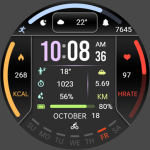
Information Block ZKin Watch
ZKin
$2.99
$0.99