
$1.49
$0.19
87% Off
Diver Classic 13 Wear OS 5+
OQ Watchfaces

About the App
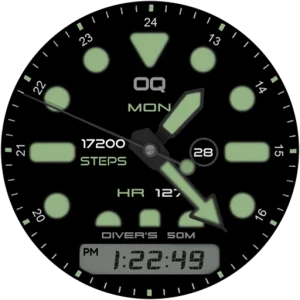
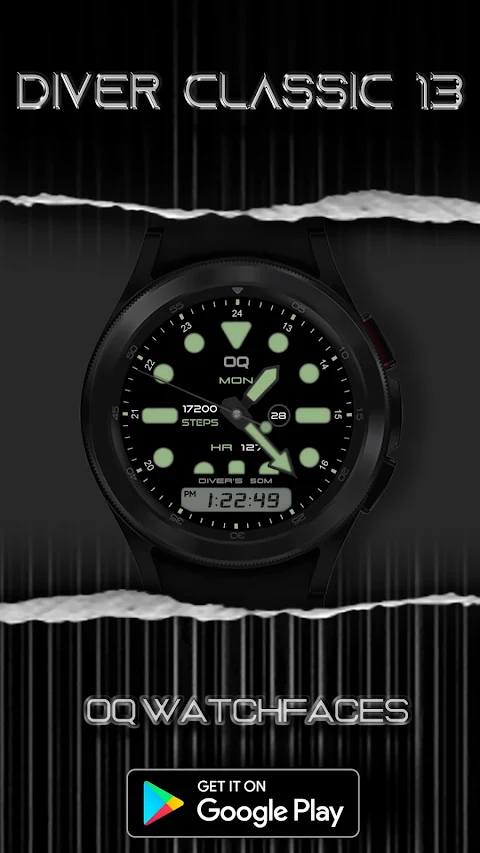
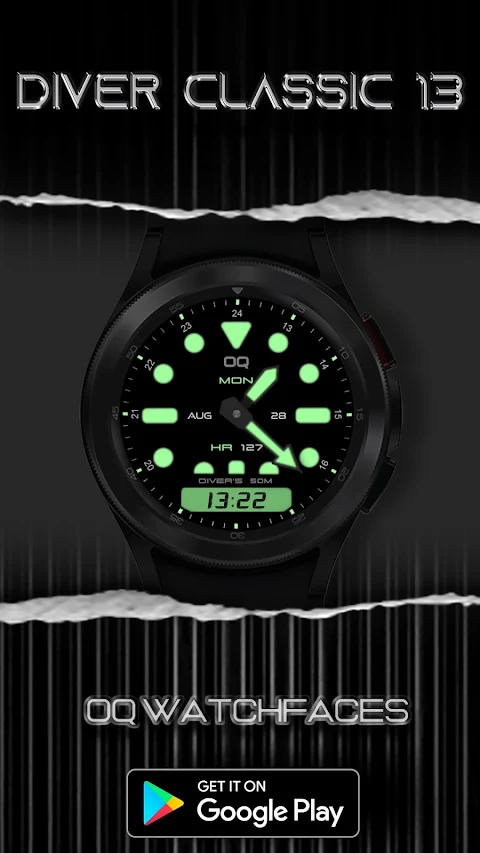
Diver Classic 13 is a colorful and engaging watch face designed for Wear OS 5+. This app offers a range of features that make it easy to use and highly customizable.
With this watch face, you can interact with your device in straightforward ways. For example, tapping on the day text will take you to the watch settings menu. This is handy when you want to make adjustments quickly. If you need to set an alarm, a simple tap on the digital clock grants you direct access to the alarm app, making it very convenient. You can also tap on the date text to open the calendar menu, so you’re always on top of your schedule.
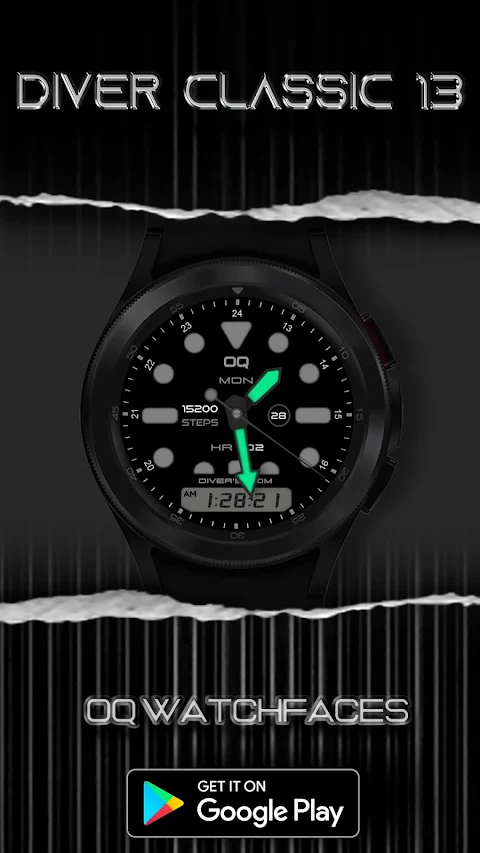
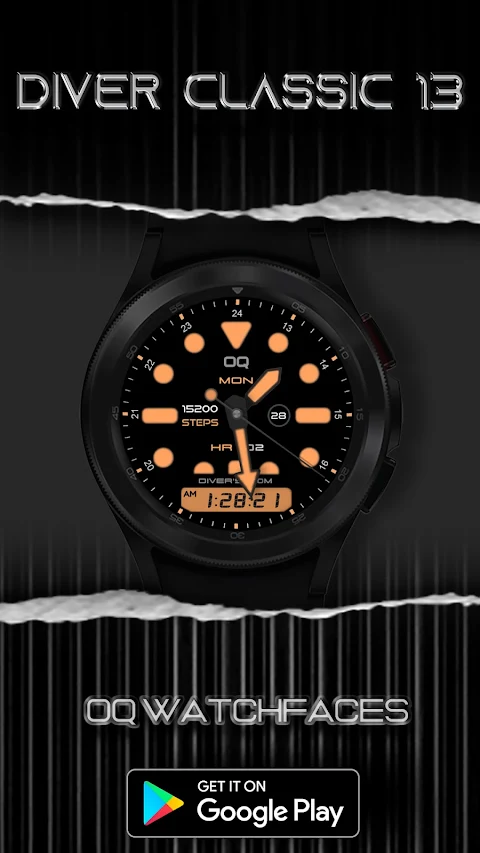
When it comes to watch face customization, Diver Classic 13 really shines. You can control the hour inner index color, deciding whether to turn it on or off through the customization menu. The same applies to the AOD hour index color, allowing you to personalize how your watch looks in ambient mode. You also have options for the hour dot outer index color, which you can switch as you prefer.
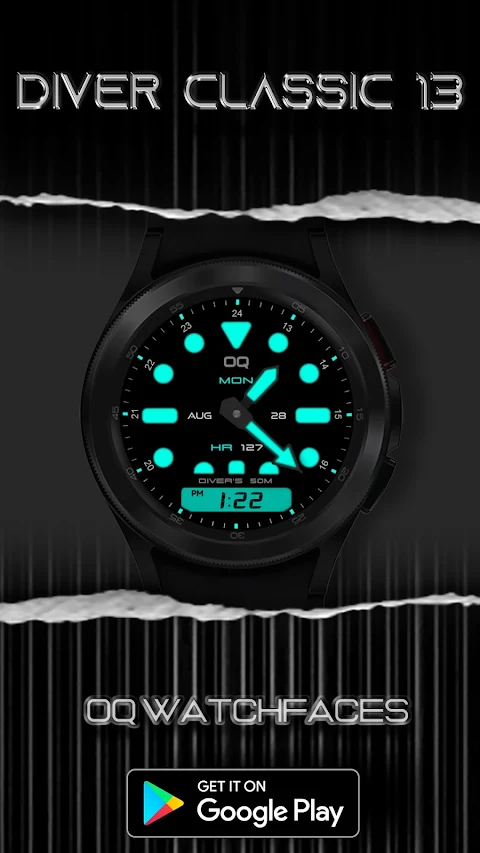
The app also includes dim mode customization for both the main display and the AOD display. This feature is beneficial for saving battery life while ensuring that your watch remains stylish. Diver Classic 13 gives you flexibility with LCD color options for digital time as well. You can choose to make these colors vibrant or subtle based on your preference for both the main and AOD displays.
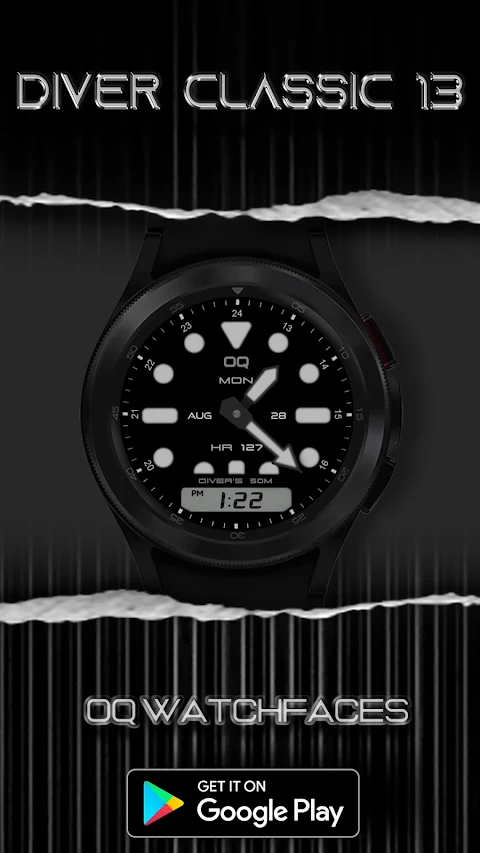
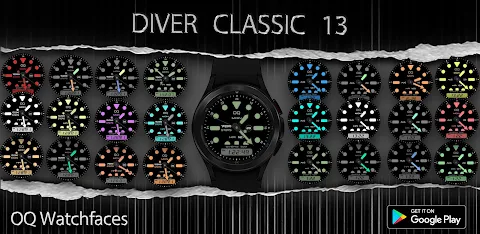
Additionally, you can choose from 5 background styles to further customize your watch face. This feature allows you to express your personality through various watch face designs. The customization features of Diver Classic 13 make sure that your watch looks just how you want it.
Exploring the app is user-friendly, thanks to the customizable watch menus. Each menu allows for simple adjustments, and the tap gesture functionality enhances interaction, ensuring you’re able to navigate through options easily. With an upgrade to Wear OS, Diver Classic 13 takes your watch to the next level, providing enhanced watch features that make task management simple.
The watch face is built to help you make the most of your smartwatch. Whether you prefer a clean digital time color or want to explore multi-color customization, Diver Classic 13 covers all your needs. You’ll find that the main display settings are easily adjustable, and the overall watch face features make it a delightful addition to your device.
In summary, Diver Classic 13 is more than just a watch face; it’s an interactive watch face that tailors to your daily activities. With options for alarm app integration and background style choices, you’ll enjoy a fully customized experience on your smartwatch. Dive into a world of customization with Diver Classic 13 and elevate your watch’s appearance and functionality today.
With this watch face, you can interact with your device in straightforward ways. For example, tapping on the day text will take you to the watch settings menu. This is handy when you want to make adjustments quickly. If you need to set an alarm, a simple tap on the digital clock grants you direct access to the alarm app, making it very convenient. You can also tap on the date text to open the calendar menu, so you’re always on top of your schedule.
When it comes to watch face customization, Diver Classic 13 really shines. You can control the hour inner index color, deciding whether to turn it on or off through the customization menu. The same applies to the AOD hour index color, allowing you to personalize how your watch looks in ambient mode. You also have options for the hour dot outer index color, which you can switch as you prefer.
The app also includes dim mode customization for both the main display and the AOD display. This feature is beneficial for saving battery life while ensuring that your watch remains stylish. Diver Classic 13 gives you flexibility with LCD color options for digital time as well. You can choose to make these colors vibrant or subtle based on your preference for both the main and AOD displays.
Additionally, you can choose from 5 background styles to further customize your watch face. This feature allows you to express your personality through various watch face designs. The customization features of Diver Classic 13 make sure that your watch looks just how you want it.
Exploring the app is user-friendly, thanks to the customizable watch menus. Each menu allows for simple adjustments, and the tap gesture functionality enhances interaction, ensuring you’re able to navigate through options easily. With an upgrade to Wear OS, Diver Classic 13 takes your watch to the next level, providing enhanced watch features that make task management simple.
The watch face is built to help you make the most of your smartwatch. Whether you prefer a clean digital time color or want to explore multi-color customization, Diver Classic 13 covers all your needs. You’ll find that the main display settings are easily adjustable, and the overall watch face features make it a delightful addition to your device.
In summary, Diver Classic 13 is more than just a watch face; it’s an interactive watch face that tailors to your daily activities. With options for alarm app integration and background style choices, you’ll enjoy a fully customized experience on your smartwatch. Dive into a world of customization with Diver Classic 13 and elevate your watch’s appearance and functionality today.

Heavenly Skies
maxelus.net
$1.49
$1.04

Space – Icon Pack
Panoto Gomo
$0.99
$0.29

Active Hue Digital
ChronoHarvest
$1.89
$0.95