
$1.89
$0.95
50% Off
Active Hue Digital
ChronoHarvest


About the App
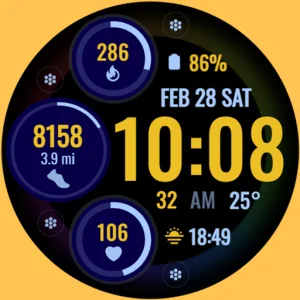
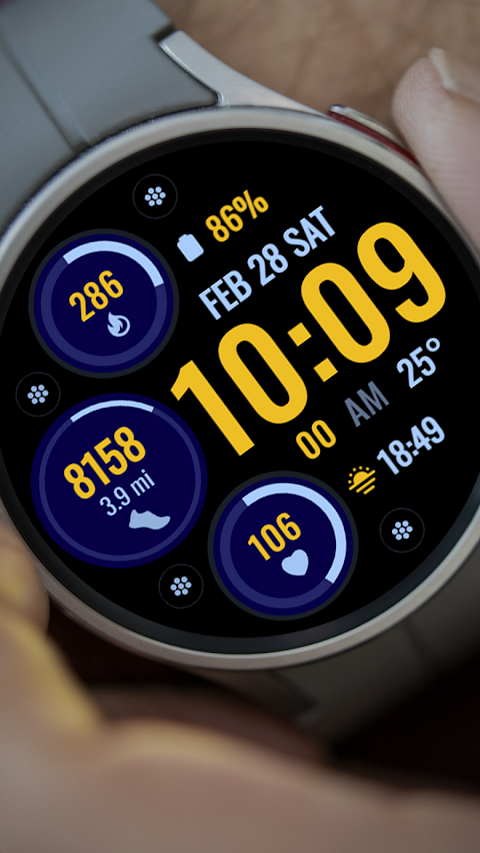
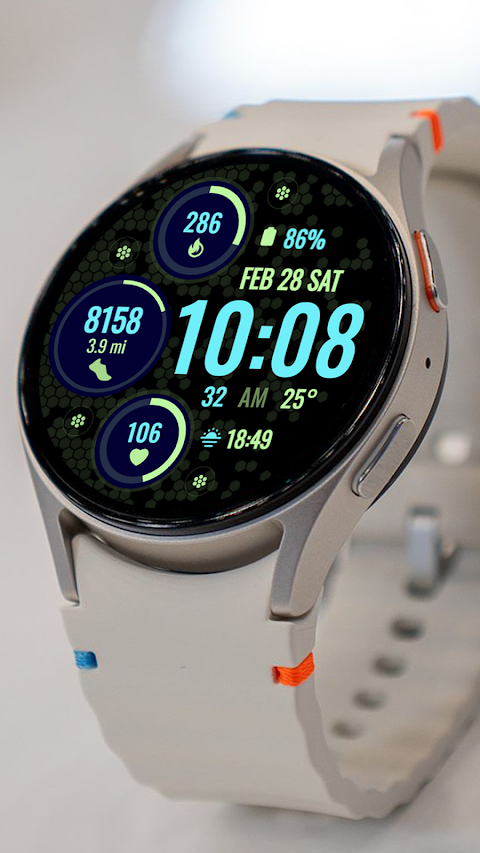
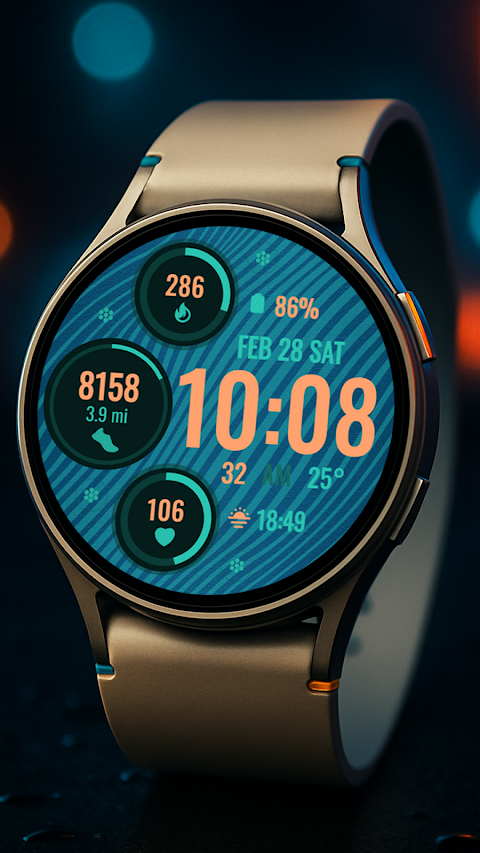
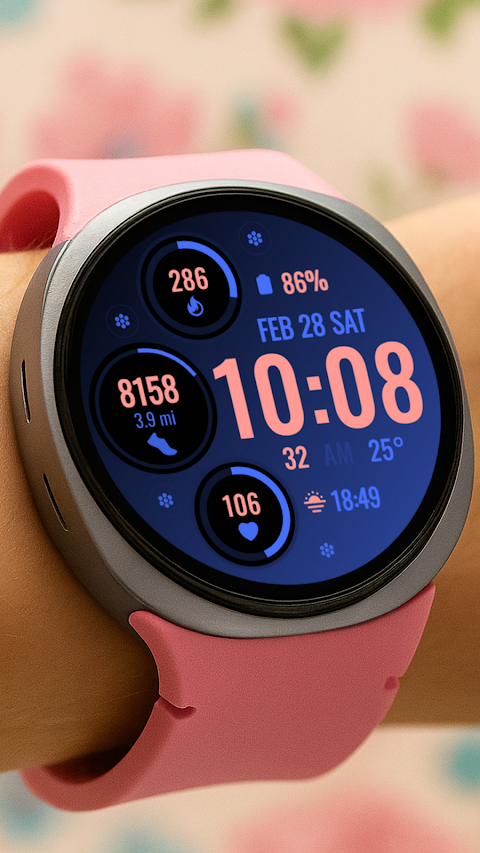
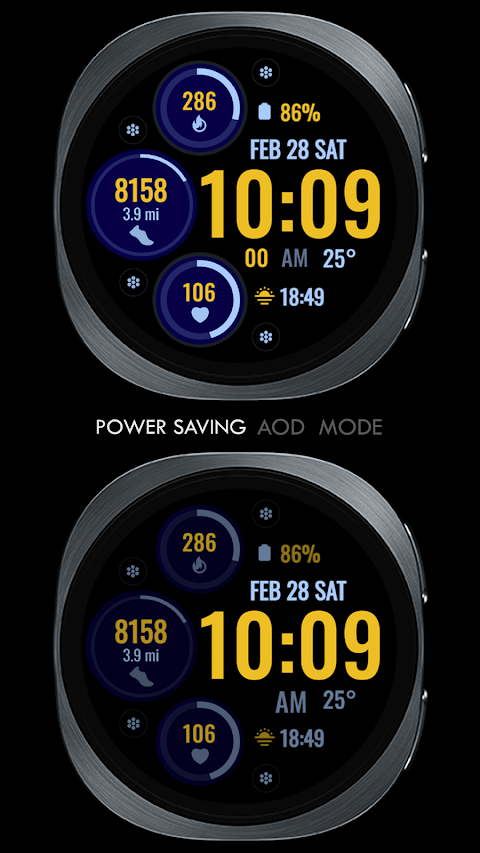
Active Hue Digital is a watch face app designed for Wear OS devices that supports API Level 34 and later versions. One of its standout features is its holiday themed digital clock watch face, perfect for adding a festive touch to your smartwatch.
For users of Galaxy Watch, it's important to note that the Samsung Wearable app may sometimes struggle to sync and load more complex watch faces. To avoid any issues, it's best to customize your watch face directly on the Galaxy Watch until Samsung resolves this syncing problem.
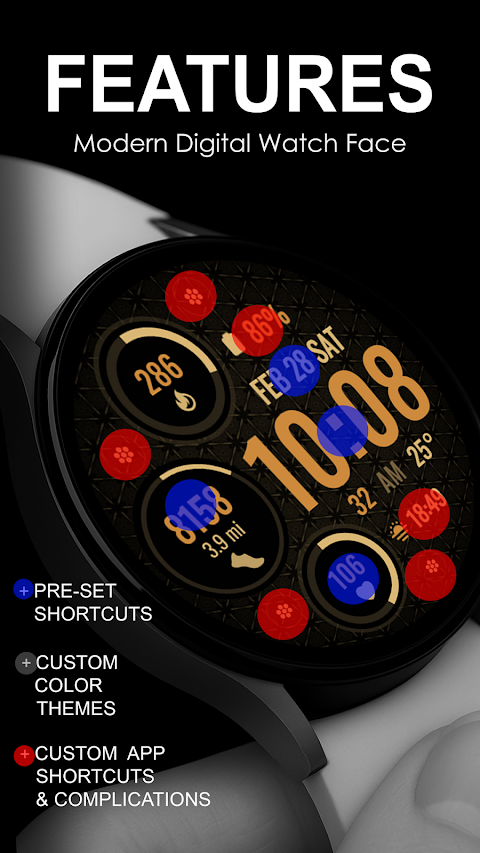
Active Hue Digital offers a variety of features that enhance your smartwatch experience. It includes fixed app shortcuts for quick access to your Alarm, Calendar, Heart Rate monitoring, and Steps tracking. Additionally, you can set up four custom app shortcuts for even more personalization. If you want to further tailor the watch face, you can use two custom complications. These allow you to display options like the Date, weather data feature, steps, world clock functionality, sunset/sunrise display, next appointment reminder, and distance walked tracking. Keep in mind that you may need to install additional third-party complications to utilize all these features.
To ensure a smooth installation process, make sure your watch is synced to your phone using the same email address. After downloading Active Hue Digital, wait a few minutes for the watch face to be transferred to your watch. You will receive a notification on your watch confirming this transfer. If the notification doesn’t appear, you can manually search for Active Hue Digital in the Play Store on your watch.
Once installed, it’s essential to note that the watch face may not automatically change. To customize your home display, simply tap and hold the display, swipe until the end, and tap the plus sign to add the watch face. You can rotate the bezel or scroll to find your new watch face.
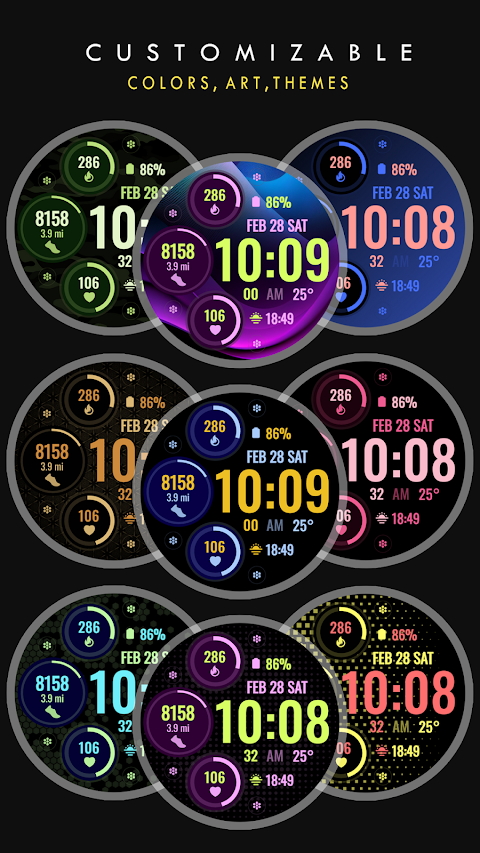
Don't forget to enable app permissions in your settings to ensure everything functions as intended. The Active Hue Digital watch face is easy to customize to suit your style, thanks to its various custom themes for the watch.
Lastly, if you need any assistance, you can refer to the watch face installation tutorial available on YouTube. Please be aware that the refund policy for Active Hue Digital is only valid within 24 hours of purchase.
With Active Hue Digital, you can enjoy a stylish and functional watch face that enhances your Wear OS device experience.
For users of Galaxy Watch, it's important to note that the Samsung Wearable app may sometimes struggle to sync and load more complex watch faces. To avoid any issues, it's best to customize your watch face directly on the Galaxy Watch until Samsung resolves this syncing problem.
Active Hue Digital offers a variety of features that enhance your smartwatch experience. It includes fixed app shortcuts for quick access to your Alarm, Calendar, Heart Rate monitoring, and Steps tracking. Additionally, you can set up four custom app shortcuts for even more personalization. If you want to further tailor the watch face, you can use two custom complications. These allow you to display options like the Date, weather data feature, steps, world clock functionality, sunset/sunrise display, next appointment reminder, and distance walked tracking. Keep in mind that you may need to install additional third-party complications to utilize all these features.
To ensure a smooth installation process, make sure your watch is synced to your phone using the same email address. After downloading Active Hue Digital, wait a few minutes for the watch face to be transferred to your watch. You will receive a notification on your watch confirming this transfer. If the notification doesn’t appear, you can manually search for Active Hue Digital in the Play Store on your watch.
Once installed, it’s essential to note that the watch face may not automatically change. To customize your home display, simply tap and hold the display, swipe until the end, and tap the plus sign to add the watch face. You can rotate the bezel or scroll to find your new watch face.
Don't forget to enable app permissions in your settings to ensure everything functions as intended. The Active Hue Digital watch face is easy to customize to suit your style, thanks to its various custom themes for the watch.
Lastly, if you need any assistance, you can refer to the watch face installation tutorial available on YouTube. Please be aware that the refund policy for Active Hue Digital is only valid within 24 hours of purchase.
With Active Hue Digital, you can enjoy a stylish and functional watch face that enhances your Wear OS device experience.
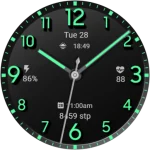
Classic Signature 5
GW Watchfaces
$1.49
$0.29
ZKin Watch Mountain Dune
ZKin
$2.99
$1.49
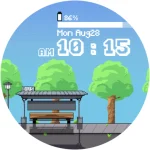
OniOn watchface 005 Pixel
Yangpa
$0.99
$0.50