
$0.99
FREE
100% Off
Digital Basic 8e Wear OS 5+
OQ Watchfaces






About the App
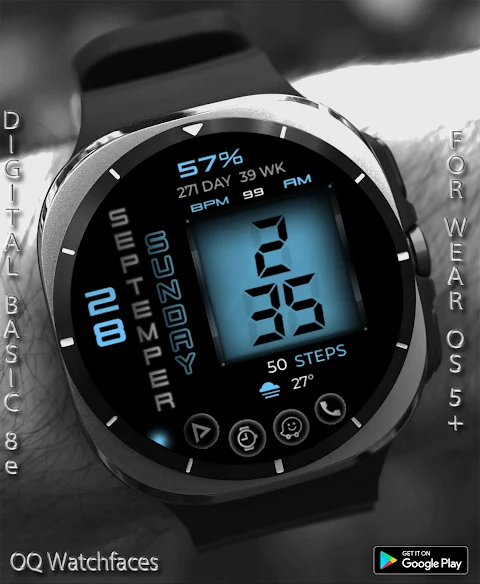
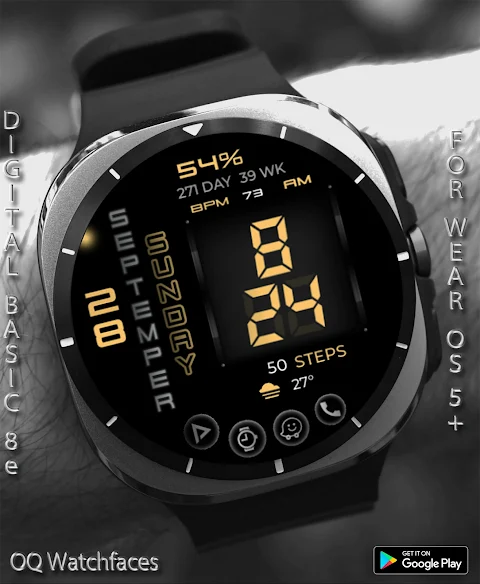
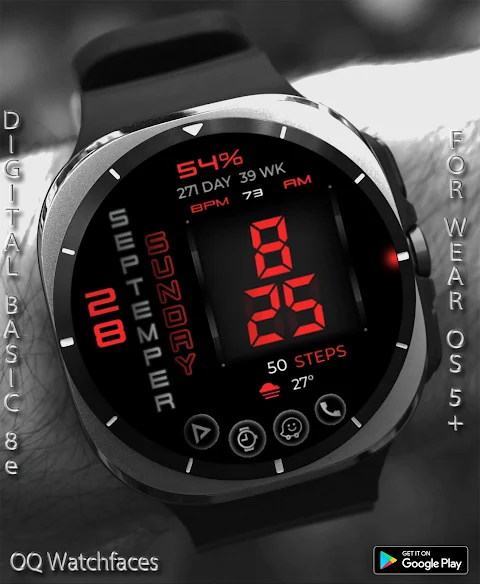
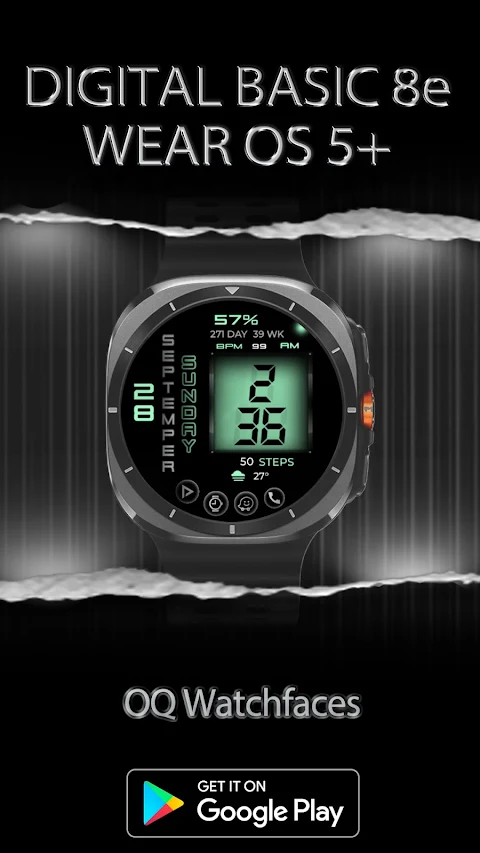
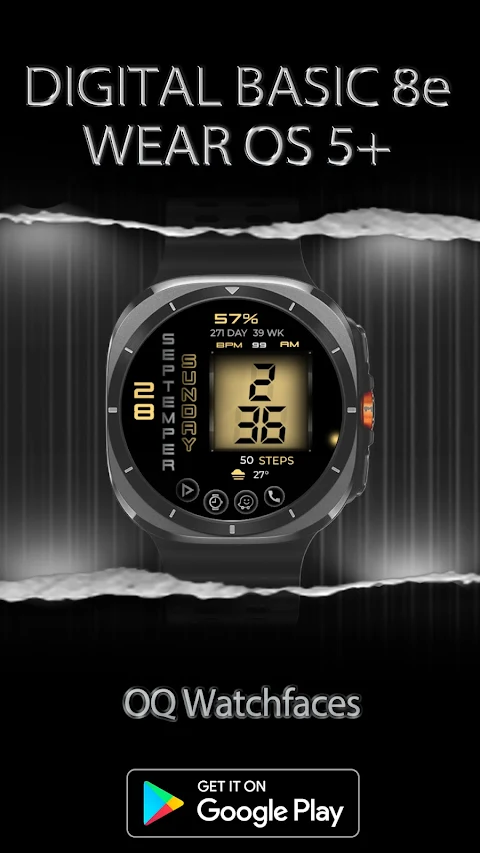
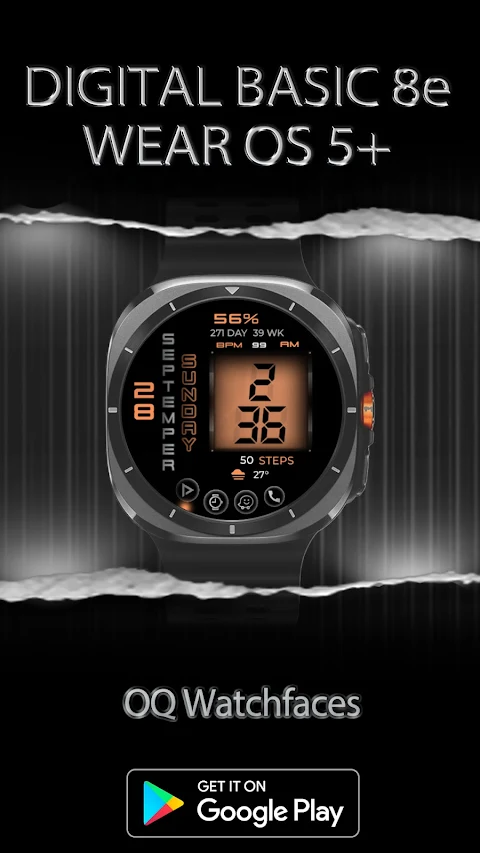
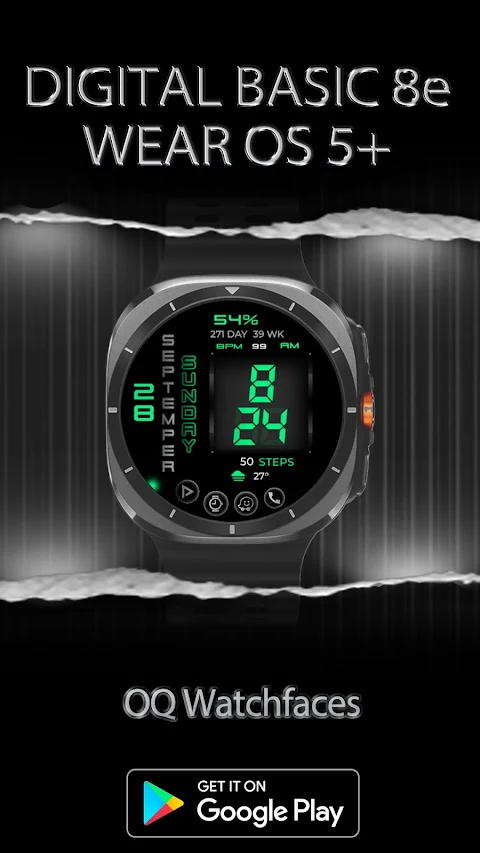
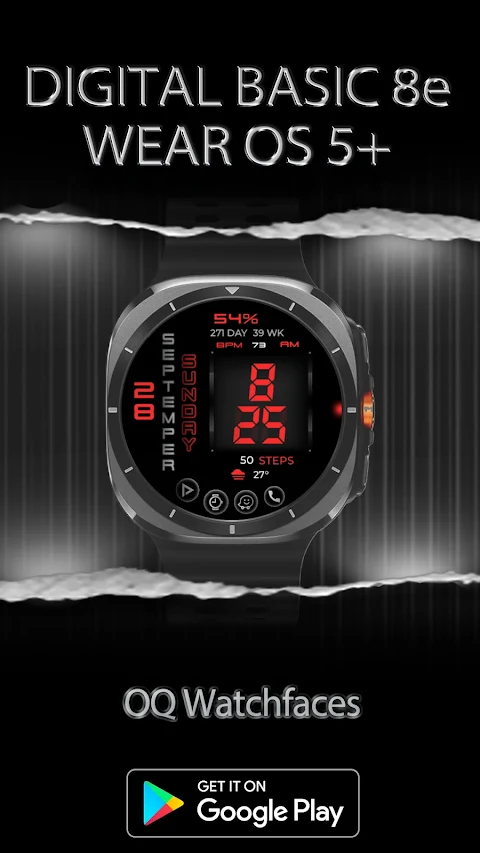
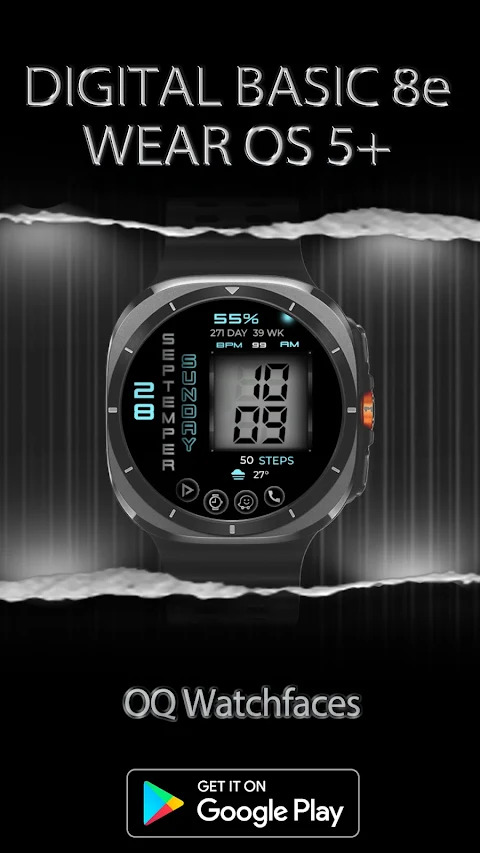
Digital Basic 8e Wear OS 5+ is a unique watch face designed for Wear OS 5+. It offers a simple and stylish way to tell time. This watch face supports both 12H and 24H Modes, allowing you to choose the format that works best for you. If you have a connected LTE watch, you can change the time mode directly from your watch settings.
One of the distinct features of this watch face is its special created font. The hours and minutes are shown with numbers that have a shadow effect behind them, creating a unique look. However, please note that this font cannot be changed. The text for the days and months uses png graphics files to ensure perfect alignment, and currently, only English language support is available.
The Digital Basic 8e allows you to easily tap to open apps on your watch. For example, tapping the phone icon will quickly open your watch dial app, making it easy to reach your contacts. If you need to check messages, you can tap on the message icon to access the watch messages app right away. Similarly, tapping the watch icon takes you to the watch alarm settings.
For those who enjoy fitness, you can tap on the BPM text or reading to open the BPM Heart Rate Counter directly on your watch. If you're looking to monitor your battery settings, tapping the battery icon will open the watch battery settings menu.
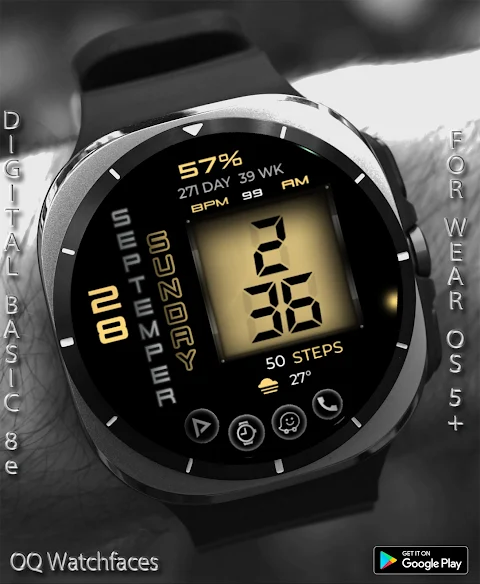
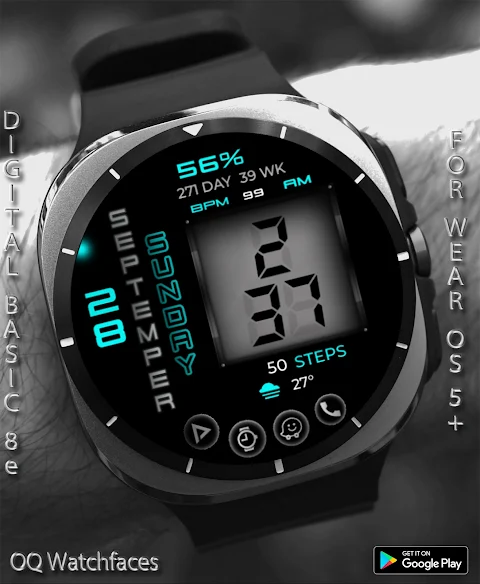
Customization is a key part of this watch face experience. The customizable watch frame allows you to adjust the look of the hour and minute digits. In the customization menu, you can also choose from 30 color styles to match your personal preference. Additionally, a dim mode display is available for both the main display and the always-on display, letting you customize your watch to suit different lighting conditions.
Before downloading or purchasing the watch face, it’s essential to read the installation guide carefully. This guide provides three methods for installing both the phone app and the watch app, ensuring you can get it set up without any issues. It's important to remember that you should not pay twice from the watch play store, so please pay attention to the instructions.
If you ever find that something is wrong with your purchase, understand that there is a refund process for purchases. You can reach out to the developer via email for help if you think a mistake has been made regarding your purchase.
Overall, Digital Basic 8e Wear OS 5+ combines style and functionality. With its user customization options, it provides a solid choice for anyone looking to enhance their watch experience with a stylish and functional watch face. Enjoy your new watch face, and explore all the features it has to offer.
One of the distinct features of this watch face is its special created font. The hours and minutes are shown with numbers that have a shadow effect behind them, creating a unique look. However, please note that this font cannot be changed. The text for the days and months uses png graphics files to ensure perfect alignment, and currently, only English language support is available.
The Digital Basic 8e allows you to easily tap to open apps on your watch. For example, tapping the phone icon will quickly open your watch dial app, making it easy to reach your contacts. If you need to check messages, you can tap on the message icon to access the watch messages app right away. Similarly, tapping the watch icon takes you to the watch alarm settings.
For those who enjoy fitness, you can tap on the BPM text or reading to open the BPM Heart Rate Counter directly on your watch. If you're looking to monitor your battery settings, tapping the battery icon will open the watch battery settings menu.
Customization is a key part of this watch face experience. The customizable watch frame allows you to adjust the look of the hour and minute digits. In the customization menu, you can also choose from 30 color styles to match your personal preference. Additionally, a dim mode display is available for both the main display and the always-on display, letting you customize your watch to suit different lighting conditions.
Before downloading or purchasing the watch face, it’s essential to read the installation guide carefully. This guide provides three methods for installing both the phone app and the watch app, ensuring you can get it set up without any issues. It's important to remember that you should not pay twice from the watch play store, so please pay attention to the instructions.
If you ever find that something is wrong with your purchase, understand that there is a refund process for purchases. You can reach out to the developer via email for help if you think a mistake has been made regarding your purchase.
Overall, Digital Basic 8e Wear OS 5+ combines style and functionality. With its user customization options, it provides a solid choice for anyone looking to enhance their watch experience with a stylish and functional watch face. Enjoy your new watch face, and explore all the features it has to offer.
Ballozi EXQUIS Luxury Face
BALLOZI Watch Faces
$1.99
$0.40

Ghost Boo Icon Pack
PizzApp Design
$0.99
$0.69
Borderline Icon Pack
Stark Designs
$1.39
$0.70