
$1.49
$0.29
81% Off
LineBula – Icon Pack
GomoTheGom



About the App
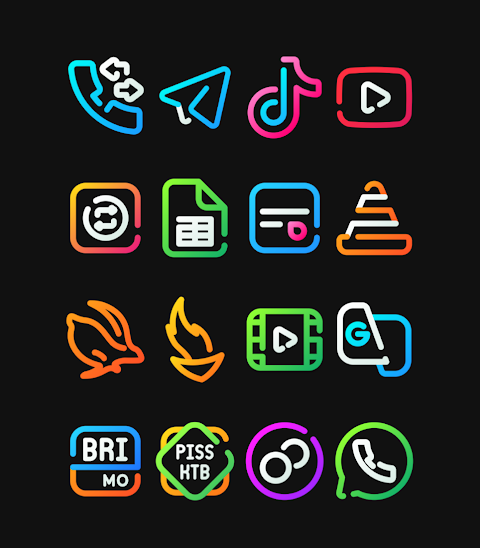
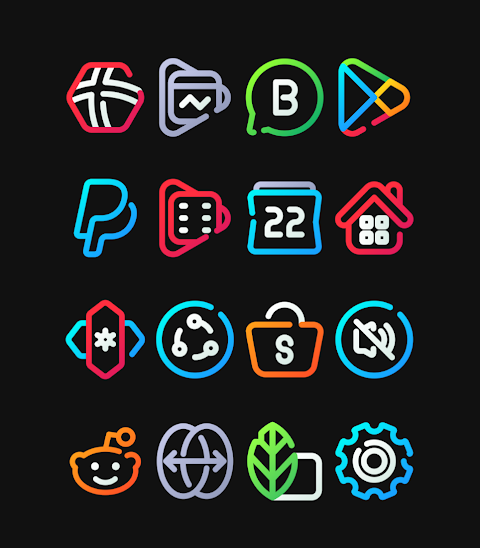
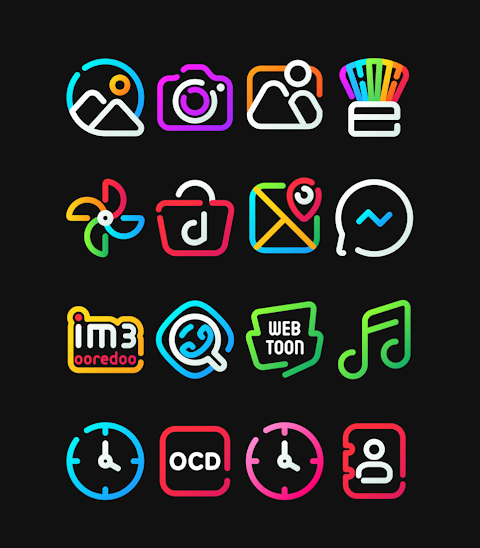
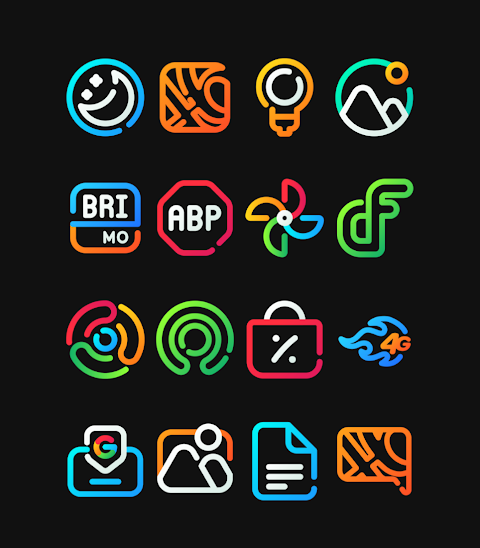
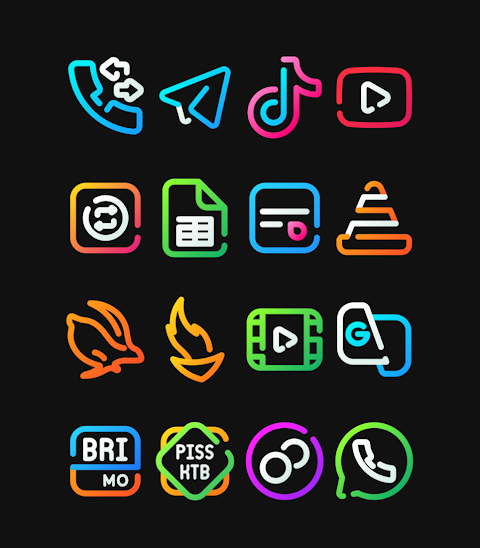
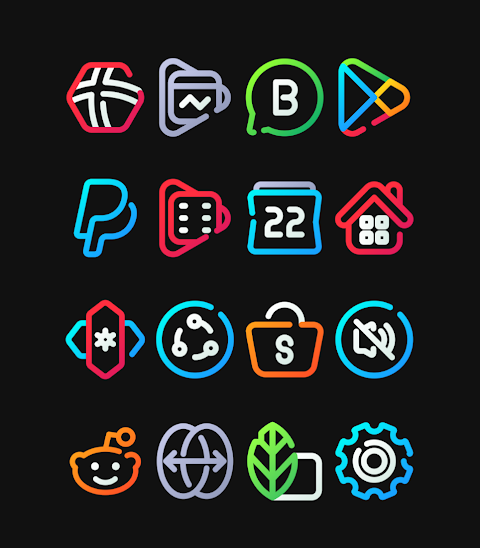
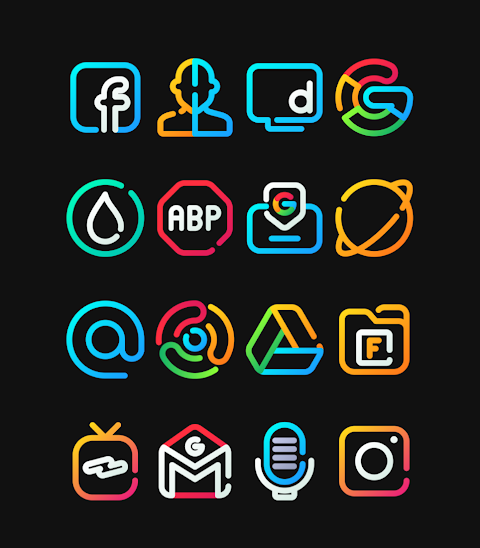
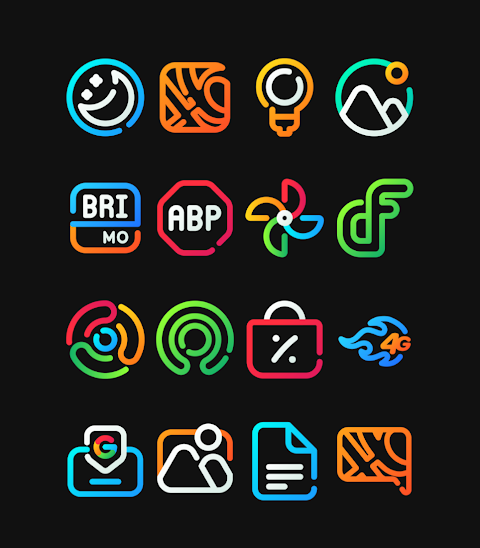
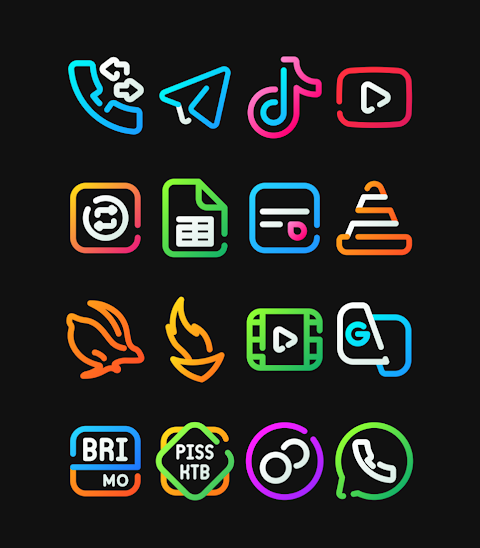
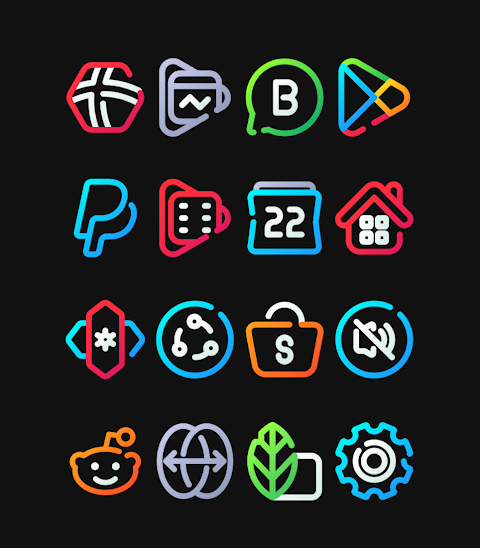
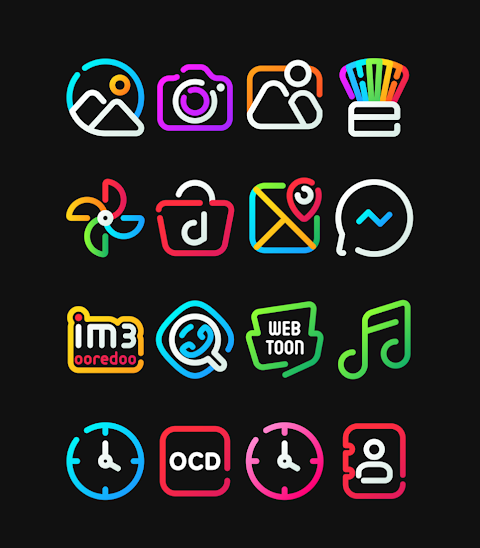
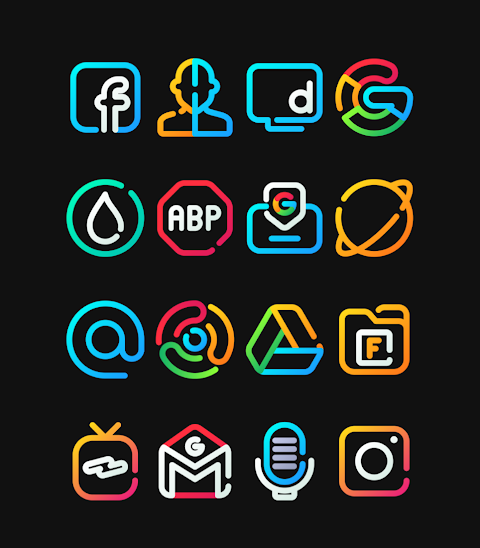
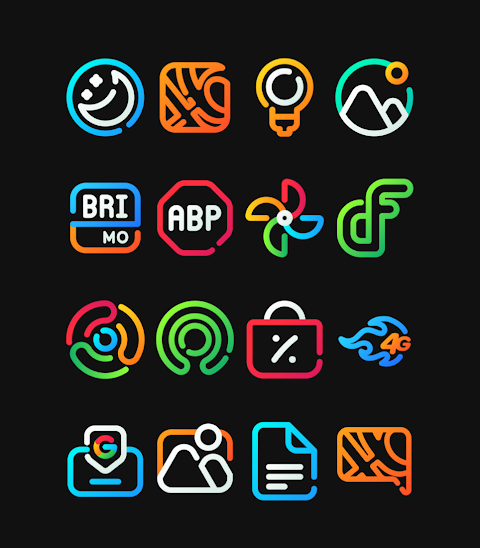
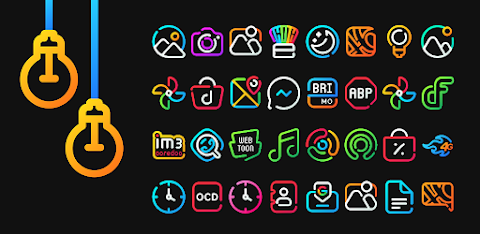
LineBula is a linear icon pack that brings a fresh look to your device with vibrant color icons and cute shapes. This icon pack pairs perfectly with the dark wallpaper also included, making your screen not only beautiful but also satisfying to look at.
With over 3000 icons in the collection, LineBula offers a wide range of options to personalize your home screen. The icons have a high-definition resolution of 256x256px, ensuring that they look sharp and clear. One of the great features of this icon pack is the dynamic calendar support, which helps you keep track of your schedule at a glance.
LineBula is designed to support many launchers, making it easy for you to customize your device. Popular launchers like Nova Launcher and Evie Launcher are compatible with this icon pack, along with others such as Apex Launcher and ADW Launcher. Regular updates are available to keep your icons fresh and up-to-date.
To apply the LineBula icon pack, simply follow a few easy steps. First, open the LineBula icon pack app. Next, navigate to the Apply Icon Pack Screen. Here, you will see a list of supported launchers, including Nova Launcher and Evie Launcher. Select the launcher you have installed on your device to apply the icons. The app will automatically apply the new icons for Nova Launcher or other supported launchers.
If you find that your launcher doesn’t appear while applying from the icon pack, you can also try applying the icons directly from the launcher itself. It’s important to note that some launchers may have icon masking limitations. In such cases, using a 3rd party launcher is a requirement to fully utilize the features of LineBula.
For those interested in additional customization, apps like Awesome Icons or Unicon can be used to change your icons without requiring a 3rd party launcher. This gives you great flexibility for mobile icon customization.
In short, LineBula not only enhances the visual appeal of your device but also allows for a high level of icon personalization options. The combination of beautiful icon shapes and vibrant colors helps create an aesthetically pleasing screen that stands out. Keep an eye on updates through social media for the latest design inspirations and features.
With LineBula, you can transform your device and enjoy a visually improved home screen that reflects your personal style. Don't forget to check for LineBula icon pack features regularly to make the most of your device's customization potential.
With over 3000 icons in the collection, LineBula offers a wide range of options to personalize your home screen. The icons have a high-definition resolution of 256x256px, ensuring that they look sharp and clear. One of the great features of this icon pack is the dynamic calendar support, which helps you keep track of your schedule at a glance.
LineBula is designed to support many launchers, making it easy for you to customize your device. Popular launchers like Nova Launcher and Evie Launcher are compatible with this icon pack, along with others such as Apex Launcher and ADW Launcher. Regular updates are available to keep your icons fresh and up-to-date.
To apply the LineBula icon pack, simply follow a few easy steps. First, open the LineBula icon pack app. Next, navigate to the Apply Icon Pack Screen. Here, you will see a list of supported launchers, including Nova Launcher and Evie Launcher. Select the launcher you have installed on your device to apply the icons. The app will automatically apply the new icons for Nova Launcher or other supported launchers.
If you find that your launcher doesn’t appear while applying from the icon pack, you can also try applying the icons directly from the launcher itself. It’s important to note that some launchers may have icon masking limitations. In such cases, using a 3rd party launcher is a requirement to fully utilize the features of LineBula.
For those interested in additional customization, apps like Awesome Icons or Unicon can be used to change your icons without requiring a 3rd party launcher. This gives you great flexibility for mobile icon customization.
In short, LineBula not only enhances the visual appeal of your device but also allows for a high level of icon personalization options. The combination of beautiful icon shapes and vibrant colors helps create an aesthetically pleasing screen that stands out. Keep an eye on updates through social media for the latest design inspirations and features.
With LineBula, you can transform your device and enjoy a visually improved home screen that reflects your personal style. Don't forget to check for LineBula icon pack features regularly to make the most of your device's customization potential.
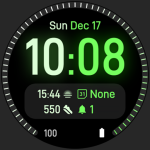
Dual Tone: Watch face
amoledwatchfaces™
$0.99
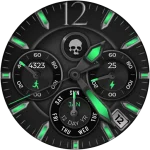
Chronograph Hybrid 2 WearOS 4+
OQ Watchfaces
$1.49
$0.29
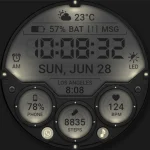
WFP 355 Tactical Watch face
WFProduction by Alexandr Kovalev
$1.99
$1.00