
$0.99
$0.20
80% Off
Cirgus – Icon Pack
Olivera Onias Design



About the App
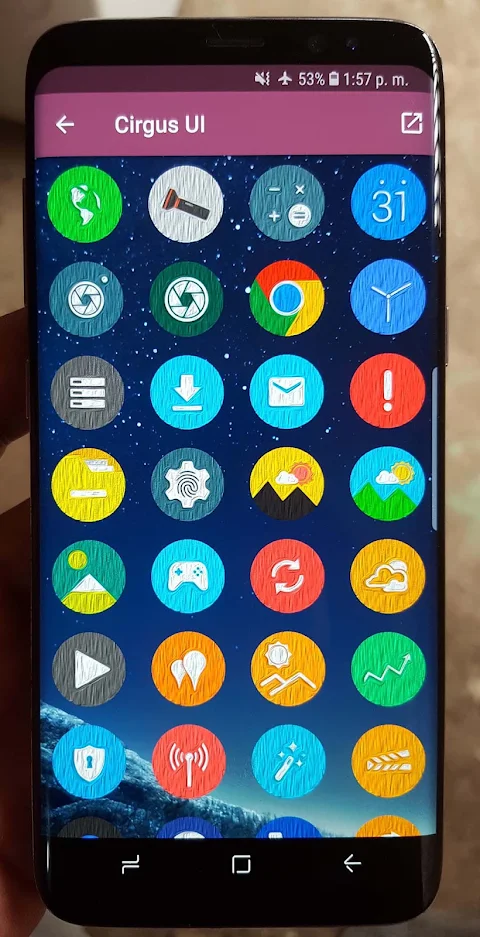
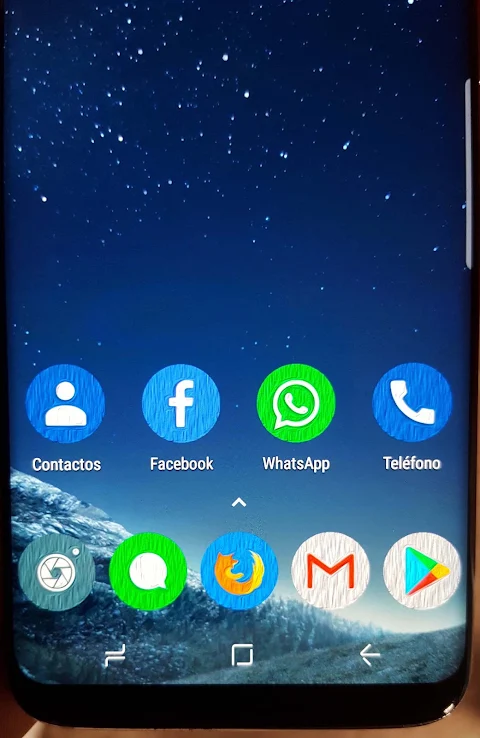
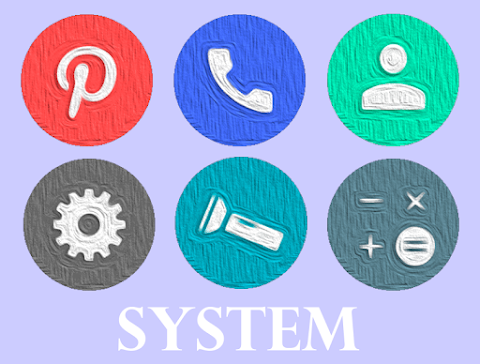
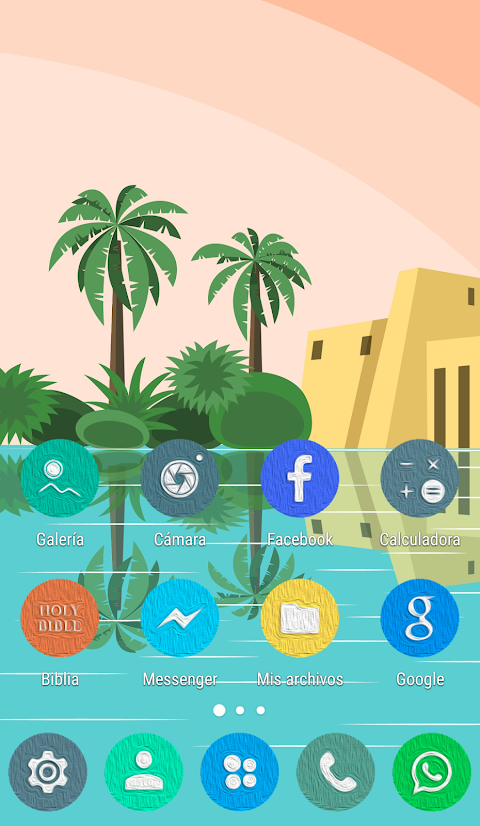
Cirgus - Icon Pack is a special application designed to enhance your phone's appearance through custom icons. However, please note that it is not a standalone app. To use Cirgus, you will need an extra launcher like Nova Launcher or Smart Launcher.
Using Cirgus is simple. First, open the application. You’ll find a menu in the upper left corner. Tap on it and choose the option to set or apply the icon pack. The app will then show you a list of supported launchers installed on your device. Just select the one you prefer and hit accept. If you don’t have a launcher installed, no worries! You can easily download one through a provided link. That’s it! Your icon pack is now ready to shine on your home screen.
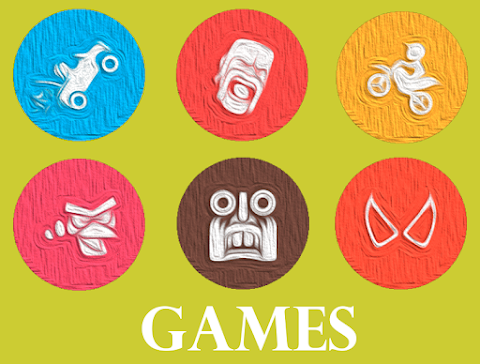
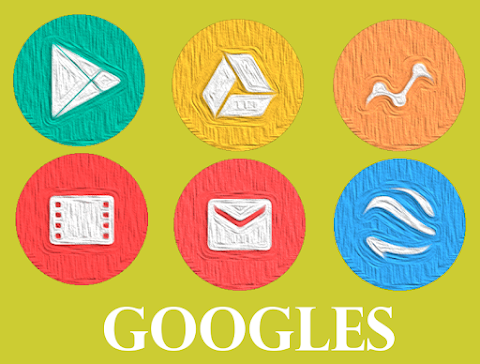
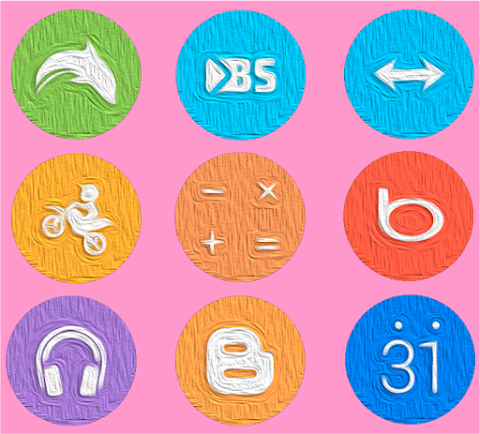
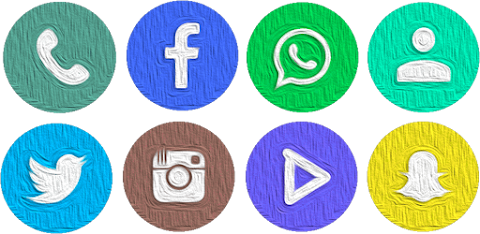
Cirgus offers over 4000 custom icons that can completely change the look of your device. Along with these icons, the app provides 85 custom wallpapers, allowing you to create a stunning visual experience. If you have a specific icon in mind that isn't included, you can make an icon request via email, and you will receive an immediate response.
This icon pack supports a wide range of launchers, including popular options like Action Launcher, ADW Launcher, Apex Launcher, Evie Launcher, and more. Other supported launchers include Aviate Launcher, CM Themes, Holo Launcher, Mini Launcher, Next Launcher, Solo Launcher, V Launcher, ZenUI Launcher, and Zero Launcher. However, please note that there is limited Go Launcher support because it does not support icon masking. Additionally, Cirgus is not compatible with the default launcher on Samsung and Huawei devices.
The technical backbone of Cirgus uses the CandyBar board, making it user-friendly and straightforward. It also features Muzei support for those who love live wallpapers. The interface graphic is available in multiple languages, ensuring that more users can navigate and enjoy the app easily.
In summary, Cirgus - Icon Pack is an excellent choice for anyone looking to personalize their device with beautiful, custom icons and wallpapers. It's easy to set up and works with various launchers, offering a visually appealing experience. Just remember to check the launcher support list to ensure compatibility, and get ready to transform your home screen!
Using Cirgus is simple. First, open the application. You’ll find a menu in the upper left corner. Tap on it and choose the option to set or apply the icon pack. The app will then show you a list of supported launchers installed on your device. Just select the one you prefer and hit accept. If you don’t have a launcher installed, no worries! You can easily download one through a provided link. That’s it! Your icon pack is now ready to shine on your home screen.
Cirgus offers over 4000 custom icons that can completely change the look of your device. Along with these icons, the app provides 85 custom wallpapers, allowing you to create a stunning visual experience. If you have a specific icon in mind that isn't included, you can make an icon request via email, and you will receive an immediate response.
This icon pack supports a wide range of launchers, including popular options like Action Launcher, ADW Launcher, Apex Launcher, Evie Launcher, and more. Other supported launchers include Aviate Launcher, CM Themes, Holo Launcher, Mini Launcher, Next Launcher, Solo Launcher, V Launcher, ZenUI Launcher, and Zero Launcher. However, please note that there is limited Go Launcher support because it does not support icon masking. Additionally, Cirgus is not compatible with the default launcher on Samsung and Huawei devices.
The technical backbone of Cirgus uses the CandyBar board, making it user-friendly and straightforward. It also features Muzei support for those who love live wallpapers. The interface graphic is available in multiple languages, ensuring that more users can navigate and enjoy the app easily.
In summary, Cirgus - Icon Pack is an excellent choice for anyone looking to personalize their device with beautiful, custom icons and wallpapers. It's easy to set up and works with various launchers, offering a visually appealing experience. Just remember to check the launcher support list to ensure compatibility, and get ready to transform your home screen!
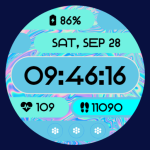
Neon Pulse Watch Face
Open Spaces Watch Face
$1.49
$0.75
Lena Black – Glyph Icon Pack
One4Studio
$3.49
$1.75

CherryLine – Red Icon Pack
Panoto Gomo
$0.99
$0.29