
$0.99
$0.29
71% Off
CherryLine – Red Icon Pack
Panoto Gomo






About the App
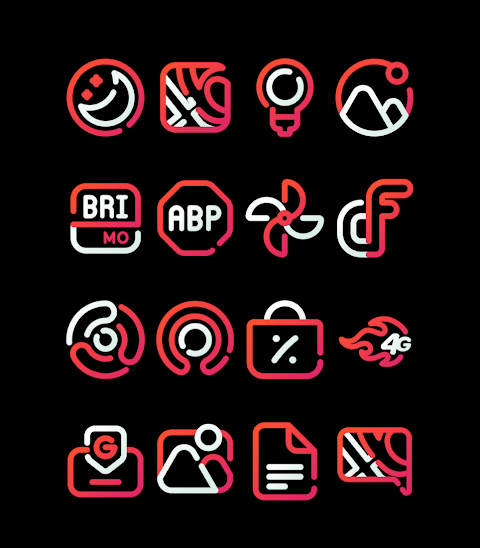
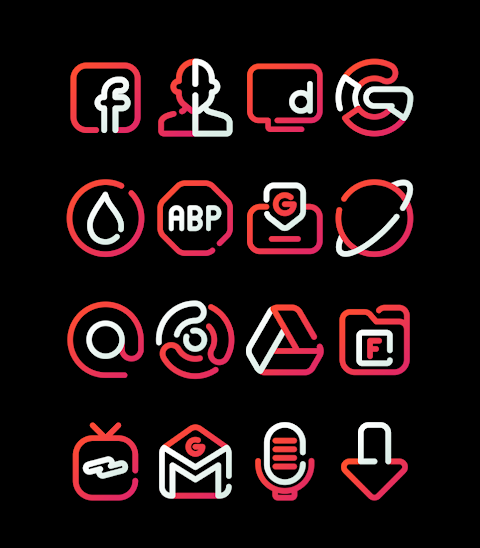
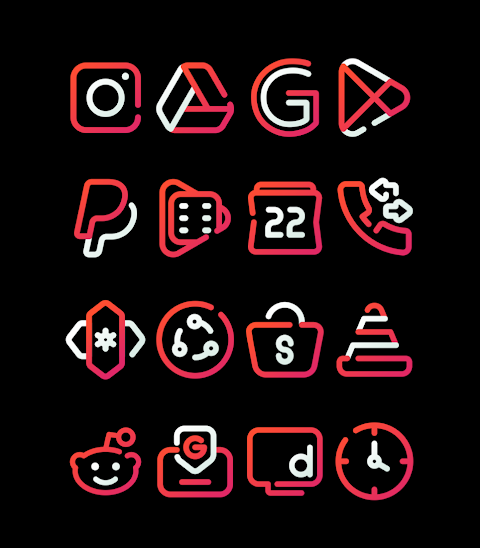
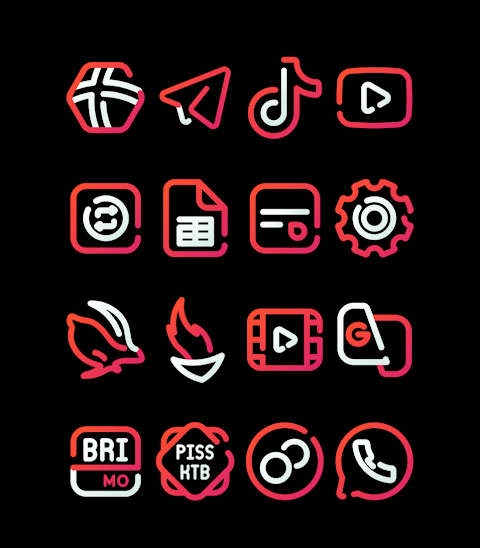
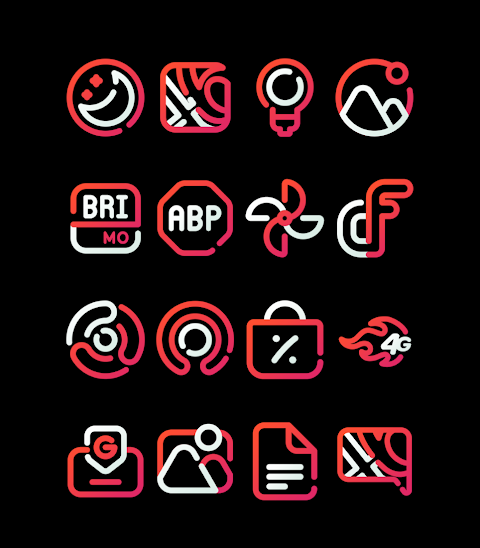
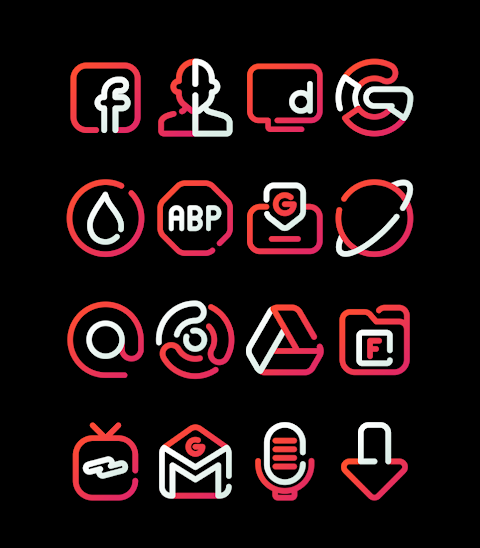
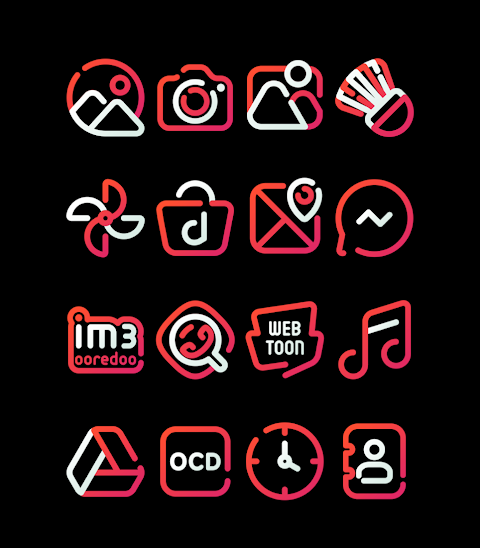
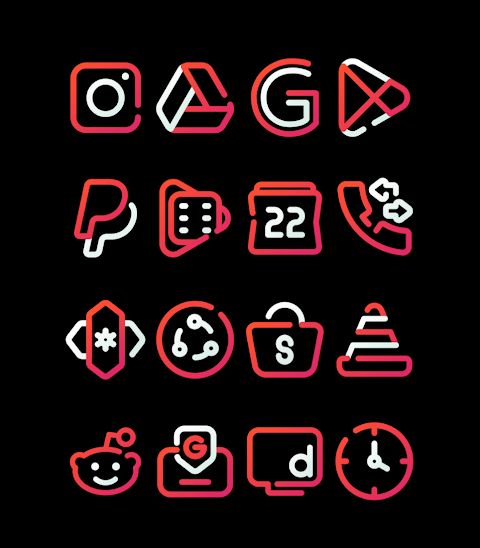
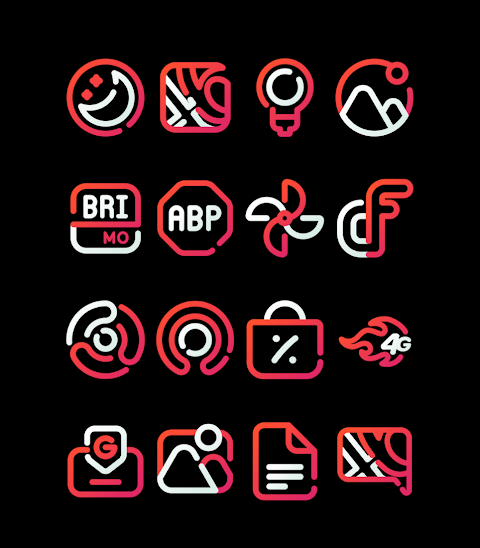
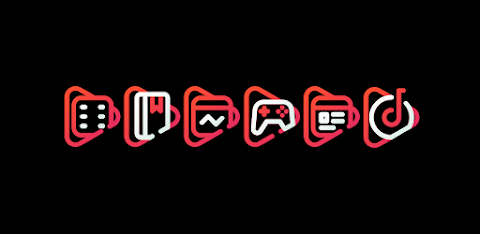
CherryLine is a vibrant Red Icon Pack that adds a fresh look to your device. Featuring over 3000 icons and counting, it is perfect for anyone who loves to personalize their phone. Each icon has an HD Icon Resolution of 256x256 pixels, ensuring they look sharp and clear on your screen. If you want to customize your device further, there is an Icon Request Feature that allows you to suggest new icons.
To use the CherryLine Icon Pack, you need a compatible launcher. It supports several popular launchers, including Nova Launcher, Evie Launcher, Apex Launcher, ADW Launcher, ABC Launcher, Next Launcher, Holo Launcher, Lucid Launcher, M Launcher, Action Launcher, Sony Xperia Home Launcher, Smart Launcher, Go Launcher, and Zero Launcher.
Applying the CherryLine Icon Pack is simple. Just follow these steps:
1. Open the CherryLine Icon Pack app.
2. Go to the Apply Icon Pack Screen.
3. You'll see a list of supported launchers. Choose the Nova Launcher installed on your phone to apply the icons.
4. The app will automatically apply the icons from the CherryLine Icon Pack for the selected launcher.
If your chosen launcher does not appear in the list when applying the icons, you can try applying the CherryLine from the launcher settings itself.
For users of the Sony Xperia Home Launcher, the process is a bit different. It does not show in the CherryLine app, but you can still apply it by following these settings:
1. Long press on the main screen of your Xperia device.
2. Open the settings.
3. Scroll down and find the appearance icon setting.
4. Choose the CherryLine Icon Pack.
5. Done! You have successfully applied the CherryLine Icon Pack to your Sony Xperia.
Please note that the icon pack is only supported on Sony Xperia Home Launcher version 10.0.A.0.8 or higher.
CherryLine also offers beautiful custom wallpapers to match your icons, enhancing your overall experience. Each icon is designed with unique styles to fit various moods and preferences, making it easy to find a theme that suits you.
Remember, using the CherryLine Icon Pack not only provides a more personalized look but also enhances the way you interact with your device. It transforms your phone into a canvas of creativity and style.
For additional tips and updates about CherryLine, you can visit our social media pages on Google+, Instagram, and Twitter.
With CherryLine, your mobile device can reflect your personal style while providing an enjoyable user interface. Start using the CherryLine Icon Pack today and experience the difference!
To use the CherryLine Icon Pack, you need a compatible launcher. It supports several popular launchers, including Nova Launcher, Evie Launcher, Apex Launcher, ADW Launcher, ABC Launcher, Next Launcher, Holo Launcher, Lucid Launcher, M Launcher, Action Launcher, Sony Xperia Home Launcher, Smart Launcher, Go Launcher, and Zero Launcher.
Applying the CherryLine Icon Pack is simple. Just follow these steps:
1. Open the CherryLine Icon Pack app.
2. Go to the Apply Icon Pack Screen.
3. You'll see a list of supported launchers. Choose the Nova Launcher installed on your phone to apply the icons.
4. The app will automatically apply the icons from the CherryLine Icon Pack for the selected launcher.
If your chosen launcher does not appear in the list when applying the icons, you can try applying the CherryLine from the launcher settings itself.
For users of the Sony Xperia Home Launcher, the process is a bit different. It does not show in the CherryLine app, but you can still apply it by following these settings:
1. Long press on the main screen of your Xperia device.
2. Open the settings.
3. Scroll down and find the appearance icon setting.
4. Choose the CherryLine Icon Pack.
5. Done! You have successfully applied the CherryLine Icon Pack to your Sony Xperia.
Please note that the icon pack is only supported on Sony Xperia Home Launcher version 10.0.A.0.8 or higher.
CherryLine also offers beautiful custom wallpapers to match your icons, enhancing your overall experience. Each icon is designed with unique styles to fit various moods and preferences, making it easy to find a theme that suits you.
Remember, using the CherryLine Icon Pack not only provides a more personalized look but also enhances the way you interact with your device. It transforms your phone into a canvas of creativity and style.
For additional tips and updates about CherryLine, you can visit our social media pages on Google+, Instagram, and Twitter.
With CherryLine, your mobile device can reflect your personal style while providing an enjoyable user interface. Start using the CherryLine Icon Pack today and experience the difference!

iGlass OS 26 Icon Pack
PizzApp Design
$0.99
$0.69
PRADO 46 Shortcuts
PRADO DESIGN ® Watch Faces
$1.99
$0.60

Goal Setter Watch Face
GenZync by GPhoenix
$1.49
$0.99