
$1.39
$0.29
79% Off
Chronograph Hybrid Wear OS 5+
OQ Watchfaces

About the App
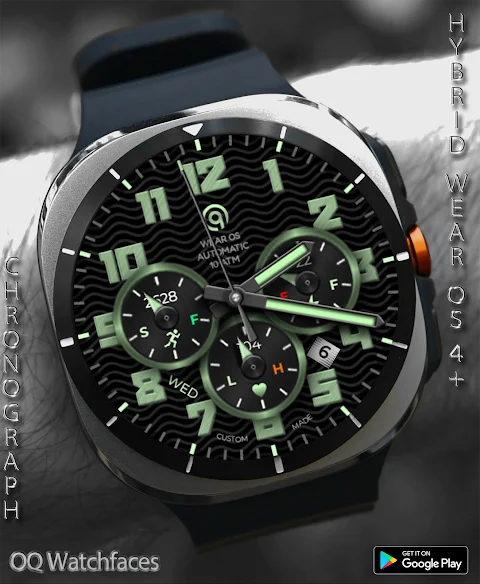
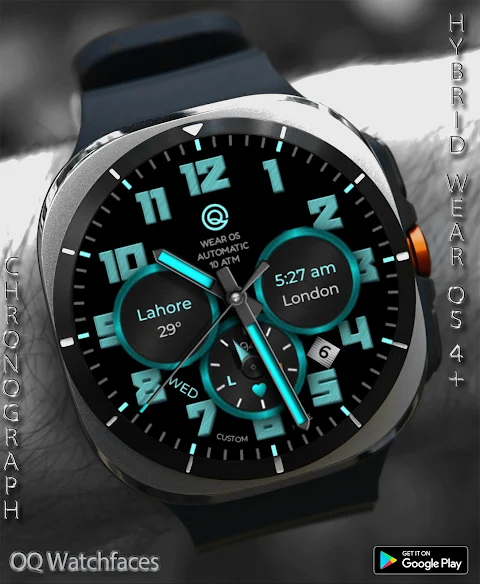
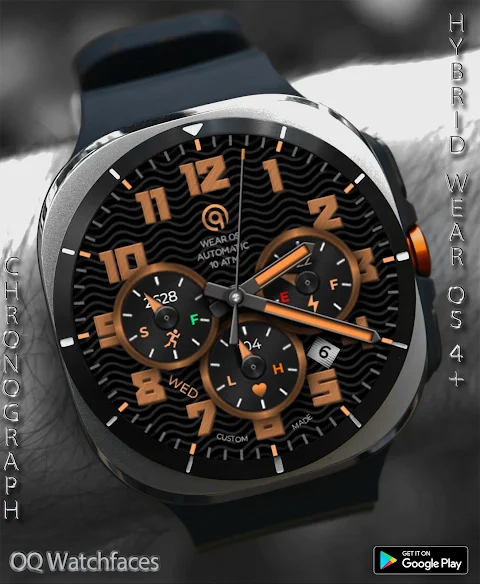
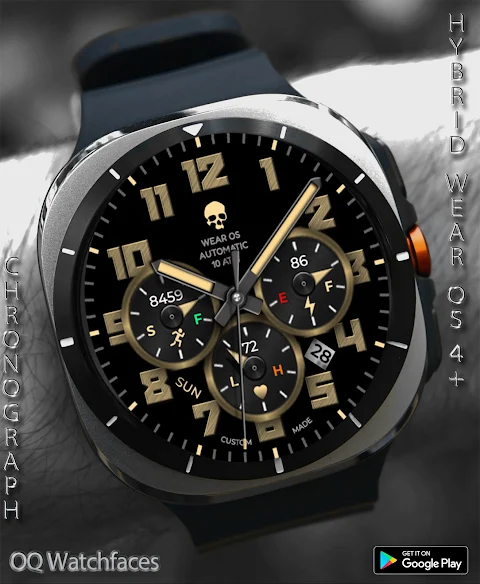
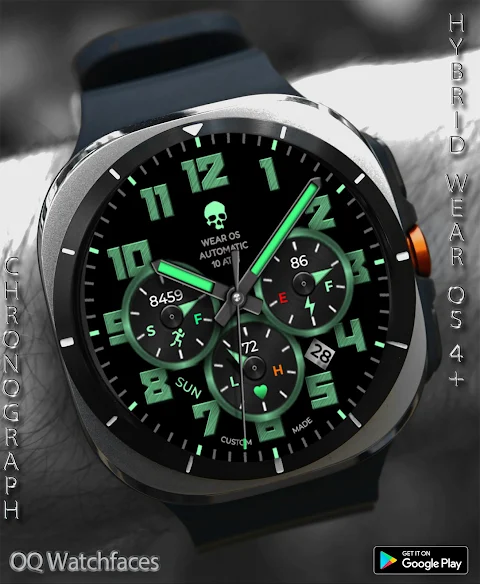
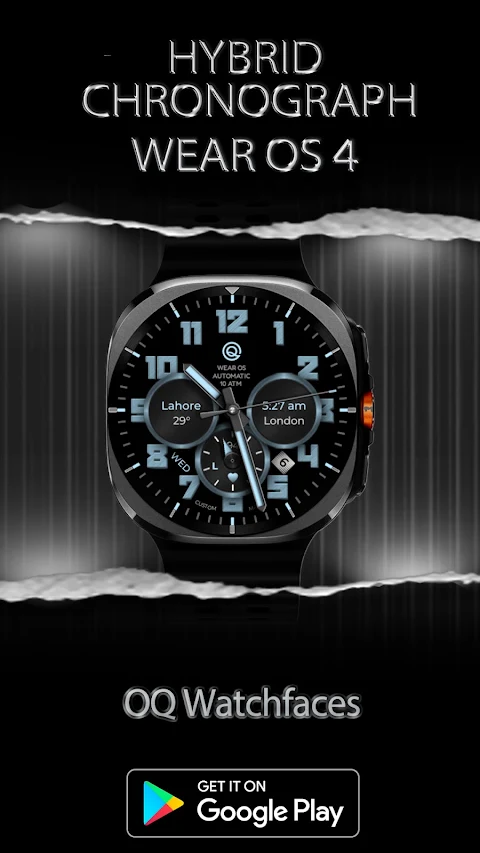
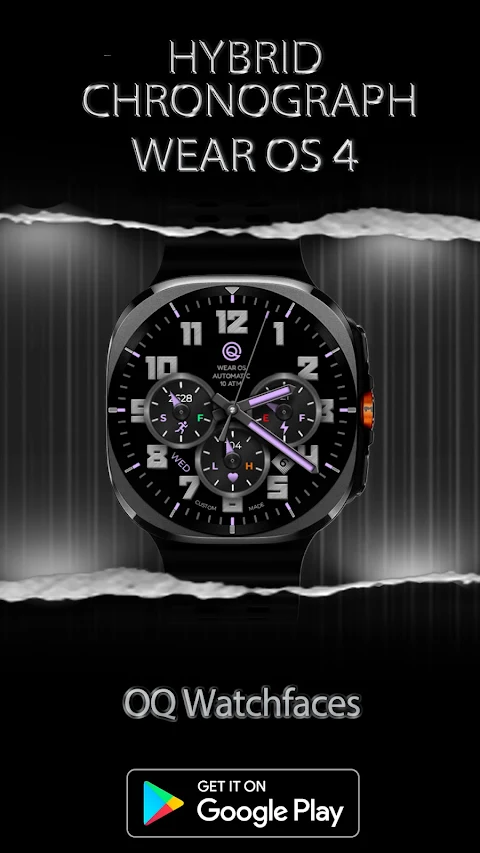
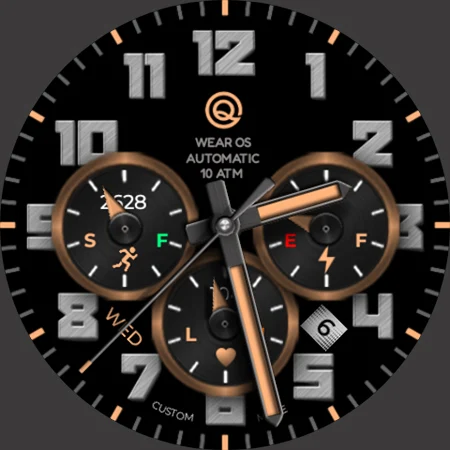
Chronograph Hybrid Wear OS 5+ is a specially designed watch face for devices running Wear OS 5 and above. Made using the latest Samsung Galaxy Watch Face Studio (version 1.9.5), it has been tested on various models, including the Samsung Watch Ultra, Samsung Watch 8 Classic, and Samsung Watch 5 Pro. This app is also compatible with all other Wear OS 5+ devices, though some features may appear slightly differently depending on your watch model.
Before you purchase this watch face, it’s important to understand its many customization options. It comes with more than nine ways to personalize your experience. However, keep in mind that using the Galaxy Wearable app to customize the watch face can sometimes lead to issues. This has been a known limitation for four years, and only Samsung can address this flaw. If you usually customize watch faces through your phone, this may not be the best choice for you.
If you accidentally buy the watch face, don’t worry. You can email us within 24 hours, and we’ll refund your purchase entirely. Customization can be done directly by long-pressing the watch face without any issues. If you require proof of this, feel free to email us, and we can provide a video testimony.
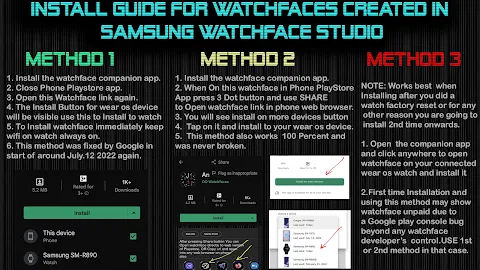
When it comes to installation, be careful not to pay for the watch face twice through the Play Store. Your purchase should sync automatically. If you prefer, you can use the direct install method instead, which doesn't require any helper app. Just make sure to select your connected watch in the drop-down menu during installation.
The Chronograph Hybrid Wear OS 5+ has a range of useful features. For example, tapping on the 5 o'clock hour index number will open the watch phone app, while tapping the 7 o'clock hour index accesses the watch messaging app. You can also tap the 8 o'clock hour index to reach the watch app shortcuts for the Play Store. If you tap the 4 o'clock hour index, you'll open the Google Maps app.
Additionally, tapping on the Day text will bring up the watch alarm app, and tapping on the Date text will open the watch calendar app. There’s also a logo below the 12 o'clock position that allows access to the watch settings menu.
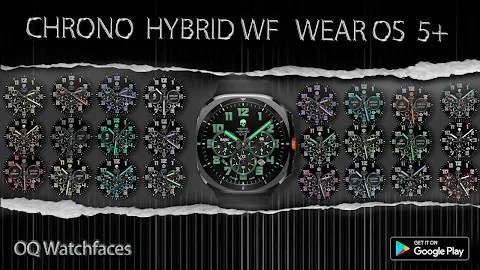
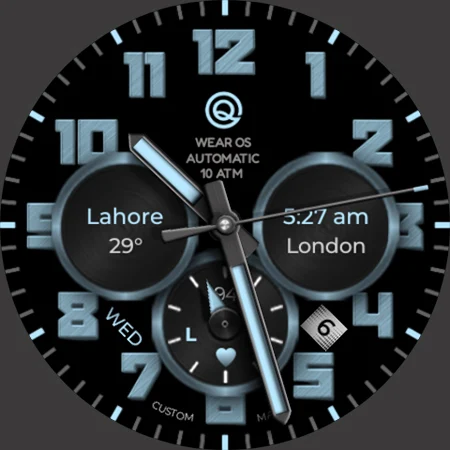
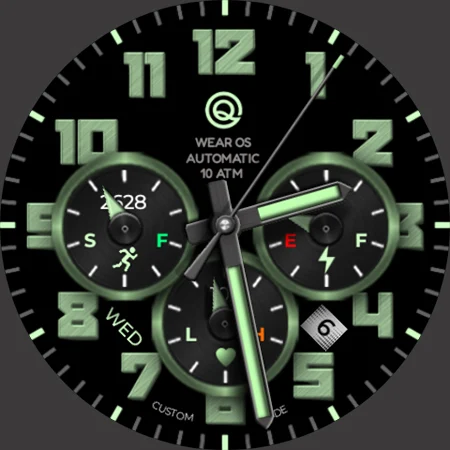
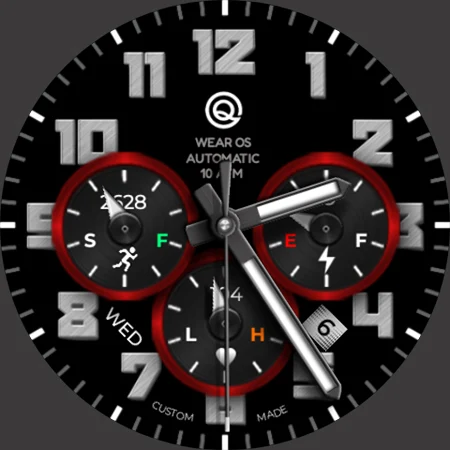
Customization is a big part of this watch face experience. You have five background styles to choose from, with the default being a pure black Main Display background. The Always On Display (AoD) also defaults to pure black. If you want to personalize it further, you can turn the background on and off in the settings.
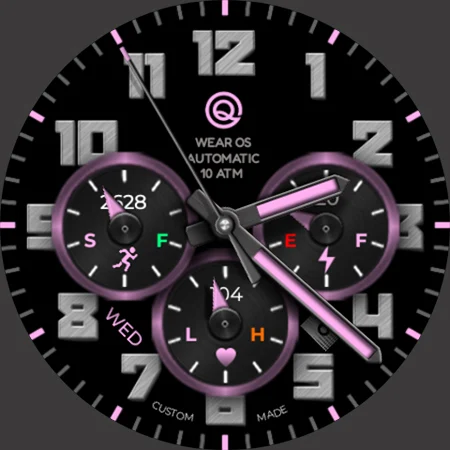
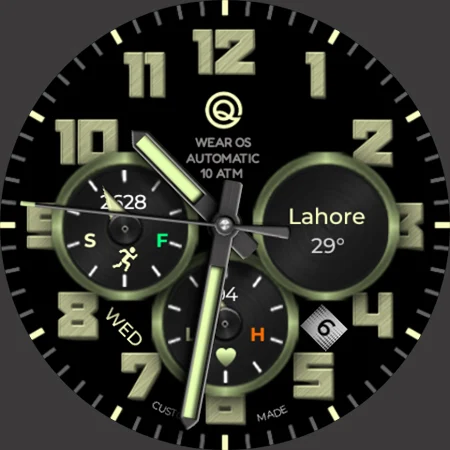
Other customization options include adjusting the Chronograph rings color, which can be easily toggled on or off, and changing the hours index color using another menu option. There are three logo styles available, including a default option.
The watch face also comes with dim mode options for both the Main Display background and the AoD Display background. You can choose whether to display the seconds with an analog hand, as this option can be switched on or off as well from the customization menu.
In summary, Chronograph Hybrid Wear OS 5+ offers a range of watch face features that allow for easy personalization. From customization limitations through the Galaxy Wearable app to various direct install methods, this watch face aims to enhance your smartwatch experience while keeping everything simple and intuitive.
Before you purchase this watch face, it’s important to understand its many customization options. It comes with more than nine ways to personalize your experience. However, keep in mind that using the Galaxy Wearable app to customize the watch face can sometimes lead to issues. This has been a known limitation for four years, and only Samsung can address this flaw. If you usually customize watch faces through your phone, this may not be the best choice for you.
If you accidentally buy the watch face, don’t worry. You can email us within 24 hours, and we’ll refund your purchase entirely. Customization can be done directly by long-pressing the watch face without any issues. If you require proof of this, feel free to email us, and we can provide a video testimony.
When it comes to installation, be careful not to pay for the watch face twice through the Play Store. Your purchase should sync automatically. If you prefer, you can use the direct install method instead, which doesn't require any helper app. Just make sure to select your connected watch in the drop-down menu during installation.
The Chronograph Hybrid Wear OS 5+ has a range of useful features. For example, tapping on the 5 o'clock hour index number will open the watch phone app, while tapping the 7 o'clock hour index accesses the watch messaging app. You can also tap the 8 o'clock hour index to reach the watch app shortcuts for the Play Store. If you tap the 4 o'clock hour index, you'll open the Google Maps app.
Additionally, tapping on the Day text will bring up the watch alarm app, and tapping on the Date text will open the watch calendar app. There’s also a logo below the 12 o'clock position that allows access to the watch settings menu.
Customization is a big part of this watch face experience. You have five background styles to choose from, with the default being a pure black Main Display background. The Always On Display (AoD) also defaults to pure black. If you want to personalize it further, you can turn the background on and off in the settings.
Other customization options include adjusting the Chronograph rings color, which can be easily toggled on or off, and changing the hours index color using another menu option. There are three logo styles available, including a default option.
The watch face also comes with dim mode options for both the Main Display background and the AoD Display background. You can choose whether to display the seconds with an analog hand, as this option can be switched on or off as well from the customization menu.
In summary, Chronograph Hybrid Wear OS 5+ offers a range of watch face features that allow for easy personalization. From customization limitations through the Galaxy Wearable app to various direct install methods, this watch face aims to enhance your smartwatch experience while keeping everything simple and intuitive.

Android 16 Widgets for KWGT
Raj Arya Designs
$0.99
$0.50
Takoizu Cyan – Icon Pack
Panoto Gomo
$0.99
$0.49

Blueberry – icon pack
Panoto Gomo
$0.99
$0.29