

$0.99
$0.49
51% Off
Takoizu Cyan – Icon Pack
Panoto Gomo







About the App
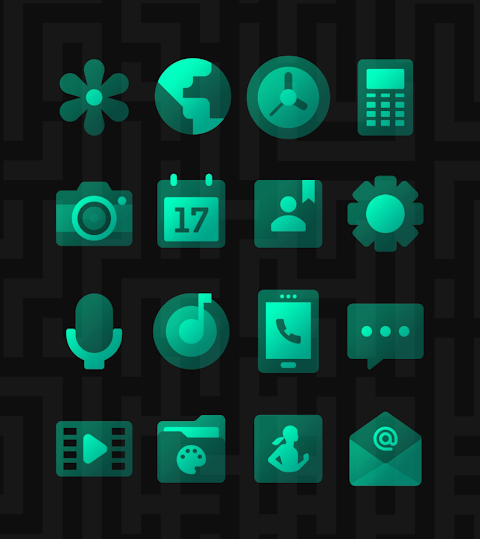
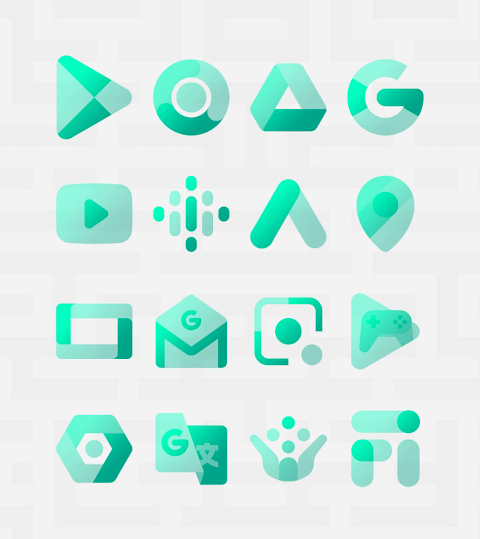
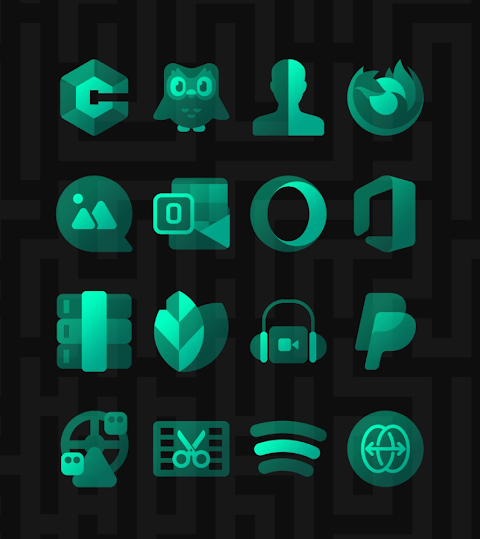
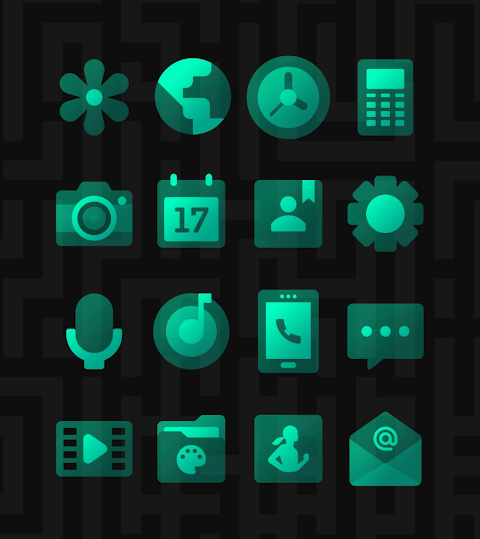
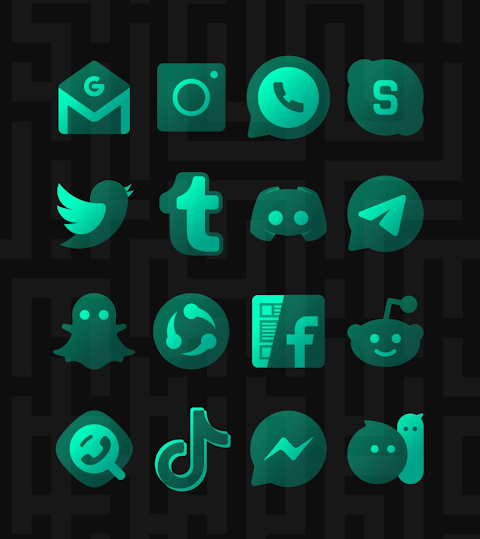
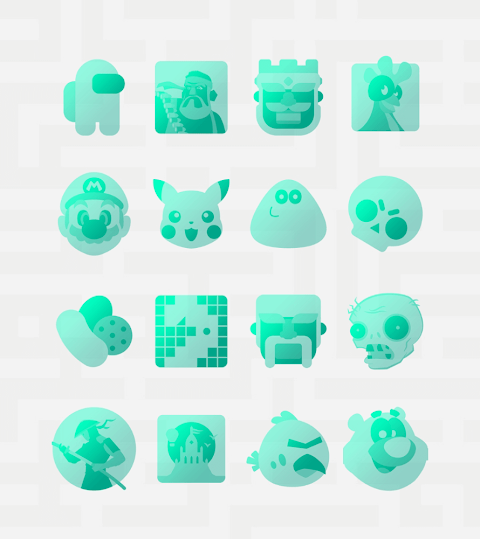
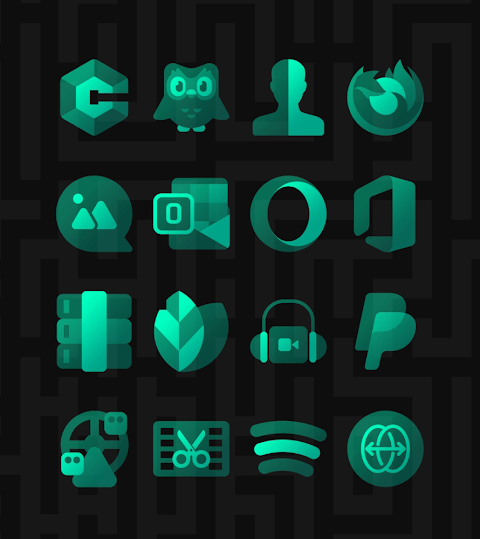
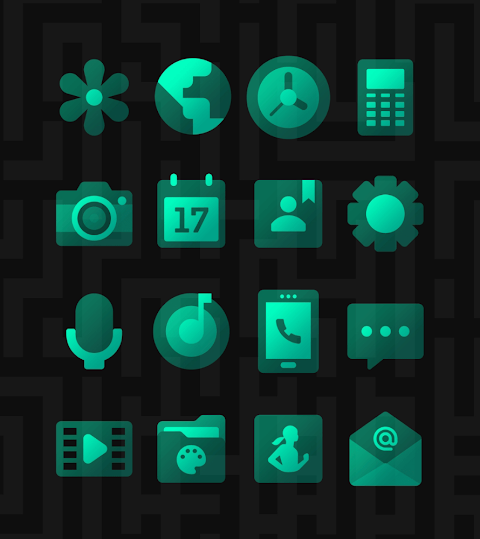
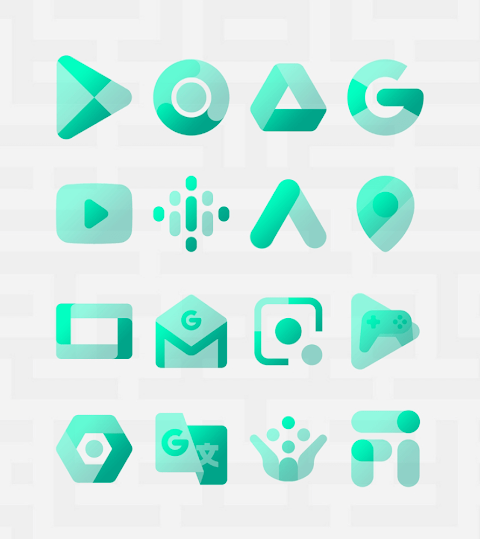
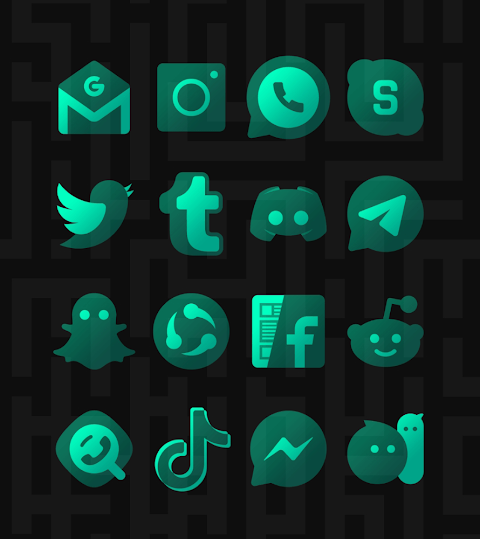
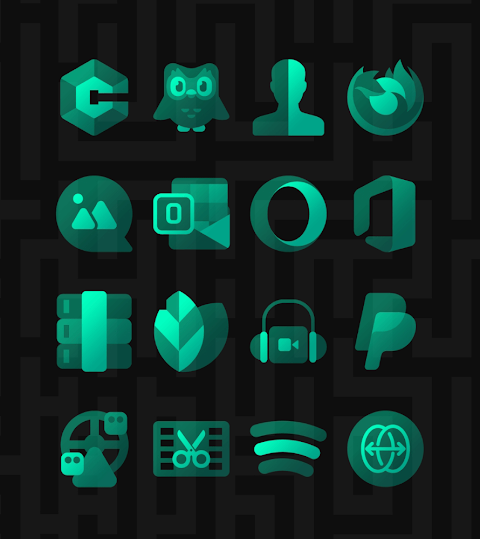
Takoizu Cyan is a transparent icon pack that features beautiful cyan color icons. It looks great with both dark and light wallpaper, and it offers stunning gradient color choices. To get the best appearance from these icons, it’s helpful to disable any shadows.
This icon pack includes over 3,500 high quality icons, each sized at 254x254 pixels. The collection is always growing, as new icons are added regularly. In addition to the icons, you can also download high quality wallpapers that complement the style of Takoizu Cyan. If you notice that an app you use is missing an icon, there’s a free icon request feature available to ask for it directly.
Using Takoizu Cyan is simple. You can quickly apply the icons to your favorite launchers. The app also has a user-friendly dashboard for icon pack management, making it easy to customize your experience. You can preview how the icons will look with your current wallpaper in the dashboard preview pane, giving you a good idea before applying them.
Takoizu Cyan is frequently updated, ensuring that you receive long term support and improvements. To get started, you’ll need to install a compatible launcher. We recommend using Nova or Lawnchair, but Takoizu Cyan is compatible with many others as well. Once your launcher is installed, open the Takoizu Cyan Icon Pack and apply the icons. If your launcher is not directly listed, you can change the icon pack set through your phone's launcher theme or icon change screen. You’ll find Takoizu Cyan among your options.
This icon pack works with a wide array of launchers. You can apply it using the dashboard with popular options like Action Launcher, Apex Launcher, and Evie Launcher. Other supported launchers include Go Launcher, Holo Launcher, Mini Launcher, and Next Launcher. For those using theme settings, Takoizu Cyan integrates well with Poco Launcher, Z Launcher, and many more that support icon packs.
Keep in mind that using a supported launcher is necessary to ensure a smooth experience with this icon pack. Should you encounter any issues, feel free to contact us. We are dedicated to providing a full support service and will respond quickly to your inquiries.
As a note, if you are using Go Launcher and the icons do not change, you can adjust the icon pack theme settings by using the downloaded button at the top right corner. For Nova Launcher users, you might find that icons get rounded automatically. You can change this setting in the Nova theme menu by turning off the change icon shapes option.
In conclusion, Takoizu Cyan offers beautiful icon customization to elevate your smartphone's appearance. With frequent updates, high quality options, and extensive launcher compatibility, it’s a great choice for anyone looking to personalize their device. Enjoy experimenting with the theme customization options and make your smartphone truly yours!
This icon pack includes over 3,500 high quality icons, each sized at 254x254 pixels. The collection is always growing, as new icons are added regularly. In addition to the icons, you can also download high quality wallpapers that complement the style of Takoizu Cyan. If you notice that an app you use is missing an icon, there’s a free icon request feature available to ask for it directly.
Using Takoizu Cyan is simple. You can quickly apply the icons to your favorite launchers. The app also has a user-friendly dashboard for icon pack management, making it easy to customize your experience. You can preview how the icons will look with your current wallpaper in the dashboard preview pane, giving you a good idea before applying them.
Takoizu Cyan is frequently updated, ensuring that you receive long term support and improvements. To get started, you’ll need to install a compatible launcher. We recommend using Nova or Lawnchair, but Takoizu Cyan is compatible with many others as well. Once your launcher is installed, open the Takoizu Cyan Icon Pack and apply the icons. If your launcher is not directly listed, you can change the icon pack set through your phone's launcher theme or icon change screen. You’ll find Takoizu Cyan among your options.
This icon pack works with a wide array of launchers. You can apply it using the dashboard with popular options like Action Launcher, Apex Launcher, and Evie Launcher. Other supported launchers include Go Launcher, Holo Launcher, Mini Launcher, and Next Launcher. For those using theme settings, Takoizu Cyan integrates well with Poco Launcher, Z Launcher, and many more that support icon packs.
Keep in mind that using a supported launcher is necessary to ensure a smooth experience with this icon pack. Should you encounter any issues, feel free to contact us. We are dedicated to providing a full support service and will respond quickly to your inquiries.
As a note, if you are using Go Launcher and the icons do not change, you can adjust the icon pack theme settings by using the downloaded button at the top right corner. For Nova Launcher users, you might find that icons get rounded automatically. You can change this setting in the Nova theme menu by turning off the change icon shapes option.
In conclusion, Takoizu Cyan offers beautiful icon customization to elevate your smartphone's appearance. With frequent updates, high quality options, and extensive launcher compatibility, it’s a great choice for anyone looking to personalize their device. Enjoy experimenting with the theme customization options and make your smartphone truly yours!
MJ156 Classic Elegant Watch
MJ Watchfaces
$0.99
$0.50

Shortcut Maker – App Shortcuts
Yogesh Dama
$0.99
FREE
VJ-Legacy Analog Watch Face
Vesterjil
$1.99
$0.40