
$1.99
$0.99
50% Off
CFS140 Fusion Display
CFS Creative Face Studio

About the App
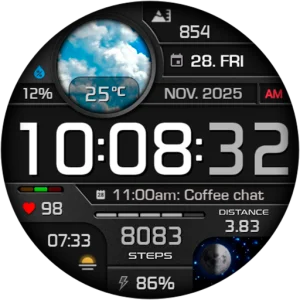
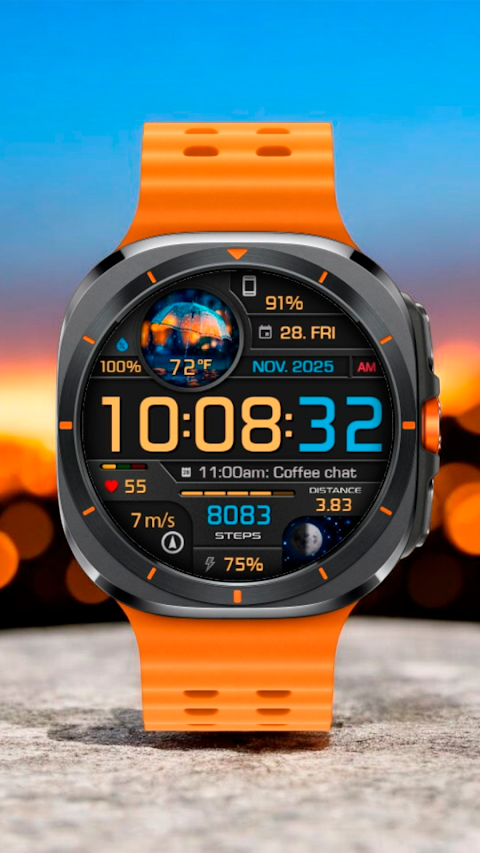
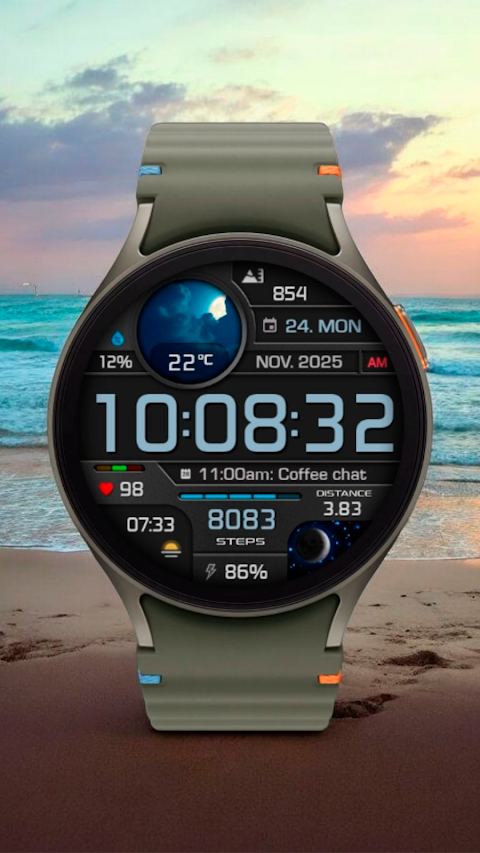
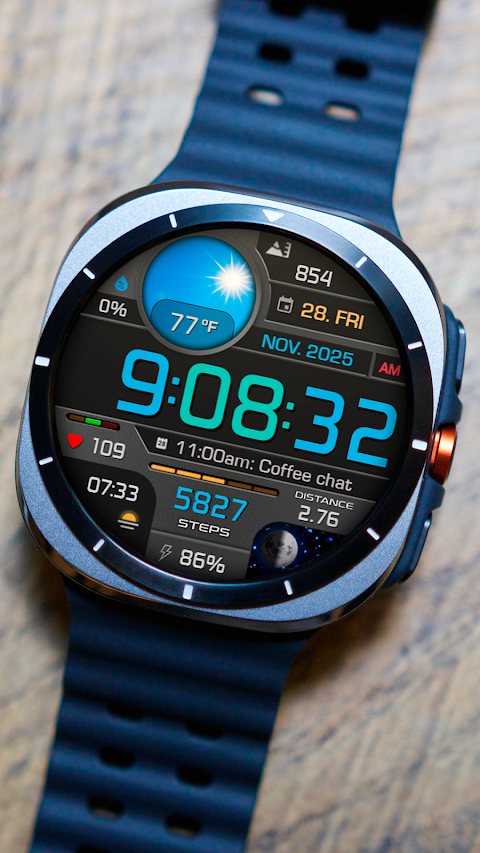
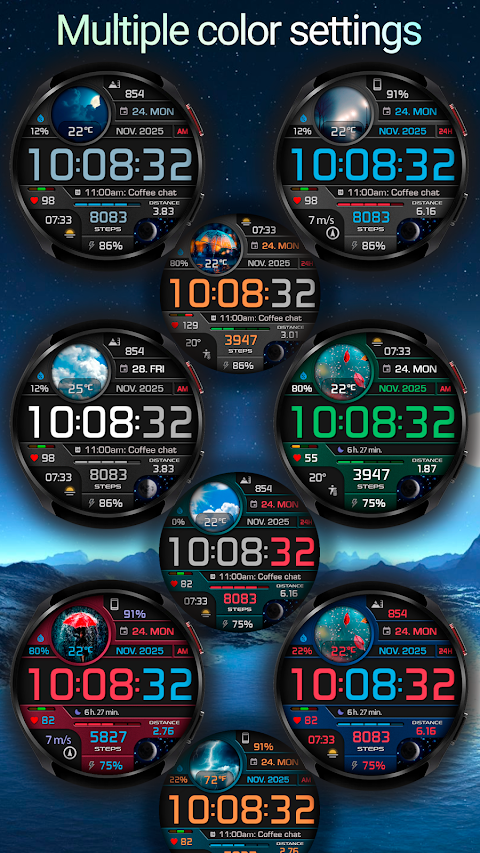
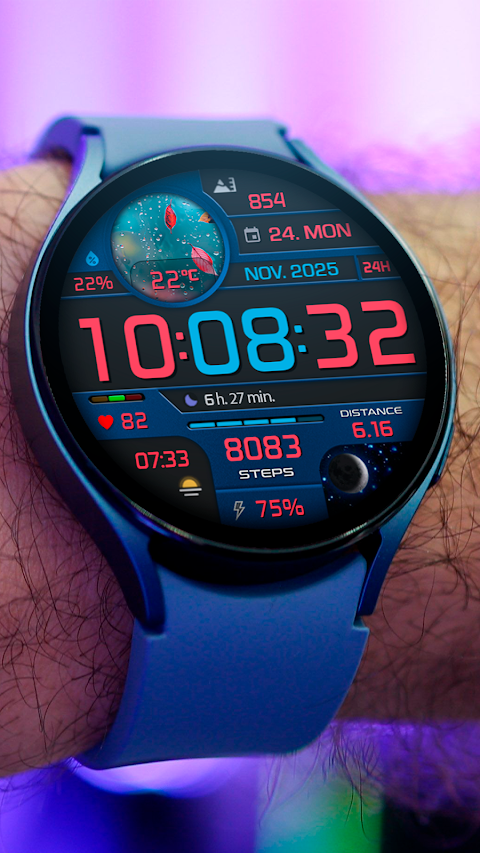
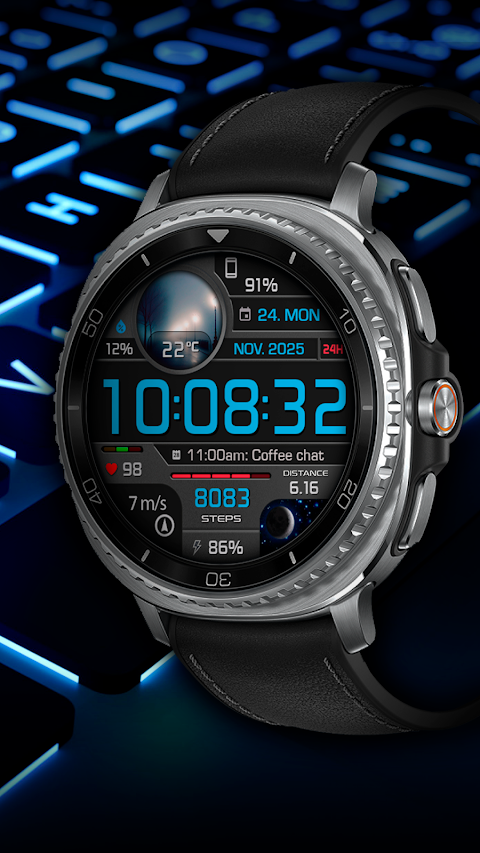
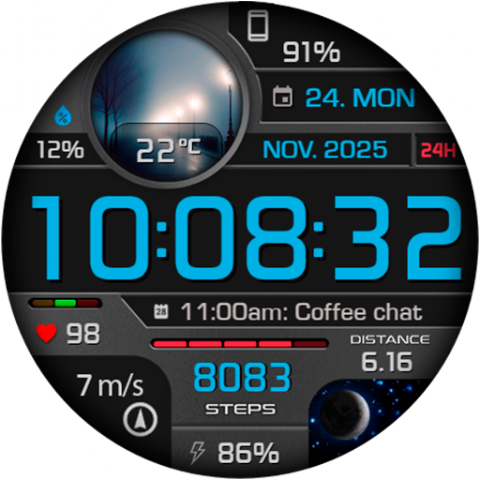
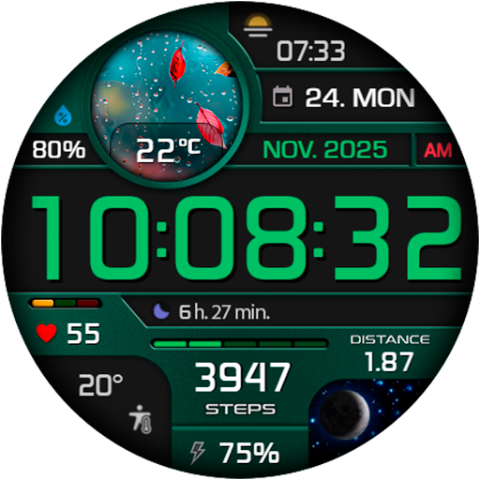
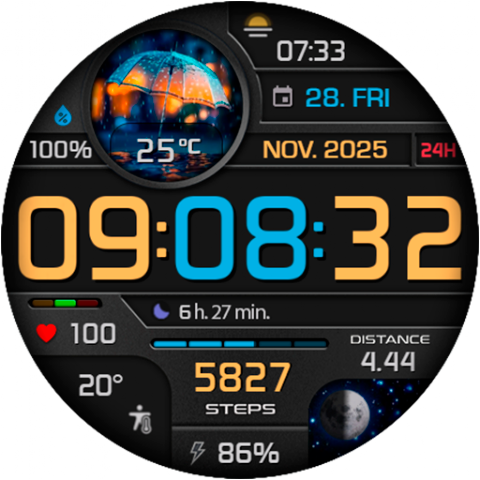
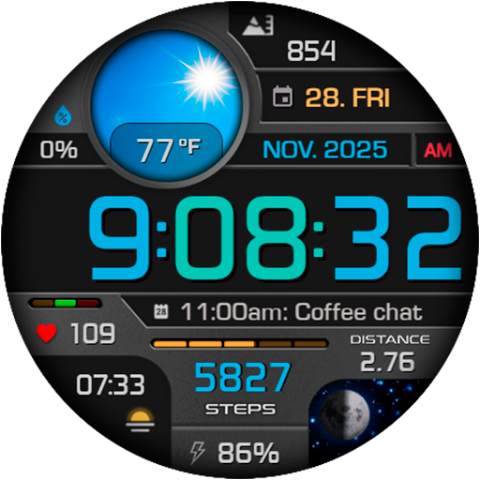
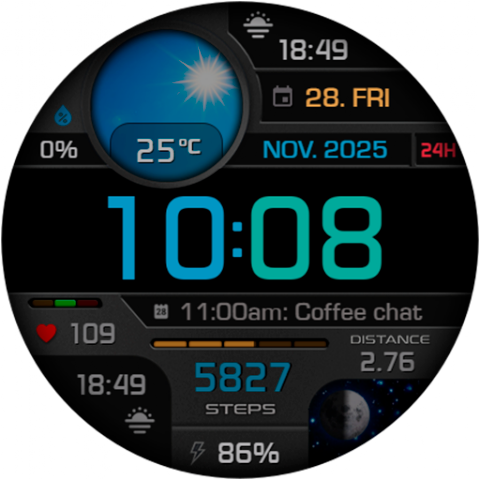
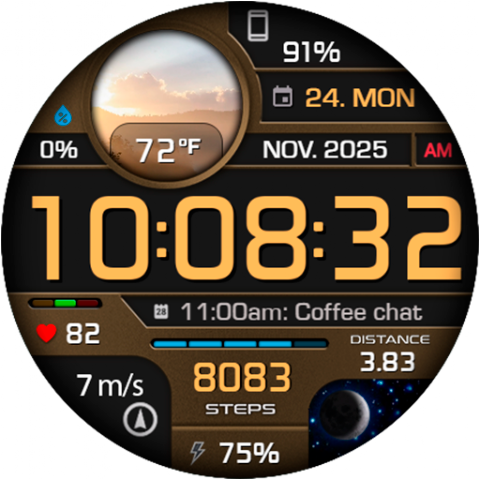
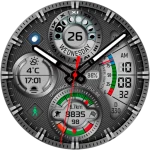
The CFS140 Fusion Display is a watch face designed specifically for Wear OS devices. This watch face features a digital time display that you can set in a 12/24 hour format, depending on your phone settings. You also have the option to disable the leading zero in the hour, making it simpler to read.
In addition to the time, the watch face shows useful information such as the date and weather details. You can check the chance of precipitation, which helps you plan your day. The battery level indicator ensures you always know how much power your watch has left.
The CFS140 Fusion Display includes a step count tracker that helps you stay active. It can also measure distance in either kilometers or miles, depending on your preference in the watch settings. To help you better understand your activity, the watch uses a distance calculation formula, stating that 1 km equals 1312 steps, and 1 mile equals 2100 steps. Additionally, the heart rate monitor keeps track of your heart health, offering more insights into your fitness journey.
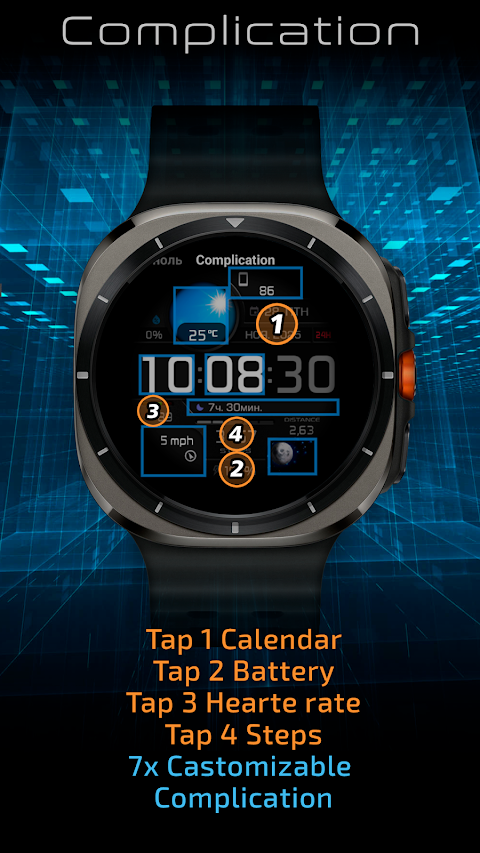
You can choose from multiple color schemes, making the watch face feel personalized. The complications customization feature allows you to add important information at a glance. With the custom shortcuts feature, you can quickly access your favorite apps or functions.
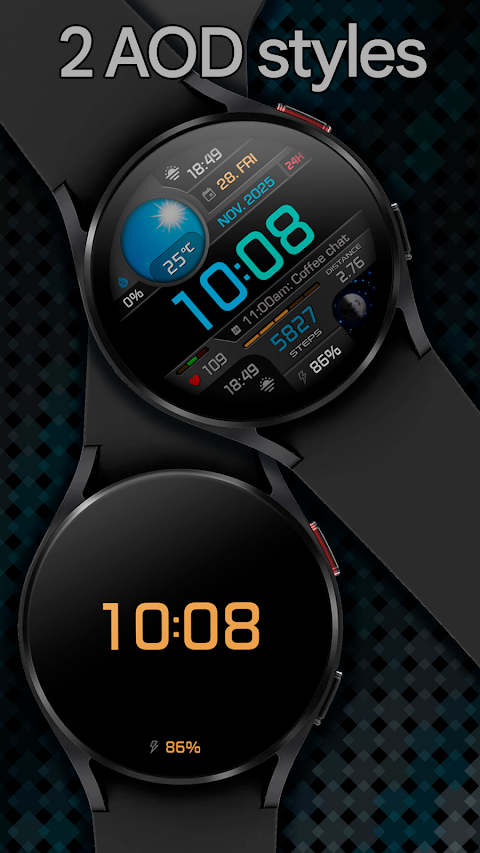
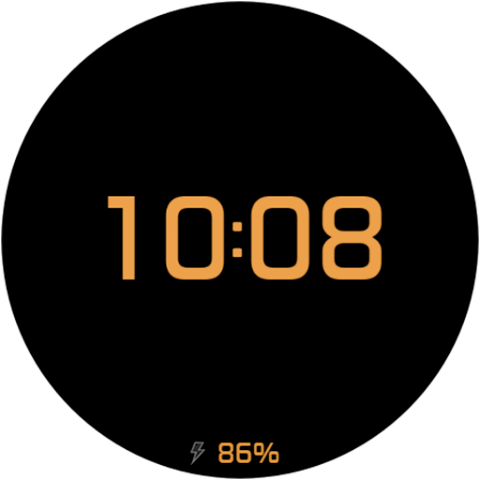
The CFS140 Fusion Display also offers different AOD (Always On Display) styles, with brightness levels adjustment available to suit different lighting conditions. However, keep in mind that the Samsung Wearable app has limitations when it comes to customizing complex watch faces. This may prevent some features from working correctly in the app. If this happens, it’s best to customize the watch face directly on the watch by simply touching and holding the display.
If you face any challenges while using the CFS140 Fusion Display, please don’t hesitate to reach out. We encourage you to contact us through our user feedback channel at seslihediyye@gmail.com rather than leaving a low rating. We are here to help and will do our best to assist you.
Thank you for choosing the CFS140 Fusion Display. Enjoy exploring its features and making it uniquely yours!
In addition to the time, the watch face shows useful information such as the date and weather details. You can check the chance of precipitation, which helps you plan your day. The battery level indicator ensures you always know how much power your watch has left.
The CFS140 Fusion Display includes a step count tracker that helps you stay active. It can also measure distance in either kilometers or miles, depending on your preference in the watch settings. To help you better understand your activity, the watch uses a distance calculation formula, stating that 1 km equals 1312 steps, and 1 mile equals 2100 steps. Additionally, the heart rate monitor keeps track of your heart health, offering more insights into your fitness journey.
You can choose from multiple color schemes, making the watch face feel personalized. The complications customization feature allows you to add important information at a glance. With the custom shortcuts feature, you can quickly access your favorite apps or functions.
The CFS140 Fusion Display also offers different AOD (Always On Display) styles, with brightness levels adjustment available to suit different lighting conditions. However, keep in mind that the Samsung Wearable app has limitations when it comes to customizing complex watch faces. This may prevent some features from working correctly in the app. If this happens, it’s best to customize the watch face directly on the watch by simply touching and holding the display.
If you face any challenges while using the CFS140 Fusion Display, please don’t hesitate to reach out. We encourage you to contact us through our user feedback channel at seslihediyye@gmail.com rather than leaving a low rating. We are here to help and will do our best to assist you.
Thank you for choosing the CFS140 Fusion Display. Enjoy exploring its features and making it uniquely yours!
CFS109 Luxury Watch Face
CFS Creative Face Studio
$1.99
$1.00

Warak Green – Icon Pack
Panoto Gomo
$0.99
$0.49

Garis Dark – Lines Icon Pack
GomoTheGom
$1.49
$0.49