
$1.99
$1.00
50% Off
CELEST3010 Retro Digital Watch
CELEST Watches

About the App
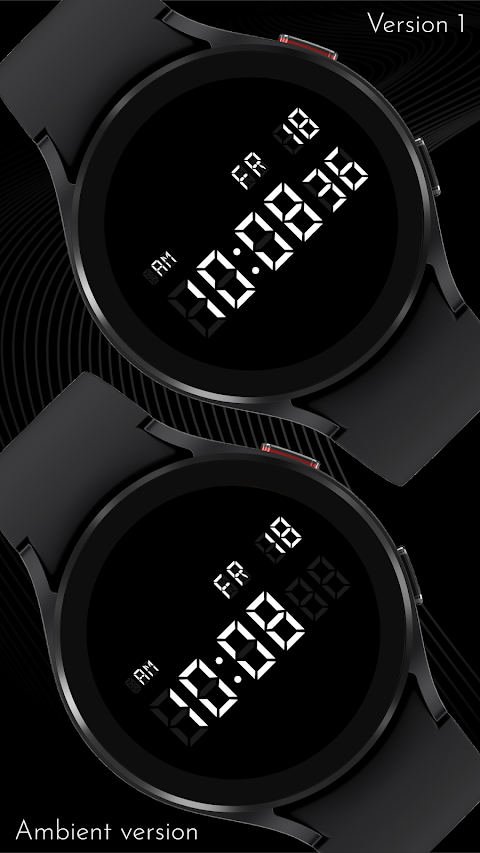
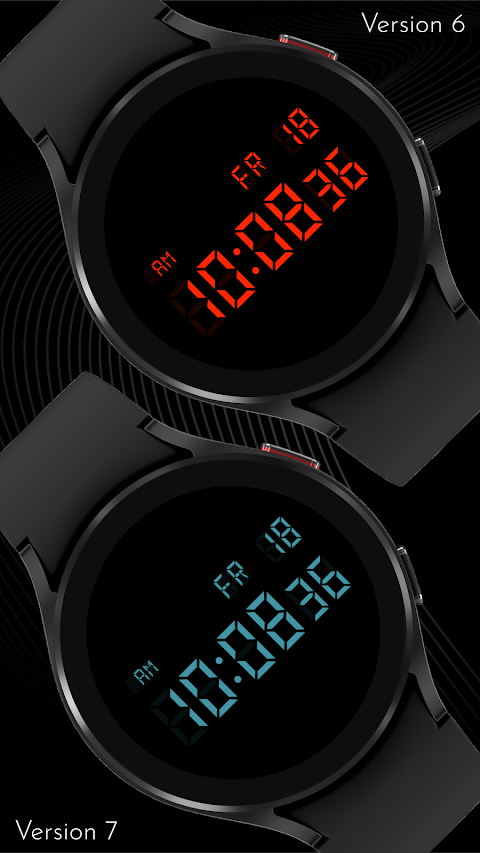
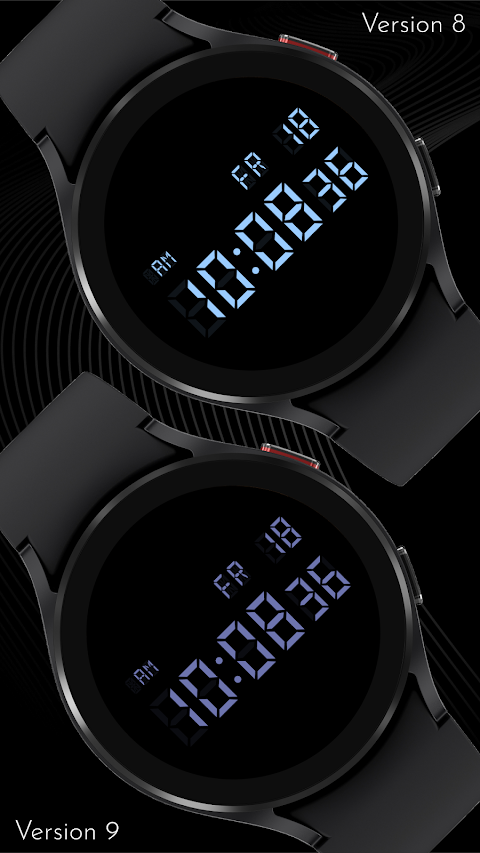
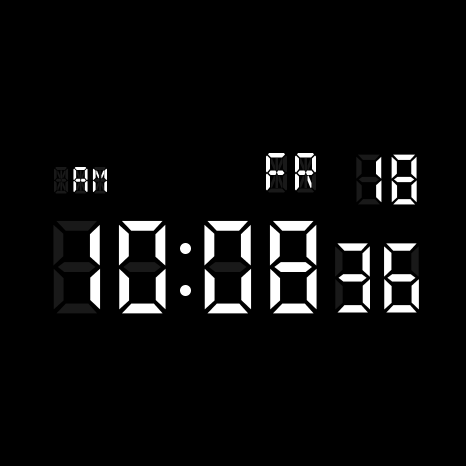
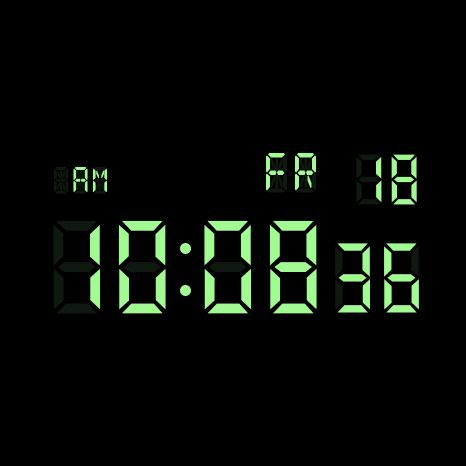
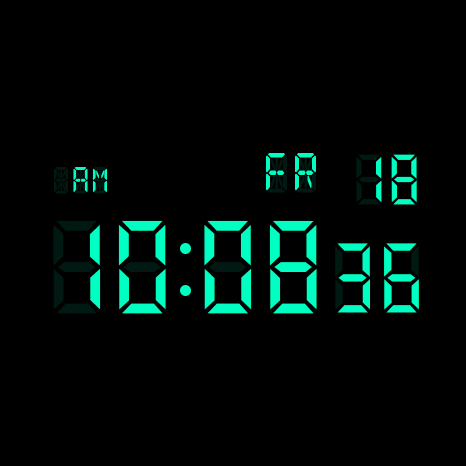
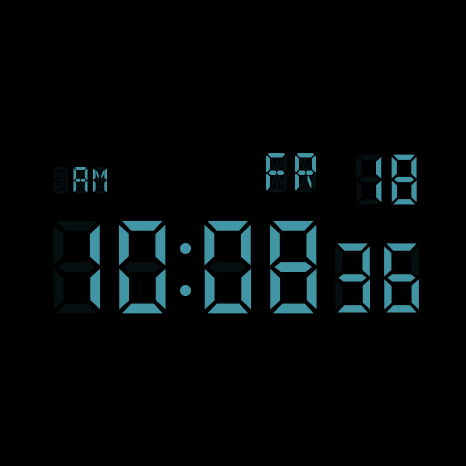
The CELEST3010 Retro Digital Watch is a unique timepiece designed for those who appreciate classic digital styles. This retro digital watch features a display that mimics an actual LCD screen. It not only shows lit segments but also faintly highlights the unlit ones, giving it a true hardware feel instead of just looking like a font.
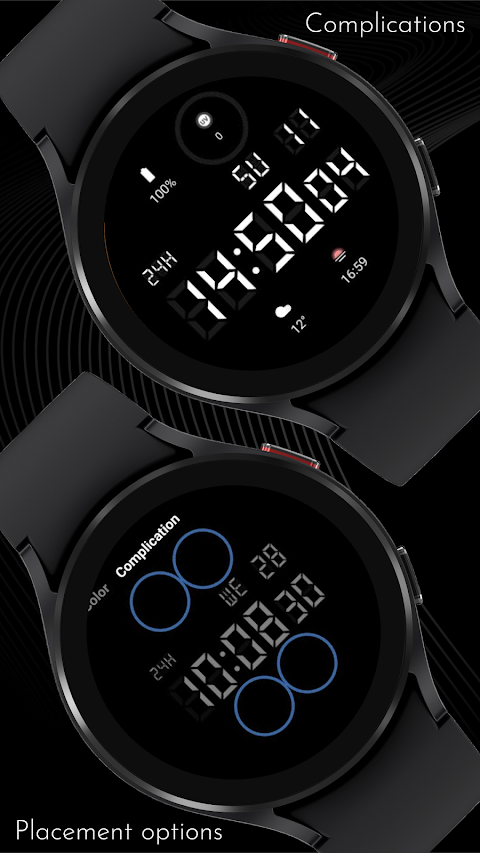
At the center of the watch, you'll see large, clear seven-segment numerals that make reading the time easy. To the left, there's an AM/PM indicator, while the weekday and date appear to the right in matching segment style. The watch has a pure black background that works well with OLED screens, ensuring the segments remain sharp and easy to read.
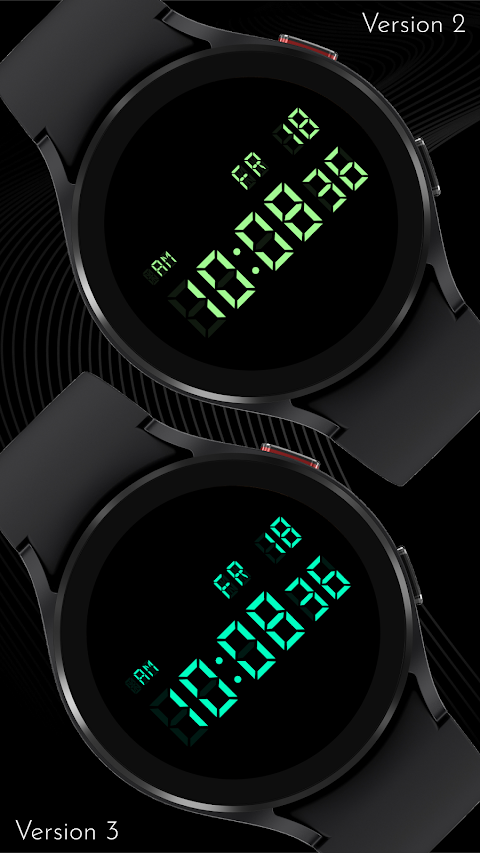
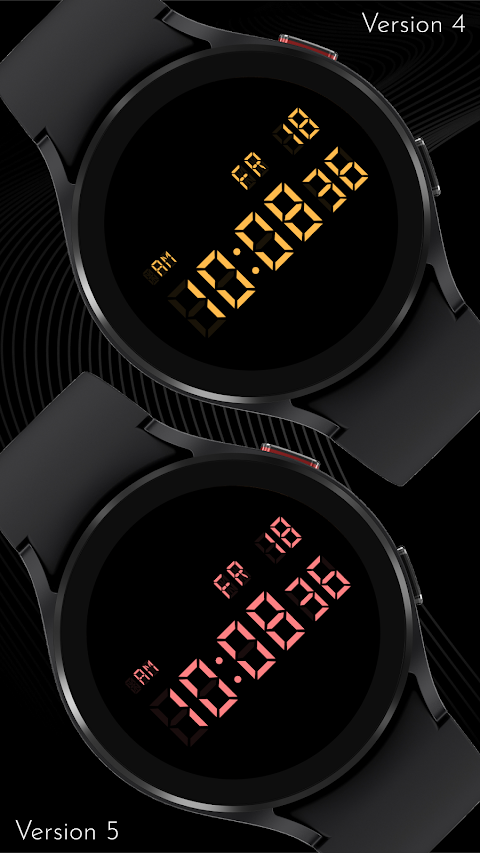
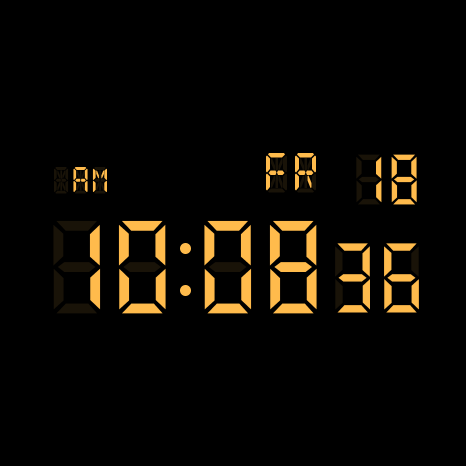
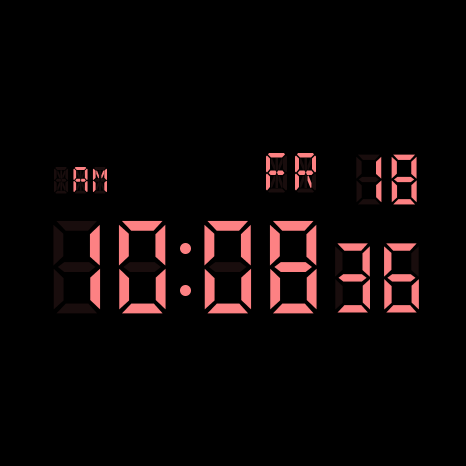
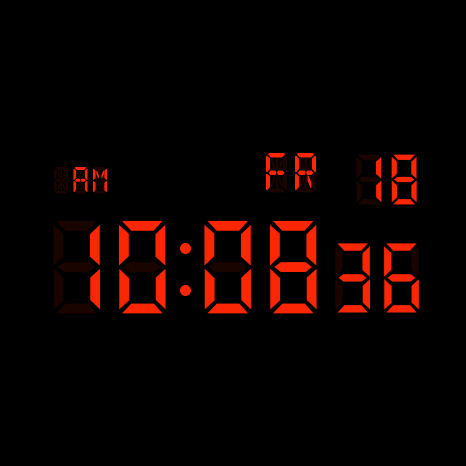
Customization is a key feature of the CELEST3010 Retro Digital Watch. You can choose from nine color customization options to set your display to your liking. Additionally, the watch includes four complication slots. These slots can be used for heart rate monitoring, steps tracking, weather complications, or whatever else you want to keep an eye on.
The CELEST3010 is compatible with a variety of devices. Whether you have a Google Pixel Watch, Samsung Galaxy Watch, OnePlus Watch, Oppo Watch, or Xiaomi Watch, it works seamlessly with these models. It's also designed to be compatible with Wear OS, so if you are using HUAWEI or Apple Watch faces, the CELEST3010 fits right in.
If you're not sure how to install the watch, don’t worry! There’s a user installation guide available to help you out. You can select your watch model easily when installing, either from your phone or directly from your watch's Play Store app. After installation, if your watch face displays weather data, be aware that it might take some time to update. If you face any issues, switching to another watch face and then back again, or restarting your watch and phone, often helps with the recovery of weather data.
For those seeking support, the CELEST team is here to help. You can reach out via email for any troubleshooting or installation issues. We also encourage you to join our support community for the latest news and updates. Don’t forget to follow @celestwatches on Instagram and subscribe to our newsletter to stay informed about promotion offers and new releases.
With the CELEST3010 Retro Digital Watch, you get not just a watch, but a customizable companion that brings a retro touch to modern technology. Whether you’re checking the time, monitoring your heart rate, or keeping track of the weather, this watch does it all while looking great on your wrist.
At the center of the watch, you'll see large, clear seven-segment numerals that make reading the time easy. To the left, there's an AM/PM indicator, while the weekday and date appear to the right in matching segment style. The watch has a pure black background that works well with OLED screens, ensuring the segments remain sharp and easy to read.
Customization is a key feature of the CELEST3010 Retro Digital Watch. You can choose from nine color customization options to set your display to your liking. Additionally, the watch includes four complication slots. These slots can be used for heart rate monitoring, steps tracking, weather complications, or whatever else you want to keep an eye on.
The CELEST3010 is compatible with a variety of devices. Whether you have a Google Pixel Watch, Samsung Galaxy Watch, OnePlus Watch, Oppo Watch, or Xiaomi Watch, it works seamlessly with these models. It's also designed to be compatible with Wear OS, so if you are using HUAWEI or Apple Watch faces, the CELEST3010 fits right in.
If you're not sure how to install the watch, don’t worry! There’s a user installation guide available to help you out. You can select your watch model easily when installing, either from your phone or directly from your watch's Play Store app. After installation, if your watch face displays weather data, be aware that it might take some time to update. If you face any issues, switching to another watch face and then back again, or restarting your watch and phone, often helps with the recovery of weather data.
For those seeking support, the CELEST team is here to help. You can reach out via email for any troubleshooting or installation issues. We also encourage you to join our support community for the latest news and updates. Don’t forget to follow @celestwatches on Instagram and subscribe to our newsletter to stay informed about promotion offers and new releases.
With the CELEST3010 Retro Digital Watch, you get not just a watch, but a customizable companion that brings a retro touch to modern technology. Whether you’re checking the time, monitoring your heart rate, or keeping track of the weather, this watch does it all while looking great on your wrist.
W6 Field Watch Face Wear OS 5+
OQ Watchfaces
$1.09
$0.39
Metric Pro: Watch Face Wear OS
Asup Assistant Dev
$1.49
$0.75
Flat Watch Face
RADEFFFACTORY
$1.49
$0.75