

$1.49
$0.75
50% Off
Metric Pro: Watch Face Wear OS
Asup Assistant Dev



About the App
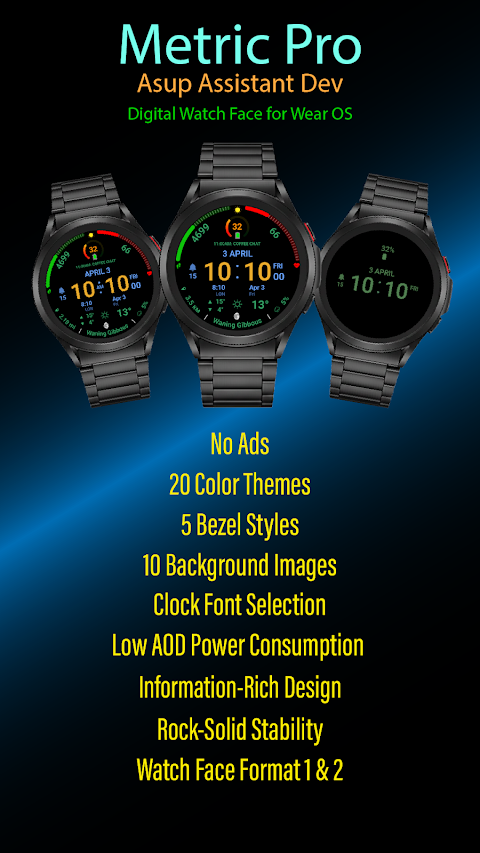
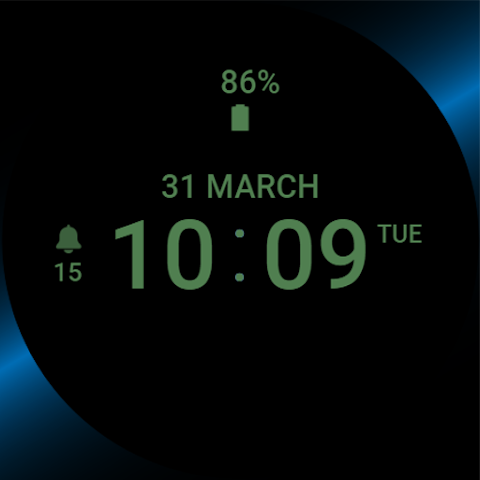
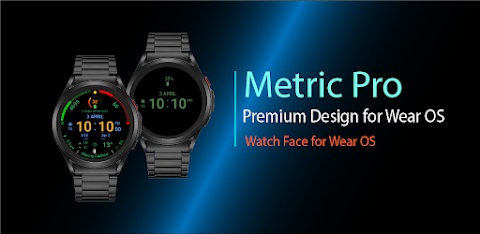
Metric Pro: Watch Face Wear OS is a premium watch face created by ASUP Assistant Dev. This app combines modern elegance with powerful functionality, perfect for anyone who appreciates good design and wants to track various metrics right from their wrist.
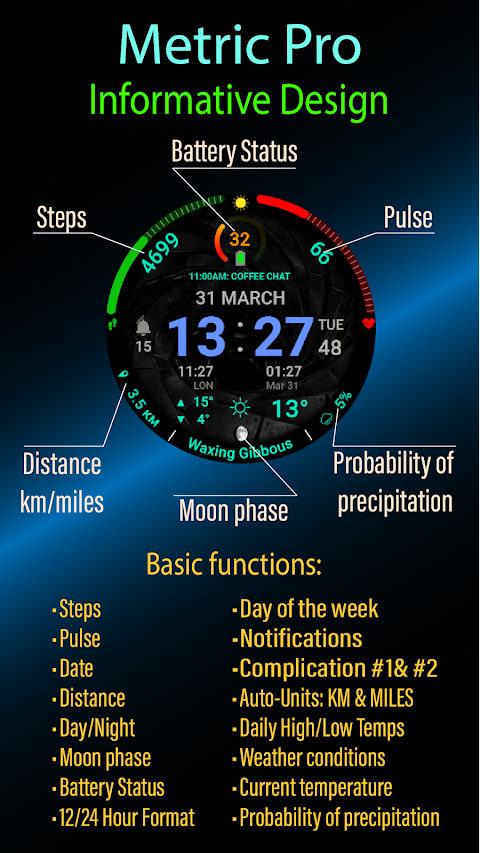
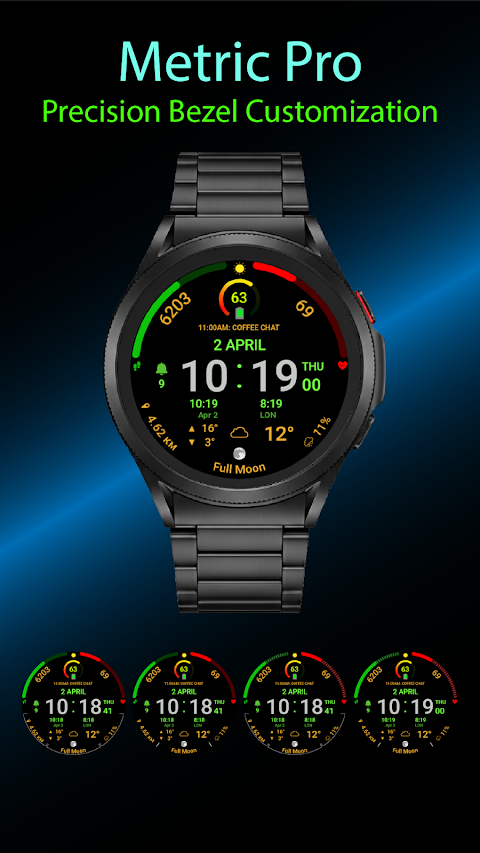
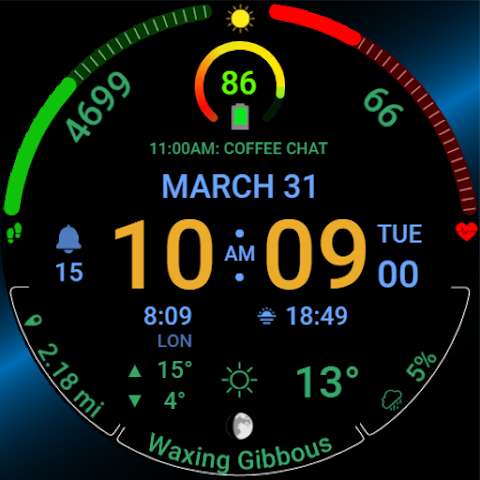
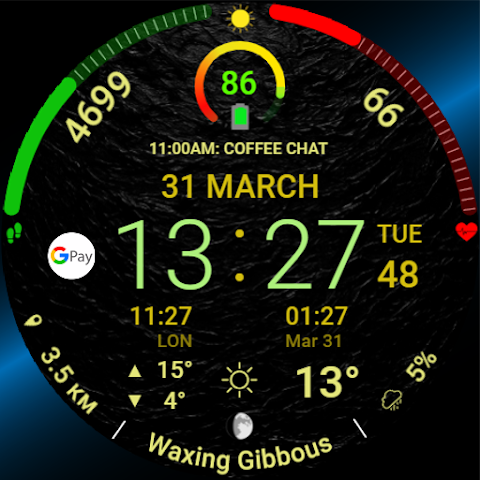
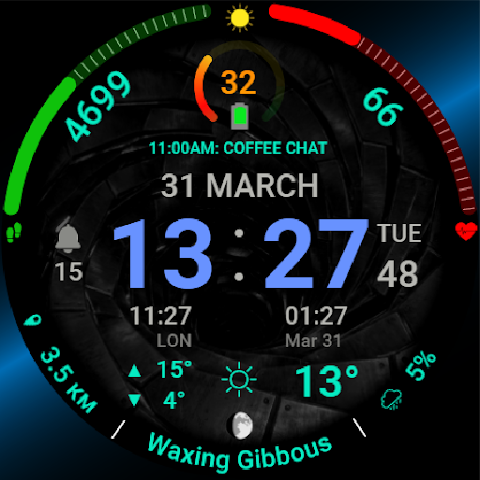
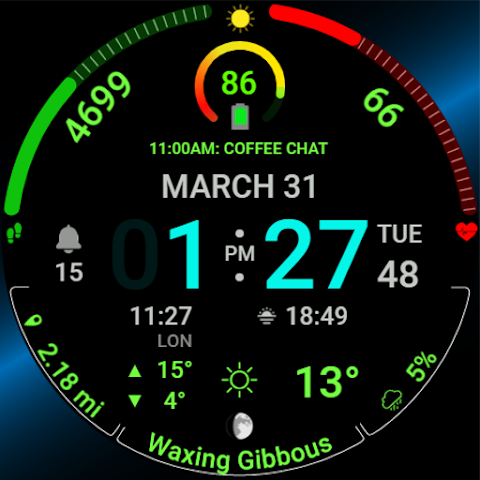
Metric Pro stands out because of its **Smart Distance Units**, which automatically switch between miles and kilometers based on your location. This feature makes it easy to stay informed whether you’re at home or traveling. The design is sleek and features **AMOLED Screen Optimization**, ensuring that your watch looks stunning and easy to read.
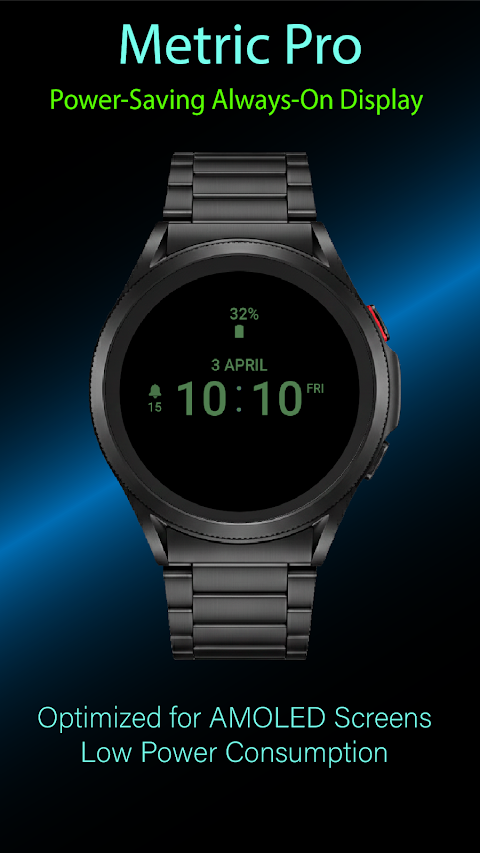
One of the key highlights of Metric Pro is its **Battery Efficient Design**. The app supports a **Full Always-on Display**, allowing you to see your watch face at all times without draining your battery quickly. For those interested in health and fitness, Metric Pro is designed with **Real-Time Heart Rate Monitoring**, along with **Step Tracking** and **Daily Activity Goals** to help you keep track of your fitness journey.
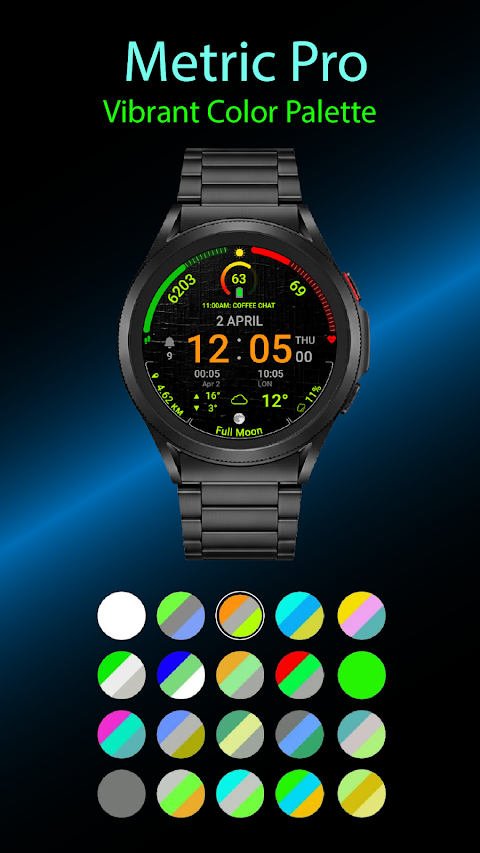
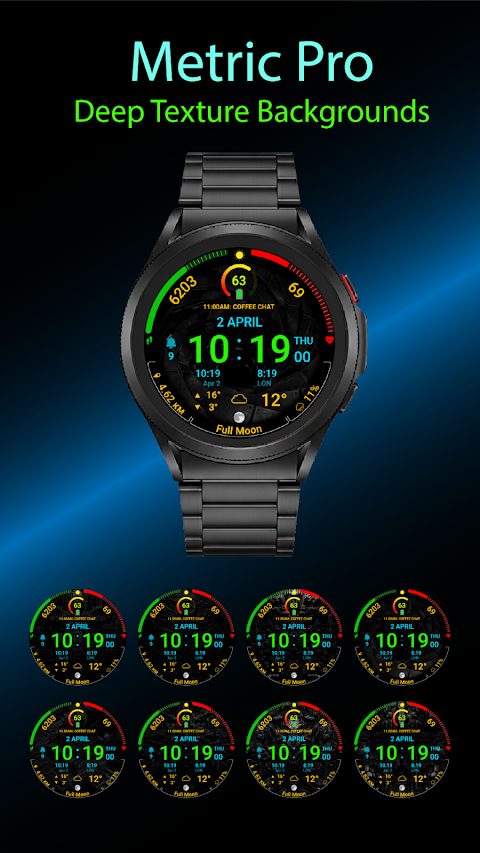
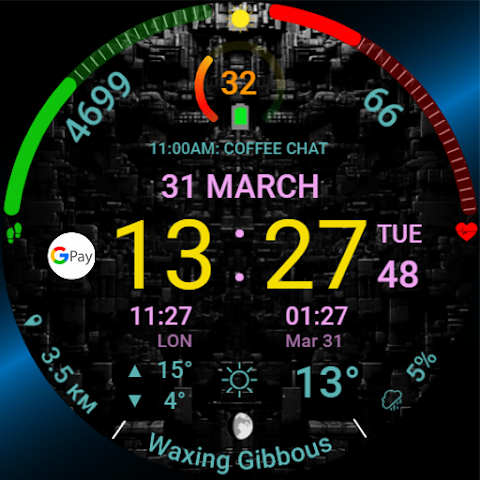
When it comes to customization, Metric Pro offers various features. It is built with **Google Standards Compatibility** to ensure it works well with the latest versions. Specifically, it supports **Wear OS 4** and **Wear OS 5**. Users can enjoy **Color Themes Customization** with 20 different color options and **Watch Face Styles Variability**, featuring 8 different styles to match your personal look.
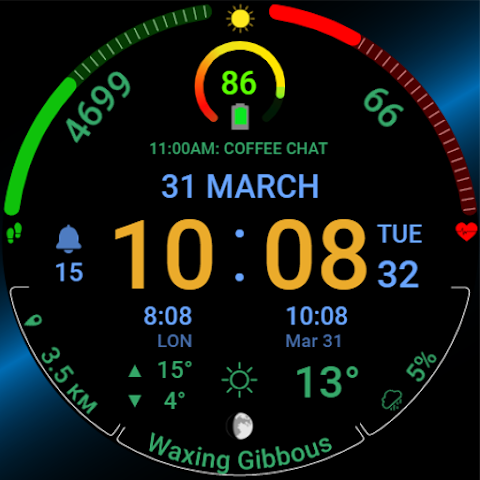
The **Information-Rich Design** of Metric Pro is another great feature. It displays useful information such as the **Moon Phases Display**, the **Probability of Precipitation**, and **Temperature Display**, all in one glance. Moreover, there are **Custom Complications Slots** allowing for **Widgets Integration** and **App Shortcuts Support**, so you can easily access your favorite apps directly from your watch.
Stability is key for any watch face app, and Metric Pro offers **Optimized Code Stability**, ensuring a smooth experience every time you check your watch. This watch face is compatible with all **Wear OS Devices**, including the **Galaxy Watch 4**, **Galaxy Watch 5**, **Galaxy Watch 6**, **Galaxy Watch 7**, and **Pixel Watch**, meaning no matter which smartwatch you have, you can enjoy the features of Metric Pro.
The app also boasts **High-Resolution Graphics** to provide **Crisp Visuals for Any Screen**, making it visually appealing on any device size. Setting up Metric Pro is simple, and it includes detailed **Installation Steps for Watch Face** so you can easily get started.
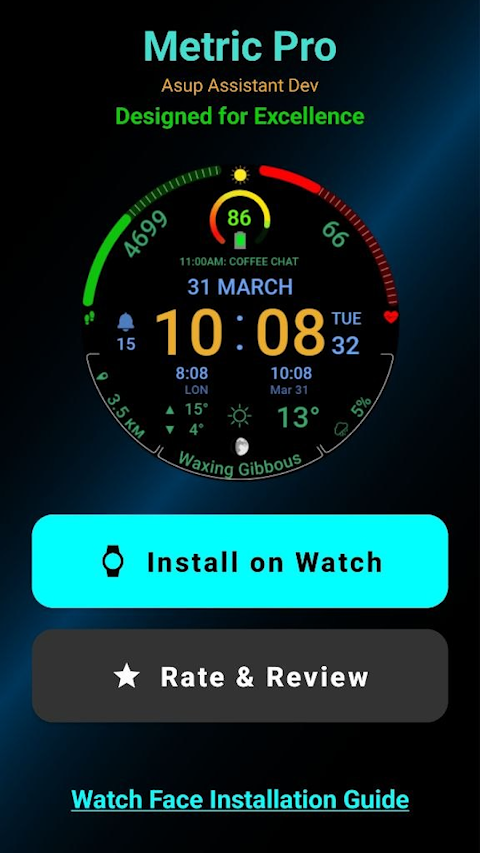
To install Metric Pro, connect your watch to your phone via Bluetooth. Open the Metric Pro app on your phone and tap "Install on Watch." Wait for the installation to finish, then long-press on your watch screen and select Metric Pro from the list.
Finally, remember that your feedback is crucial for improving the app over time. Enjoy customizing your watch face and making it truly "Pro" with Metric Pro by ASUP Assistant Dev!
Metric Pro stands out because of its **Smart Distance Units**, which automatically switch between miles and kilometers based on your location. This feature makes it easy to stay informed whether you’re at home or traveling. The design is sleek and features **AMOLED Screen Optimization**, ensuring that your watch looks stunning and easy to read.
One of the key highlights of Metric Pro is its **Battery Efficient Design**. The app supports a **Full Always-on Display**, allowing you to see your watch face at all times without draining your battery quickly. For those interested in health and fitness, Metric Pro is designed with **Real-Time Heart Rate Monitoring**, along with **Step Tracking** and **Daily Activity Goals** to help you keep track of your fitness journey.
When it comes to customization, Metric Pro offers various features. It is built with **Google Standards Compatibility** to ensure it works well with the latest versions. Specifically, it supports **Wear OS 4** and **Wear OS 5**. Users can enjoy **Color Themes Customization** with 20 different color options and **Watch Face Styles Variability**, featuring 8 different styles to match your personal look.
The **Information-Rich Design** of Metric Pro is another great feature. It displays useful information such as the **Moon Phases Display**, the **Probability of Precipitation**, and **Temperature Display**, all in one glance. Moreover, there are **Custom Complications Slots** allowing for **Widgets Integration** and **App Shortcuts Support**, so you can easily access your favorite apps directly from your watch.
Stability is key for any watch face app, and Metric Pro offers **Optimized Code Stability**, ensuring a smooth experience every time you check your watch. This watch face is compatible with all **Wear OS Devices**, including the **Galaxy Watch 4**, **Galaxy Watch 5**, **Galaxy Watch 6**, **Galaxy Watch 7**, and **Pixel Watch**, meaning no matter which smartwatch you have, you can enjoy the features of Metric Pro.
The app also boasts **High-Resolution Graphics** to provide **Crisp Visuals for Any Screen**, making it visually appealing on any device size. Setting up Metric Pro is simple, and it includes detailed **Installation Steps for Watch Face** so you can easily get started.
To install Metric Pro, connect your watch to your phone via Bluetooth. Open the Metric Pro app on your phone and tap "Install on Watch." Wait for the installation to finish, then long-press on your watch screen and select Metric Pro from the list.
Finally, remember that your feedback is crucial for improving the app over time. Enjoy customizing your watch face and making it truly "Pro" with Metric Pro by ASUP Assistant Dev!
UrbanSync Watch Face
RichFace
$1.49
FREE
Analog Rolex JUST Watch Face
Tag Place Rolex To Watch
$1.99
$1.00

mochi ikons
FlawedKoncepts
$2.99
$1.50