
$2.99
$1.50
50% Off
Castro Premium – system info
Pavlo Rekun



About the App
Castro Premium is a powerful tool that provides a wide range of information about your device. It helps you monitor its status, allowing you to check performance in real-time. This app is designed for anyone who wants to understand their device better and keep track of its activities easily.
With Castro, you can access a large collection of information. It shows detailed CPU statistics and GPU statistics, which are crucial for understanding how your device works. You can also use the battery monitoring tool to keep an eye on your battery’s health and performance.
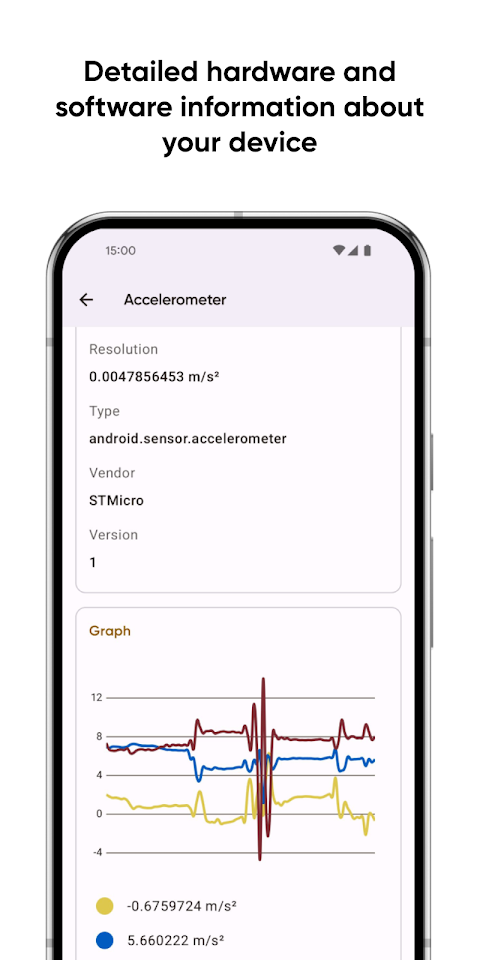
Castro tracks memory consumption, helping you see how much memory your device is using. Additionally, you can view Wi-Fi data usage and mobile data usage to monitor your network activity. The app provides real-time sensors data with graphical data display, making it simple to visualize what’s happening in your device.
You will also find detailed device camera information, which can be helpful if you’re interested in photography. The app includes an audio codecs list and a video codecs list to inform you about the available media formats. For those concerned about their device’s health, Castro offers device temperature monitoring to keep everything running smoothly. It even has features like DRM support and Bluetooth monitoring.
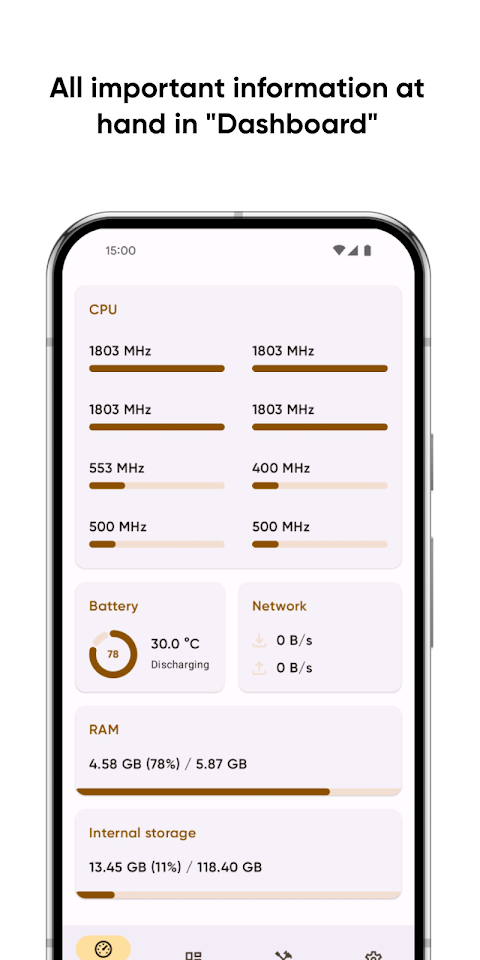
If you prefer a simpler view, the user-friendly Dashboard collects the most important information in one place. You can quickly check CPU usage tracking, battery status, network usage monitoring, and memory load monitoring right from the Dashboard.
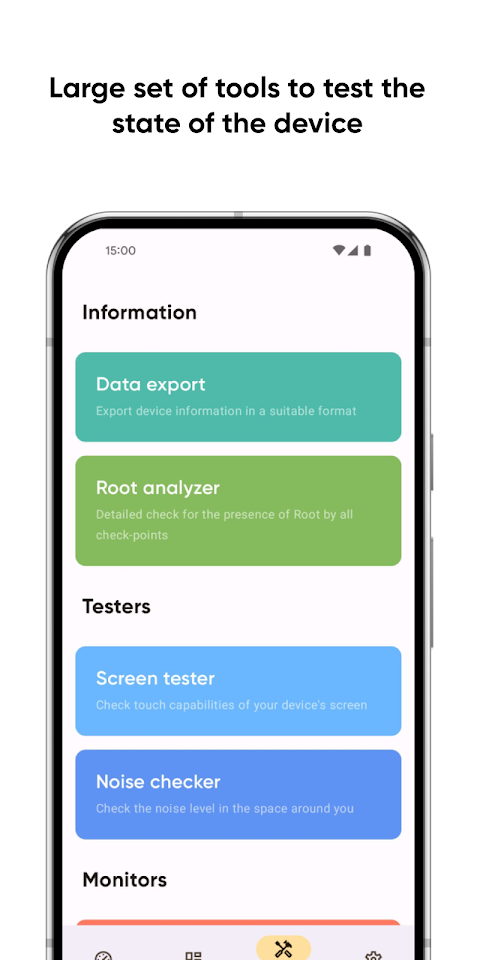
Castro also provides useful tools for more control. You can easily share your device information using the device information export feature. Want to test how your screen looks? The screen testing tool allows you to do just that. You can also check the noise around you with the noise checker tool.
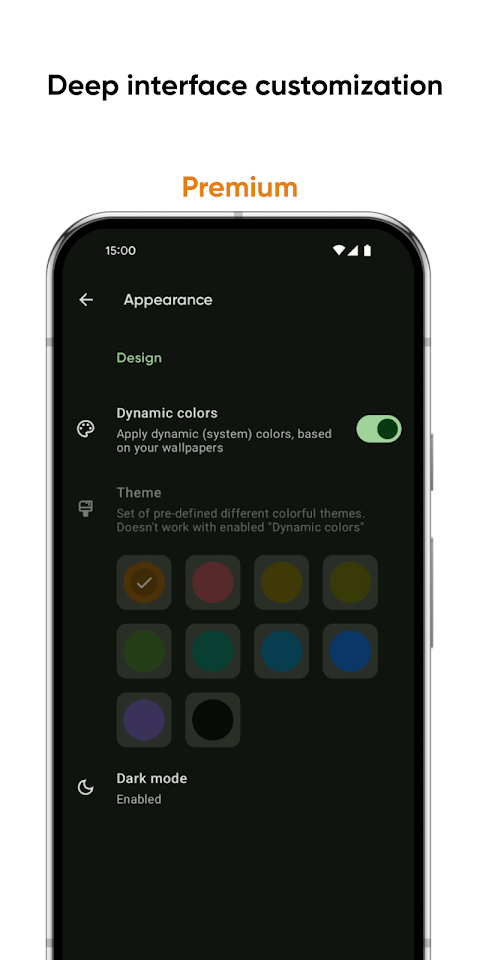
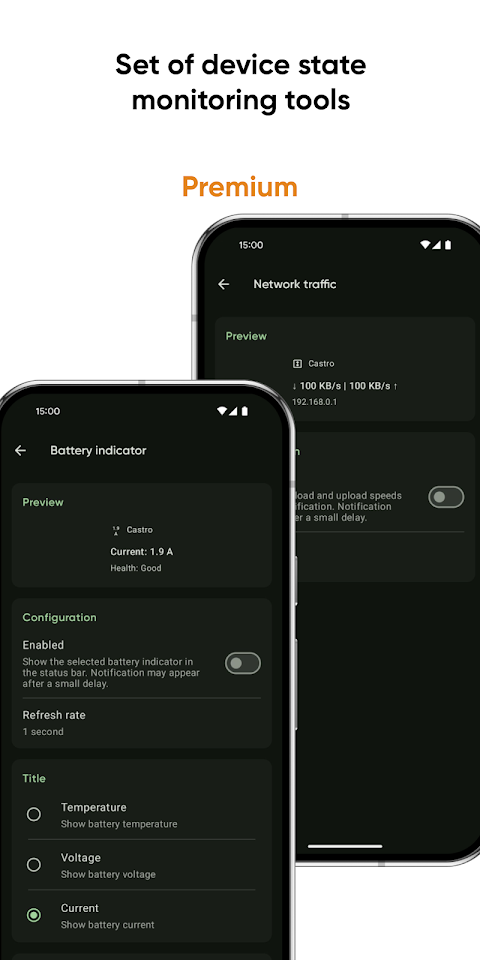
For those who want to explore even more features, becoming a Premium user unlocks additional benefits. You’ll access deep interface customization, giving you various color and theme options to make the app feel personal. The battery monitoring tool becomes even more powerful, helping you track battery properties in detail.
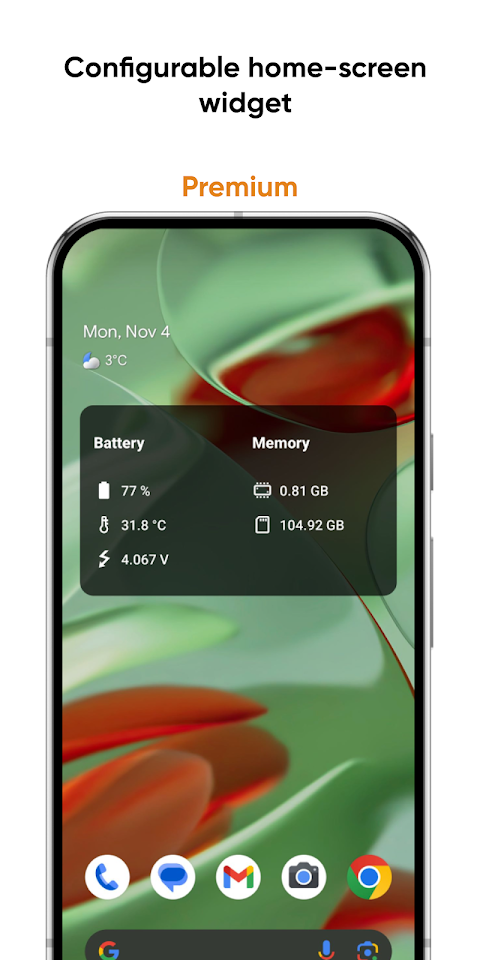
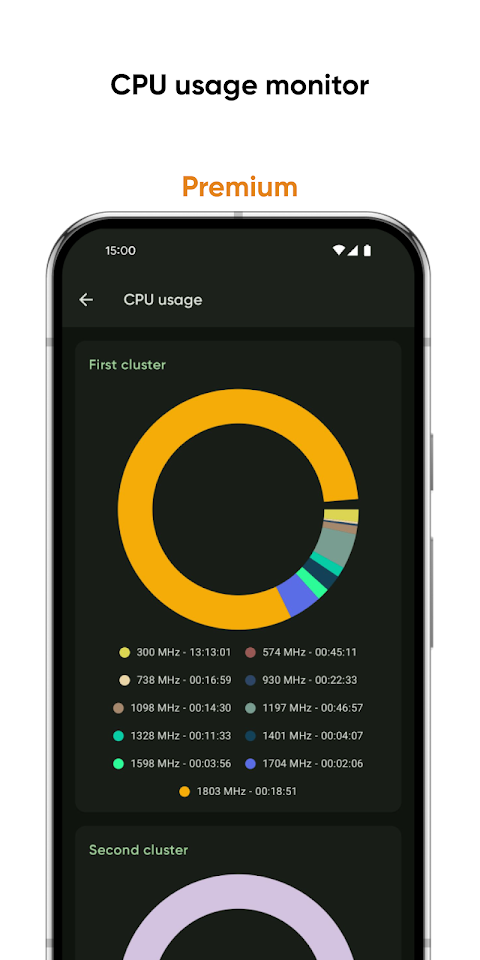
You can create a configurable home-screen widget that displays information about your battery, memory, and more, right on your device’s home screen. Castro also allows network traffic speed monitoring to keep track of your connection speed. The CPU usage monitor helps you stay updated on frequency usage, ensuring efficient performance.
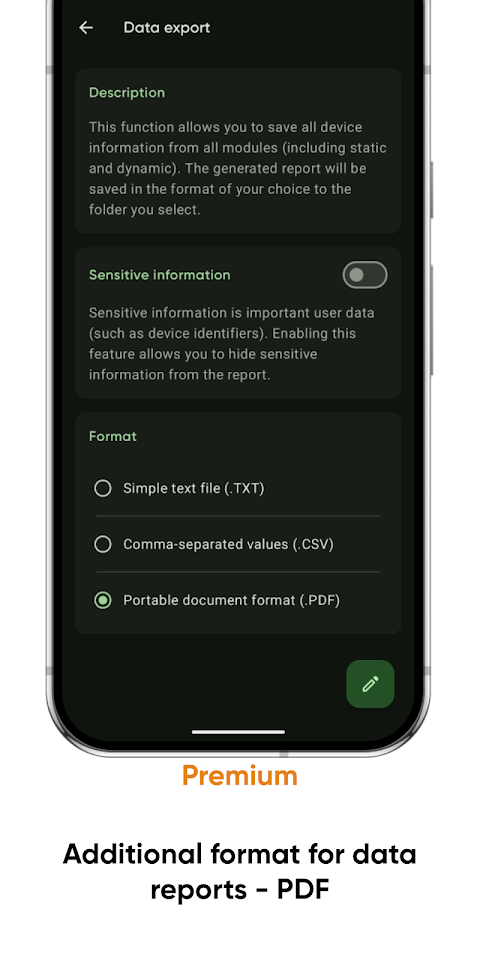
If you need to export information, Castro offers a PDF data export format, allowing you to save and share important details.
For additional support, the app provides user FAQs where you can find answers to common questions. Those interested in contributing can help with localization assistance for Castro, fostering a community around the app.
Overall, Castro Premium is an excellent choice for anyone looking to gain detailed device analytics and control their device’s performance effortlessly. It's simple, effective, and designed for everyone who wants to keep their device running at its best.
With Castro, you can access a large collection of information. It shows detailed CPU statistics and GPU statistics, which are crucial for understanding how your device works. You can also use the battery monitoring tool to keep an eye on your battery’s health and performance.
Castro tracks memory consumption, helping you see how much memory your device is using. Additionally, you can view Wi-Fi data usage and mobile data usage to monitor your network activity. The app provides real-time sensors data with graphical data display, making it simple to visualize what’s happening in your device.
You will also find detailed device camera information, which can be helpful if you’re interested in photography. The app includes an audio codecs list and a video codecs list to inform you about the available media formats. For those concerned about their device’s health, Castro offers device temperature monitoring to keep everything running smoothly. It even has features like DRM support and Bluetooth monitoring.
If you prefer a simpler view, the user-friendly Dashboard collects the most important information in one place. You can quickly check CPU usage tracking, battery status, network usage monitoring, and memory load monitoring right from the Dashboard.
Castro also provides useful tools for more control. You can easily share your device information using the device information export feature. Want to test how your screen looks? The screen testing tool allows you to do just that. You can also check the noise around you with the noise checker tool.
For those who want to explore even more features, becoming a Premium user unlocks additional benefits. You’ll access deep interface customization, giving you various color and theme options to make the app feel personal. The battery monitoring tool becomes even more powerful, helping you track battery properties in detail.
You can create a configurable home-screen widget that displays information about your battery, memory, and more, right on your device’s home screen. Castro also allows network traffic speed monitoring to keep track of your connection speed. The CPU usage monitor helps you stay updated on frequency usage, ensuring efficient performance.
If you need to export information, Castro offers a PDF data export format, allowing you to save and share important details.
For additional support, the app provides user FAQs where you can find answers to common questions. Those interested in contributing can help with localization assistance for Castro, fostering a community around the app.
Overall, Castro Premium is an excellent choice for anyone looking to gain detailed device analytics and control their device’s performance effortlessly. It's simple, effective, and designed for everyone who wants to keep their device running at its best.
HTTP FS PRO File WebDAV Server
Tiar Apps
$8.99
$6.29
FV File Pro
FolderV
$9.99
$6.99

TA Rail
29Tech.co
$5.99
$3.09