
$1.49
$1.09
27% Off
Butterflies and Flowers
Bloomfield Watchfaces

About the App
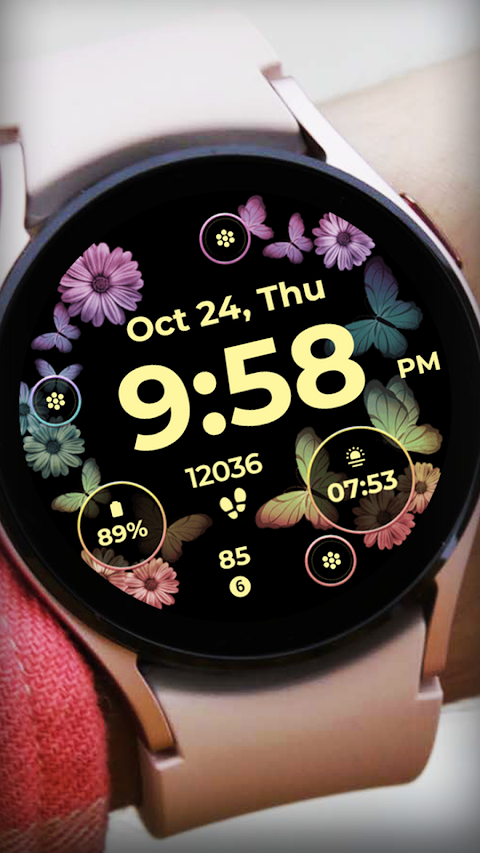
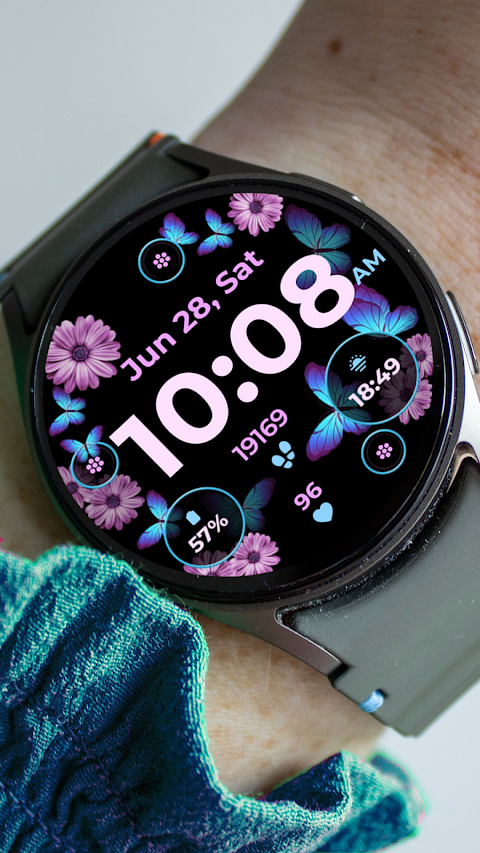
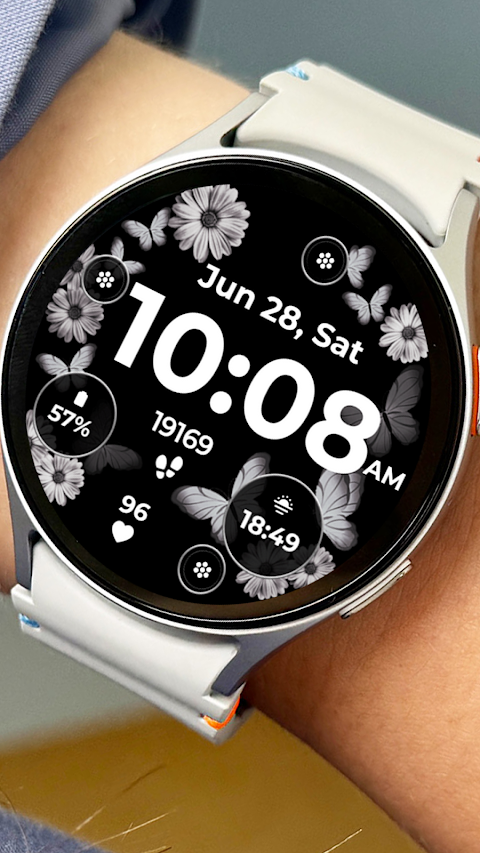
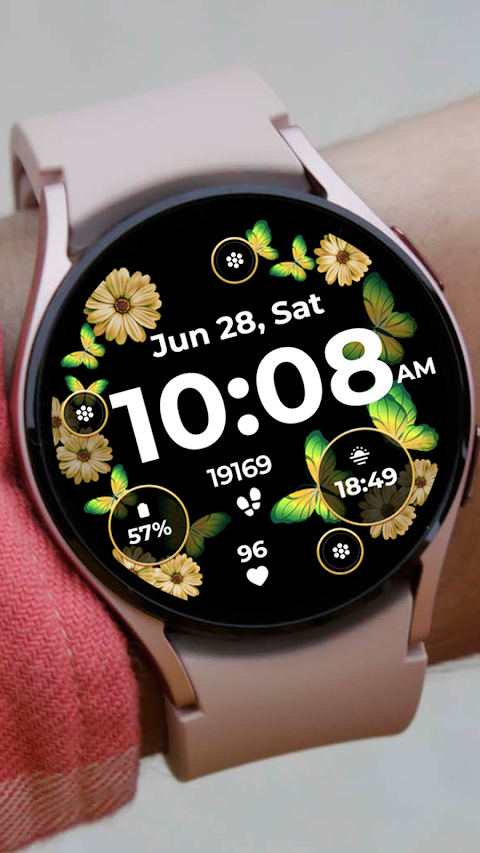
Butterflies and Flowers is a beautifully designed app for customizing watchfaces on compatible devices like the Samsung Galaxy Watch 4. With this app, users can enjoy a digital clock display along with the date and day of the week, making it not only stylish but also practical.
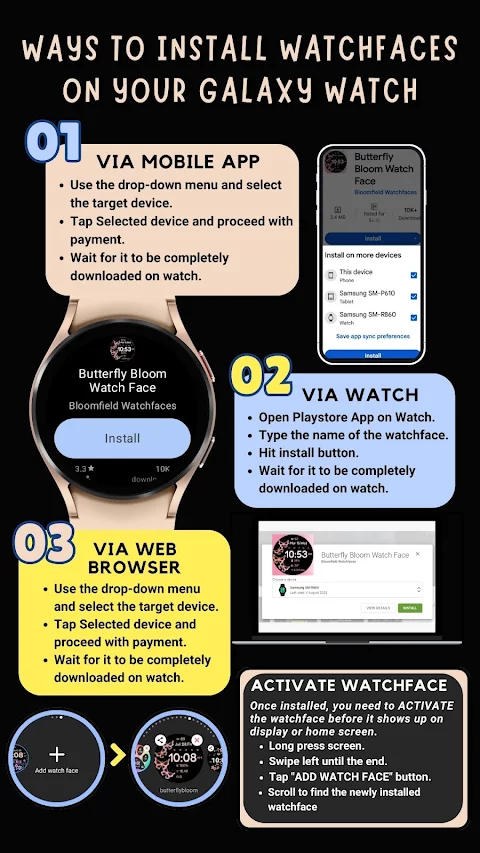
Installing your new watchfaces is a straightforward process. First, make sure your watch is strongly connected to your phone using the same Wi-Fi. It's also important to complete the Google account setup on your watch to ensure a seamless watch connection. As the watchface downloads, you will see a download icon notification on the screen. After waiting a few minutes for the watch face transfer, check your watch for a notification confirming the successful transfer.
If you don’t receive a notification, simply go to the Playstore on your watch. Type “Butterflies and Flowers” into the search box, and you’ll find the watchface available for installation. Just hit the install button to complete the process.
It's worth noting that watchfaces don’t automatically change after installation. To add your new watchface, go back to the home display. Tap and hold the display, swipe to the end, and then tap the plus sign (+) to add the watchface. You can use the bezel rotation feature to navigate through the different options and find the watchface you want to use.
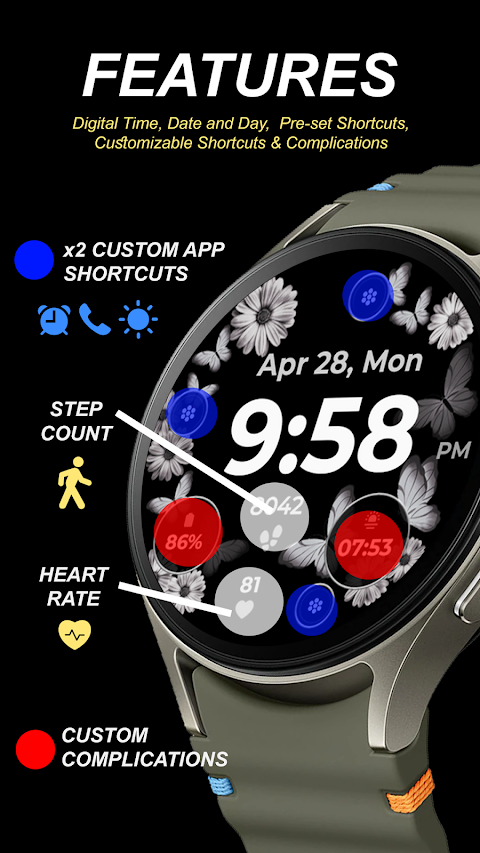
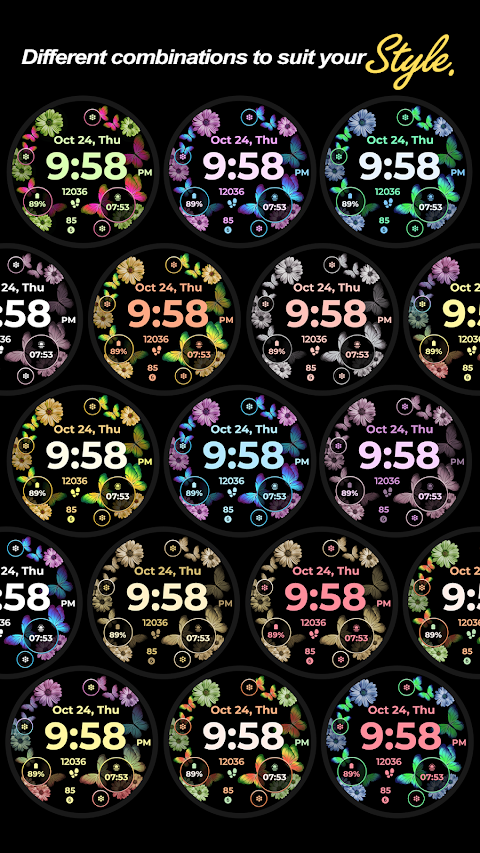
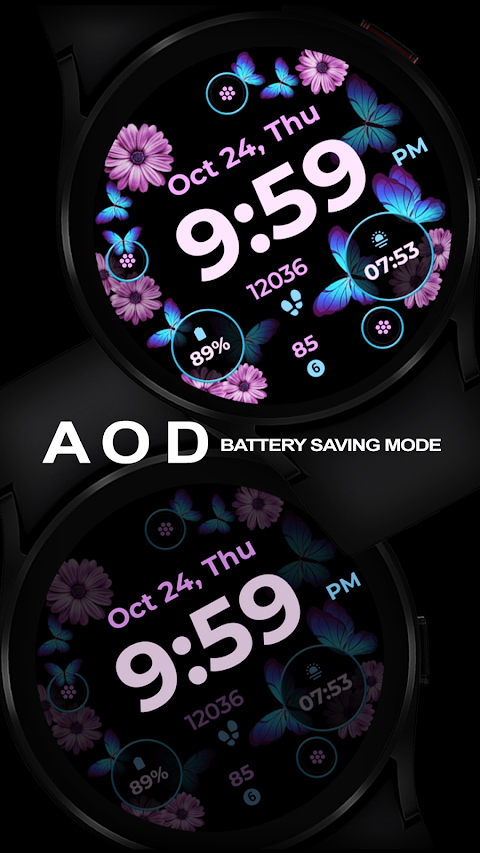
This application allows for extensive watch face customization. Users can benefit from features like an always-on display to keep the time visible at all times. Additionally, you’ll find preset app shortcuts for easy access to your favorite applications. For more personalization, you can choose changeable styles and a color palette that suits your taste. Custom app shortcuts and complications can also be added, making this app highly functional.
The Butterflies and Flowers watch face was developed using Samsung's "Watch Face Studio" tool, ensuring compatibility with devices running Wear OS Google and One UI Samsung. However, keep in mind that some features may not be available on all watches, so device compatibility is important.
For a smooth experience, remember to manage your application permissions by allowing or enabling them in your settings. Also, please be aware of the refund policy: refunds are only allowed within 24 hours of purchase.
For additional guidance on the installation process, check out the installation tutorial video linked in the app description. Explore the full collection of watchfaces created by Bloomfield Watchfaces by visiting the store link.
If you have any questions, feel free to contact us at bloomfieldwatchfaces@gmail.com, or connect with us on our Facebook page. Enjoy personalizing your watch with Butterflies and Flowers!
Installing your new watchfaces is a straightforward process. First, make sure your watch is strongly connected to your phone using the same Wi-Fi. It's also important to complete the Google account setup on your watch to ensure a seamless watch connection. As the watchface downloads, you will see a download icon notification on the screen. After waiting a few minutes for the watch face transfer, check your watch for a notification confirming the successful transfer.
If you don’t receive a notification, simply go to the Playstore on your watch. Type “Butterflies and Flowers” into the search box, and you’ll find the watchface available for installation. Just hit the install button to complete the process.
It's worth noting that watchfaces don’t automatically change after installation. To add your new watchface, go back to the home display. Tap and hold the display, swipe to the end, and then tap the plus sign (+) to add the watchface. You can use the bezel rotation feature to navigate through the different options and find the watchface you want to use.
This application allows for extensive watch face customization. Users can benefit from features like an always-on display to keep the time visible at all times. Additionally, you’ll find preset app shortcuts for easy access to your favorite applications. For more personalization, you can choose changeable styles and a color palette that suits your taste. Custom app shortcuts and complications can also be added, making this app highly functional.
The Butterflies and Flowers watch face was developed using Samsung's "Watch Face Studio" tool, ensuring compatibility with devices running Wear OS Google and One UI Samsung. However, keep in mind that some features may not be available on all watches, so device compatibility is important.
For a smooth experience, remember to manage your application permissions by allowing or enabling them in your settings. Also, please be aware of the refund policy: refunds are only allowed within 24 hours of purchase.
For additional guidance on the installation process, check out the installation tutorial video linked in the app description. Explore the full collection of watchfaces created by Bloomfield Watchfaces by visiting the store link.
If you have any questions, feel free to contact us at bloomfieldwatchfaces@gmail.com, or connect with us on our Facebook page. Enjoy personalizing your watch with Butterflies and Flowers!
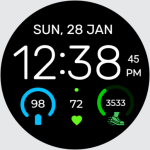
Watch Face Digital EasyRead D1
Devration
$3.99
FREE

Karaz Red – Icon Pack
Panoto Gomo
$0.99
FREE

Prismatic Icon Pack
Creativepixels
$0.49