

$1.49
$0.49
67% Off
Bluediant – Icon Pack
GomoTheGom



About the App
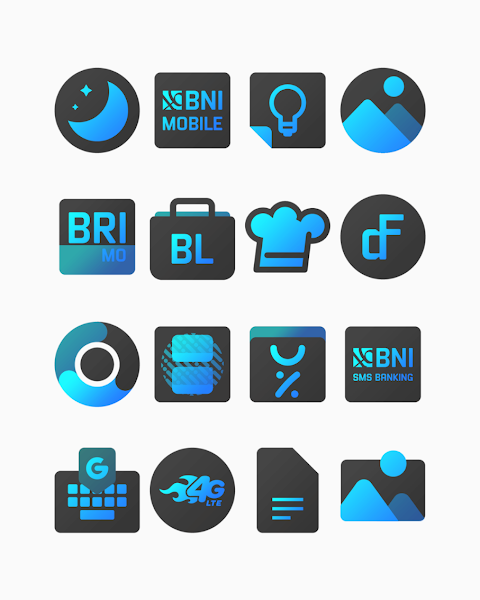
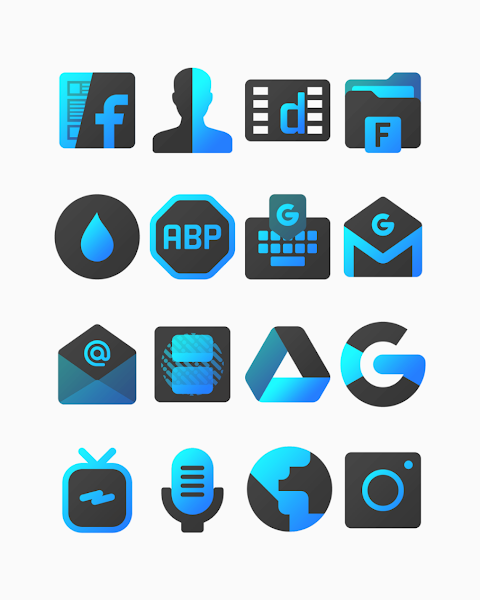
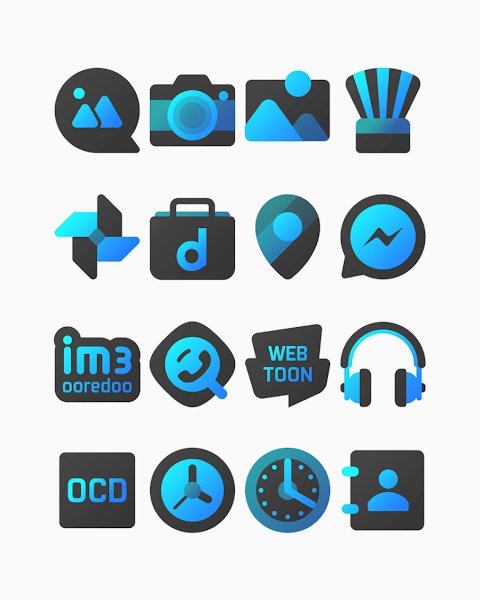
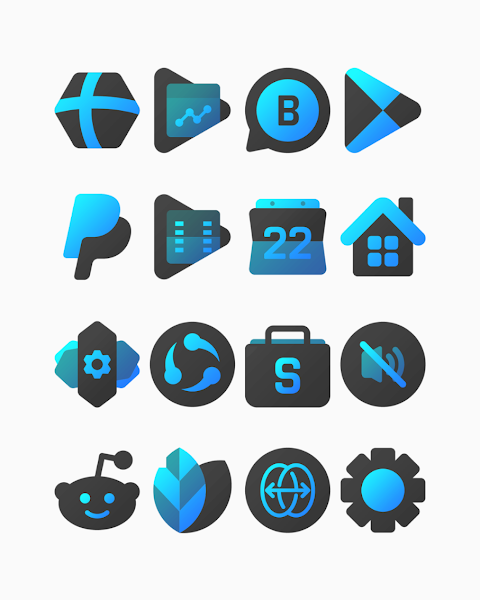
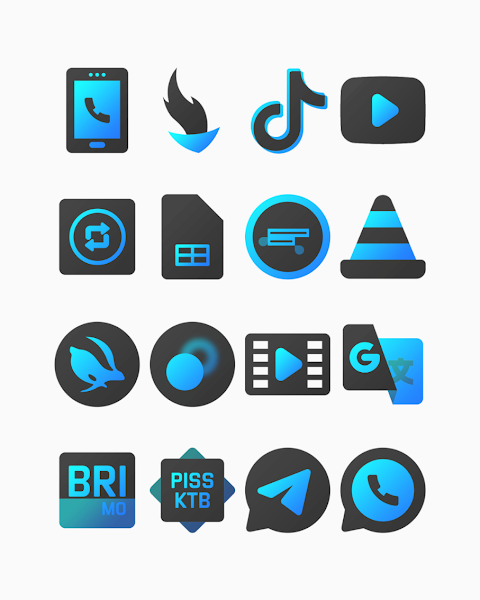
Bluediant - Icon Pack offers a unique set of shapeless icons designed with a striking black and blue gradient. This icon pack contains over 3000 icons, and it is continuously updated to give you fresh options. Each icon comes in high-definition resolution of 256x256 pixels, ensuring they look sharp and clear on your screen.
One of the exciting features included is the option to request icons, allowing you to personalize your experience even further. The pack also provides wallpapers that complement the icons, adding an extra touch of style to your home screen.
To apply the Bluediant icon pack, you'll need a compatible launcher. It's straightforward to set up. First, open the Bluediant app and navigate to the "Apply Icon Pack" screen. Here, you will find a list of supported launchers, such as Nova Launcher and Evie Launcher. If you have Nova Launcher installed, simply select it, and the app will automatically apply the icons from the Bluediant icon pack.
If your launcher doesn’t appear when you try to apply from the icon pack, you may need to apply it directly through your launcher’s settings instead. This is particularly important for Sony Xperia Home Launcher users, as the app may not show this launcher directly. If you use a Sony device, just long-press on the main screen, open the settings, scroll down to the appearance icon settings, and choose Bluediant icon pack from there. This method ensures that your icons will be applied correctly.
Remember that the Bluediant icon pack is only supported on Sony Xperia Home Launcher versions 10.0.A.0.8 or higher.
This versatile icon pack offers compatibility with a variety of popular launchers. It supports Apex Launcher, ADW Launcher, ABC Launcher, Next Launcher, Holo Launcher, Lucid Launcher, M Launcher, Action Launcher, and many more. Each of these launchers allows you to apply the icon pack easily, ensuring you can customize your phone just how you like it.
The high-resolution icons and gradient themes in the Bluediant icon pack provide a fresh look for your mobile UI design. With the significant number of icons available, along with the icon request feature, users have excellent options for phone personalization. Remember to check the icon masking limitations of Go Launcher and Zero Launcher, as some features may not be available with those.
After your setup, enjoy the beautiful, customized look of your device with the Bluediant icon pack. For more design information, you can visit our profiles on Google+, Instagram, and Twitter.
Special thanks to Dani Mahardika for the fantastic Candybar Dashboard. With Bluediant, you can truly elevate your home screen customization and enjoy a visually stunning experience on your device.
One of the exciting features included is the option to request icons, allowing you to personalize your experience even further. The pack also provides wallpapers that complement the icons, adding an extra touch of style to your home screen.
To apply the Bluediant icon pack, you'll need a compatible launcher. It's straightforward to set up. First, open the Bluediant app and navigate to the "Apply Icon Pack" screen. Here, you will find a list of supported launchers, such as Nova Launcher and Evie Launcher. If you have Nova Launcher installed, simply select it, and the app will automatically apply the icons from the Bluediant icon pack.
If your launcher doesn’t appear when you try to apply from the icon pack, you may need to apply it directly through your launcher’s settings instead. This is particularly important for Sony Xperia Home Launcher users, as the app may not show this launcher directly. If you use a Sony device, just long-press on the main screen, open the settings, scroll down to the appearance icon settings, and choose Bluediant icon pack from there. This method ensures that your icons will be applied correctly.
Remember that the Bluediant icon pack is only supported on Sony Xperia Home Launcher versions 10.0.A.0.8 or higher.
This versatile icon pack offers compatibility with a variety of popular launchers. It supports Apex Launcher, ADW Launcher, ABC Launcher, Next Launcher, Holo Launcher, Lucid Launcher, M Launcher, Action Launcher, and many more. Each of these launchers allows you to apply the icon pack easily, ensuring you can customize your phone just how you like it.
The high-resolution icons and gradient themes in the Bluediant icon pack provide a fresh look for your mobile UI design. With the significant number of icons available, along with the icon request feature, users have excellent options for phone personalization. Remember to check the icon masking limitations of Go Launcher and Zero Launcher, as some features may not be available with those.
After your setup, enjoy the beautiful, customized look of your device with the Bluediant icon pack. For more design information, you can visit our profiles on Google+, Instagram, and Twitter.
Special thanks to Dani Mahardika for the fantastic Candybar Dashboard. With Bluediant, you can truly elevate your home screen customization and enjoy a visually stunning experience on your device.
Multicolor ZKin Watch
ZKin
$2.99
$0.99
Wayfarer Watch Face
amoledwatchfaces™
$1.99
$1.39
Butterflies and Flowers
Bloomfield Watchfaces
$1.49
$1.09