

$0.99
$0.29
71% Off
Blue – Icon Pack
Panoto Gomo




About the App
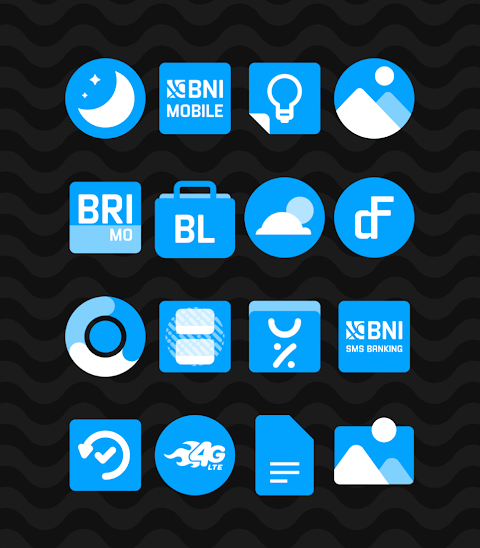
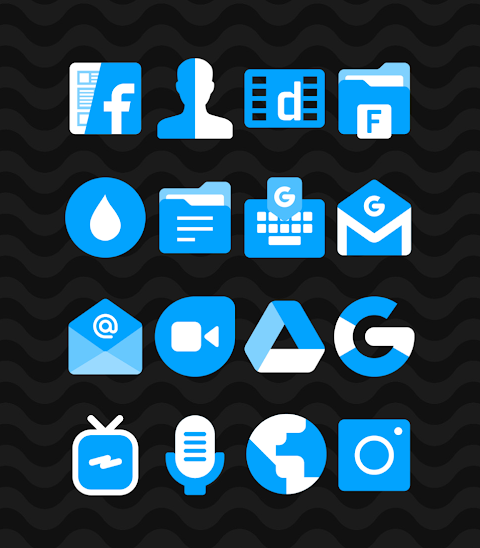
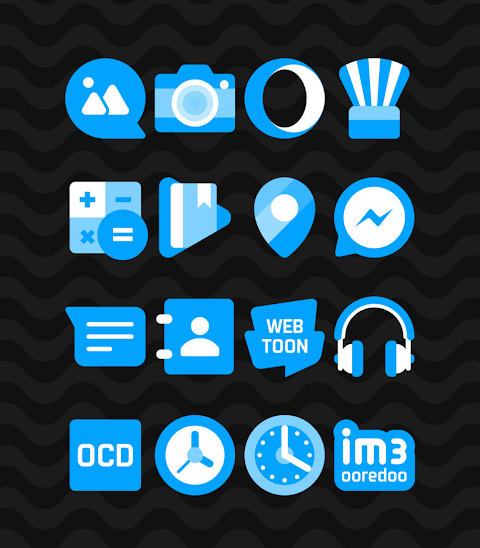
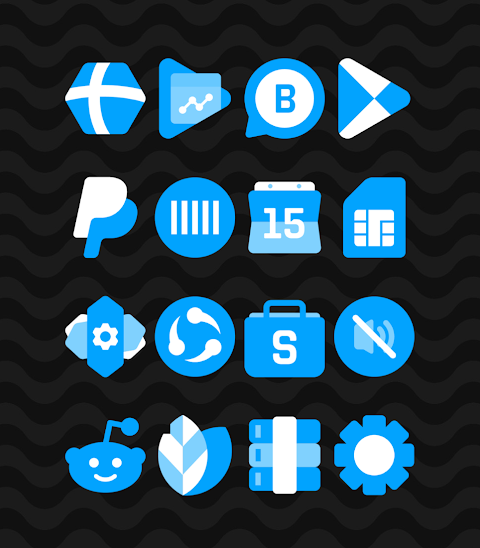
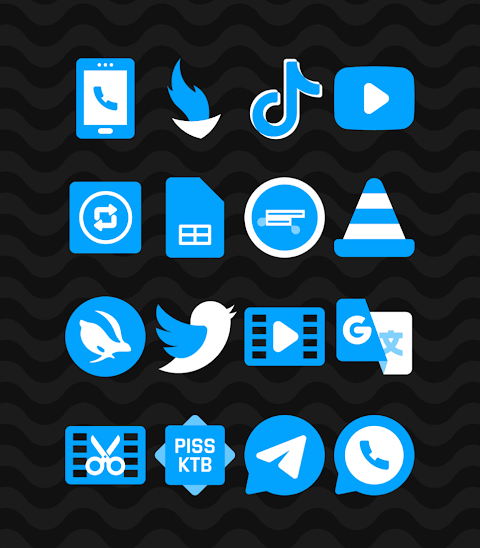
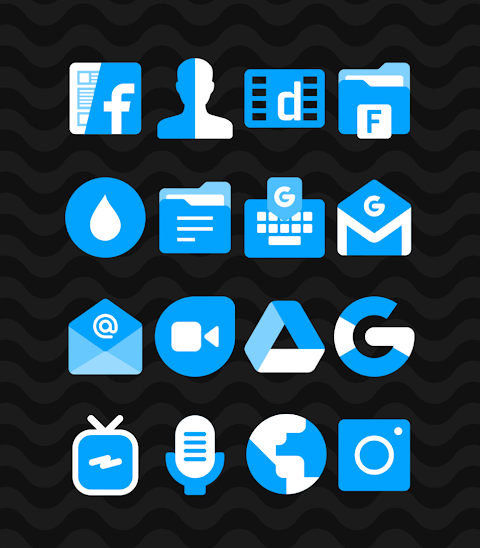
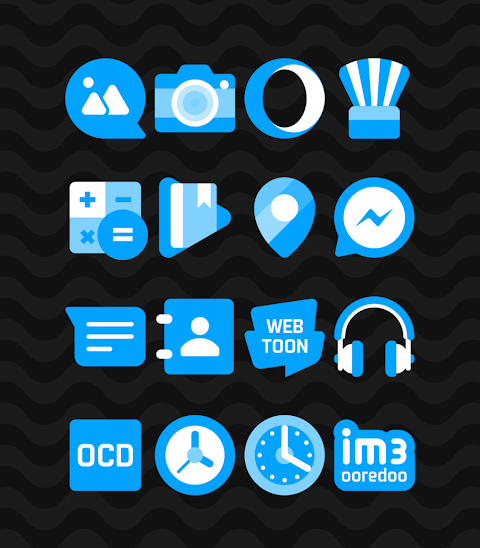
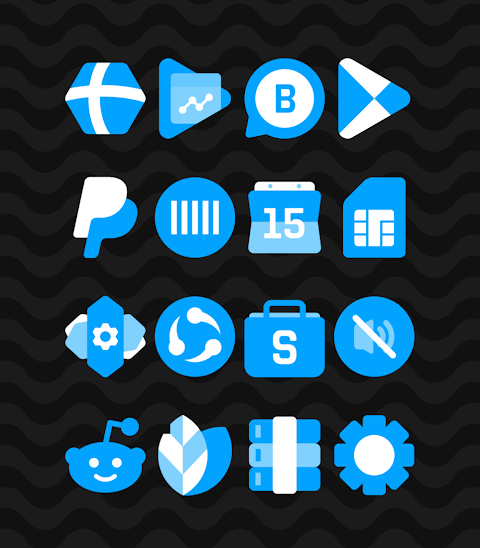
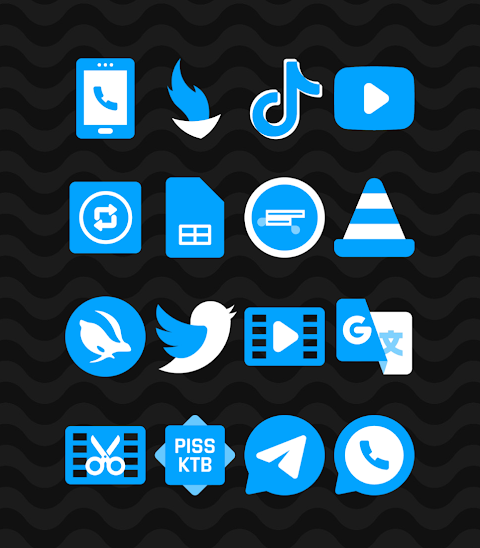
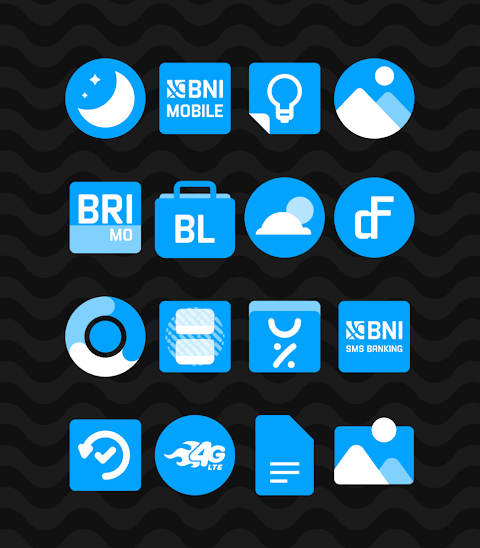
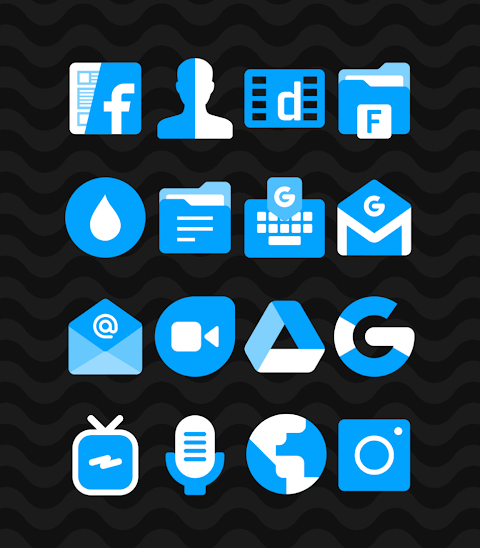
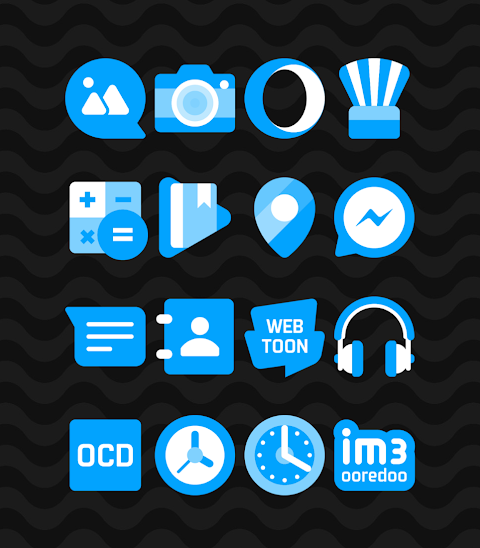
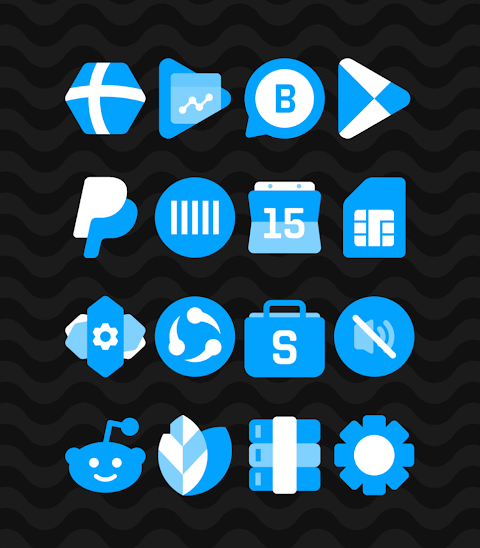
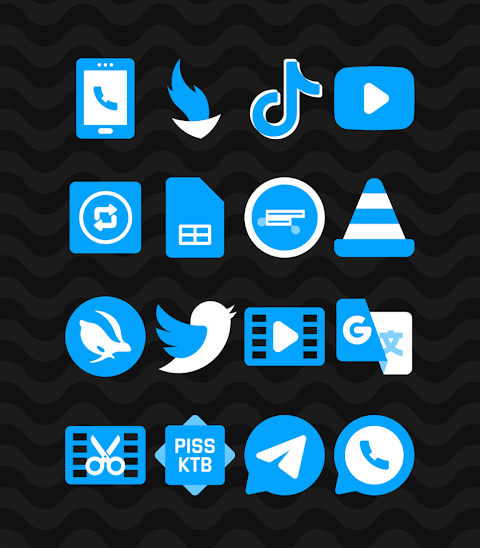
Blue - Icon Pack is a great tool for anyone looking to personalize their Android device. This app features a collection of themed shapeless icons in a stylish blue color, making it perfect for those who love a clean and modern look.
With over 2700 icons and counting, the Blue icon pack offers a wide range of choices to match your style. Each icon is designed with a high-definition resolution of 256x256 pixels, ensuring that they look sharp and vibrant on your screen. You'll also find a selection of wallpapers included, providing even more options for your home screen.
An exciting feature of the Blue icon pack is the icon request option. If you find that there's a specific icon you want that isn't included, you can easily request it, allowing for more customization and personal touch.
Using the Blue icon pack is easy. It supports many popular launchers, including nova launcher, evie launcher, apex launcher, ADW launcher, ABC launcher, and many more. To apply the Blue icon pack, simply follow these steps:
1. Open the Blue icon pack app.
2. Go to the "Apply Icon Pack" screen.
3. The app will show a list of supported launchers. Choose the nova launcher (or whichever launcher you have installed) to apply the icons.
4. Once selected, the app automatically applies the icons from the Blue icon pack.
If you can't find your launcher listed while trying to apply the icons, don’t worry. You can often apply them directly from the launcher settings instead.
For users of the Sony Xperia Home launcher, the Blue icon pack can still be applied by following a different set of steps. Simply long-press on your main screen, open the settings, and scroll to the appearance icon setting. From there, choose the Blue icon pack, and you’re all set! Please note that this icon pack only works with Sony Xperia Home launcher version 10.0.A.0.8 or newer.
In addition to the launchers already mentioned, the Blue icon pack also offers support for next launcher, holo launcher, lucid launcher, M launcher, action launcher, aviation launcher, smart launcher, and Go launcher. However, be aware that Go launcher and Zero launcher do not support the icon masking feature.
If you’re looking for more design inspiration or updates, you can find additional information on social media platforms. Check out the Google+ design community, follow the Instagram design showcase, and stay updated with the latest on Twitter.
Special thanks to Dani Mahardika for the Candybar dashboard integration which enhances the experience of using icon packs on Android devices. With the Blue icon pack, you can dive into the world of Android personalization and give your mobile device a fresh new look. Whether you're into mobile icon design or launcher customization, this app offers everything you need to make your home screen uniquely yours.
With over 2700 icons and counting, the Blue icon pack offers a wide range of choices to match your style. Each icon is designed with a high-definition resolution of 256x256 pixels, ensuring that they look sharp and vibrant on your screen. You'll also find a selection of wallpapers included, providing even more options for your home screen.
An exciting feature of the Blue icon pack is the icon request option. If you find that there's a specific icon you want that isn't included, you can easily request it, allowing for more customization and personal touch.
Using the Blue icon pack is easy. It supports many popular launchers, including nova launcher, evie launcher, apex launcher, ADW launcher, ABC launcher, and many more. To apply the Blue icon pack, simply follow these steps:
1. Open the Blue icon pack app.
2. Go to the "Apply Icon Pack" screen.
3. The app will show a list of supported launchers. Choose the nova launcher (or whichever launcher you have installed) to apply the icons.
4. Once selected, the app automatically applies the icons from the Blue icon pack.
If you can't find your launcher listed while trying to apply the icons, don’t worry. You can often apply them directly from the launcher settings instead.
For users of the Sony Xperia Home launcher, the Blue icon pack can still be applied by following a different set of steps. Simply long-press on your main screen, open the settings, and scroll to the appearance icon setting. From there, choose the Blue icon pack, and you’re all set! Please note that this icon pack only works with Sony Xperia Home launcher version 10.0.A.0.8 or newer.
In addition to the launchers already mentioned, the Blue icon pack also offers support for next launcher, holo launcher, lucid launcher, M launcher, action launcher, aviation launcher, smart launcher, and Go launcher. However, be aware that Go launcher and Zero launcher do not support the icon masking feature.
If you’re looking for more design inspiration or updates, you can find additional information on social media platforms. Check out the Google+ design community, follow the Instagram design showcase, and stay updated with the latest on Twitter.
Special thanks to Dani Mahardika for the Candybar dashboard integration which enhances the experience of using icon packs on Android devices. With the Blue icon pack, you can dive into the world of Android personalization and give your mobile device a fresh new look. Whether you're into mobile icon design or launcher customization, this app offers everything you need to make your home screen uniquely yours.

Mikan Orange – Icon Pack
Panoto Gomo
$0.99
$0.49

Nuclear – Lines Icon Pack
Panoto Gomo
$0.99
$0.29
TACT x: Watch Face
amoledwatchfaces™
$1.79
$0.90