

$1.49
$0.49
67% Off
Black Icon Pack : LuX
JustNewDesigns


About the App
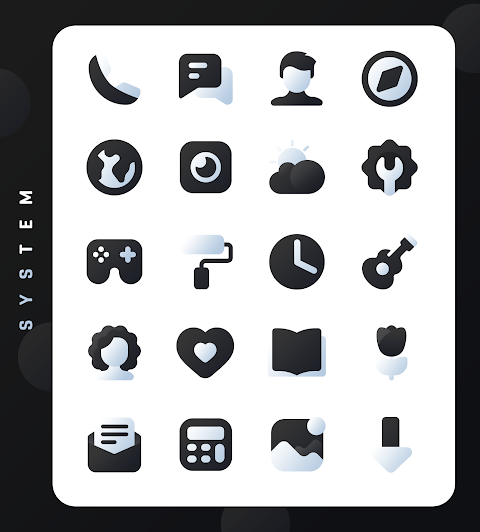
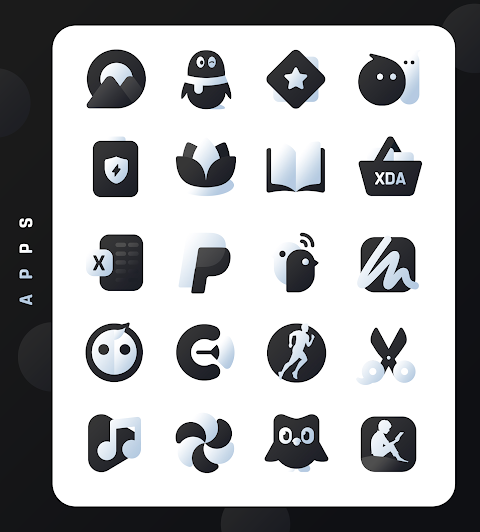
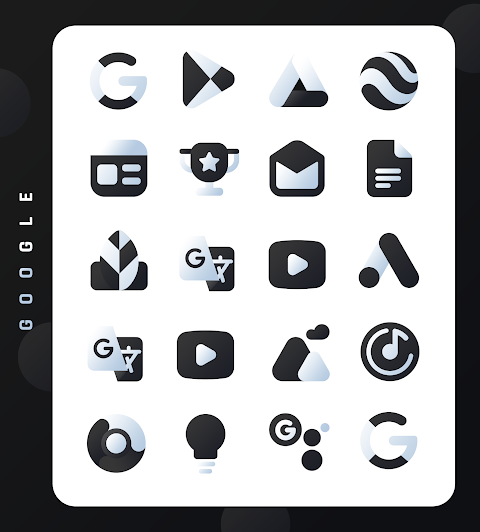
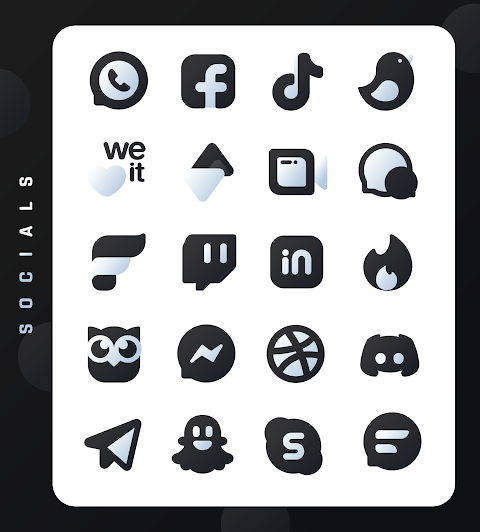
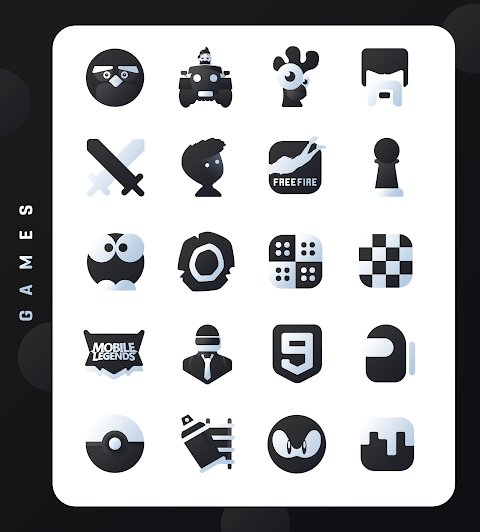
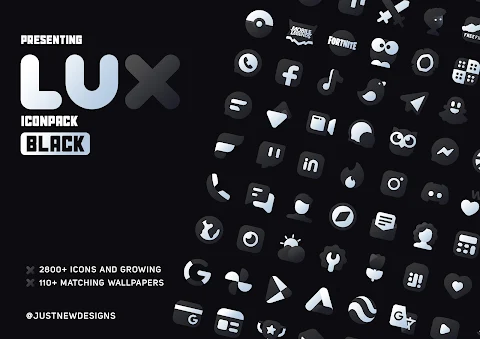
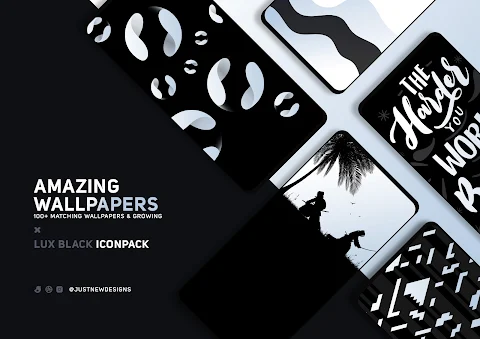
The Lux Black Icon Pack is an exciting new addition to the LuX series of icon packs. With over 3000 high-quality icons, this pack brings a unique shape style that makes your device look truly stunning. It also includes a variety of high-quality wallpapers, allowing you to enhance the overall look of your mobile device.
Each icon is thoughtfully crafted to offer a unique user experience. The balance between creativity and precision makes navigating your phone a joy. On average, users check their devices more than 50 times a day. With the Lux Black Icon Pack, every interaction can be a delightful one.
What sets the Lux Black Icon Pack apart from other dark style icon packs is its commitment to frequent updates, ensuring that new icons and designs are always on the way. You can also choose from a selection of alternative icon designs, which lets you personalize your device even further.
To get the best experience with this icon pack, it's recommended to use Nova Launcher, one of the supported theme launchers. Make sure to set icon normalization settings to "off" in Nova Launcher and adjust your icon size to between 100% and 120% for optimal viewing.
Lux Black Icon Pack also features handy tools like an icon preview feature, a dynamic calendar, and a material dashboard. You can create custom app drawer icons and category-based icons to better organize your apps. The easy icon request feature allows you to suggest icons that you’d like to see added, keeping your home screen ever-evolving.
If you're ever unsure about using the Lux Black Icon Pack, you'll be pleased to know it comes with a 100% satisfaction guarantee. If it doesn’t meet your needs, just reach out at justnewdesigns@gmail.com for support, and you can get a refund without any worries.
Installing this icon pack is straightforward. First, you need to install a supported theme launcher. After that, just open the Lux Black Icon Pack and select the "Apply" section to choose your launcher. If you don’t find your launcher listed, simply apply it from your launcher settings.
Please keep in mind that a launcher is necessary to use this icon pack. Unfortunately, Google Now Launcher does not support any icon packs. If you notice any missing icons, feel free to send an icon request, and the pack will be updated with your suggestions.
You can check the app’s FAQ section for answers to common questions before reaching out. The Lux Black Icon Pack is designed with a user-friendly interface, making it easy for anyone to personalize their Android device.
With its luxurious icon aesthetics and visual enhancement tools, the Lux Black Icon Pack offers an excellent way to improve your mobile user engagement. So, why not make each daily device check a real pleasure? Download the Lux Black Icon Pack today and transform your home screen into a masterpiece!
Each icon is thoughtfully crafted to offer a unique user experience. The balance between creativity and precision makes navigating your phone a joy. On average, users check their devices more than 50 times a day. With the Lux Black Icon Pack, every interaction can be a delightful one.
What sets the Lux Black Icon Pack apart from other dark style icon packs is its commitment to frequent updates, ensuring that new icons and designs are always on the way. You can also choose from a selection of alternative icon designs, which lets you personalize your device even further.
To get the best experience with this icon pack, it's recommended to use Nova Launcher, one of the supported theme launchers. Make sure to set icon normalization settings to "off" in Nova Launcher and adjust your icon size to between 100% and 120% for optimal viewing.
Lux Black Icon Pack also features handy tools like an icon preview feature, a dynamic calendar, and a material dashboard. You can create custom app drawer icons and category-based icons to better organize your apps. The easy icon request feature allows you to suggest icons that you’d like to see added, keeping your home screen ever-evolving.
If you're ever unsure about using the Lux Black Icon Pack, you'll be pleased to know it comes with a 100% satisfaction guarantee. If it doesn’t meet your needs, just reach out at justnewdesigns@gmail.com for support, and you can get a refund without any worries.
Installing this icon pack is straightforward. First, you need to install a supported theme launcher. After that, just open the Lux Black Icon Pack and select the "Apply" section to choose your launcher. If you don’t find your launcher listed, simply apply it from your launcher settings.
Please keep in mind that a launcher is necessary to use this icon pack. Unfortunately, Google Now Launcher does not support any icon packs. If you notice any missing icons, feel free to send an icon request, and the pack will be updated with your suggestions.
You can check the app’s FAQ section for answers to common questions before reaching out. The Lux Black Icon Pack is designed with a user-friendly interface, making it easy for anyone to personalize their Android device.
With its luxurious icon aesthetics and visual enhancement tools, the Lux Black Icon Pack offers an excellent way to improve your mobile user engagement. So, why not make each daily device check a real pleasure? Download the Lux Black Icon Pack today and transform your home screen into a masterpiece!

Adaptive Toons Icon Pack
SK wallpapers
$749.99
$0.49

Hive Watch Face
amoledwatchfaces™
$1.79
$0.90
Heart Rate Watch face
amoledwatchfaces™
$1.49
$0.45