

$749.99
$0.49
100% Off
Adaptive Toons Icon Pack
SK wallpapers


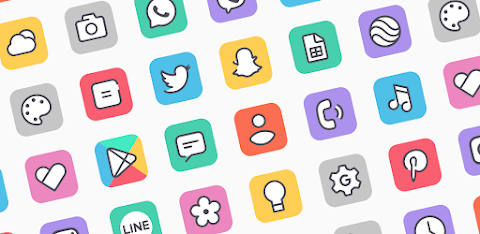
About the App
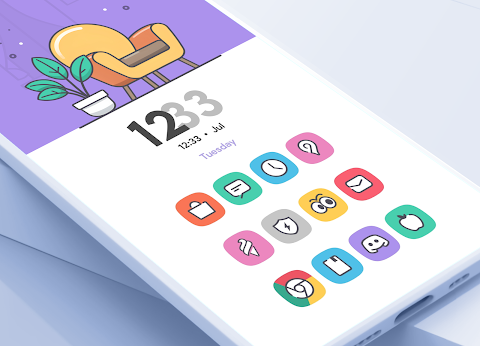
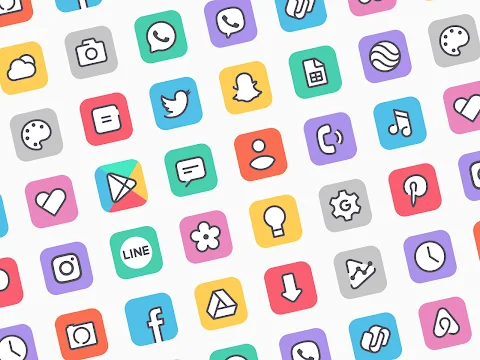
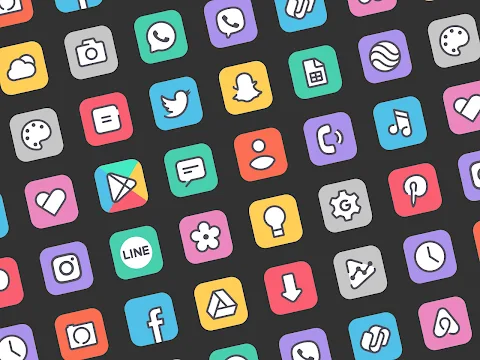
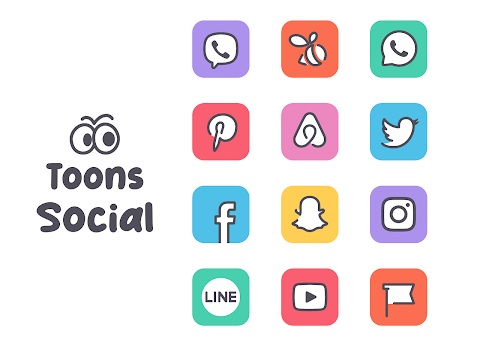
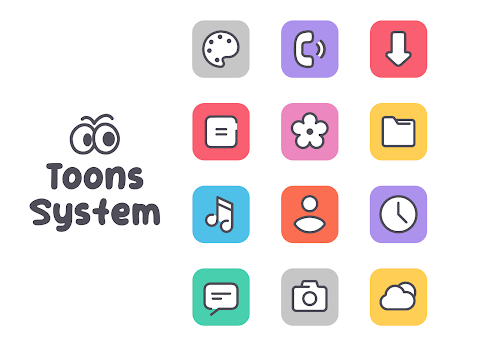
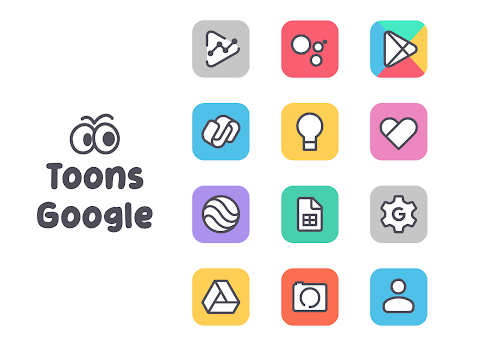
The Adaptive Toons Icon Pack is a special tool for customizing your device's appearance. It features a flat illustration style that gives your home screen a modern look. The icons are minimal and clean, making them easy on the eyes. They shine on both light and dark wallpapers, which means they can match any background you choose.
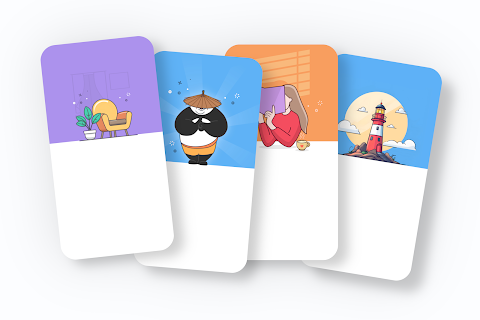
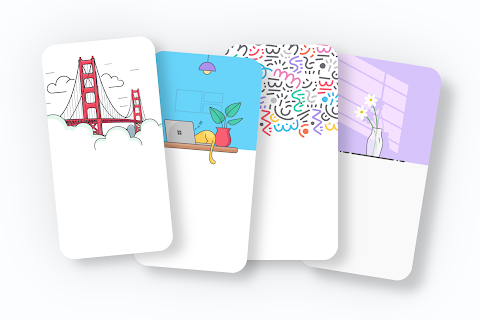
Along with the icons, the Adaptive Toons Icon Pack comes with flat design wallpapers that pair perfectly with the icons. You'll get a total of 11 awesome widgets designed especially for this pack, adding even more options for you to personalize your screen.
One of the great features of the Adaptive Toons Icon Pack is its dynamic calendar support. This means your calendar icon can change daily, showing you the current date at a glance. There is also an icon request tool, so if you have a specific icon in mind, you can let us know.
The icons in the pack are beautiful and clear, with a resolution of 192 x 192. This ensures that they look sharp on any device you use. The Adaptive Toons Icon Pack is also compatible with multiple launchers. Here’s how you can use it:
If you're using the icon pack for NOVA, go to your Nova settings, find “look and feel,” click on “icon theme,” and then choose the Adaptive Toons Icon Pack.
For the icon pack for ABC, go into your themes and look for the download button in the top right corner. From there, select the Adaptive Toons Icon Pack.
With the icon pack for ACTION, go to action settings, choose “appearance,” and select the Adaptive Toons Icon Pack.
If you’re using AWD, simply long press on your home screen to access the settings. Then go to “icon appearance” and choose the Adaptive Toons Icon Pack from the options available.
For the icon pack for APEX, open your apex settings, go to “themes,” and select it there. If you are using EVIE, long press your home screen, hit settings, and then select the icon pack.
For HOLO users, long press your home screen, navigate to “appearance settings,” and select the Adaptive Toons Icon Pack.
If you are using LUCID, tap apply or long press on your home screen to access launcher settings. From there, look for “icon theme” to choose the pack.
For the icon pack for M, you can tap apply or long press your home screen, go to launcher settings, and select “look and feel” to choose the Adaptive Toons Icon Pack.
For NOUGAT users, just tap apply, head to launcher settings, and go to “look and feel” to find your new icons. And if you’re using SMART, long press your home screen and pick the Adaptive Toons Icon Pack from the themes.
If you experience any issues with the Adaptive Toons Icon Pack, feel free to send me an email before leaving a low rating or negative comments. I’m here to help you.
In addition, the Adaptive Toons Icon Pack provides a help and FAQ section to guide you. You can enjoy a completely ads-free experience, and the pack includes cloud-based wallpapers for more options.
Remember, with the Adaptive Toons Icon Pack, you can enjoy a customized, personalized home screen that reflects your style. Thank you for considering this pack for your device! You can follow me on Twitter and Instagram for updates and more.
Along with the icons, the Adaptive Toons Icon Pack comes with flat design wallpapers that pair perfectly with the icons. You'll get a total of 11 awesome widgets designed especially for this pack, adding even more options for you to personalize your screen.
One of the great features of the Adaptive Toons Icon Pack is its dynamic calendar support. This means your calendar icon can change daily, showing you the current date at a glance. There is also an icon request tool, so if you have a specific icon in mind, you can let us know.
The icons in the pack are beautiful and clear, with a resolution of 192 x 192. This ensures that they look sharp on any device you use. The Adaptive Toons Icon Pack is also compatible with multiple launchers. Here’s how you can use it:
If you're using the icon pack for NOVA, go to your Nova settings, find “look and feel,” click on “icon theme,” and then choose the Adaptive Toons Icon Pack.
For the icon pack for ABC, go into your themes and look for the download button in the top right corner. From there, select the Adaptive Toons Icon Pack.
With the icon pack for ACTION, go to action settings, choose “appearance,” and select the Adaptive Toons Icon Pack.
If you’re using AWD, simply long press on your home screen to access the settings. Then go to “icon appearance” and choose the Adaptive Toons Icon Pack from the options available.
For the icon pack for APEX, open your apex settings, go to “themes,” and select it there. If you are using EVIE, long press your home screen, hit settings, and then select the icon pack.
For HOLO users, long press your home screen, navigate to “appearance settings,” and select the Adaptive Toons Icon Pack.
If you are using LUCID, tap apply or long press on your home screen to access launcher settings. From there, look for “icon theme” to choose the pack.
For the icon pack for M, you can tap apply or long press your home screen, go to launcher settings, and select “look and feel” to choose the Adaptive Toons Icon Pack.
For NOUGAT users, just tap apply, head to launcher settings, and go to “look and feel” to find your new icons. And if you’re using SMART, long press your home screen and pick the Adaptive Toons Icon Pack from the themes.
If you experience any issues with the Adaptive Toons Icon Pack, feel free to send me an email before leaving a low rating or negative comments. I’m here to help you.
In addition, the Adaptive Toons Icon Pack provides a help and FAQ section to guide you. You can enjoy a completely ads-free experience, and the pack includes cloud-based wallpapers for more options.
Remember, with the Adaptive Toons Icon Pack, you can enjoy a customized, personalized home screen that reflects your style. Thank you for considering this pack for your device! You can follow me on Twitter and Instagram for updates and more.

OneUI Widgets
JustNewDesigns
$1.89
$0.49

Simply Adaptive Icon Pack
PizzApp Design
$0.99
$0.69
DADAM96: Minimal Analog Watch
DADAM Watch Faces
$1.89
$0.19