
$0.99
$0.20
80% Off
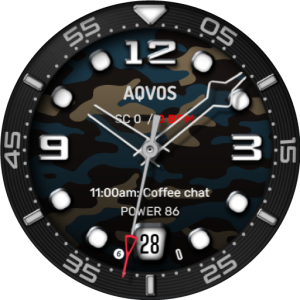
AQVOS: Modern Diver Watch Face
Time Canvas






About the App
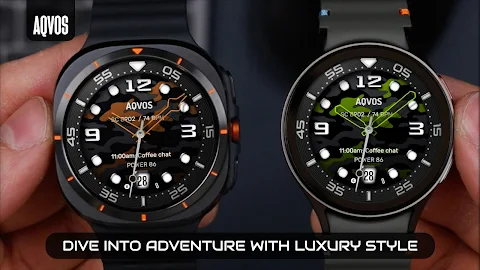
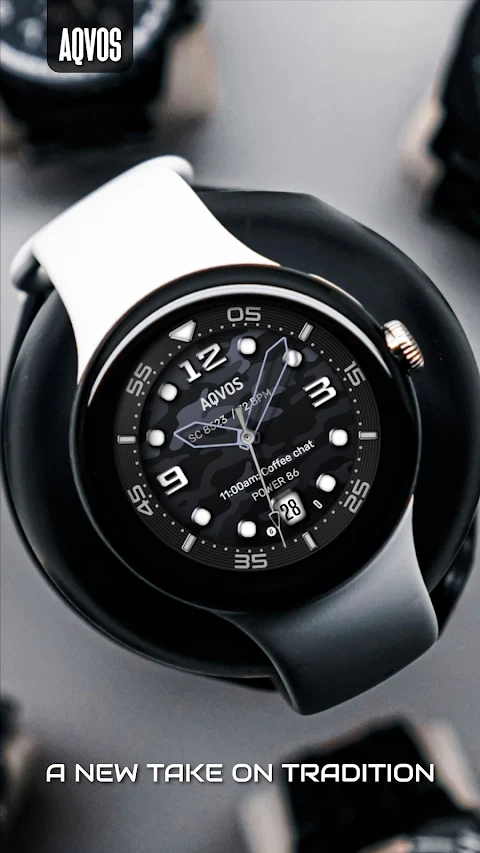
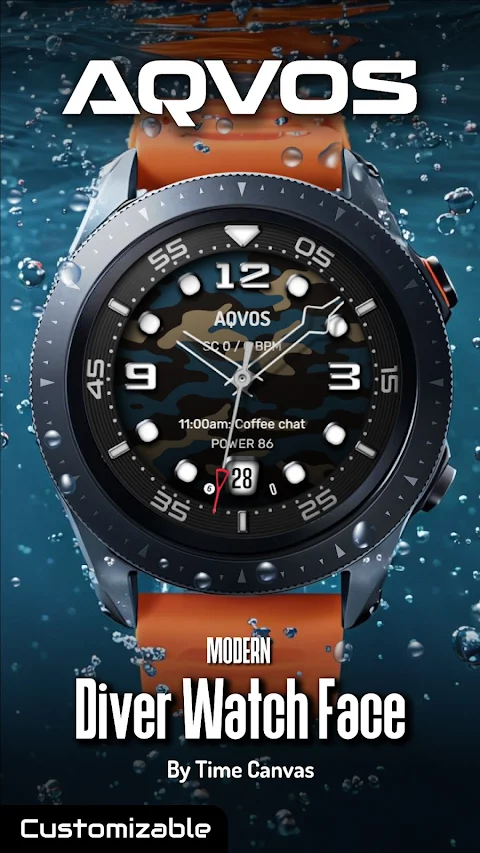
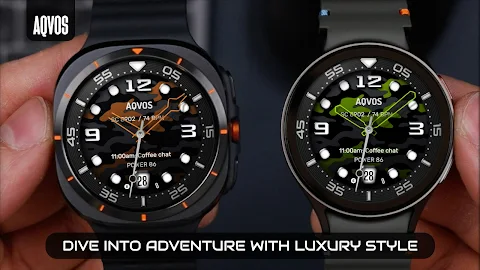
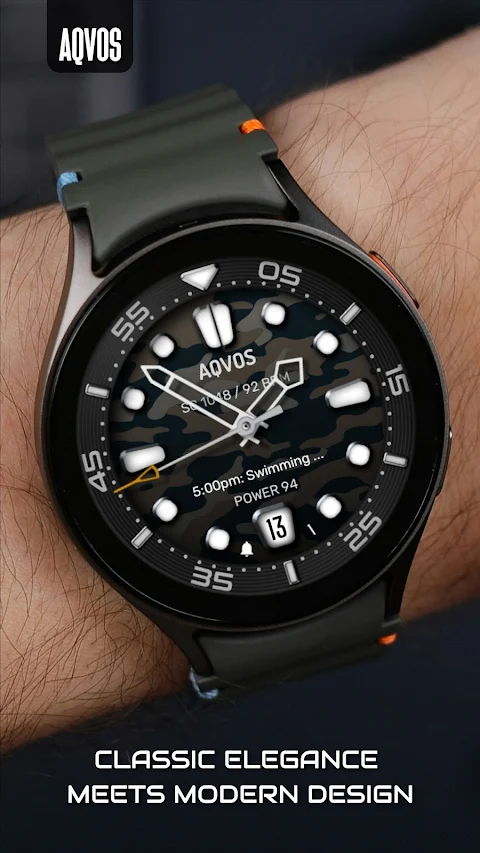
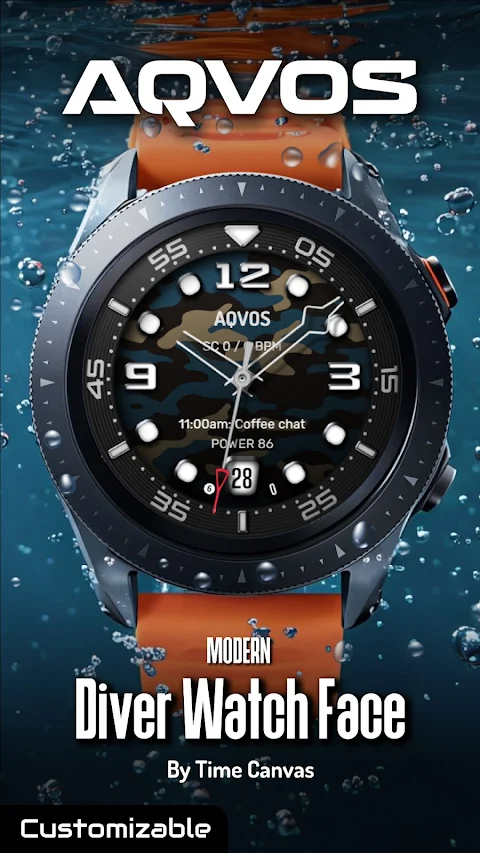
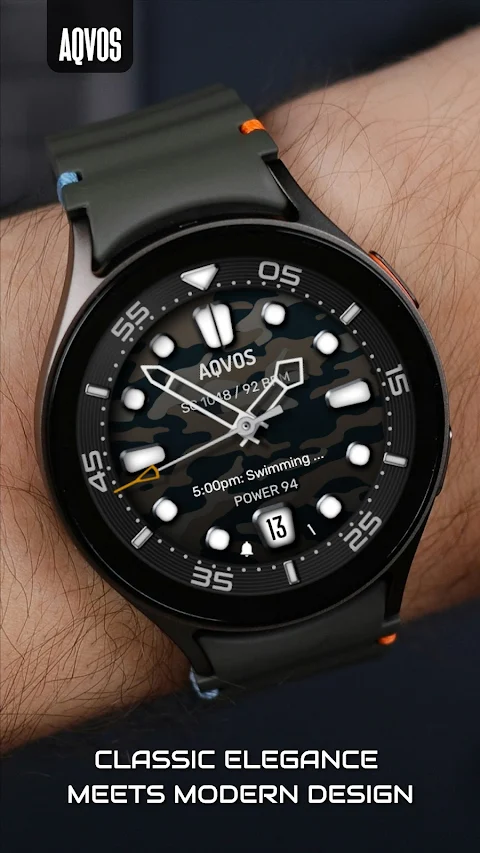
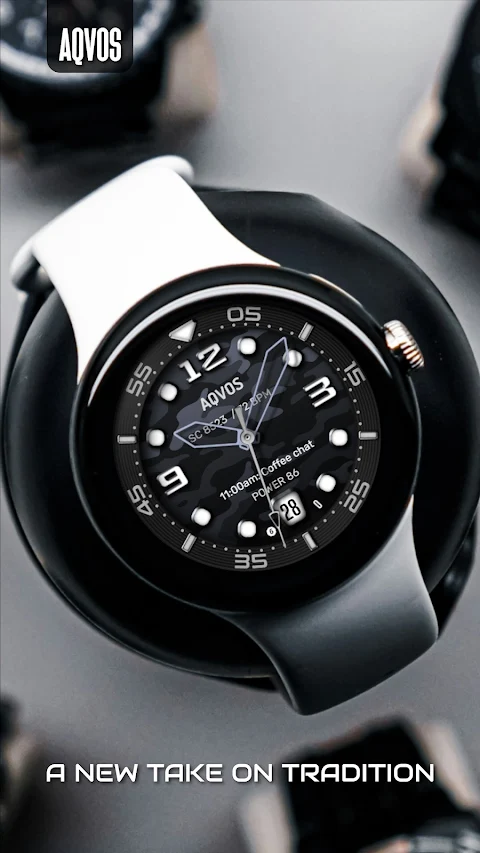
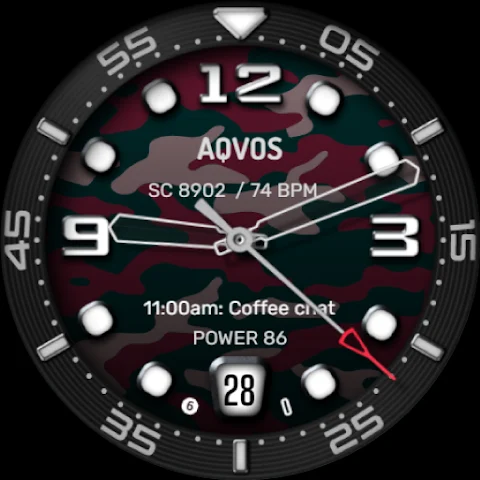
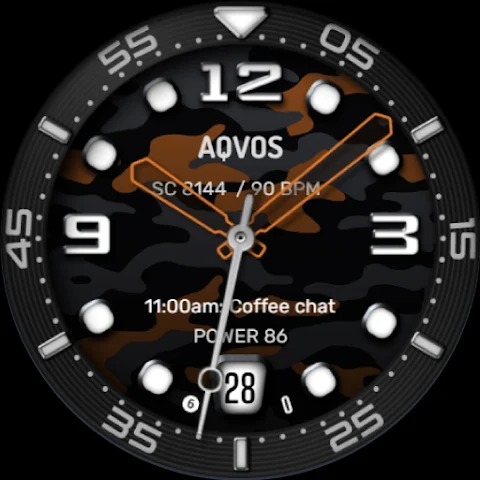
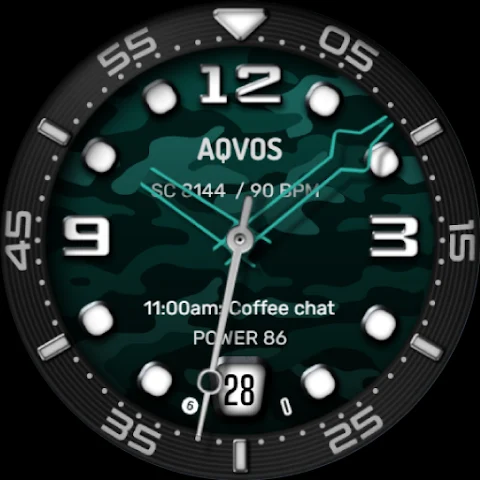
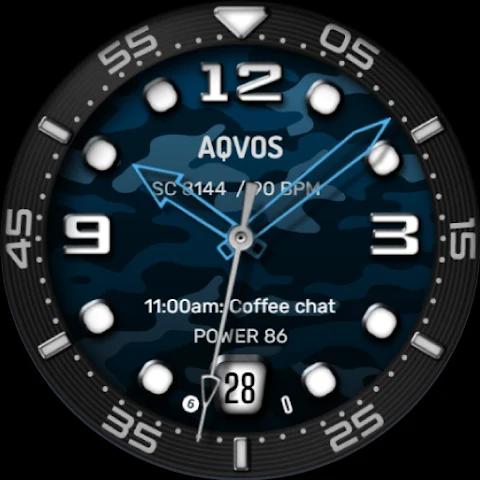
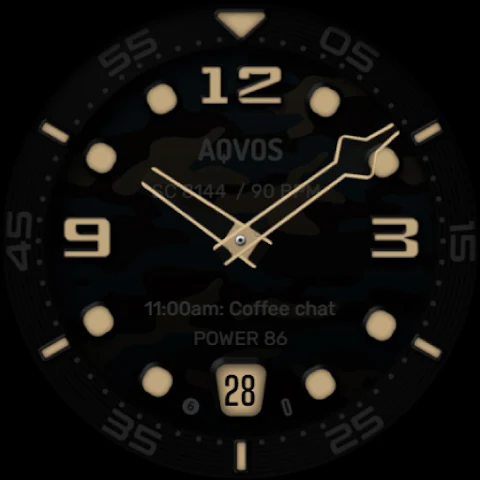
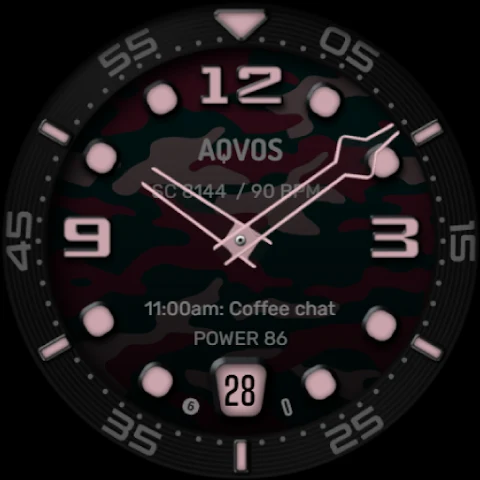
Dive into a world of luxury with the AQVOS: Modern Diver Watch Face, perfect for adventurers who appreciate sophisticated watch design. This watch face combines a rugged diver watch style with modern flair, making it suitable for any occasion. The bold, luminous watch hands and markers ensure you can read the time easily, while premium watch accents and various customizable options provide a personal touch of elegance.
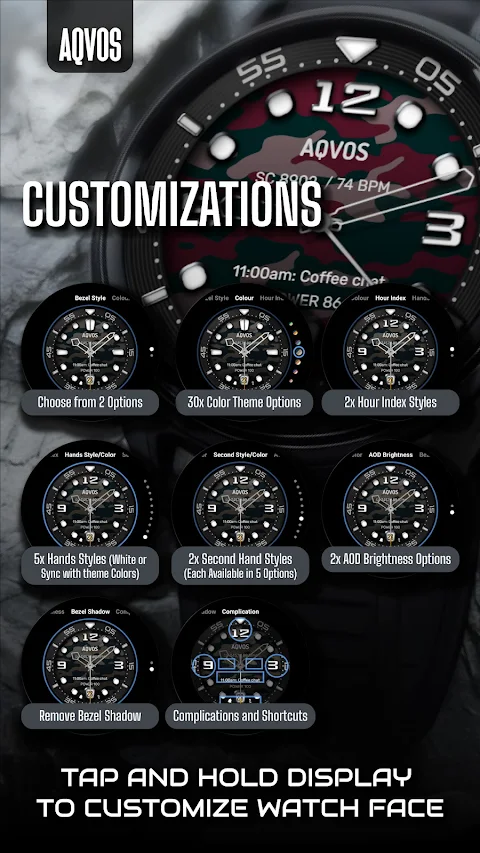
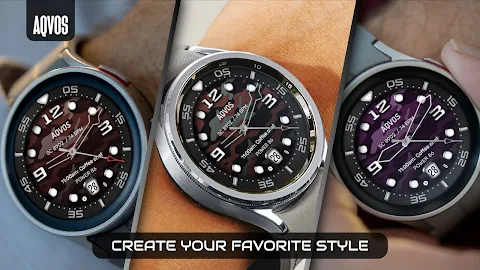
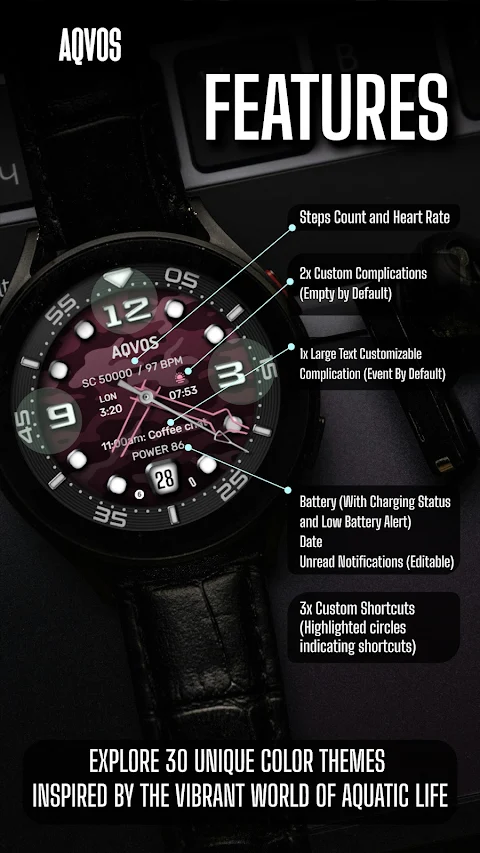
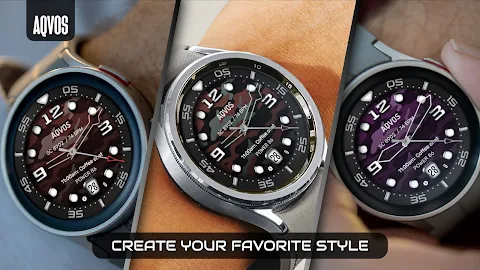
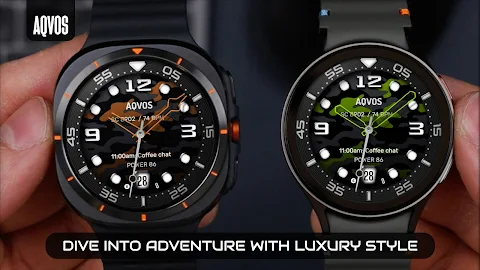
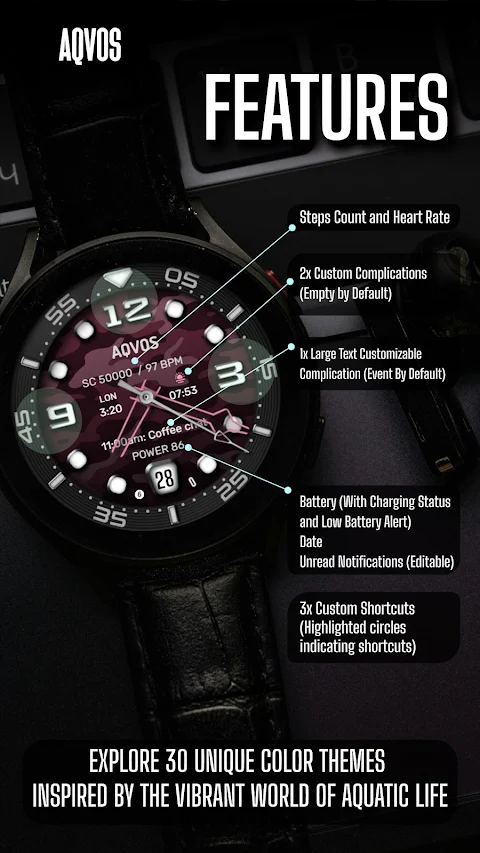
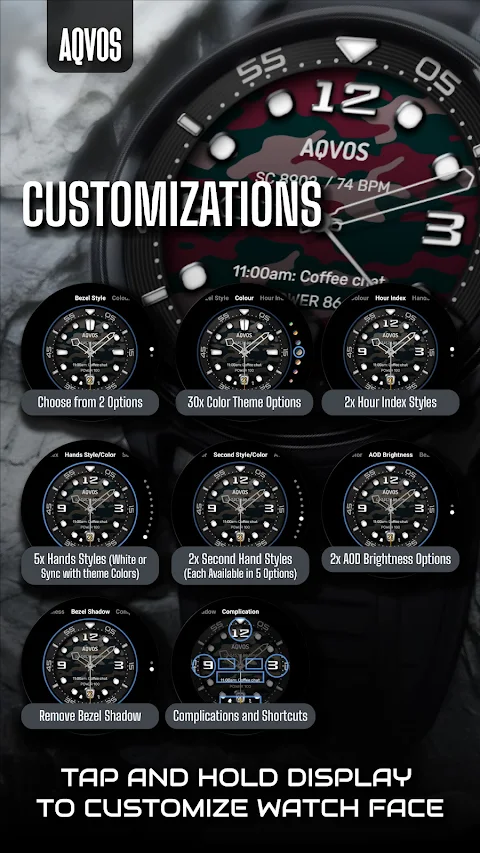
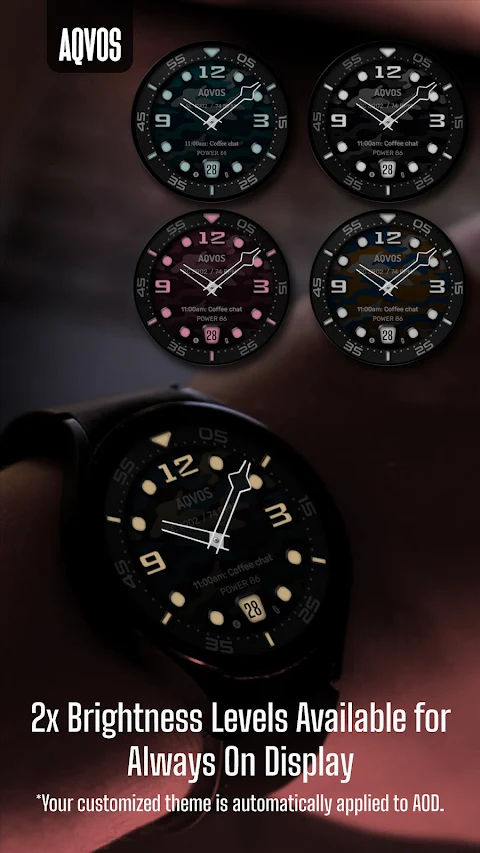
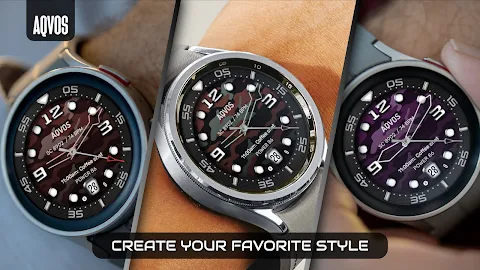
With AQVOS, you can choose from 30 unique color themes inspired by vibrant aquatic life. This allows you to create a personalized diver watch that stands out and reflects your style. The app also features a user-defined data display, where you can set up to three custom complications that show the data that matters most to you at a glance.
In addition, you can establish customizable shortcuts to your favorite apps. Set up to three quick access shortcuts so that getting to your most-used features is simple and fast. You can even personalize your watch hands, choosing from five different clock hands to match your aesthetic.
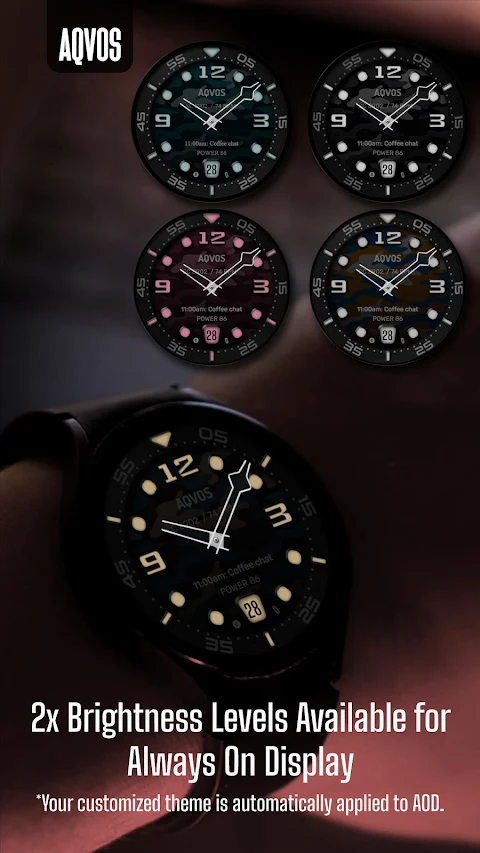
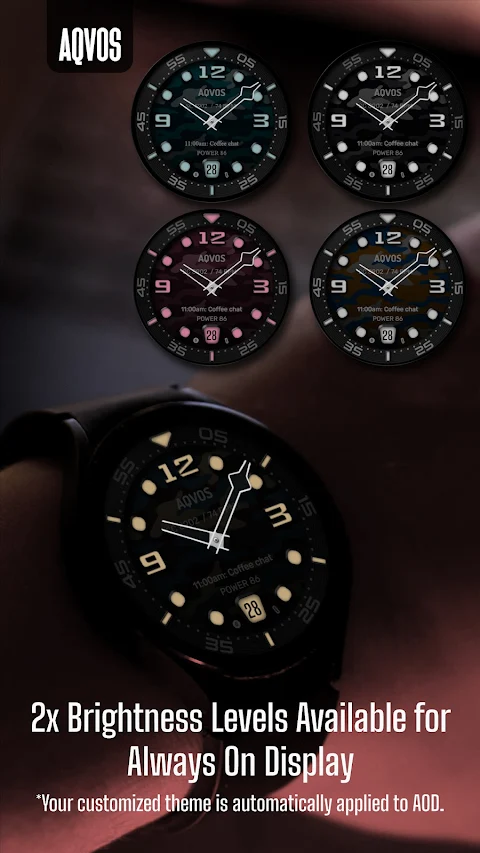
For those who love always-on functionality, AQVOS offers AOD brightness options. You can select from two different brightness settings to improve visibility, ensuring your customized theme is applied even when your watch display is always on.
The essential features make tracking time a breeze. You can enjoy a bold analog dial, a digital steps counter, and a digital heart rate counter. There’s also a date window feature at the 6 o’clock position and an unread message count to help you stay updated. Battery information display, along with a charging status alert, keeps you informed about your watch’s health.
AQVOS is compatible with Wear OS devices that run on Wear OS API 34+, including popular models like the Samsung Galaxy Watch 4, 5, 6, 7, and 8, as well as Pixel Watches and other Wear OS-compatible models from various brands.
If you experience any problems during installation, even on compatible smartwatches, the companion app has detailed instructions. For additional help, you can contact us at support@timecanvaswatches.com or timecanvasapps@gmail.com.
The companion app is not only useful for installation but also helps you locate the watch face on your device. You can choose your watch from the installation drop-down menu and easily install the watch face directly. It provides all the details about the watch face features and installation instructions. If you no longer need the app, you can uninstall it from your phone anytime.
To customize your watch face, simply touch and hold the screen, then tap on ‘Customize’ or the settings/edit icon that matches your watch brand. Then, swipe left and right to browse through the customization options. You can also swipe up and down to select from available styles.
Setting custom complications and shortcuts is straightforward. Just touch and hold the screen, tap ‘Customize,’ and swipe left to get to the "Complications" section. From there, tap on the area you want to configure, whether it's a complication or a shortcut.
The heart rate measurement function operates automatically. If you use a Samsung watch, you can change the measurement interval in the Health settings by navigating to your watch, selecting Settings, then Health.
We are excited about bringing you more watch faces in the future, so please check out our other designs available on Wear OS. Your feedback on Google Play is appreciated. Let us know what you love, what we can improve, or any design suggestions you have. We always look forward to hearing your ideas!
With AQVOS, you can choose from 30 unique color themes inspired by vibrant aquatic life. This allows you to create a personalized diver watch that stands out and reflects your style. The app also features a user-defined data display, where you can set up to three custom complications that show the data that matters most to you at a glance.
In addition, you can establish customizable shortcuts to your favorite apps. Set up to three quick access shortcuts so that getting to your most-used features is simple and fast. You can even personalize your watch hands, choosing from five different clock hands to match your aesthetic.
For those who love always-on functionality, AQVOS offers AOD brightness options. You can select from two different brightness settings to improve visibility, ensuring your customized theme is applied even when your watch display is always on.
The essential features make tracking time a breeze. You can enjoy a bold analog dial, a digital steps counter, and a digital heart rate counter. There’s also a date window feature at the 6 o’clock position and an unread message count to help you stay updated. Battery information display, along with a charging status alert, keeps you informed about your watch’s health.
AQVOS is compatible with Wear OS devices that run on Wear OS API 34+, including popular models like the Samsung Galaxy Watch 4, 5, 6, 7, and 8, as well as Pixel Watches and other Wear OS-compatible models from various brands.
If you experience any problems during installation, even on compatible smartwatches, the companion app has detailed instructions. For additional help, you can contact us at support@timecanvaswatches.com or timecanvasapps@gmail.com.
The companion app is not only useful for installation but also helps you locate the watch face on your device. You can choose your watch from the installation drop-down menu and easily install the watch face directly. It provides all the details about the watch face features and installation instructions. If you no longer need the app, you can uninstall it from your phone anytime.
To customize your watch face, simply touch and hold the screen, then tap on ‘Customize’ or the settings/edit icon that matches your watch brand. Then, swipe left and right to browse through the customization options. You can also swipe up and down to select from available styles.
Setting custom complications and shortcuts is straightforward. Just touch and hold the screen, tap ‘Customize,’ and swipe left to get to the "Complications" section. From there, tap on the area you want to configure, whether it's a complication or a shortcut.
The heart rate measurement function operates automatically. If you use a Samsung watch, you can change the measurement interval in the Health settings by navigating to your watch, selecting Settings, then Health.
We are excited about bringing you more watch faces in the future, so please check out our other designs available on Wear OS. Your feedback on Google Play is appreciated. Let us know what you love, what we can improve, or any design suggestions you have. We always look forward to hearing your ideas!

Red
Atanu Sanyal
$0.49
$0.29

WAW044 Carbon Diver Watch Face
WAW Watch Faces
$1.99
$0.49
TAG Heuer Carrera Chronograph
Prime Legacy Watch Faces Studio
$1.99
$0.29