

$0.49
$0.29
41% Off
Red
Atanu Sanyal

About the App
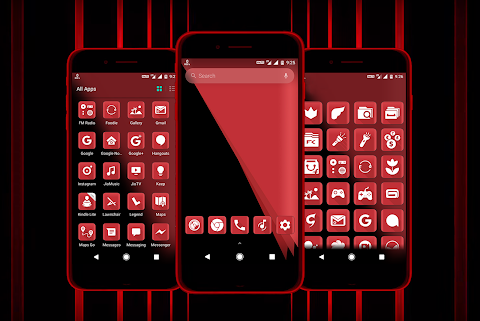
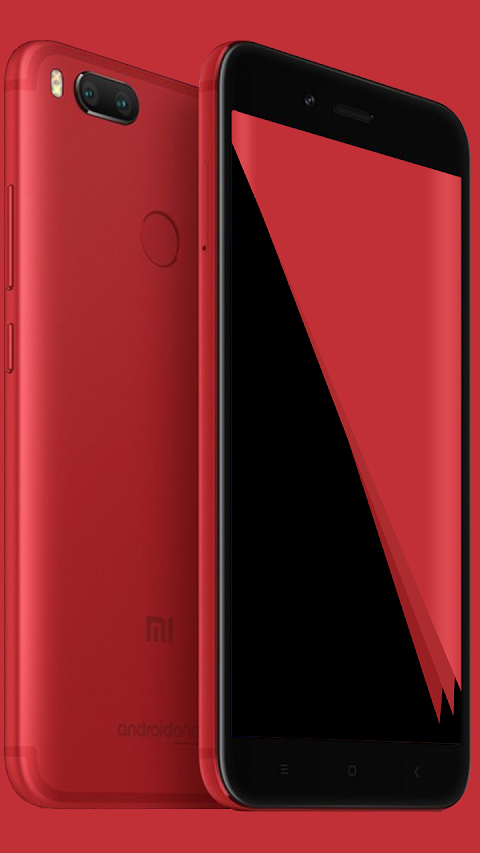
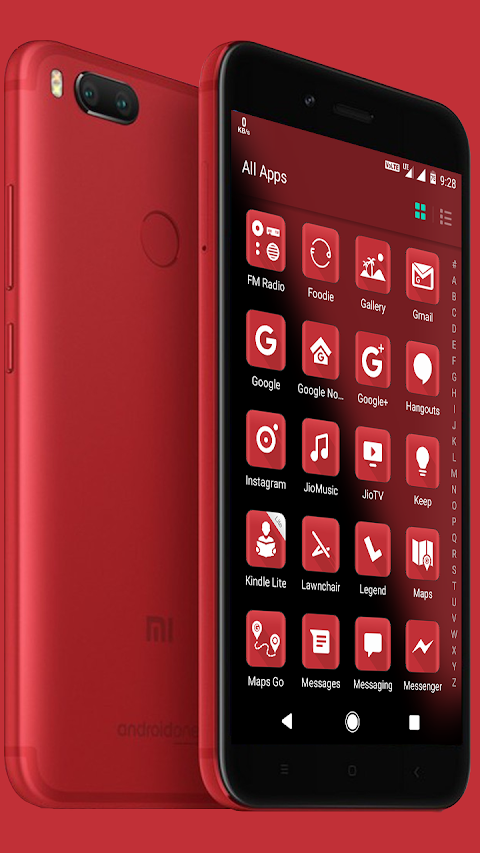
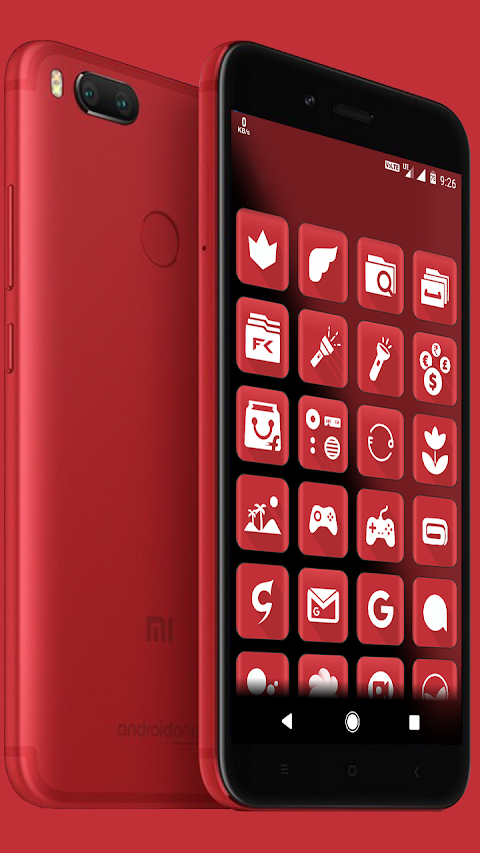
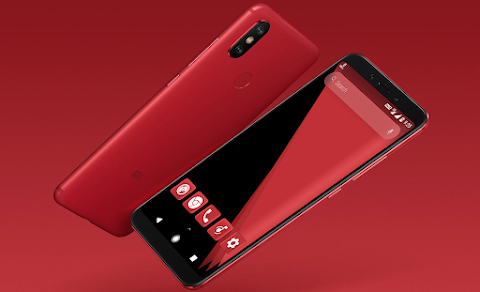
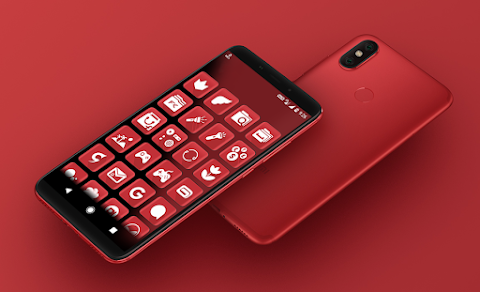
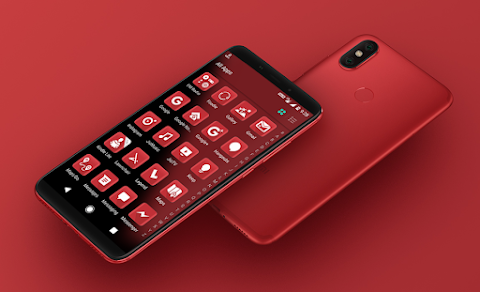
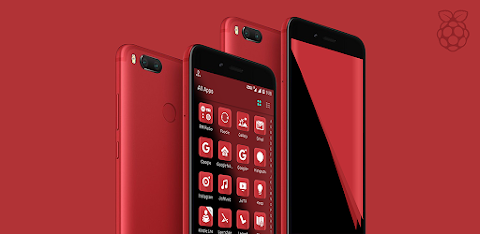
Red is the perfect solution for anyone looking for a premium quality icon pack to enhance their device. Designed specifically for those who appreciate high-end aesthetics, Red offers a vast collection of over 4000 icons that are bound to elevate your home screen's appearance.
One of the standout features of Red is its use of XXHDPI icons, which are crafted at 192x192 pixel resolution for stunning clarity. This icon pack is fully based on vector graphic processing, ensuring that every icon looks sharp and beautiful on any screen size. In addition to the extensive icon collection, you will also find HD+ cloud-based wallpapers that complement the icons perfectly.
Users can enjoy many alternate icons to choose from. This flexibility allows you to customize your device precisely to your liking. Red is compatible with a wide variety of Android launchers, making it versatile for most users. The app also provides regular updates and long-term support, so you can look forward to new icons and features in the future.
Finding the right icons is easy with Red's quick icon search and preview feature. You can also take advantage of the premium icon request option. If you find that an icon you want is missing, simply use this feature to request it, and the developers will take care of the rest. Additionally, Red supports Muzei live wallpaper, allowing your wallpapers to change dynamically.
If you manage your calendar on your Android device, Red has dynamic calendar support. This makes it compatible with Google calendar and other pre-installed calendar apps. Icons are sorted into various categories, making navigation simple and efficient.
Red includes an Image Picker feature, which lets you attach icons from the app as images in emails or even use them to create a Zooper Widget. This adds another layer of customization to your experience, letting you personalize your device with ease.
When it comes to compatibility, Red works seamlessly with many popular launchers. You can apply it through various Dashboard options, including Abc Launcher, Action Launcher, Apex Launcher, Evie Launcher, Go Launcher, Holo HD Launcher, Nova Launcher, Solo Launcher, and ZenUI Launcher. If you prefer, you can also apply it through launcher or theme settings like Xperia Home, EverythingMe, Themer, and more.
However, it is important to note that Red is a non-standalone app. This means you will need a compatible Android launcher to use this icon pack effectively. Some launchers, like Google Now Launcher and Pixel Launcher, do not support icon packs. Also, keep in mind that LG Home may not work consistently on all devices, especially with Android Nougat, which no longer supports third-party icon packs.
If you happen to encounter any un-themed icons, you can easily submit an un-themed icons request within the app. This way, the developers can help fill in any gaps in your icon collection.
Before leaving a review, make sure you have one of the compatible launchers installed to ensure the app works as intended. Your feedback is invaluable, and the developers appreciate any ratings or reviews you provide.
In conclusion, Red is a comprehensive icon pack designed for those who seek a premium experience on their Android devices. With features like 4000+ icons, various customization options, and strong launcher compatibility, it’s designed to make your device truly stand out. Download Red today and transform how your device looks and feels.
One of the standout features of Red is its use of XXHDPI icons, which are crafted at 192x192 pixel resolution for stunning clarity. This icon pack is fully based on vector graphic processing, ensuring that every icon looks sharp and beautiful on any screen size. In addition to the extensive icon collection, you will also find HD+ cloud-based wallpapers that complement the icons perfectly.
Users can enjoy many alternate icons to choose from. This flexibility allows you to customize your device precisely to your liking. Red is compatible with a wide variety of Android launchers, making it versatile for most users. The app also provides regular updates and long-term support, so you can look forward to new icons and features in the future.
Finding the right icons is easy with Red's quick icon search and preview feature. You can also take advantage of the premium icon request option. If you find that an icon you want is missing, simply use this feature to request it, and the developers will take care of the rest. Additionally, Red supports Muzei live wallpaper, allowing your wallpapers to change dynamically.
If you manage your calendar on your Android device, Red has dynamic calendar support. This makes it compatible with Google calendar and other pre-installed calendar apps. Icons are sorted into various categories, making navigation simple and efficient.
Red includes an Image Picker feature, which lets you attach icons from the app as images in emails or even use them to create a Zooper Widget. This adds another layer of customization to your experience, letting you personalize your device with ease.
When it comes to compatibility, Red works seamlessly with many popular launchers. You can apply it through various Dashboard options, including Abc Launcher, Action Launcher, Apex Launcher, Evie Launcher, Go Launcher, Holo HD Launcher, Nova Launcher, Solo Launcher, and ZenUI Launcher. If you prefer, you can also apply it through launcher or theme settings like Xperia Home, EverythingMe, Themer, and more.
However, it is important to note that Red is a non-standalone app. This means you will need a compatible Android launcher to use this icon pack effectively. Some launchers, like Google Now Launcher and Pixel Launcher, do not support icon packs. Also, keep in mind that LG Home may not work consistently on all devices, especially with Android Nougat, which no longer supports third-party icon packs.
If you happen to encounter any un-themed icons, you can easily submit an un-themed icons request within the app. This way, the developers can help fill in any gaps in your icon collection.
Before leaving a review, make sure you have one of the compatible launchers installed to ensure the app works as intended. Your feedback is invaluable, and the developers appreciate any ratings or reviews you provide.
In conclusion, Red is a comprehensive icon pack designed for those who seek a premium experience on their Android devices. With features like 4000+ icons, various customization options, and strong launcher compatibility, it’s designed to make your device truly stand out. Download Red today and transform how your device looks and feels.
CELEST5415 Retro Digital Watch
CELEST Watches
$1.99
$1.00

DRIFT – Hybrid Watch Face
p10trm
$1.49
$0.60

Samak Blue – Icon Pack
Panoto Gomo
$0.99