
$1.79
$0.90
50% Off
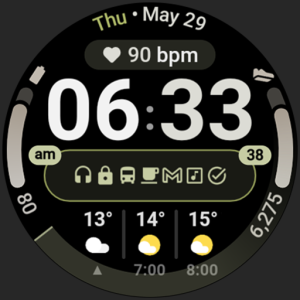
Apex 2.0 Watch Face
amoledwatchfaces™

About the App
The Apex 2.0 Watch Face is designed specifically for Wear OS 5+ devices, making it a perfect choice if you own a compatible smartwatch. However, it’s important to note that it is not suitable for rectangular watches.
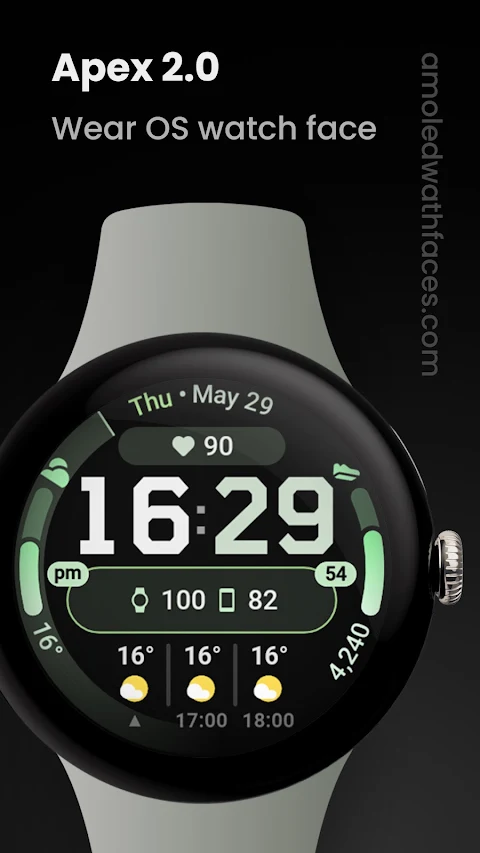
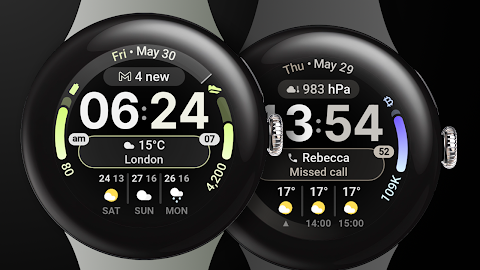
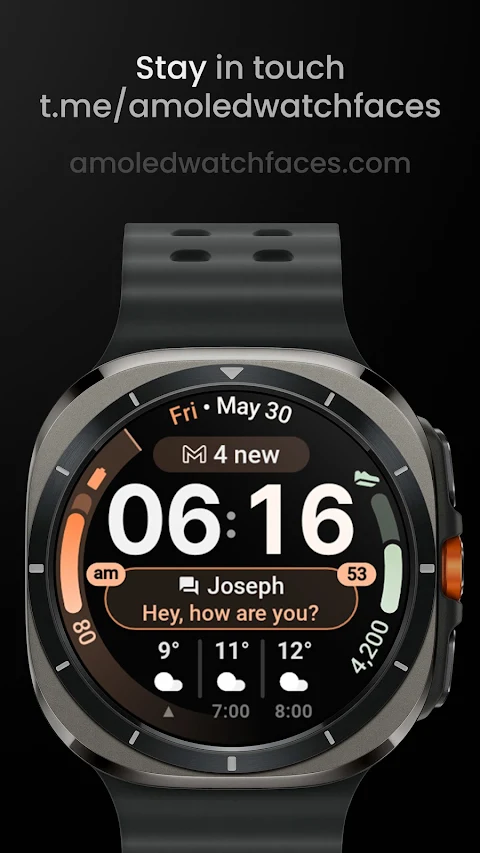
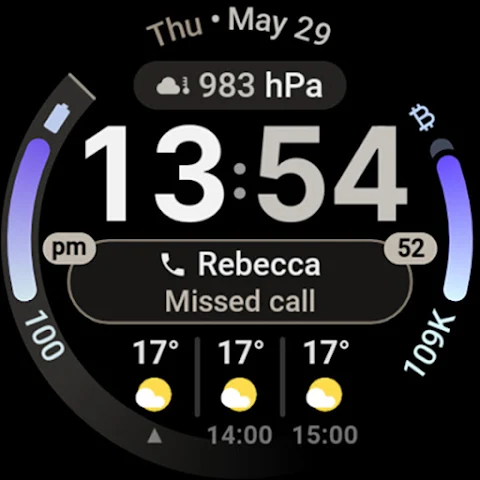
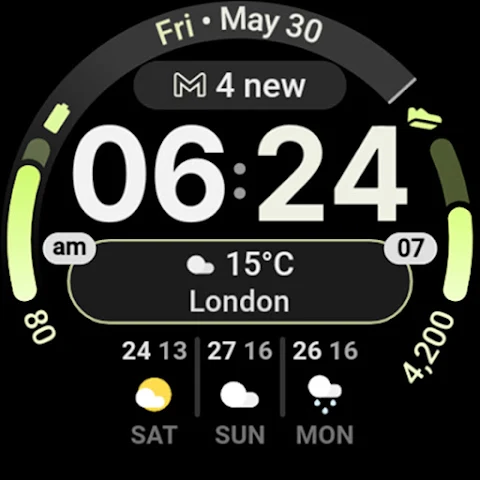
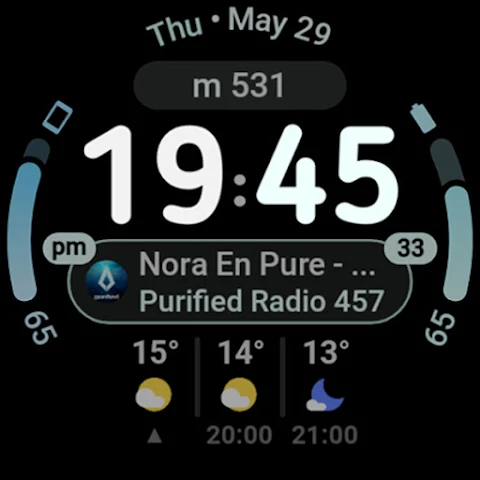
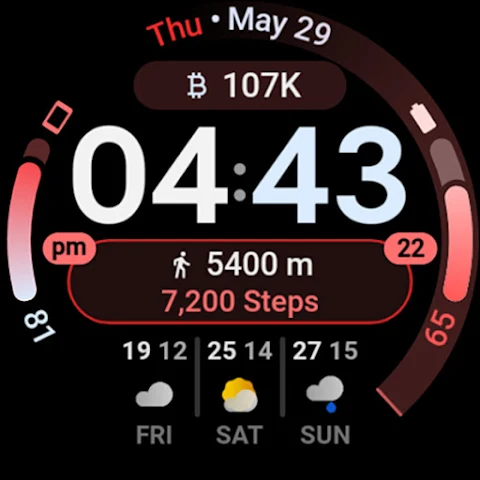
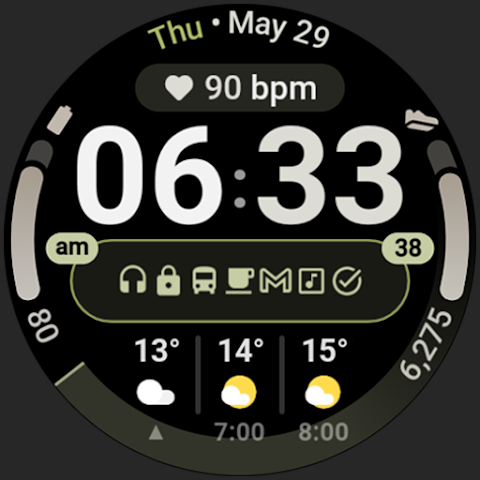
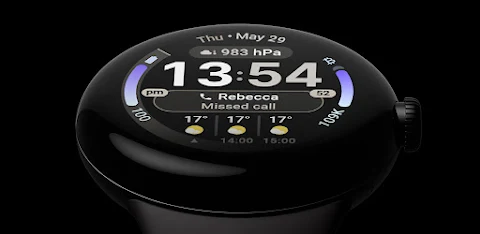
This watch face is powered by Watch Face Format 3. It offers a variety of features to enhance your smartwatch experience. For instance, you can take advantage of the weather forecast feature, which shows current conditions and a forecast for the next two hours. Simply tap on the current hour to open the weather app, or tap on the right side to see the daily forecast for up to three days ahead.
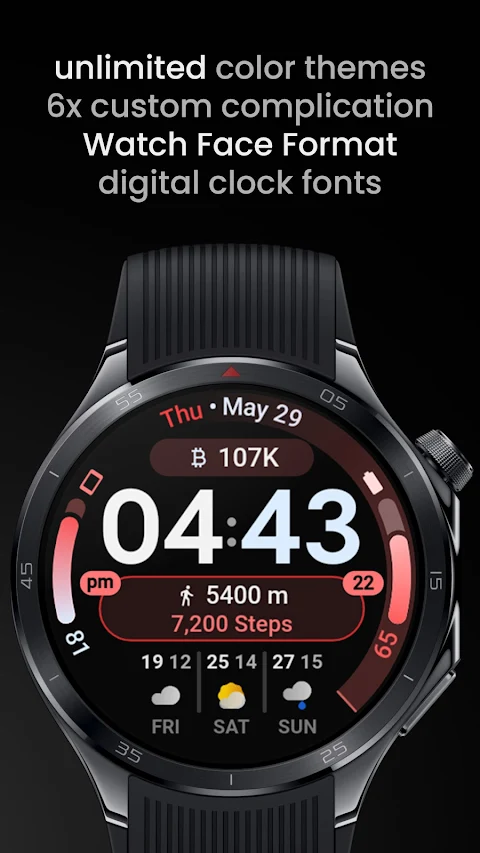
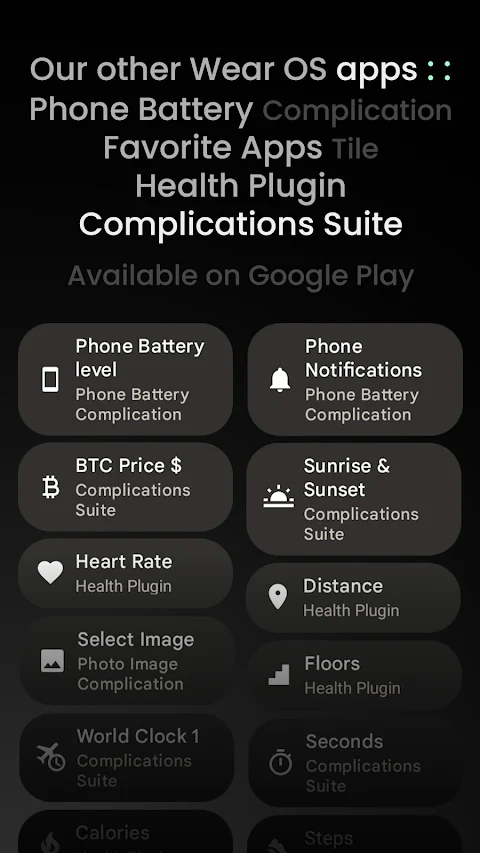
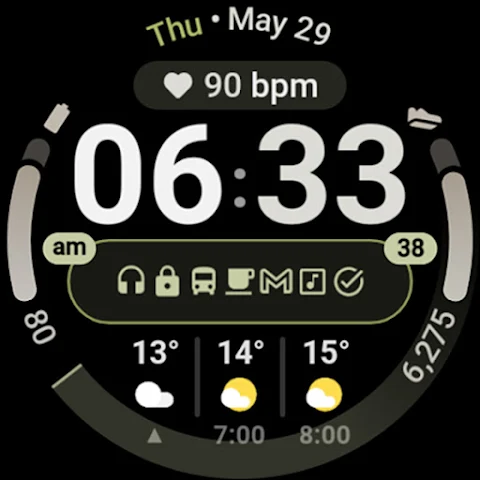
One of the standout aspects of the Apex 2.0 Watch Face is its customization options. It includes 6 custom complication slots that let you personalize the display with short text complications, long text complications, ranged value complications, monochromatic icon complications, and small image complications. There are also two slots for ranged value or long text in an arc format.
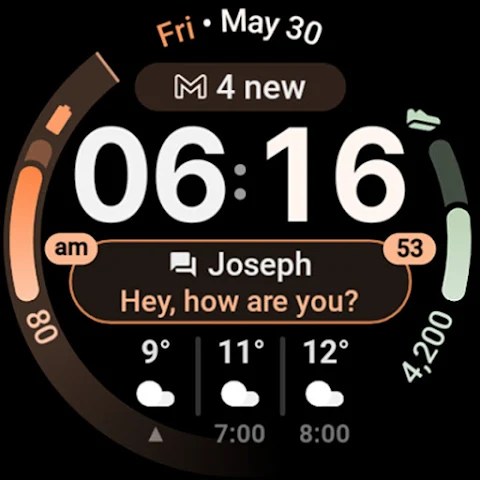
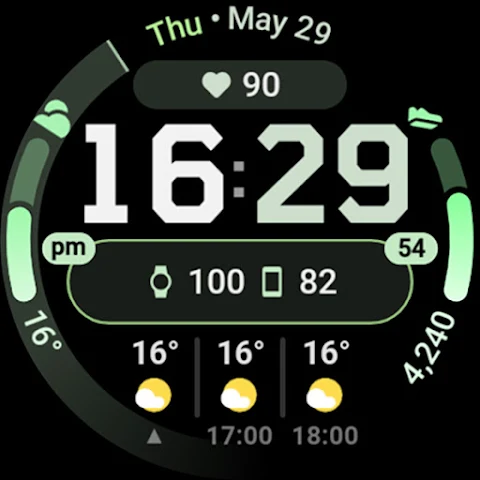
You can also stay updated with phone notifications, thanks to phone notifications support. If you need to keep track of both your watch and phone battery, the watch face supports dual batteries, so you never have to worry about running low on power. To make it even more tailored to your style, the Apex 2.0 allows you to choose from various material color themes, and features gradient progress bars to add a visually appealing touch.
When it comes to displaying time, you can select different digital clock fonts to find one that suits you best. The watch face includes options for toggling the leading zero and seconds indicator, allowing you to customize your time display further.
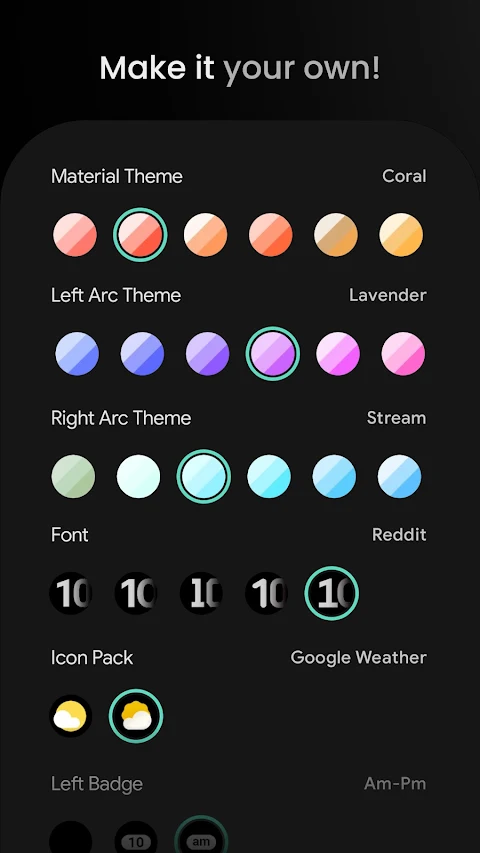
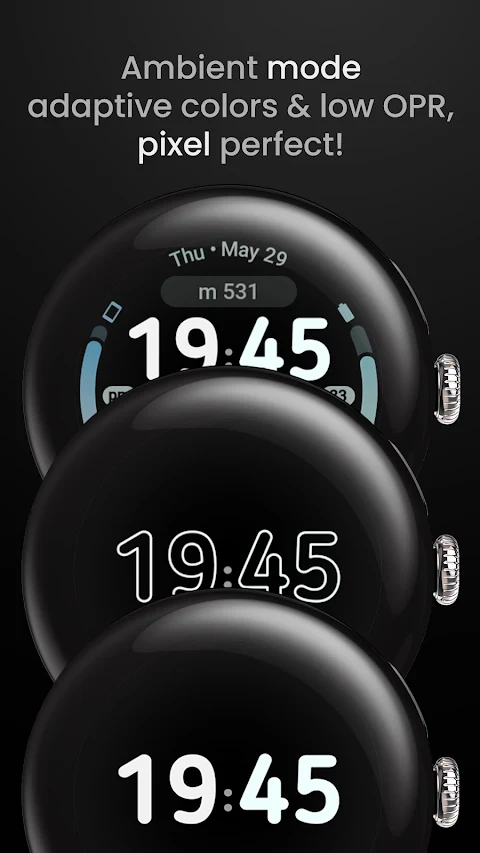
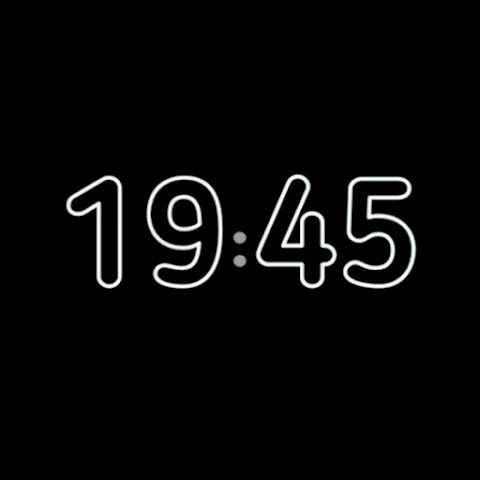
There are user configurations to fit your personal preferences. You can choose material theme options from over 60 selections, along with left arc themes and right arc themes, each with their own variants. There is also a weather icon pack with two different choices. If you prefer it, you can enable AOD (Always on Display) customization with a toggle for a hollow appearance.
To help you get the most out of the Apex 2.0 Watch Face, detailed installation and troubleshooting guides are available at amoledwatchfaces.com. If you run into any issues or need support, don’t hesitate to contact our support team at support@amoledwatchfaces.com.
Additionally, you can join our Telegram support group for live support discussions and to connect with other users. By purchasing through amoledwatchfaces.com, you can even enjoy a buy one get one offer, providing excellent value as you explore and customize your watch face further.
Overall, with its rich features and extensive customization options, the Apex 2.0 Watch Face is an ideal choice for anyone looking to personalize their Wear OS smartwatch while enjoying practicality and style.
This watch face is powered by Watch Face Format 3. It offers a variety of features to enhance your smartwatch experience. For instance, you can take advantage of the weather forecast feature, which shows current conditions and a forecast for the next two hours. Simply tap on the current hour to open the weather app, or tap on the right side to see the daily forecast for up to three days ahead.
One of the standout aspects of the Apex 2.0 Watch Face is its customization options. It includes 6 custom complication slots that let you personalize the display with short text complications, long text complications, ranged value complications, monochromatic icon complications, and small image complications. There are also two slots for ranged value or long text in an arc format.
You can also stay updated with phone notifications, thanks to phone notifications support. If you need to keep track of both your watch and phone battery, the watch face supports dual batteries, so you never have to worry about running low on power. To make it even more tailored to your style, the Apex 2.0 allows you to choose from various material color themes, and features gradient progress bars to add a visually appealing touch.
When it comes to displaying time, you can select different digital clock fonts to find one that suits you best. The watch face includes options for toggling the leading zero and seconds indicator, allowing you to customize your time display further.
There are user configurations to fit your personal preferences. You can choose material theme options from over 60 selections, along with left arc themes and right arc themes, each with their own variants. There is also a weather icon pack with two different choices. If you prefer it, you can enable AOD (Always on Display) customization with a toggle for a hollow appearance.
To help you get the most out of the Apex 2.0 Watch Face, detailed installation and troubleshooting guides are available at amoledwatchfaces.com. If you run into any issues or need support, don’t hesitate to contact our support team at support@amoledwatchfaces.com.
Additionally, you can join our Telegram support group for live support discussions and to connect with other users. By purchasing through amoledwatchfaces.com, you can even enjoy a buy one get one offer, providing excellent value as you explore and customize your watch face further.
Overall, with its rich features and extensive customization options, the Apex 2.0 Watch Face is an ideal choice for anyone looking to personalize their Wear OS smartwatch while enjoying practicality and style.
Active Wear Hybrid
Bloomfield Watchfaces
$1.79
$0.72

Everyday – Pixel Watch Face
V Code Studio
$1.49
$0.39

WallRod Wallpapers
myAP Devs
$1.49
$0.99