
$2.49
$1.25
50% Off
Aline White: linear icon pack
One4Studio

About the App
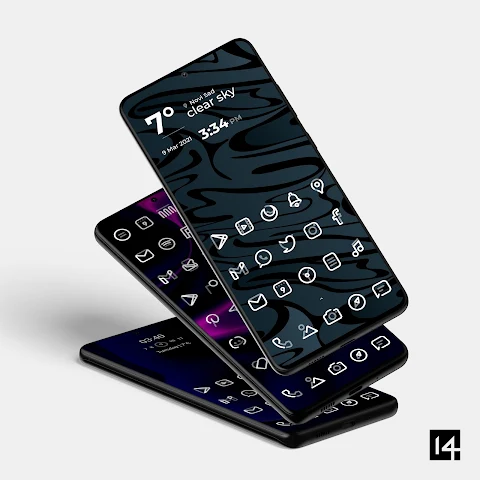
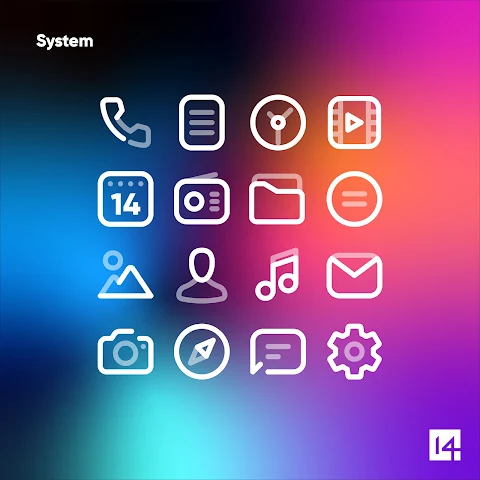
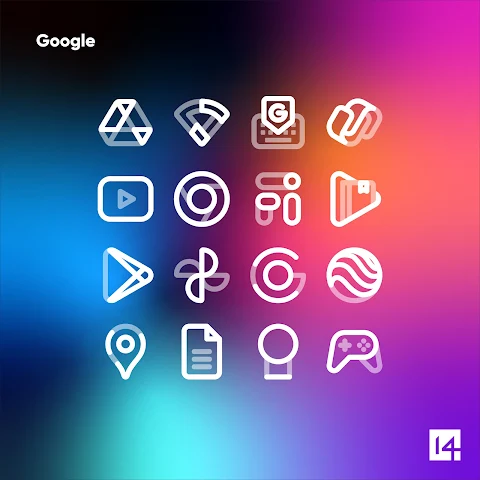
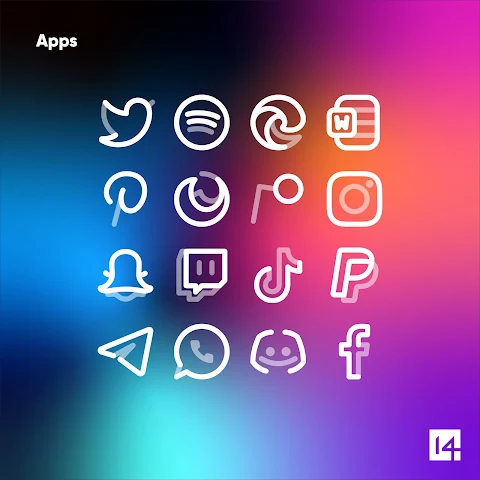
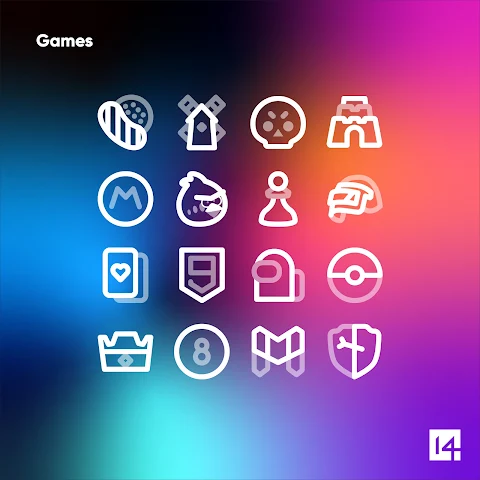
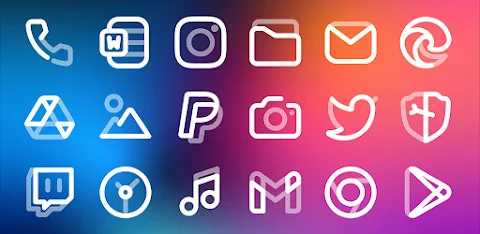
Aline White is a custom icon pack designed to enhance your phone’s look with bold linear icons. It adds a new touch to your home screen and app drawer, making them visually appealing. You can easily apply Aline White to almost any custom launcher like Nova launcher, Lawnchair launcher, and Niagara launcher. It also works with some default launchers, including the Samsung OneUI launcher through the Theme Park app, OnePlus launcher, Oppo Color OS, and Nothing launcher.
Why choose a custom icon pack like Aline White? Unified icons bring a fresh and clean look to your home screen and app drawer. Since we tend to spend hours on our phones, this small change can greatly improve your overall experience.
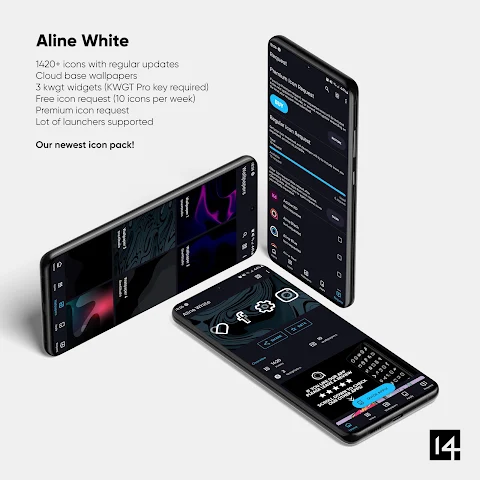
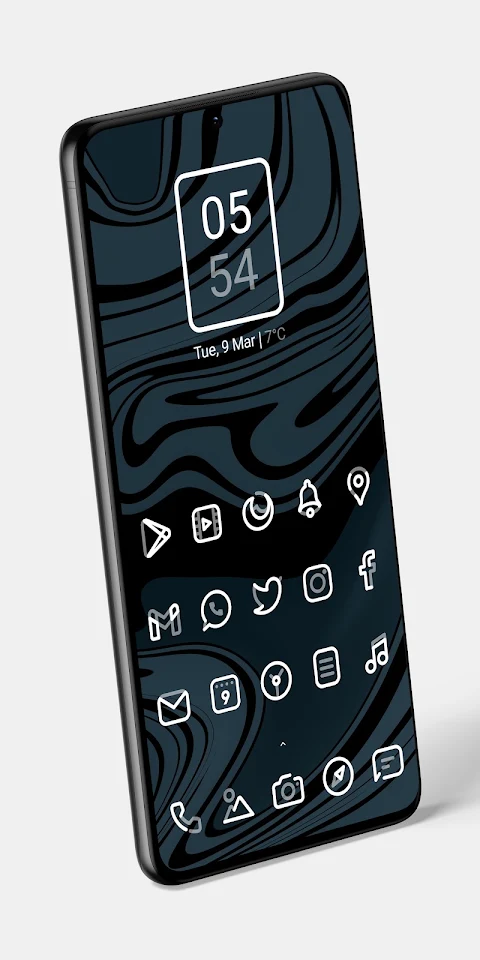
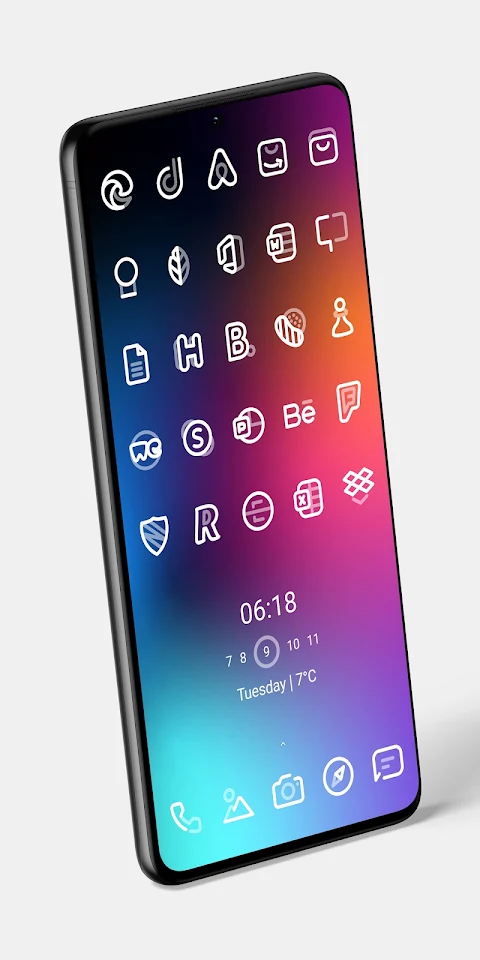
With Aline White, you receive a set of 3173 icons, 20 custom wallpapers, and 5 KWGT widgets. This means you have everything you need to truly personalize your phone. The icons feature a linear design, combining pure white with 50% opaque white, which looks stunning against dark wallpapers and Amoled backgrounds. To use the KWGT widgets, ensure you have the KWGT and KWGT Pro apps installed on your device.
What should you do if you’re not satisfied with the icons or find many missing icons for your installed apps? Aline White offers a solid icon pack refund policy. If you’re not happy within the first 7 days of purchase, you can get your money back—no questions asked. And if you can be patient, Aline White is regularly updated every week, meaning more icons will be added over time, including those you might be missing right now. For those who can’t wait, you can also make premium icon requests, and these will be added in the next update after you submit them.
Some additional features of Aline White include high-resolution icons with a size of 256 x 256 pixels. The pack is perfect for dark wallpapers and themes, and it comes with alternate icons for popular apps. It also has a dynamic calendar icon and the ability to mask unthemed icons. You can also customize folder icons and apply miscellaneous icons manually.
If you want to send an icon request for Aline White, simply open the app and tap on the Request card. You can choose which icons you want themed and press the Floating Send button. A screen for sharing the requests will appear, where you can select Gmail. Be careful not to delete the generated zip file or modify the subject and body of the email, as this can make your request unusable.
Aline White supports a wide variety of launchers, including Action Launcher, ADW Launcher, ADW ex Launcher, Apex Launcher, Go Launcher, Google Now Launcher, and many others. If you don’t see your launcher listed, you can still apply Aline White icons through your launcher settings.
For more guidance on using icon packs correctly, stay tuned for updates on our new website. If you have further questions or special requests, feel free to reach out. You can email us at info@one4studio.com. We also have a presence on Twitter and a Telegram channel for quicker communication.
Overall, Aline White gives you excellent icon customization features, allowing you to personalize your phone with a beautiful set of linear icons and vibrant custom wallpapers. It’s an easy way to refresh your phone’s aesthetic and enjoy a better user experience.
Why choose a custom icon pack like Aline White? Unified icons bring a fresh and clean look to your home screen and app drawer. Since we tend to spend hours on our phones, this small change can greatly improve your overall experience.
With Aline White, you receive a set of 3173 icons, 20 custom wallpapers, and 5 KWGT widgets. This means you have everything you need to truly personalize your phone. The icons feature a linear design, combining pure white with 50% opaque white, which looks stunning against dark wallpapers and Amoled backgrounds. To use the KWGT widgets, ensure you have the KWGT and KWGT Pro apps installed on your device.
What should you do if you’re not satisfied with the icons or find many missing icons for your installed apps? Aline White offers a solid icon pack refund policy. If you’re not happy within the first 7 days of purchase, you can get your money back—no questions asked. And if you can be patient, Aline White is regularly updated every week, meaning more icons will be added over time, including those you might be missing right now. For those who can’t wait, you can also make premium icon requests, and these will be added in the next update after you submit them.
Some additional features of Aline White include high-resolution icons with a size of 256 x 256 pixels. The pack is perfect for dark wallpapers and themes, and it comes with alternate icons for popular apps. It also has a dynamic calendar icon and the ability to mask unthemed icons. You can also customize folder icons and apply miscellaneous icons manually.
If you want to send an icon request for Aline White, simply open the app and tap on the Request card. You can choose which icons you want themed and press the Floating Send button. A screen for sharing the requests will appear, where you can select Gmail. Be careful not to delete the generated zip file or modify the subject and body of the email, as this can make your request unusable.
Aline White supports a wide variety of launchers, including Action Launcher, ADW Launcher, ADW ex Launcher, Apex Launcher, Go Launcher, Google Now Launcher, and many others. If you don’t see your launcher listed, you can still apply Aline White icons through your launcher settings.
For more guidance on using icon packs correctly, stay tuned for updates on our new website. If you have further questions or special requests, feel free to reach out. You can email us at info@one4studio.com. We also have a presence on Twitter and a Telegram channel for quicker communication.
Overall, Aline White gives you excellent icon customization features, allowing you to personalize your phone with a beautiful set of linear icons and vibrant custom wallpapers. It’s an easy way to refresh your phone’s aesthetic and enjoy a better user experience.
ML2U 166 Watch Face
ML2U
$1.49
$0.25

Fit X Watch Face
amoledwatchfaces™
$1.49
$0.75

Vibrant Fit Hybrid
ChronoHarvest
$1.99
$1.29