
$1.99
$1.29
35% Off
Vibrant Fit Hybrid
ChronoHarvest


About the App
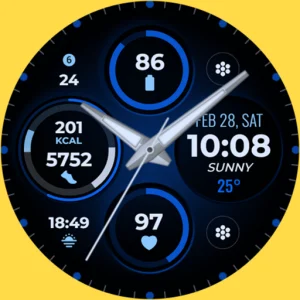
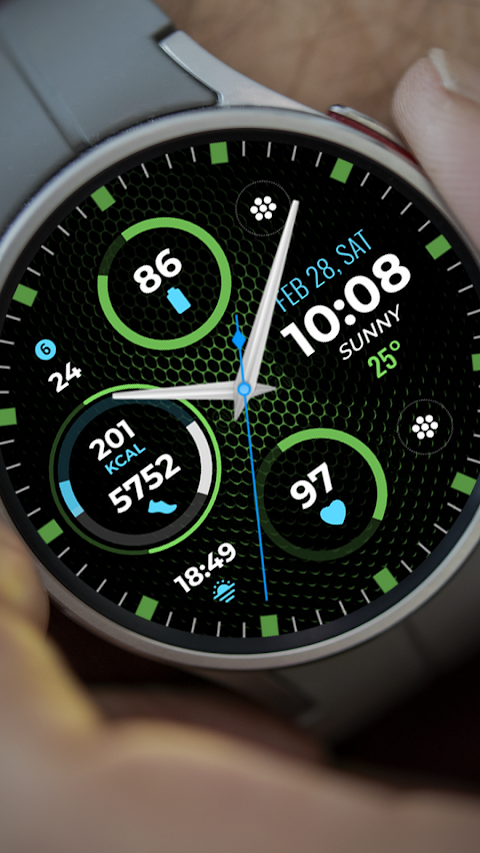
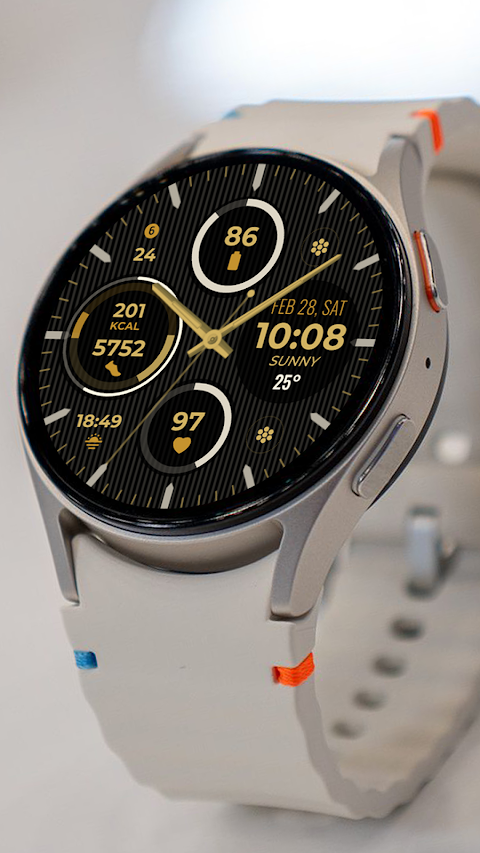
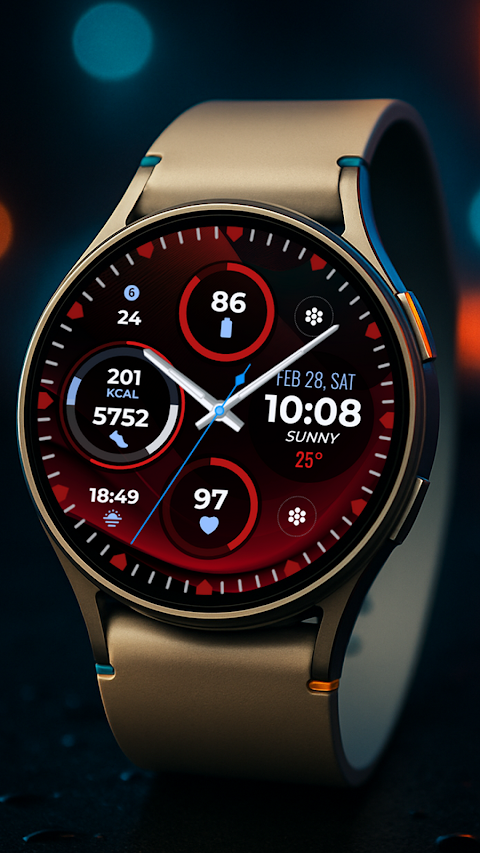
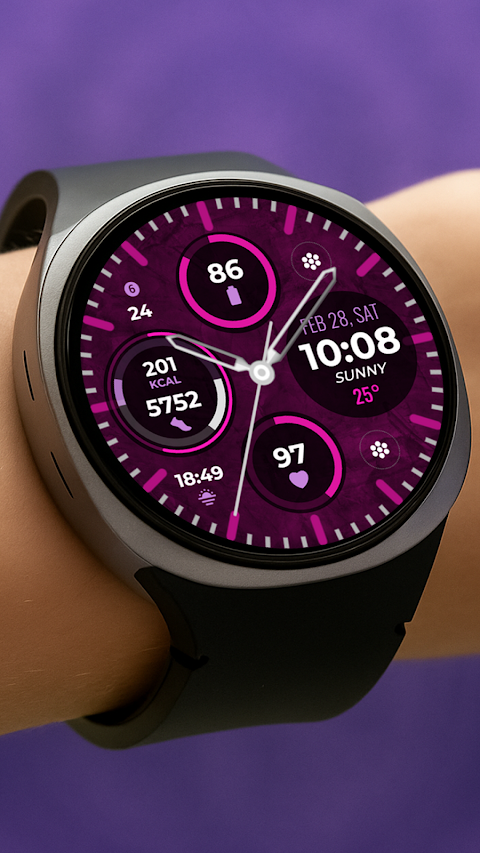
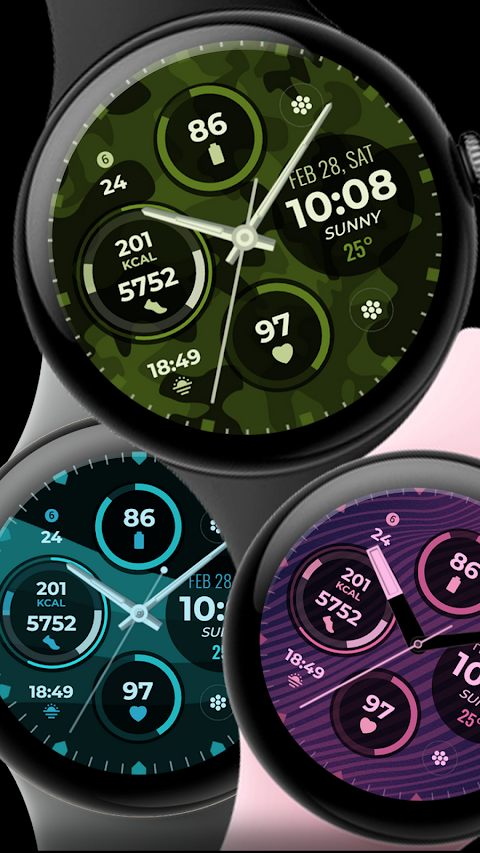
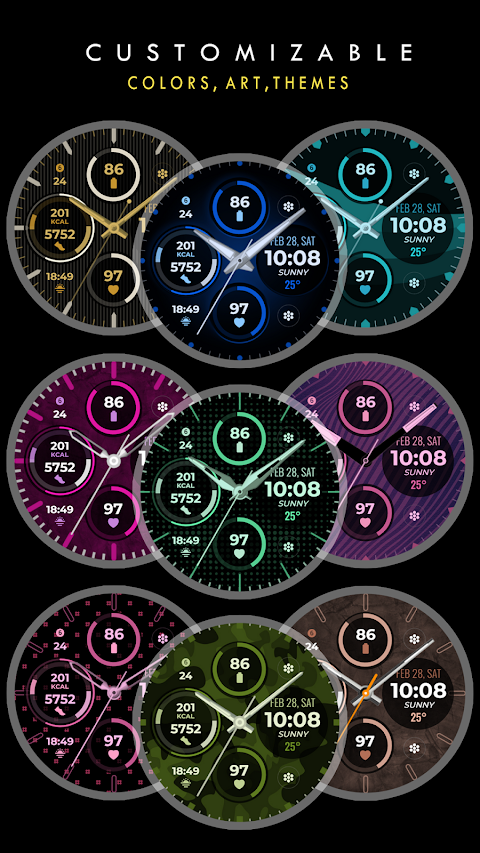
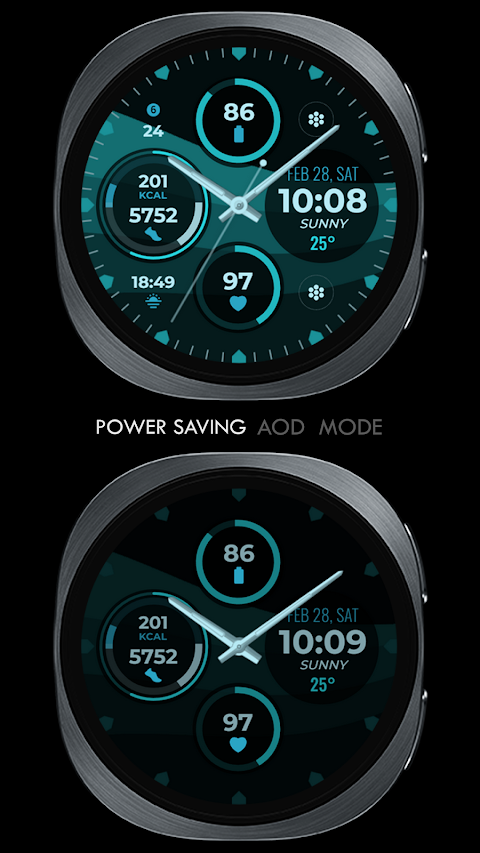
Vibrant Fit Hybrid is a watch face designed for Wear OS devices, including the popular Samsung Galaxy Watch. Its sleek and modern design features a Hybrid Digital Clock that seamlessly integrates your daily needs. This watch face provides pre-set App Shortcuts for essential functions like Alarm, Calendar, Battery status, Heart Rate tracking, and Steps monitoring.
You can add your own personalized touch with two Custom App Shortcuts and two Custom Complications. These Custom Complications can display various types of information. For example, you might want to track the weather data, view your next appointment, or keep an eye on the distance walked. Users can also choose to display sunset/sunrise times or the world clock. To enhance your experience, you may need to install additional third-party complications.
If you're setting up the Vibrant Fit watch face, there are a few important things to keep in mind. First, ensure that your watch is synced to your phone using the same email address. This is crucial for a seamless installation process. After downloading the watch face, it may take a few minutes for it to transfer to your watch. You should receive a notification on your watch once the transfer is successful. If you do not see a notification, simply go to the Playstore on your watch and search for "Vibrant Fit Hybrid."
Once the installation is complete, you may need to add the watch face manually. To do this, go to your home display settings. Tap and hold on the display, swipe to the end, and tap the plus (+) icon to add the watch face. You can easily rotate the bezel or scroll to find the Vibrant Fit watch face among your options.
It's also important to allow or enable all necessary permissions from your settings under applications. This step helps ensure that everything works smoothly.
If you are not satisfied with your purchase, please note that the refund policy for apps allows for refunds only within 24 hours of the purchase.
For further help, you can watch the installation tutorial available on YouTube. If you have any questions or need support, feel free to reach out via email.
With its modern features, customization options, and user-friendly setup, the Vibrant Fit Hybrid watch face is a great choice for optimizing your smartwatch experience.
You can add your own personalized touch with two Custom App Shortcuts and two Custom Complications. These Custom Complications can display various types of information. For example, you might want to track the weather data, view your next appointment, or keep an eye on the distance walked. Users can also choose to display sunset/sunrise times or the world clock. To enhance your experience, you may need to install additional third-party complications.
If you're setting up the Vibrant Fit watch face, there are a few important things to keep in mind. First, ensure that your watch is synced to your phone using the same email address. This is crucial for a seamless installation process. After downloading the watch face, it may take a few minutes for it to transfer to your watch. You should receive a notification on your watch once the transfer is successful. If you do not see a notification, simply go to the Playstore on your watch and search for "Vibrant Fit Hybrid."
Once the installation is complete, you may need to add the watch face manually. To do this, go to your home display settings. Tap and hold on the display, swipe to the end, and tap the plus (+) icon to add the watch face. You can easily rotate the bezel or scroll to find the Vibrant Fit watch face among your options.
It's also important to allow or enable all necessary permissions from your settings under applications. This step helps ensure that everything works smoothly.
If you are not satisfied with your purchase, please note that the refund policy for apps allows for refunds only within 24 hours of the purchase.
For further help, you can watch the installation tutorial available on YouTube. If you have any questions or need support, feel free to reach out via email.
With its modern features, customization options, and user-friendly setup, the Vibrant Fit Hybrid watch face is a great choice for optimizing your smartwatch experience.
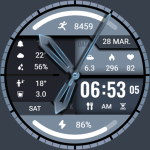
Blue Light Weight ZKin Watch
ZKin
$2.99
$0.99
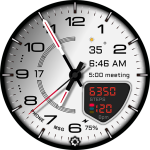
D355 Premium Watch Face
Yosash
$1.99
$0.99
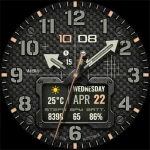
WAW048 Industrial Rugged Face
WAW Watch Faces
$2.99