
$1.49
$0.45
70% Off
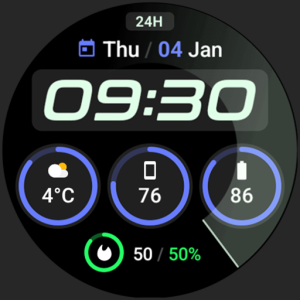
Active 2: Watch face
amoledwatchfaces™






About the App
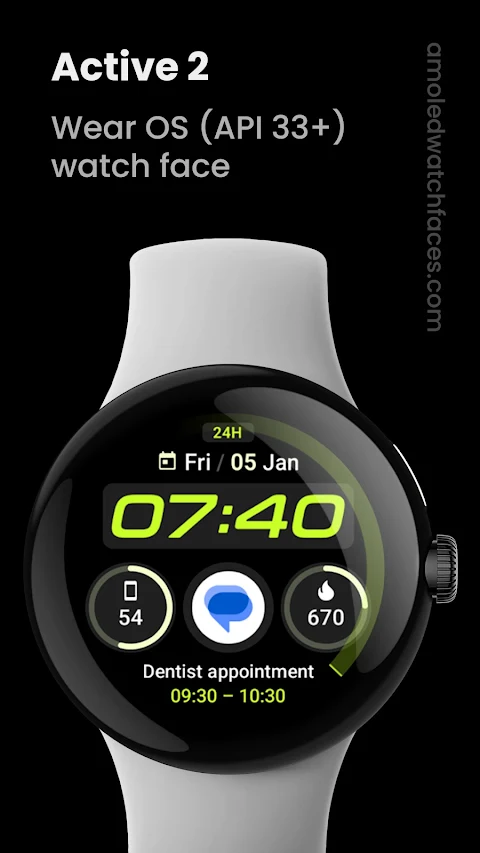
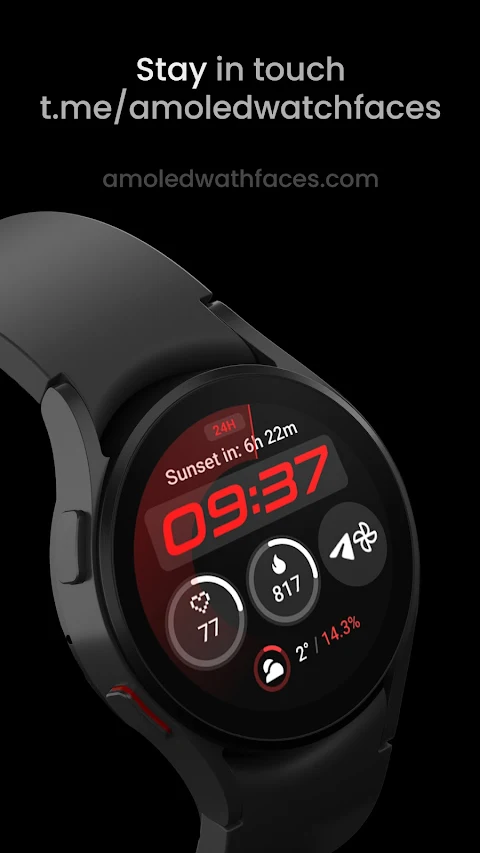
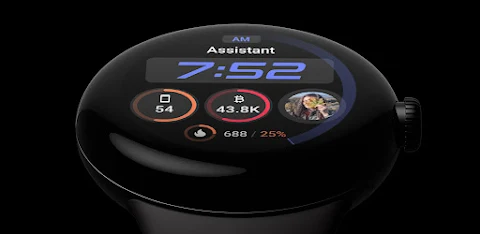
Active 2: Watch face is designed specifically for Wear OS 4+ devices. Please note, it is not suitable for rectangular watches. This app harnesses the power of Watch Face Format, allowing you to enjoy a high-resolution watch face that combines style with functionality.
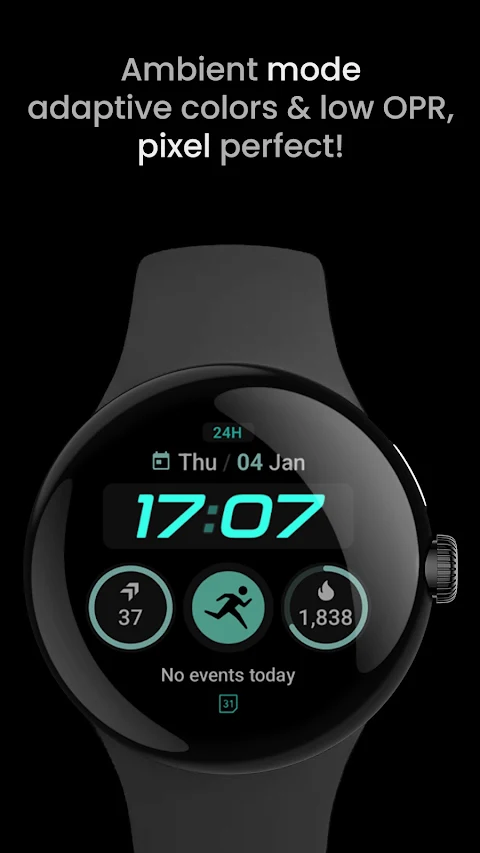
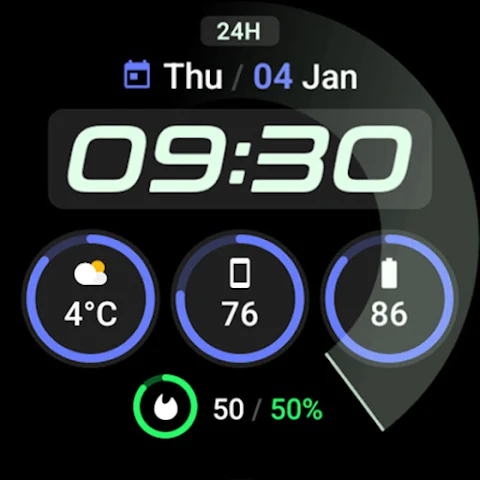
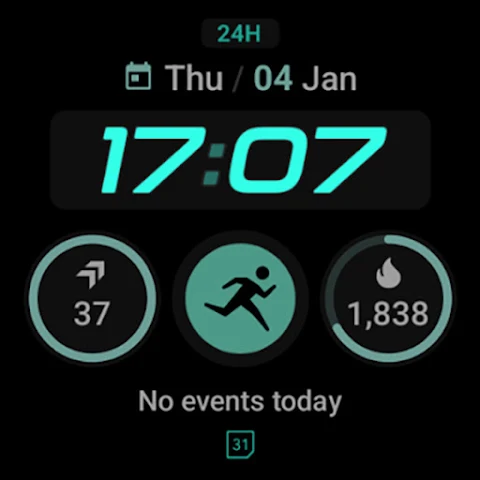
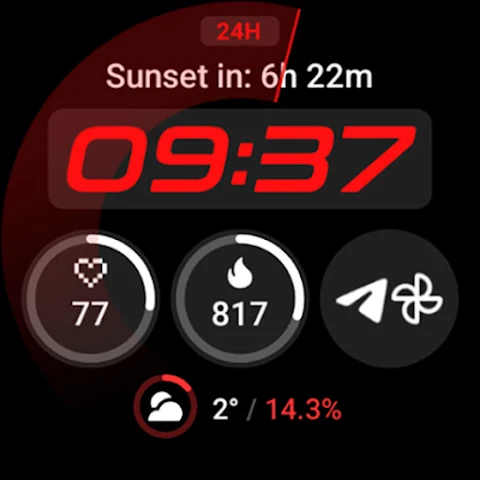
This watch face offers a variety of features tailored to enhance your smartwatch experience. You can choose from three main complications, each with four different types. One handy feature is the date box, which can be converted to a long text complication for upcoming events. Active 2 includes a unique ambient mode that operates with low power requirements (OPR) and adapts colors beautifully for better readability.
Another important feature is burn-in protection, ensuring that your watch display remains clear and vibrant over time. The use of PNGQuant optimized layers makes this watch face battery-friendly while providing a true black background that looks stunning on your screen. You can also customize the progress bar gradient individually when you use a ranged value complication, making the experience even more personalized.
Active 2 supports mobile notifications, adding another layer of convenience. For even more usability, simply tap the date to open your Calendar, or tap the digital clock to set a custom app launch action. If you need to check the alarm, just tap the am-pm indicator to open the Alarm app. The added sweep seconds indicator helps keep you in sync.
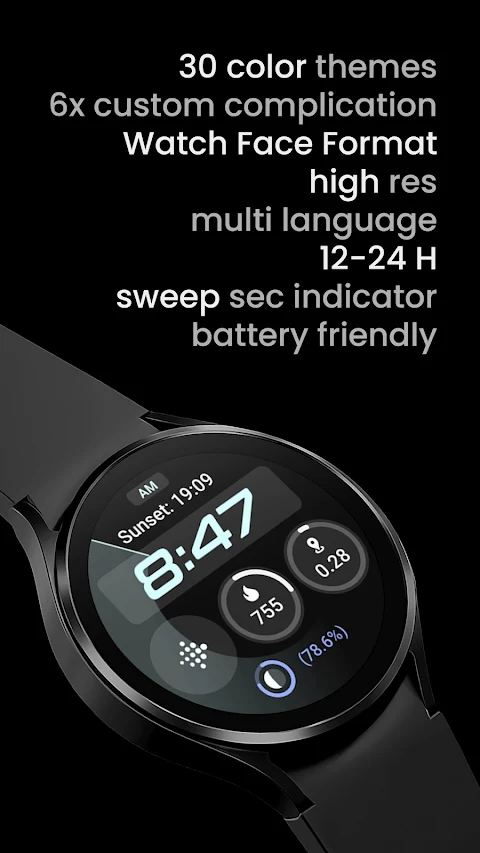
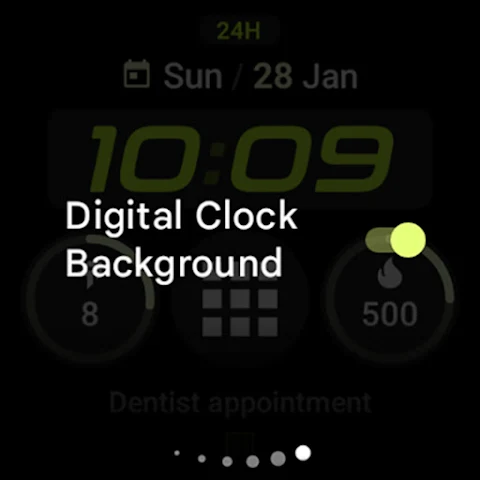
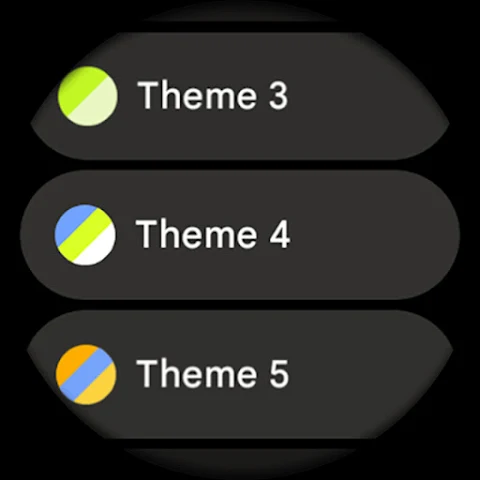
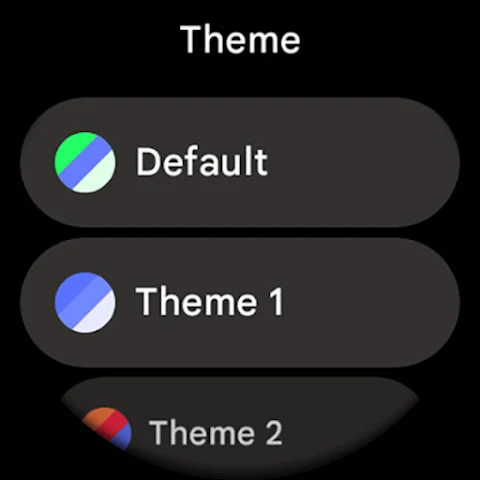
Customization is key to the Active 2 experience. You can choose from various unique color themes to fit your style, and the user configurations settings let you adapt the watch face to your needs. Options include theme customization with a default theme plus 29 additional choices, and you can modify the Bar1, Bar2, and Bar3 tints based on your selected theme. There’s also the option to toggle the digital clock background and the bottom slot summary.
For those interested in custom complication options, Active 2 allows for six different configurations. Additionally, the always-on display (AOD) has two style options to choose from, providing flexibility to suit any situation.
You’ll find an installation and troubleshooting guide available on the website to help you get started. If you encounter issues or have questions, don’t hesitate to reach out for support. There’s also a Telegram group where you can join live discussions with other users.
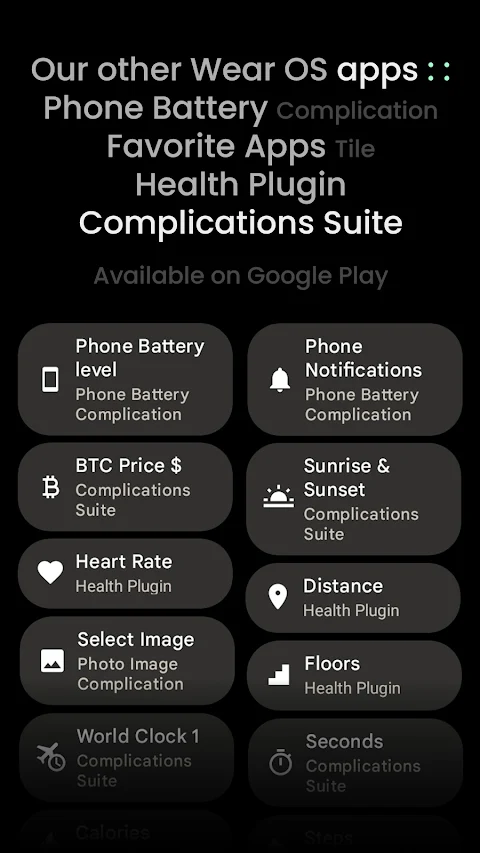
Active 2: Watch face frequently runs special offers, such as a buy one get one offer, ensuring you get great value for your companion device. Explore the custom complication apps available to enhance your experience even more.
With its carefully crafted features, Active 2: Watch face is here to meet your smartwatch needs, ensuring a blend of style, customization, and utility.
This watch face offers a variety of features tailored to enhance your smartwatch experience. You can choose from three main complications, each with four different types. One handy feature is the date box, which can be converted to a long text complication for upcoming events. Active 2 includes a unique ambient mode that operates with low power requirements (OPR) and adapts colors beautifully for better readability.
Another important feature is burn-in protection, ensuring that your watch display remains clear and vibrant over time. The use of PNGQuant optimized layers makes this watch face battery-friendly while providing a true black background that looks stunning on your screen. You can also customize the progress bar gradient individually when you use a ranged value complication, making the experience even more personalized.
Active 2 supports mobile notifications, adding another layer of convenience. For even more usability, simply tap the date to open your Calendar, or tap the digital clock to set a custom app launch action. If you need to check the alarm, just tap the am-pm indicator to open the Alarm app. The added sweep seconds indicator helps keep you in sync.
Customization is key to the Active 2 experience. You can choose from various unique color themes to fit your style, and the user configurations settings let you adapt the watch face to your needs. Options include theme customization with a default theme plus 29 additional choices, and you can modify the Bar1, Bar2, and Bar3 tints based on your selected theme. There’s also the option to toggle the digital clock background and the bottom slot summary.
For those interested in custom complication options, Active 2 allows for six different configurations. Additionally, the always-on display (AOD) has two style options to choose from, providing flexibility to suit any situation.
You’ll find an installation and troubleshooting guide available on the website to help you get started. If you encounter issues or have questions, don’t hesitate to reach out for support. There’s also a Telegram group where you can join live discussions with other users.
Active 2: Watch face frequently runs special offers, such as a buy one get one offer, ensuring you get great value for your companion device. Explore the custom complication apps available to enhance your experience even more.
With its carefully crafted features, Active 2: Watch face is here to meet your smartwatch needs, ensuring a blend of style, customization, and utility.
Barcode Scanner Keyboard PRO
Nikola Antonov
$5.99
FREE

OnSite Checklists – Auditing
Raghvendra Bhargava
$9.99
Youlife
xlsewhere
$1.99