
$5.99
FREE
100% Off
Barcode Scanner Keyboard PRO
Nikola Antonov

About the App
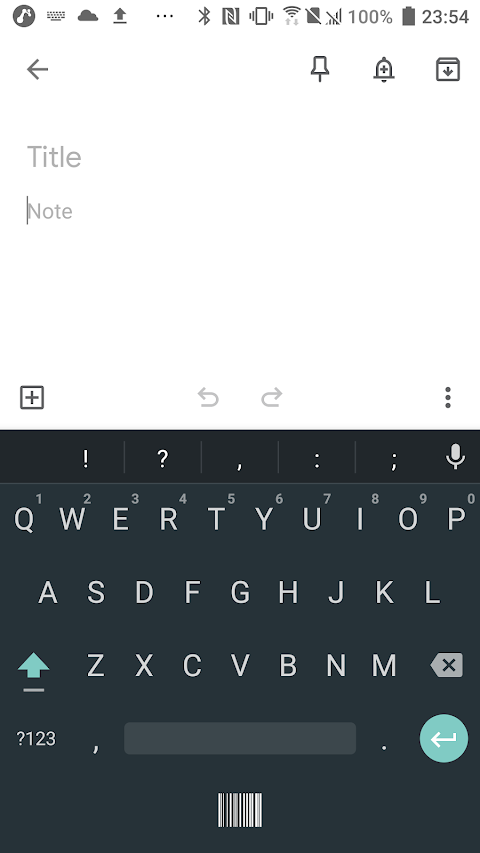
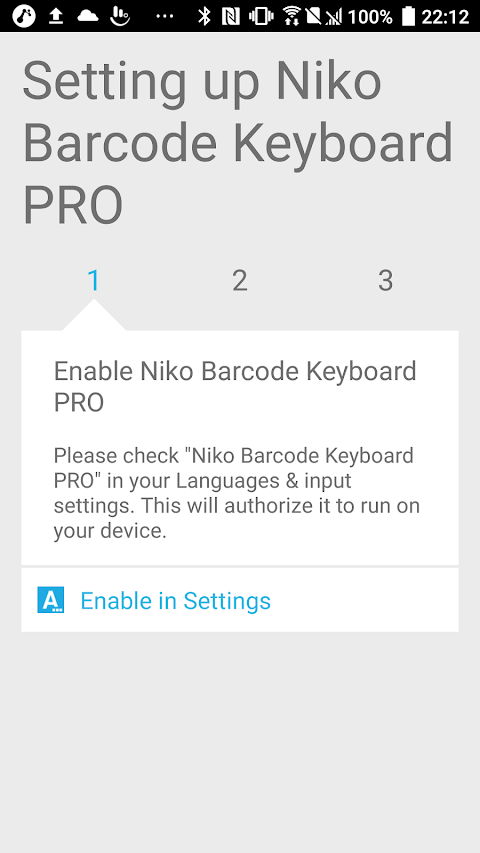
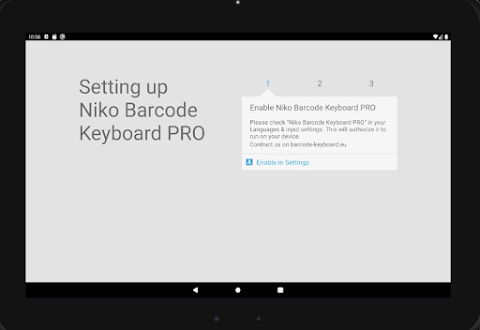
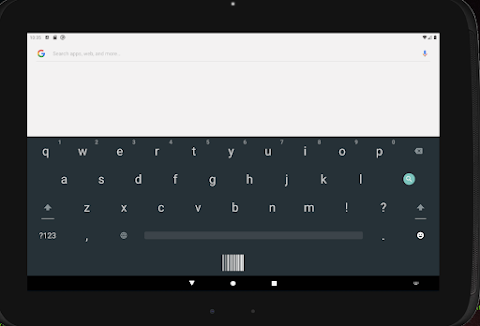
Barcode Scanner Keyboard PRO is an app that transforms any Android device into a barcode data-capture terminal. This innovative app installs as a keyboard, allowing you to scan barcodes and have the data automatically enter into the field you are typing in. There's no need for any SDK, integration work, or changes to the apps you already use.
This app is ideal for various tasks like warehouse picking, inventory counts, asset tracking, logistics solutions, retail management, and field service operations. Whether you’re scanning for stock takes or managing assets, Barcode Scanner Keyboard PRO makes the job easier.
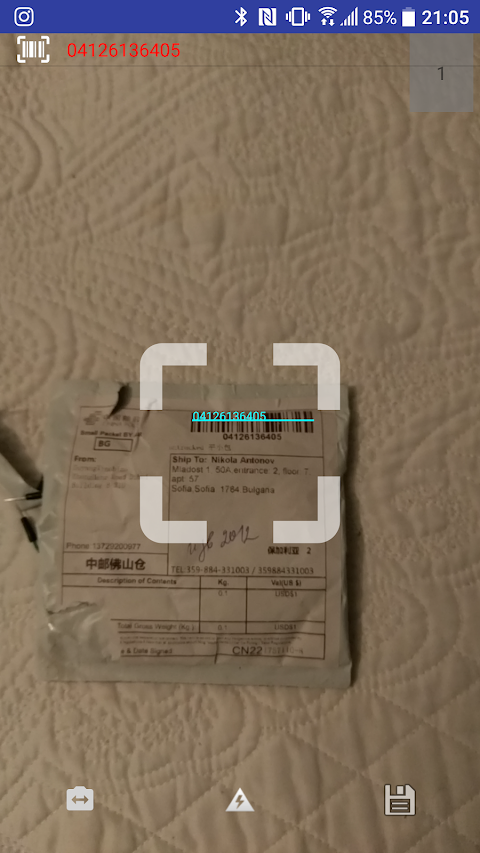
When you want to scan, just tap the scan key. The camera will open, decode the barcode, and type the result directly into any active field of your chosen app, such as SAP integration, Dynamics integration, Odoo compatibility, a web form, or even a spreadsheet. Best of all, offline scanning is fully supported, so you can work seamlessly without an internet connection.
For IT administrators, the app offers centralized management through Android managed configurations. You can deploy it through managed Google Play and configure every device with ease using tools like Intune, Workspace ONE, SOTI MobiControl, Hexnode, Miradore, or any other EMM that supports app configuration. Administrators can make use of 45 different settings remotely, such as prefixes, suffixes, trim options, auto-submit features, and sound and vibration controls. Settings that you pin will be locked on the device to ensure security.
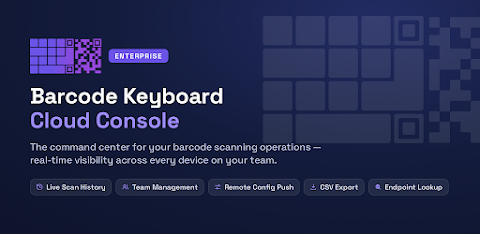
An optional cloud dashboard allows you to sync every scan to a searchable web dashboard. You can manage team accounts, complete with admin, member, and viewer roles. The system also provides CSV export functionality, which simplifies data sharing. Administrators can push scanner configurations to all devices from the browser, and perform HTTPS API calls after each scan. This way, you can quickly access and insert vital information like product name, stock level, and status with just one tap.
Barcode Scanner Keyboard PRO supports a wide array of barcode formats, including EAN-13 support, EAN-8, UPC-A, UPC-E, and QR Code scanning, as well as 2D barcodes like Data Matrix and PDF417. It can also identify GS1 Application Identifiers and break them into named fields for easier data handling.
If you need to capture printed text, you can switch the scanner to text recognition OCR mode. This feature allows you to scan labels, serial plates, and documents, entering printed text directly into your application.
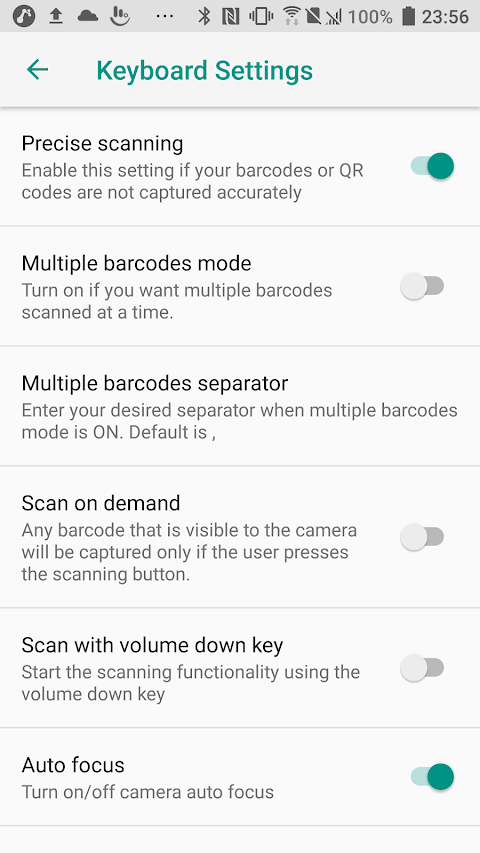
The app includes a multi-scan capability, enabling you to collect several codes at once and insert them into your application as a single separated list. With the scan on demand feature, you can aim and then capture a barcode with a button press. Hardware triggers and customizable scan settings provide additional flexibility for workflows. Plus, options like using the flashlight, front camera, zoom, and configurable resolution enhance the scanning experience, especially when dealing with dense label sheets.
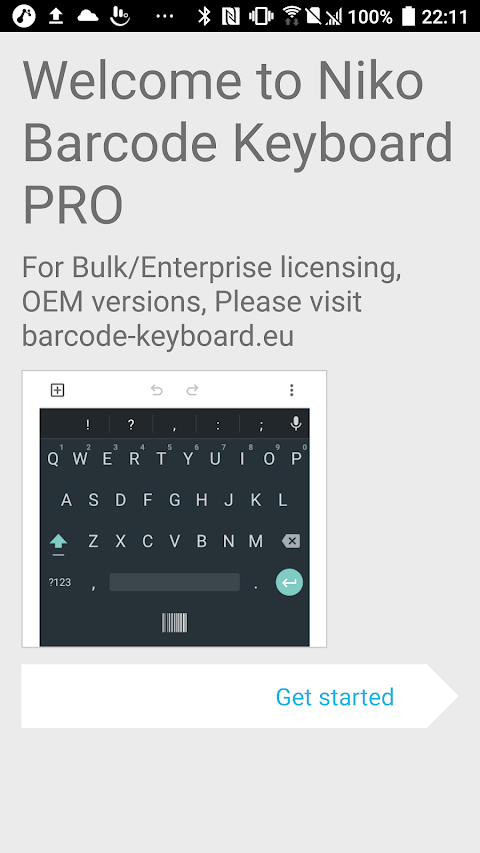
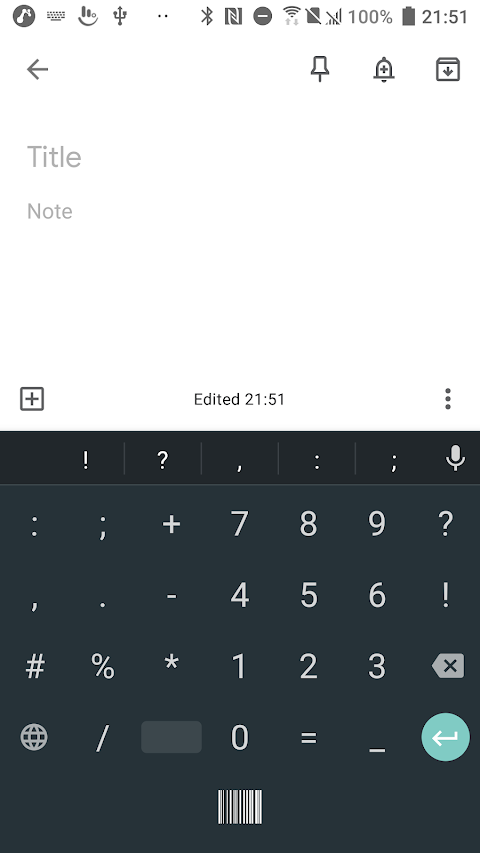
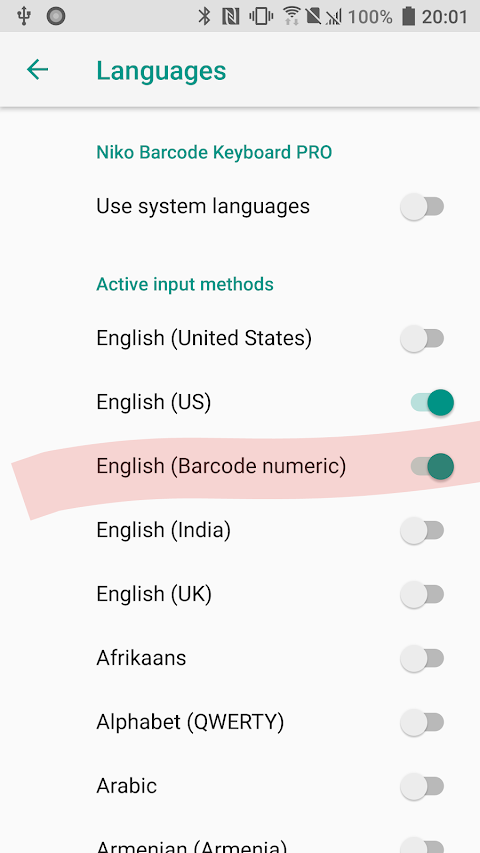
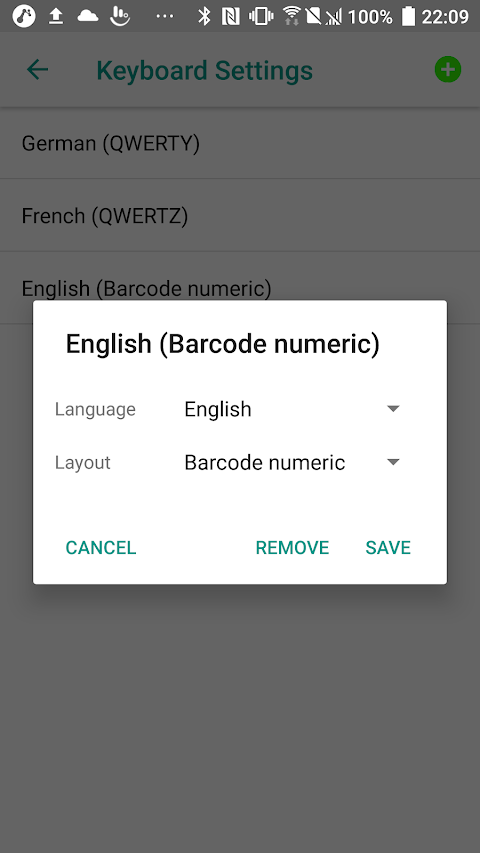
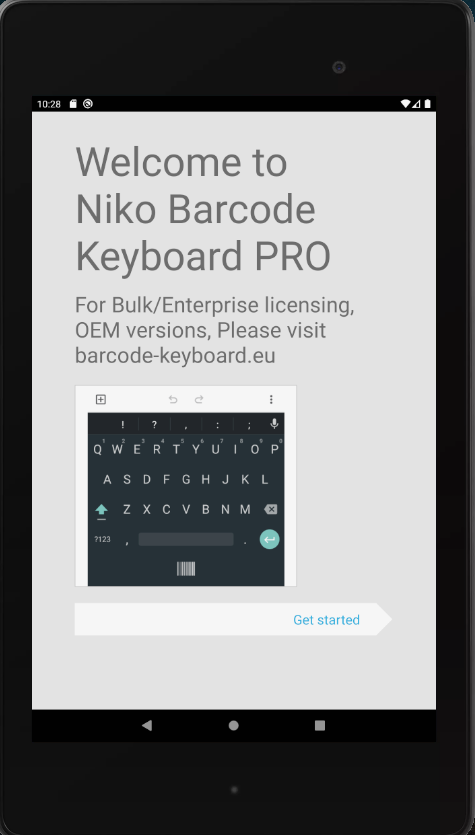
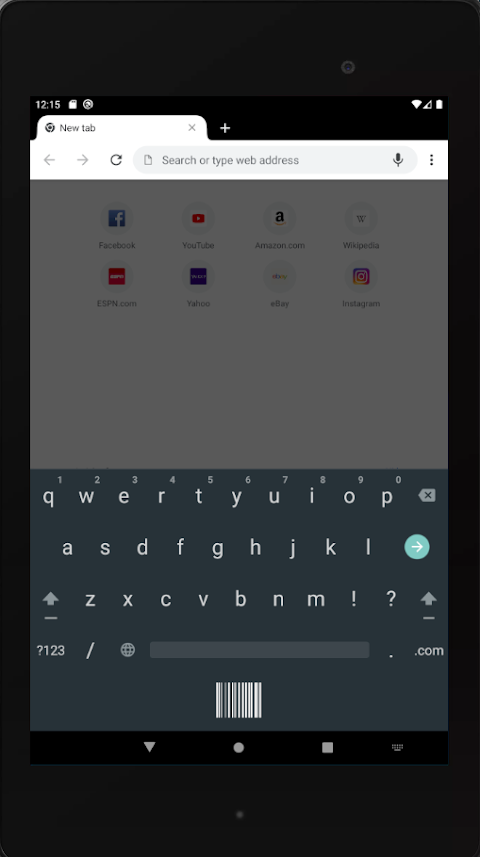
Moreover, Barcode Scanner Keyboard PRO offers a proper keyboard experience. It supports over 75 languages, includes word suggestions, a number row, and accent popups. With haptic feedback and sound feedback, it replaces the keyboard you use every day, ensuring it is a high-quality typing tool.
When it comes to privacy and security, the app is designed with care. There are no ads or advertising SDKs at all. Credentials are stored in encrypted storage for safety, and the app requires no unwanted permissions for contacts, location, or storage.
You can install Barcode Scanner Keyboard PRO for free. However, scanning requires an active device licence, which will be assigned by your administrator or through your organization account. It's worth noting that devices that previously owned this app retain full scanning capabilities even after the pricing changes.
As a reminder, Android keyboards cannot operate within an Android work profile; a work profile will use the personal keyboard instead. Barcode Scanner Keyboard PRO supports fully managed devices and dedicated (kiosk) enrollments, which are typical configurations for warehouse and field-service environments.
If you’re interested in trials, volume licensing, or have any technical questions, visit barcode-keyboard.eu for more information.
This app is ideal for various tasks like warehouse picking, inventory counts, asset tracking, logistics solutions, retail management, and field service operations. Whether you’re scanning for stock takes or managing assets, Barcode Scanner Keyboard PRO makes the job easier.
When you want to scan, just tap the scan key. The camera will open, decode the barcode, and type the result directly into any active field of your chosen app, such as SAP integration, Dynamics integration, Odoo compatibility, a web form, or even a spreadsheet. Best of all, offline scanning is fully supported, so you can work seamlessly without an internet connection.
For IT administrators, the app offers centralized management through Android managed configurations. You can deploy it through managed Google Play and configure every device with ease using tools like Intune, Workspace ONE, SOTI MobiControl, Hexnode, Miradore, or any other EMM that supports app configuration. Administrators can make use of 45 different settings remotely, such as prefixes, suffixes, trim options, auto-submit features, and sound and vibration controls. Settings that you pin will be locked on the device to ensure security.
An optional cloud dashboard allows you to sync every scan to a searchable web dashboard. You can manage team accounts, complete with admin, member, and viewer roles. The system also provides CSV export functionality, which simplifies data sharing. Administrators can push scanner configurations to all devices from the browser, and perform HTTPS API calls after each scan. This way, you can quickly access and insert vital information like product name, stock level, and status with just one tap.
Barcode Scanner Keyboard PRO supports a wide array of barcode formats, including EAN-13 support, EAN-8, UPC-A, UPC-E, and QR Code scanning, as well as 2D barcodes like Data Matrix and PDF417. It can also identify GS1 Application Identifiers and break them into named fields for easier data handling.
If you need to capture printed text, you can switch the scanner to text recognition OCR mode. This feature allows you to scan labels, serial plates, and documents, entering printed text directly into your application.
The app includes a multi-scan capability, enabling you to collect several codes at once and insert them into your application as a single separated list. With the scan on demand feature, you can aim and then capture a barcode with a button press. Hardware triggers and customizable scan settings provide additional flexibility for workflows. Plus, options like using the flashlight, front camera, zoom, and configurable resolution enhance the scanning experience, especially when dealing with dense label sheets.
Moreover, Barcode Scanner Keyboard PRO offers a proper keyboard experience. It supports over 75 languages, includes word suggestions, a number row, and accent popups. With haptic feedback and sound feedback, it replaces the keyboard you use every day, ensuring it is a high-quality typing tool.
When it comes to privacy and security, the app is designed with care. There are no ads or advertising SDKs at all. Credentials are stored in encrypted storage for safety, and the app requires no unwanted permissions for contacts, location, or storage.
You can install Barcode Scanner Keyboard PRO for free. However, scanning requires an active device licence, which will be assigned by your administrator or through your organization account. It's worth noting that devices that previously owned this app retain full scanning capabilities even after the pricing changes.
As a reminder, Android keyboards cannot operate within an Android work profile; a work profile will use the personal keyboard instead. Barcode Scanner Keyboard PRO supports fully managed devices and dedicated (kiosk) enrollments, which are typical configurations for warehouse and field-service environments.
If you’re interested in trials, volume licensing, or have any technical questions, visit barcode-keyboard.eu for more information.

YepNotes
k.angama
$59.99
$0

Daily Planer: No Subs Apps
Xeniya Bykhova
Free
Free

Acode – code editor | OSS
Foxbiz Software Pvt. Ltd.
$3.99
$2.99