

$0.99
FREE
100% Off
Bubble Gum – Lines Icon Pack
Panoto Gomo

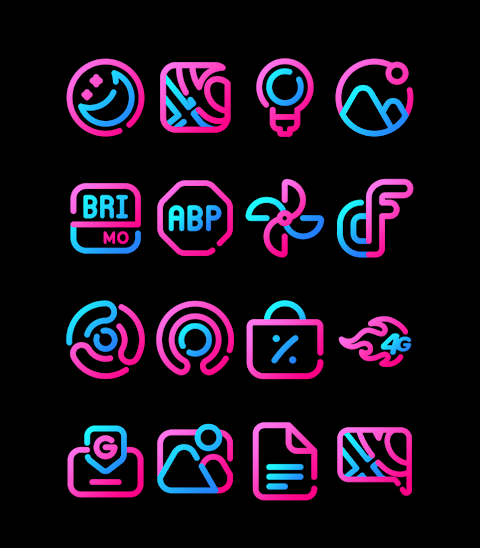

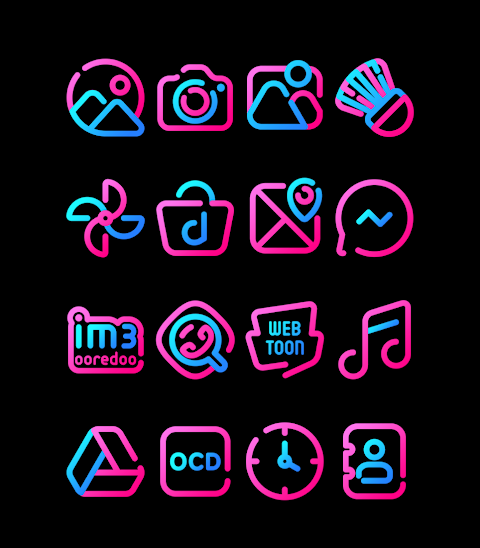
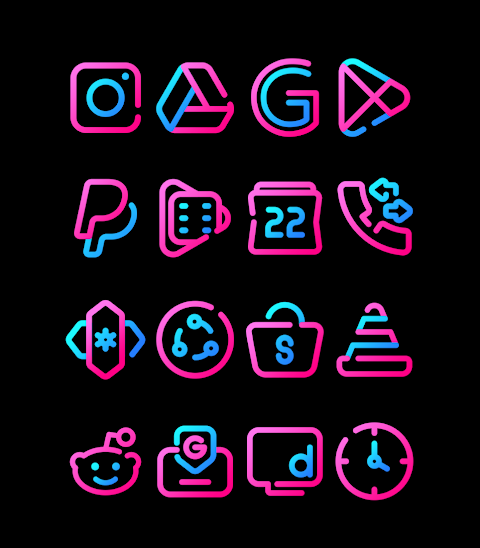
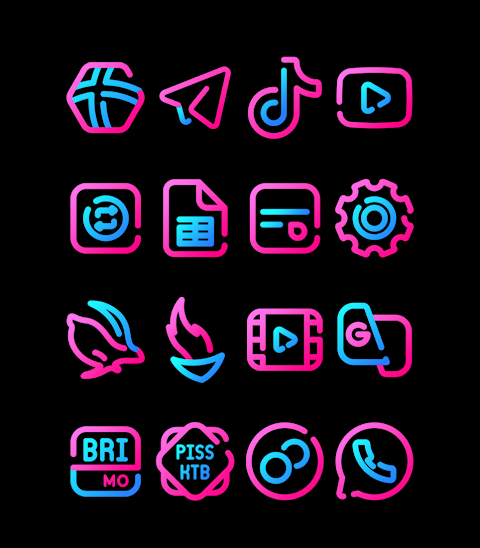

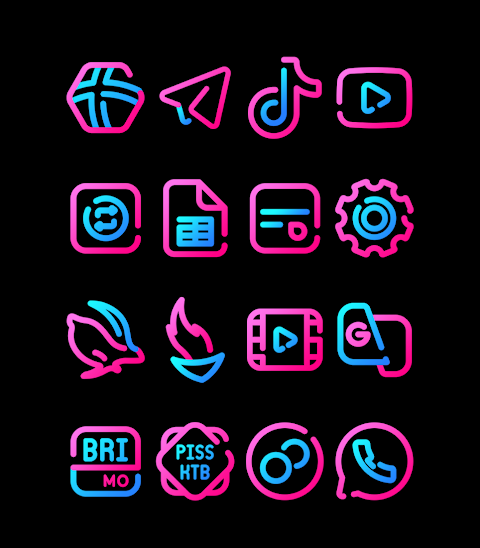

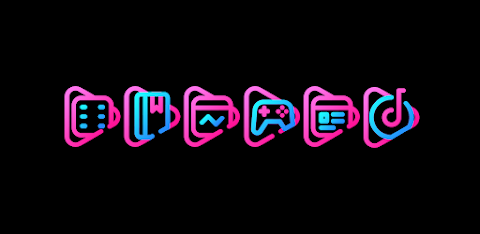
About the App
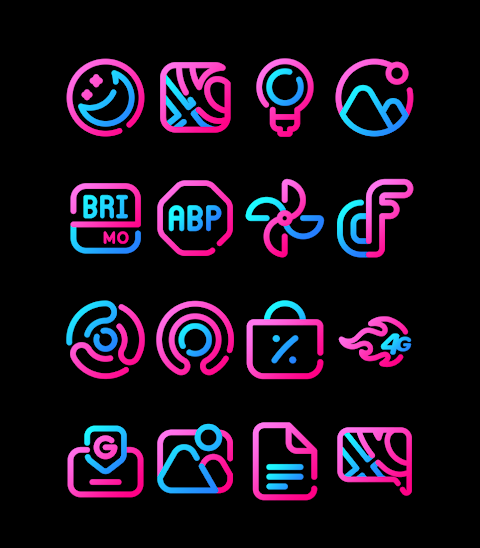
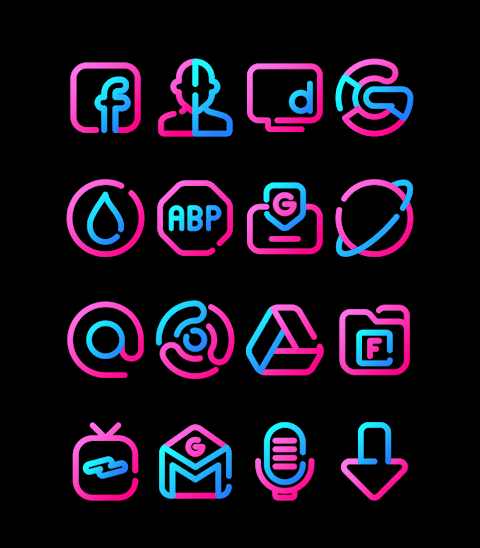
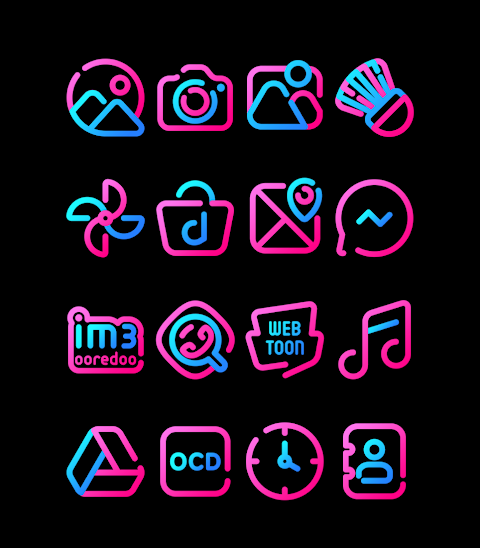
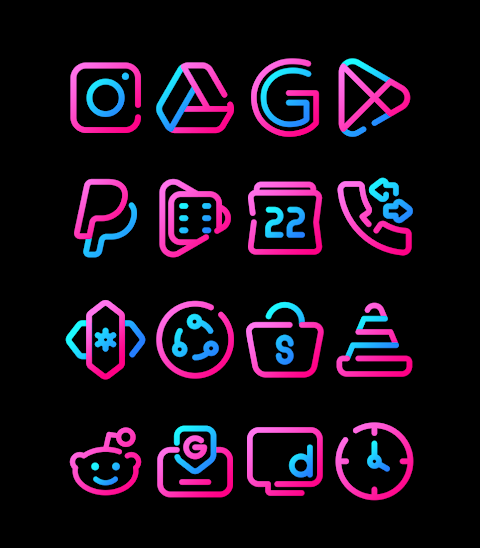
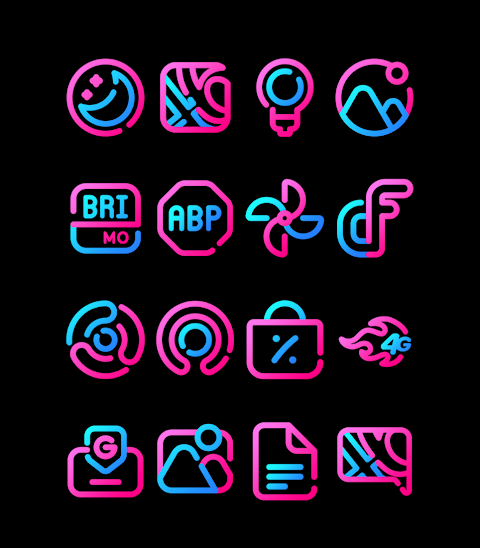
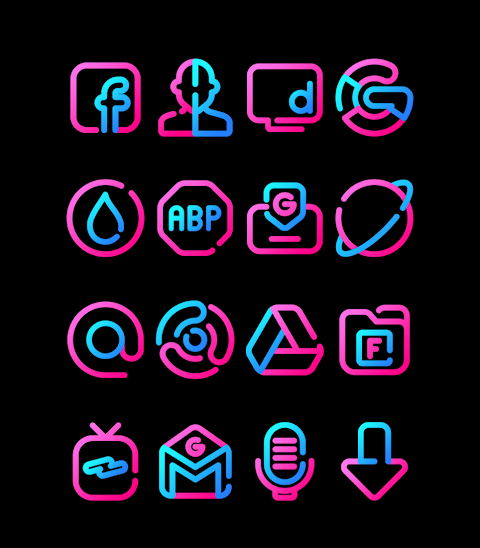
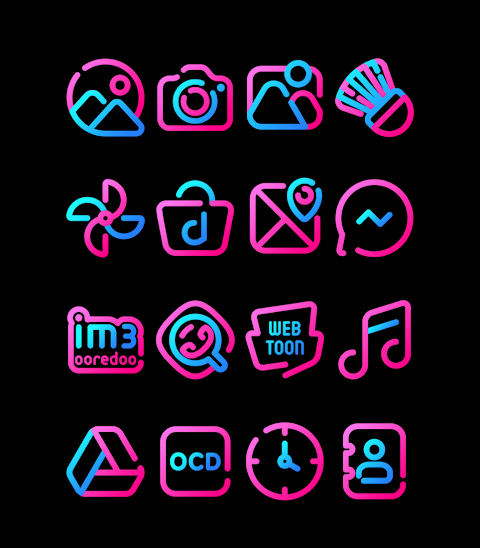
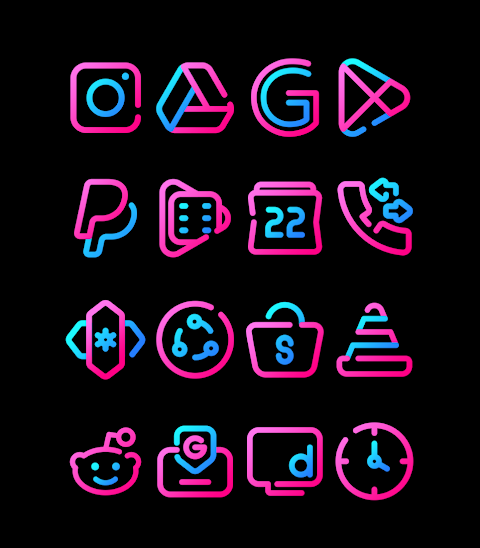
Bubble Gum is a vibrant pink and blue icon pack designed to give your device a fresh look. With over 3000 icons available and counting, this app allows you to personalize your mobile experience easily.
Each icon comes in HD resolution of 256x256 pixels, ensuring that your home screen looks sharp and clear. In addition to the icons, Bubble Gum also provides wallpapers for customization, allowing you to create a cohesive look for your device.
One of the standout features of Bubble Gum is the icon request option. If you don't find the icon you need, simply submit a request, and it may be added in future updates. This keeps your experience fresh and tailored to your preferences.
To apply the Bubble Gum icon pack, you will need a compatible launcher. The app supports many popular launcher options, making it versatile and user-friendly. Some of the supported launchers include Nova Launcher, known for its customization features, and Evie Launcher, which offers a sleek design.
To apply the Bubble Gum icon pack, open the app and navigate to the Apply Icon Pack screen. From here, a list of compatible launchers will be displayed. Just select the Nova Launcher or any other launcher you have installed, and the app will automatically apply the icons for you.
If the desired launcher does not appear while applying from the icon pack, you can try applying it straight from the launcher itself. For users of the Sony Xperia Home Launcher, the process is slightly different. Simply long-press on your main screen, access the settings, scroll to the appearance icon setting, and choose the Bubble Gum icon pack. This allows for easy installation of your new icons.
Please note that the Bubble Gum icon pack is only compatible with the Sony Xperia Home Launcher version 10.0.A.0.8 or higher.
Bubble Gum supports many more launchers, including Apex Launcher, ADW Launcher, ABC Launcher, Next Launcher, Holo Launcher, Lucid Launcher, M Launcher, Action Launcher, Aviate Launcher, Smart Launcher, Go Launcher, and Zero Launcher. However, keep in mind that Go Launcher and Zero Launcher do not support icon masking.
If you wish to keep up with design updates or share your ideas, you can find more information on social media. Follow us on Google+, Instagram, and Twitter for the latest news.
Special thanks go to Dani Mahardika for providing the Candybar Dashboard, which helps make the Bubble Gum icon pack possible. Whether you're looking for icon customization options or an easy way to manage your launcher's icons, Bubble Gum has you covered. Enjoy a user-friendly interface that makes mobile device personalization a breeze.
Each icon comes in HD resolution of 256x256 pixels, ensuring that your home screen looks sharp and clear. In addition to the icons, Bubble Gum also provides wallpapers for customization, allowing you to create a cohesive look for your device.
One of the standout features of Bubble Gum is the icon request option. If you don't find the icon you need, simply submit a request, and it may be added in future updates. This keeps your experience fresh and tailored to your preferences.
To apply the Bubble Gum icon pack, you will need a compatible launcher. The app supports many popular launcher options, making it versatile and user-friendly. Some of the supported launchers include Nova Launcher, known for its customization features, and Evie Launcher, which offers a sleek design.
To apply the Bubble Gum icon pack, open the app and navigate to the Apply Icon Pack screen. From here, a list of compatible launchers will be displayed. Just select the Nova Launcher or any other launcher you have installed, and the app will automatically apply the icons for you.
If the desired launcher does not appear while applying from the icon pack, you can try applying it straight from the launcher itself. For users of the Sony Xperia Home Launcher, the process is slightly different. Simply long-press on your main screen, access the settings, scroll to the appearance icon setting, and choose the Bubble Gum icon pack. This allows for easy installation of your new icons.
Please note that the Bubble Gum icon pack is only compatible with the Sony Xperia Home Launcher version 10.0.A.0.8 or higher.
Bubble Gum supports many more launchers, including Apex Launcher, ADW Launcher, ABC Launcher, Next Launcher, Holo Launcher, Lucid Launcher, M Launcher, Action Launcher, Aviate Launcher, Smart Launcher, Go Launcher, and Zero Launcher. However, keep in mind that Go Launcher and Zero Launcher do not support icon masking.
If you wish to keep up with design updates or share your ideas, you can find more information on social media. Follow us on Google+, Instagram, and Twitter for the latest news.
Special thanks go to Dani Mahardika for providing the Candybar Dashboard, which helps make the Bubble Gum icon pack possible. Whether you're looking for icon customization options or an easy way to manage your launcher's icons, Bubble Gum has you covered. Enjoy a user-friendly interface that makes mobile device personalization a breeze.
RoFlouro
Mohamed Nabil Elewa
$0.99
$0.50
TAG HEUER CARRERA 4 Watch Face
LIBERTY WATCH FACES™
$0.99
FREE
Analog Basic LE Wear OS 5+
OQ Watchfaces
$1.49
$0.15