
$1.49
$0.15
90% Off
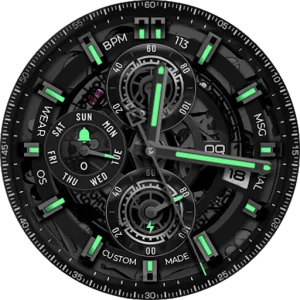
Analog Basic LE Wear OS 5+
OQ Watchfaces

About the App
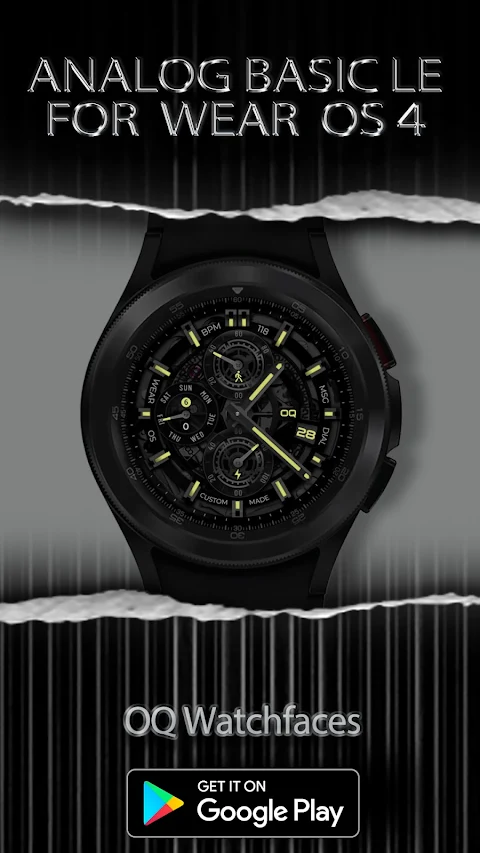
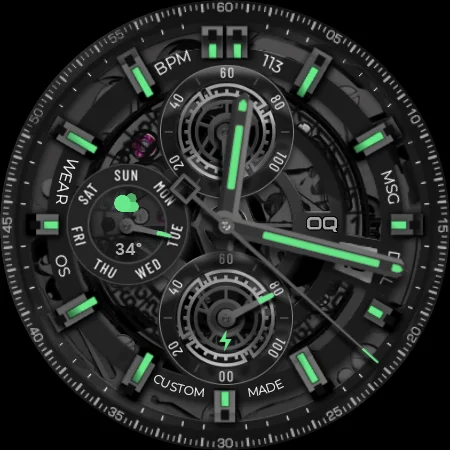
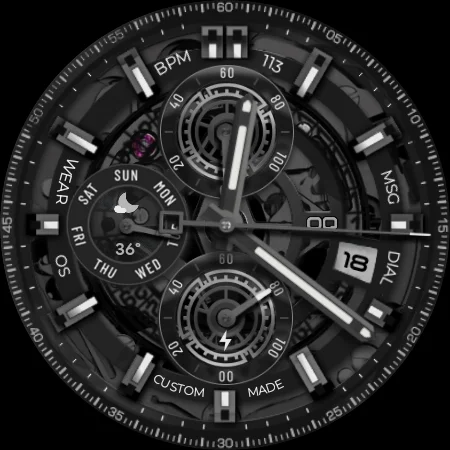
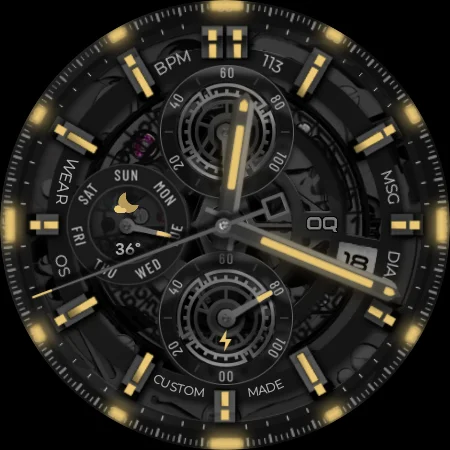
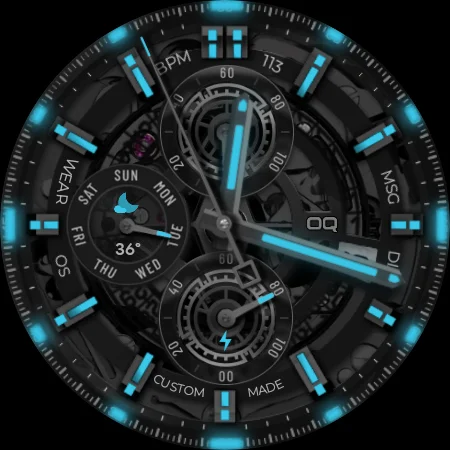
Analog Basic LE Wear OS 5+ is a unique watch face designed specifically for users of WEAR OS. Created using the Samsung Galaxy Watch Face Studio version 1.9.5, it has been tested on popular devices like the Samsung Watch 8 Classic, Samsung Watch 5 Pro, and the Watch Ultra. It also works with other wearable devices that run on WEAR OS 3 or later, providing a versatile option for many.
Before downloading, it's important to read the notice included. This will help you avoid issues while installing the watch face. For those who are new to Android Wear OS, an install guide is included. You can find an image showing the steps to install, which is helpful for anyone unsure about how to connect the watch face to their device.
When installing, you can either wait for your purchases to sync or use the direct install method. To do this, simply select your connected watch from the drop-down menu in the installation section of the phone app. Make sure to use the Play Store app on your phone for a smooth experience.
Some users may encounter a bug that shows the watch face as paid, even after purchasing or applying a coupon. If this occurs, don't worry. This is a known issue; just click on the price, and you'll see a message about syncing purchases. Your install button will then appear, and you won't be charged again for the watch face.
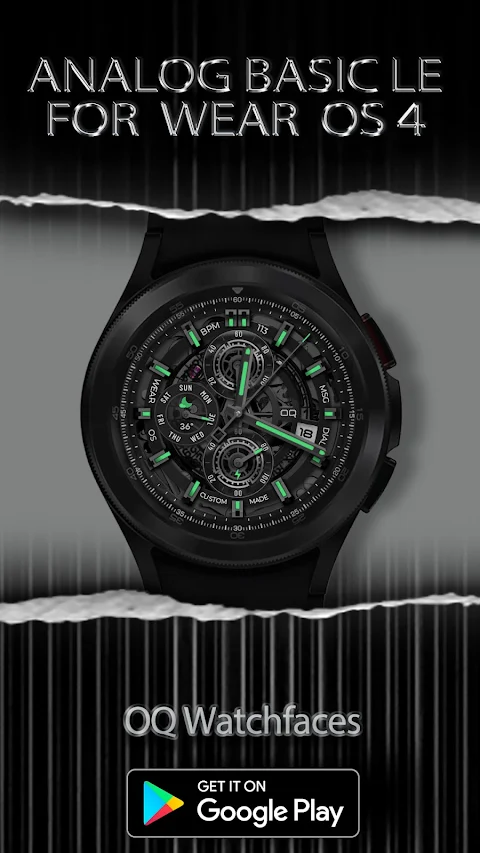
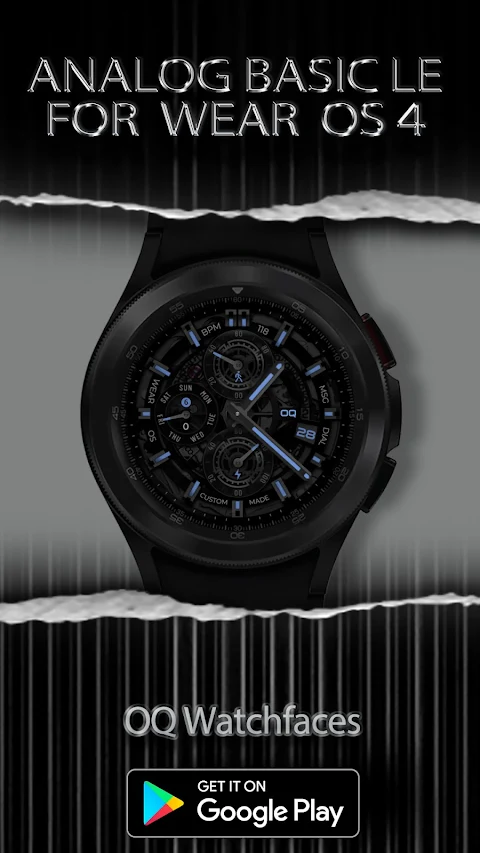
The Analog Basic LE Wear OS 5+ offers numerous features to enhance your experience. For instance, tapping on the text "Dial" opens your watch phone app, while tapping on "MSG" takes you to the messaging app. You can easily access the watch Play Store by tapping on "Made" or "Custom" located beneath the 6 o'clock hour index.
Want to listen to music? Simply tap on "Wear," and your music app will open. Similarly, tapping on "OS" will direct you to the alarm app, while tapping on the date text brings up the calendar app. You can also monitor your steps with the steps counter. The chronometer adjusts according to the step target you've set in the Samsung Health App.
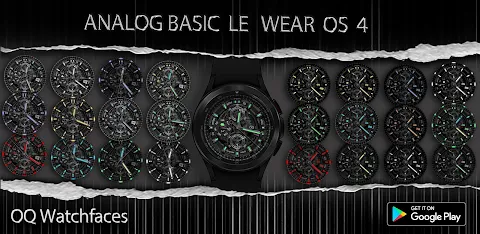
For battery management, a chronometer shows your current battery percentage and opens the battery app when tapped. This watch face features six customizable complications. That means you can select one visible complication and create five hidden complications shortcuts for your favorite apps, adding a personal touch to your experience.
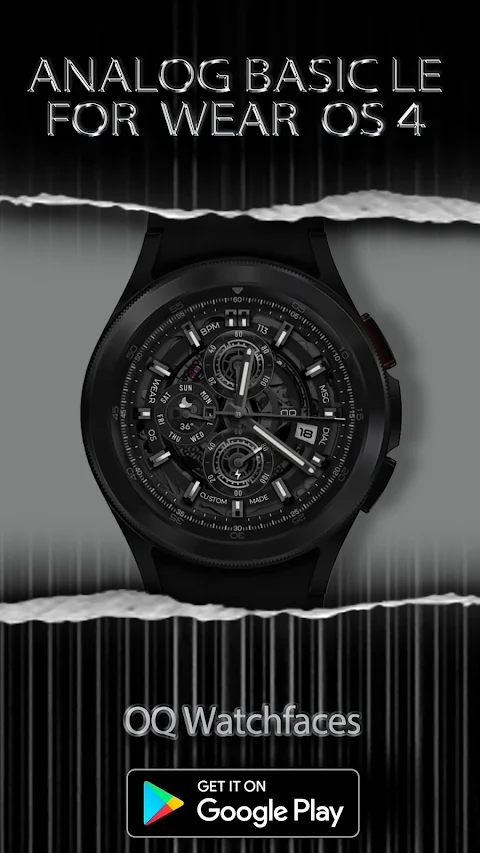
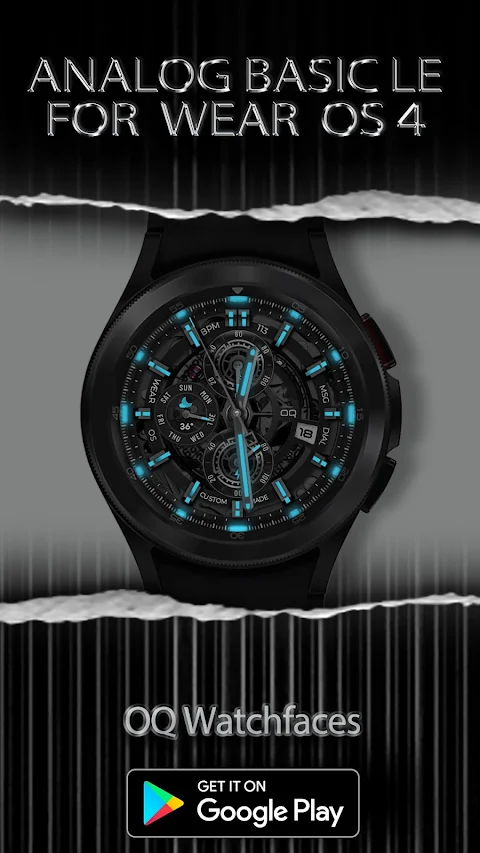
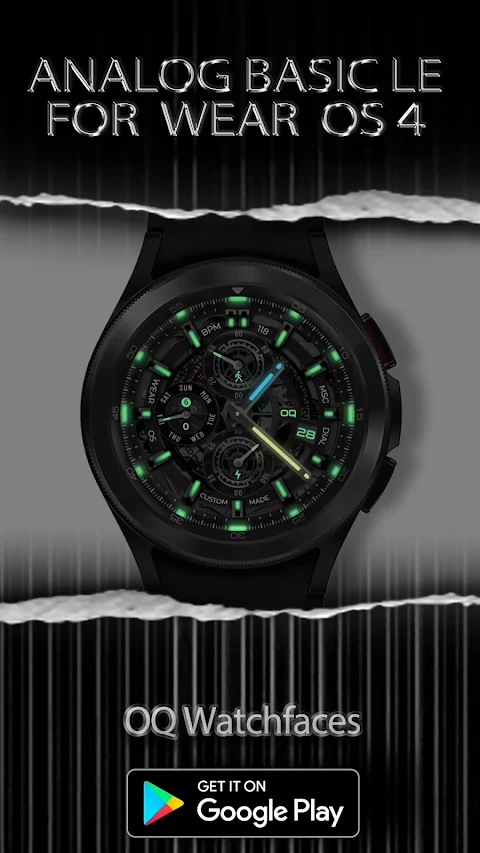
The seconds movement on this watch face has two options in the customization menu. You can tap on the BPM text to access the heart rate counter via the Samsung Health App. There are also Lume Mode options available for both the main and Always-on Display (AoD). You have the flexibility to turn these options on or off as per your preference.
If you'd like to dim your watch display, both AoD and main display can be adjusted separately with dim mode options available in the customization menu. Tapping on the "OQ" logo will take you to the settings menu for further adjustments.
Overall, Analog Basic LE Wear OS 5+ provides a user-friendly installation process and offers many features that enhance your watch interface interaction. Its customizable complications and display options allow for a tailored experience, making it a great choice for anyone using compatible devices. Enjoy setting up your watch face with ease and take advantage of the many benefits it offers.
Before downloading, it's important to read the notice included. This will help you avoid issues while installing the watch face. For those who are new to Android Wear OS, an install guide is included. You can find an image showing the steps to install, which is helpful for anyone unsure about how to connect the watch face to their device.
When installing, you can either wait for your purchases to sync or use the direct install method. To do this, simply select your connected watch from the drop-down menu in the installation section of the phone app. Make sure to use the Play Store app on your phone for a smooth experience.
Some users may encounter a bug that shows the watch face as paid, even after purchasing or applying a coupon. If this occurs, don't worry. This is a known issue; just click on the price, and you'll see a message about syncing purchases. Your install button will then appear, and you won't be charged again for the watch face.
The Analog Basic LE Wear OS 5+ offers numerous features to enhance your experience. For instance, tapping on the text "Dial" opens your watch phone app, while tapping on "MSG" takes you to the messaging app. You can easily access the watch Play Store by tapping on "Made" or "Custom" located beneath the 6 o'clock hour index.
Want to listen to music? Simply tap on "Wear," and your music app will open. Similarly, tapping on "OS" will direct you to the alarm app, while tapping on the date text brings up the calendar app. You can also monitor your steps with the steps counter. The chronometer adjusts according to the step target you've set in the Samsung Health App.
For battery management, a chronometer shows your current battery percentage and opens the battery app when tapped. This watch face features six customizable complications. That means you can select one visible complication and create five hidden complications shortcuts for your favorite apps, adding a personal touch to your experience.
The seconds movement on this watch face has two options in the customization menu. You can tap on the BPM text to access the heart rate counter via the Samsung Health App. There are also Lume Mode options available for both the main and Always-on Display (AoD). You have the flexibility to turn these options on or off as per your preference.
If you'd like to dim your watch display, both AoD and main display can be adjusted separately with dim mode options available in the customization menu. Tapping on the "OQ" logo will take you to the settings menu for further adjustments.
Overall, Analog Basic LE Wear OS 5+ provides a user-friendly installation process and offers many features that enhance your watch interface interaction. Its customizable complications and display options allow for a tailored experience, making it a great choice for anyone using compatible devices. Enjoy setting up your watch face with ease and take advantage of the many benefits it offers.

GrapeLine – Purple Icon Pack
Panoto Gomo
$0.99
$0.29

PIXEL SPORT PRO Watch Face
LIBERTY WATCH FACES™
$0.99
FREE
Neon Pulse Watch Face
Open Spaces Watch Face
$1.49
$0.75