
$0.99
$0.59
40% Off
Sapo KWGT – Aesthetic Widgets
Abhishek's Apps



About the App
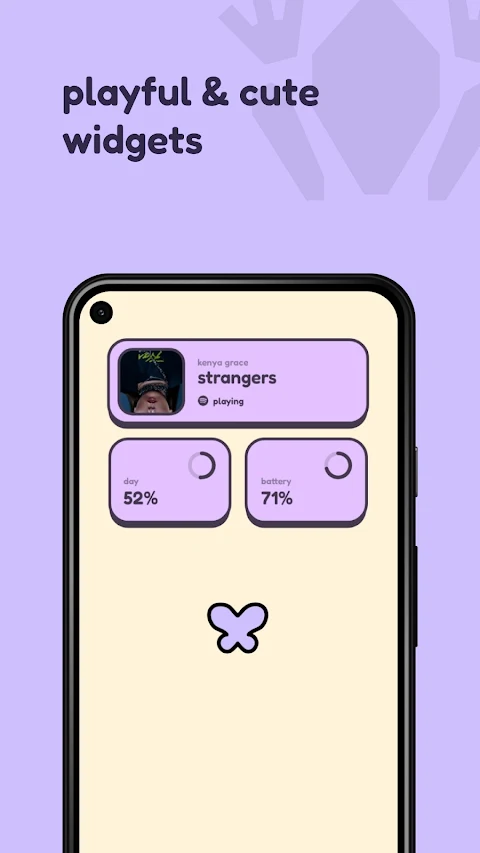
Transform your phone into a cozy masterpiece with Sapo KWGT - Aesthetic Widgets. If you’re tired of the usual, bland layouts, this app is here to add a splash of retro charm and kawaii energy to your Android device. Sapo features a curated collection of over 80 handcrafted widgets, making it the perfect choice for anyone who loves a unique and nostalgic digital space.
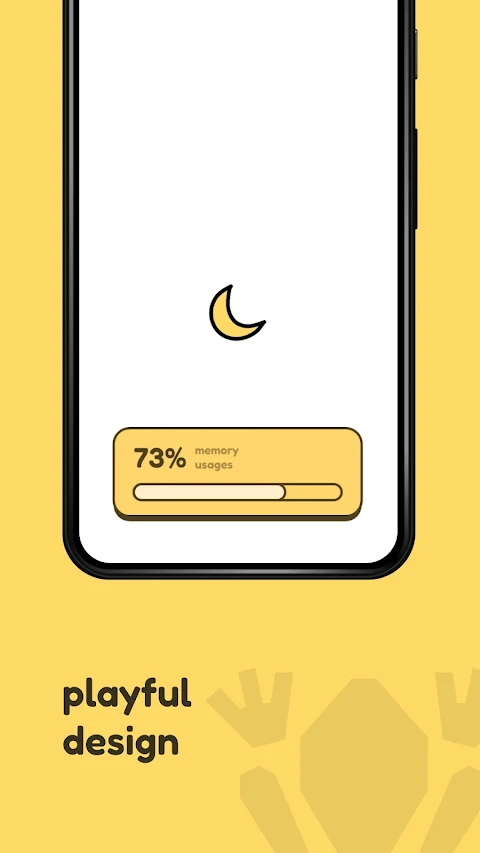
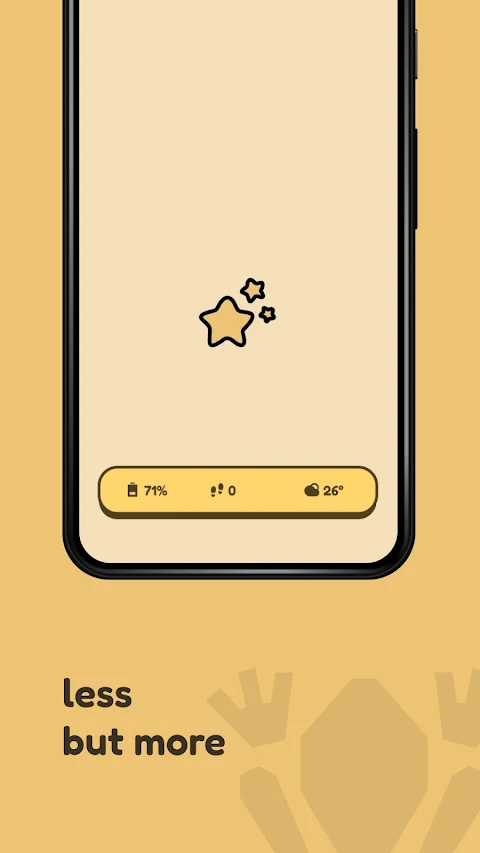
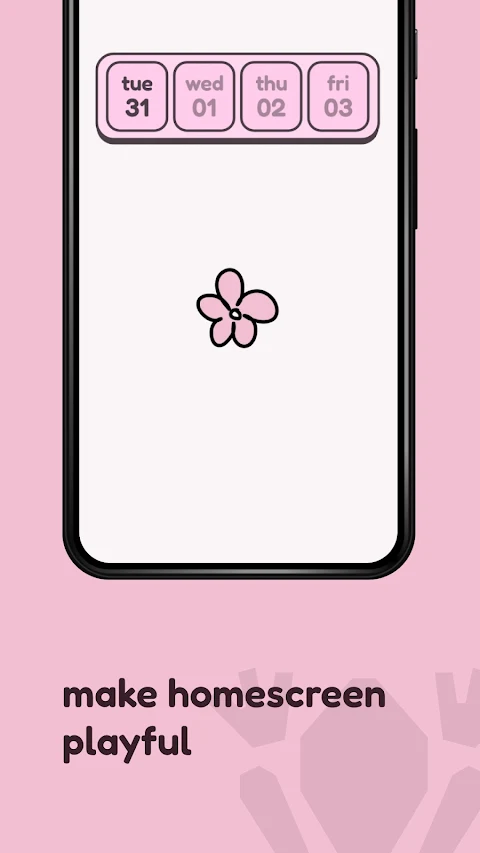
Each widget in Sapo KWGT is designed with a "Retro-Cute" philosophy. Imagine vintage computer interfaces combined with soft pastels and playful shapes. Whether you’re looking for a lo-fi setup or a vibrant pink theme, Sapo provides the ideal finishing touch for your home screen.
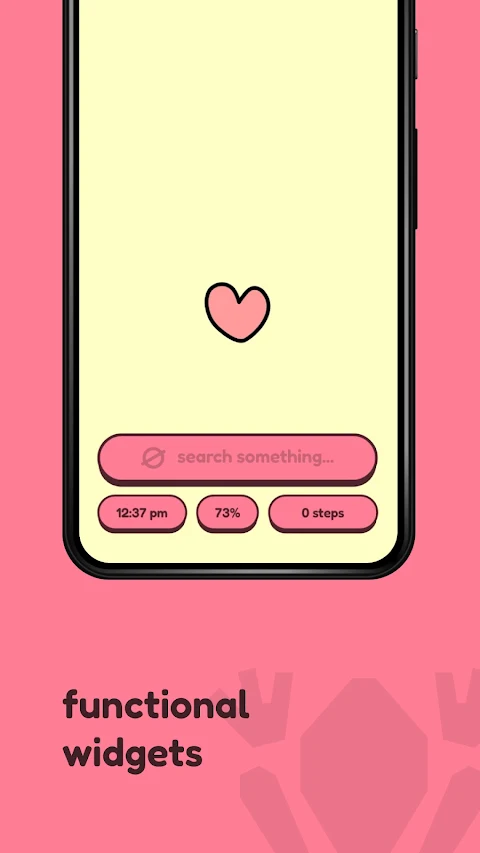
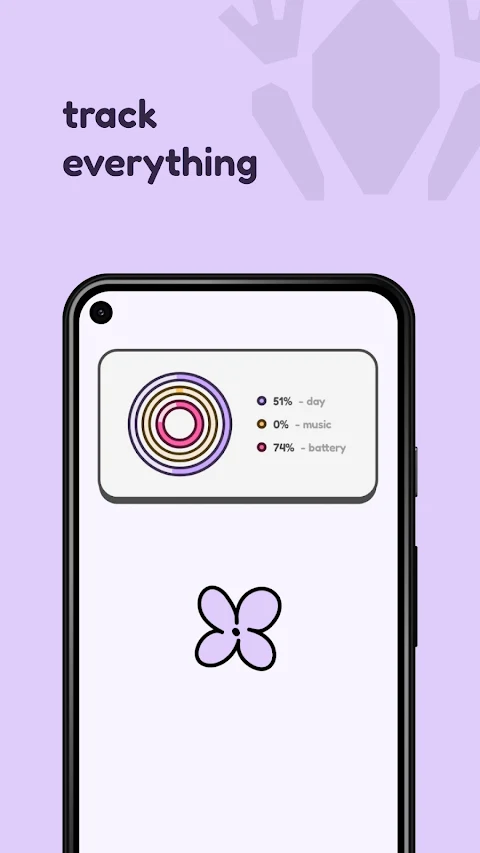
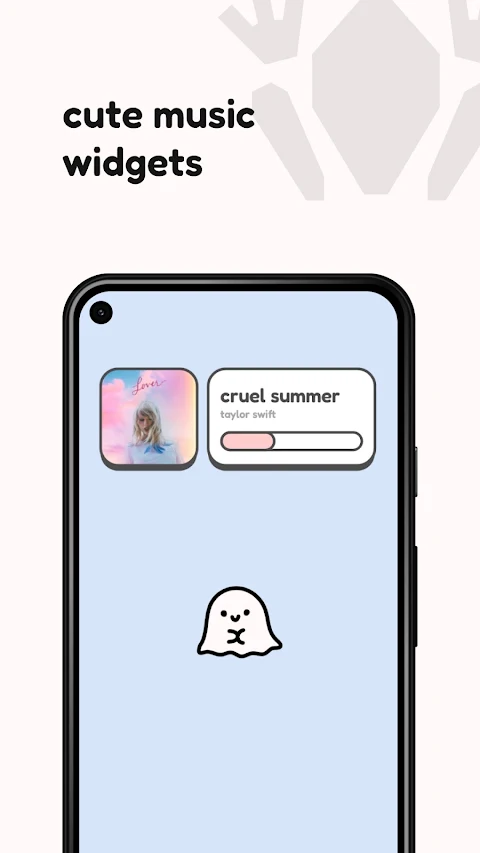
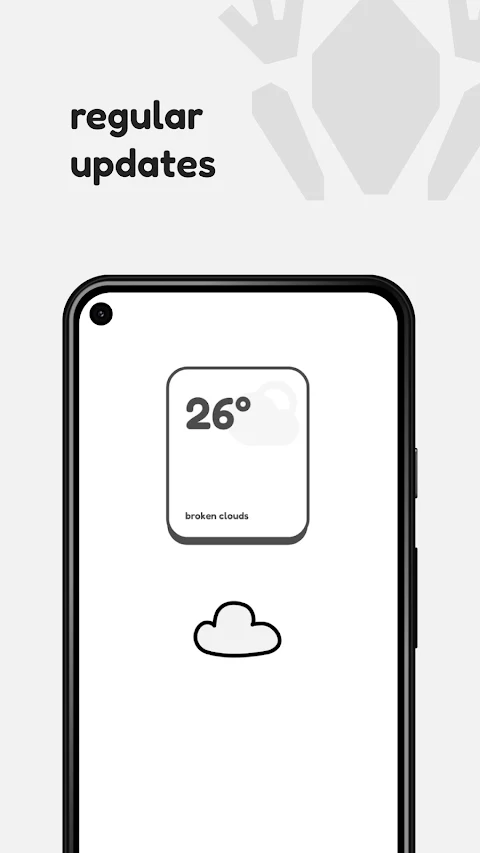
With more than 80 unique widget designs, you have a vast variety to choose from, keeping your screen looking fresh and inviting. The retro and kawaii style offers a perfectly balanced aesthetic that feels both nostalgic and modern. Sapo includes essential utilities like beautifully themed clocks, weather widgets, music players, battery bars, and search bars, all designed to enhance your user experience.
Customization is simple with Sapo KWGT. You can easily change colors and scale options within the KWGT Kustom Widget Maker to match your wallpaper perfectly. This app is not a standalone tool, so you'll need a Custom Launcher to get started. Highly recommended options include Nova Launcher, Lawnchair, or Smart Launcher.
To install Sapo KWGT - Aesthetic Widgets, follow these easy steps:
1. Download the app from your app store.
2. Long press your home screen to select 'Widget'.
3. Choose a KWGT size and tap it.
4. Go to the 'Installed' tab and select Sapo KWGT.
5. Pick your favorite widget and hit save!
Sapo also offers regular widget updates to ensure your customization options continue to grow. With Sapo, you can personalize your home screen and bring your Android device aesthetics to life with ease. Get started today and experience the magic of Sapo KWGT!
For support, feel free to reach out via email at abhishek10kumar1@gmail.com or follow on Twitter/X at @Abhishek01kr. Download now and enjoy a beautiful new look for your phone!
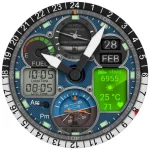
WB PILOT 3 Animated Watch Face
WatchBase Aura
$2.49
$1.00

OctaRing – Icon Pack
GomoTheGom
$1.49
FREE
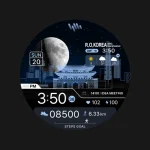
SamWatch Scenery 2025 ROKorea
Samtree
$1.49
FREE