
$1.49
$0.29
81% Off
OctaRing – Icon Pack
GomoTheGom

About the App
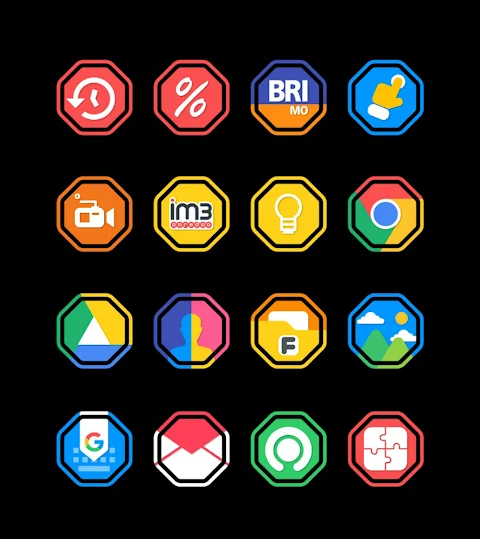
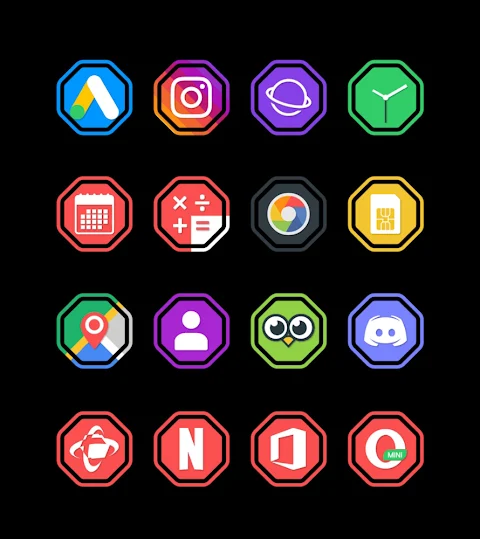
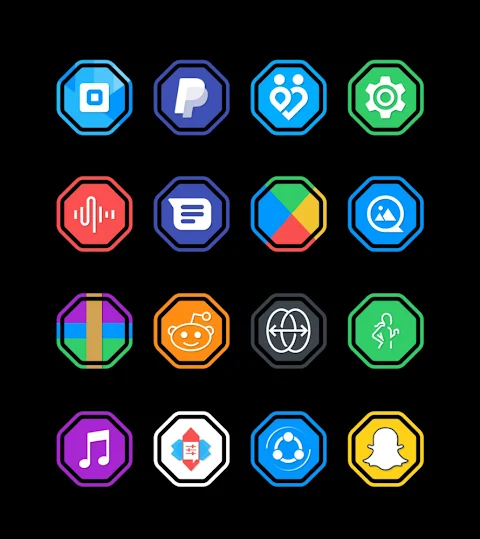
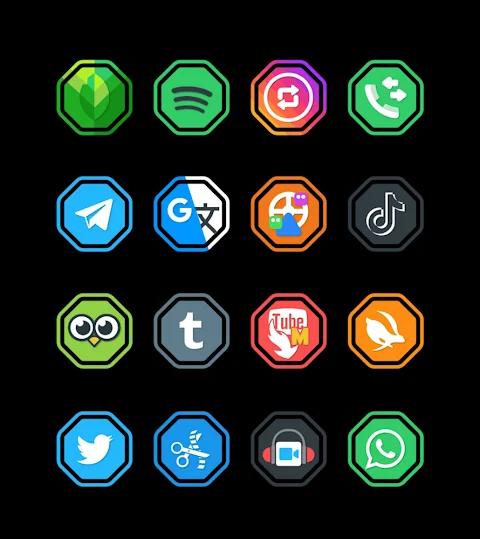
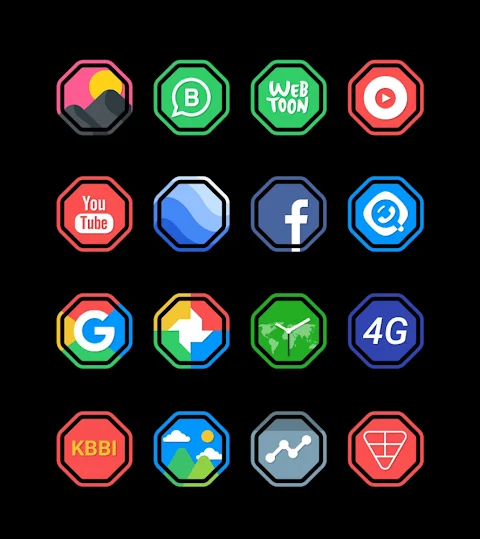
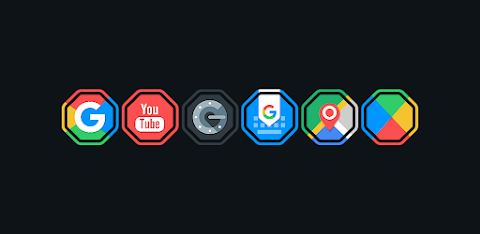
OctaRing - Icon Pack is a unique icon pack that features an octagon design, offering a fresh twist on the classic ring icon style. With over 7000 icons available and more being added regularly, users have a vast selection to customize their devices. The app also includes 36+ HD wallpapers to enhance your device's look.
One of the standout features of the OctaRing Icon Pack is the icon request feature. If you can't find a specific icon, you can request it, making it easier to personalize your device. Each icon is designed in HD resolution, with a size of 192x192px, ensuring that they look sharp and clear on your screen.
Applying the OctaRing Icon Pack is simple. This drop icon pack supports many popular launchers, including Nova Launcher and Evie Launcher. To apply it, just follow these steps: First, open the OctaRing Icon Pack app. Next, go to the Apply Icon Pack screen. You will see a list of supported launchers. Choose Nova Launcher, which should be installed on your phone, and the app will automatically apply the icons for you.
If you find that the launcher doesn't show up when trying to apply from the OctaRing Icon Pack, you can apply it directly from the launcher itself. For Sony Xperia users, the OctaRing Icon Pack can still be applied, but you will need to follow different steps. Simply long press on your main screen, access the settings, scroll down to the appearance icon settings, and choose the OctaRing icon pack. Remember, this icon pack is only supported on Sony Xperia Home Launcher version 10.0.A.0.8 or higher.
In addition to Nova and Evie Launcher support, OctaRing is compatible with several other launchers. You can use it with Apex Launcher, ADW Launcher, ABC Launcher, Next Launcher, Holo Launcher, Lucid Launcher, M Launcher, Action Launcher, Smart Launcher, and Aviate Launcher. However, it's worth noting that Go Launcher and Zero Launcher do not support icon masking, which may limit some customization options.
The OctaRing Icon Pack helps transform your device into a customized, stylish experience with its unique design and vast selection of icons. Whether you want to apply icons directly from the app or modify settings in your launcher, this icon pack gives you the tools to personalize your mobile experience.
For additional design information, you can follow the project on Google+, Instagram, or Twitter. Special thanks to Dani Mahardika for the Candybar Dashboard, which makes this customization possible. Create a stunning look for your mobile with the OctaRing Icon Pack today and enjoy mobile personalization like never before!
One of the standout features of the OctaRing Icon Pack is the icon request feature. If you can't find a specific icon, you can request it, making it easier to personalize your device. Each icon is designed in HD resolution, with a size of 192x192px, ensuring that they look sharp and clear on your screen.
Applying the OctaRing Icon Pack is simple. This drop icon pack supports many popular launchers, including Nova Launcher and Evie Launcher. To apply it, just follow these steps: First, open the OctaRing Icon Pack app. Next, go to the Apply Icon Pack screen. You will see a list of supported launchers. Choose Nova Launcher, which should be installed on your phone, and the app will automatically apply the icons for you.
If you find that the launcher doesn't show up when trying to apply from the OctaRing Icon Pack, you can apply it directly from the launcher itself. For Sony Xperia users, the OctaRing Icon Pack can still be applied, but you will need to follow different steps. Simply long press on your main screen, access the settings, scroll down to the appearance icon settings, and choose the OctaRing icon pack. Remember, this icon pack is only supported on Sony Xperia Home Launcher version 10.0.A.0.8 or higher.
In addition to Nova and Evie Launcher support, OctaRing is compatible with several other launchers. You can use it with Apex Launcher, ADW Launcher, ABC Launcher, Next Launcher, Holo Launcher, Lucid Launcher, M Launcher, Action Launcher, Smart Launcher, and Aviate Launcher. However, it's worth noting that Go Launcher and Zero Launcher do not support icon masking, which may limit some customization options.
The OctaRing Icon Pack helps transform your device into a customized, stylish experience with its unique design and vast selection of icons. Whether you want to apply icons directly from the app or modify settings in your launcher, this icon pack gives you the tools to personalize your mobile experience.
For additional design information, you can follow the project on Google+, Instagram, or Twitter. Special thanks to Dani Mahardika for the Candybar Dashboard, which makes this customization possible. Create a stunning look for your mobile with the OctaRing Icon Pack today and enjoy mobile personalization like never before!

Digital xR Watch Face
amoledwatchfaces™
$1.99
$1.00
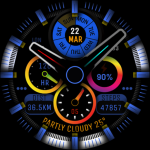
Watch Face WF182
Timelines
$1.99
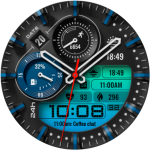
PT20 Hybrid Watch Face
PrimeTime Watchfaces
$1.49
$0.75