

$1.99
FREE
100% Off
Text Editor – Document Editor
Supagarn Pattananuchart

About the App
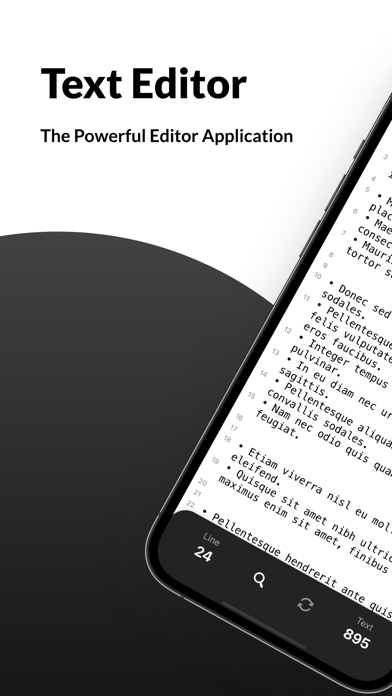
Looking for a powerful text editor app to help you write your story, correct files, and make edits when needed? Look no further! Install **Text Editor - Document Editor** on your iOS device, and you can easily edit your texts anytime, anywhere.
This fantastic and easy-to-use app allows you to write and record your story, draft writings, and even search for words or letters to replace multiple words at once. You won't need different editing apps for different tasks; this document editor offers everything you need. Whether you want a free document editor or a font editing app, this app will truly delight you.
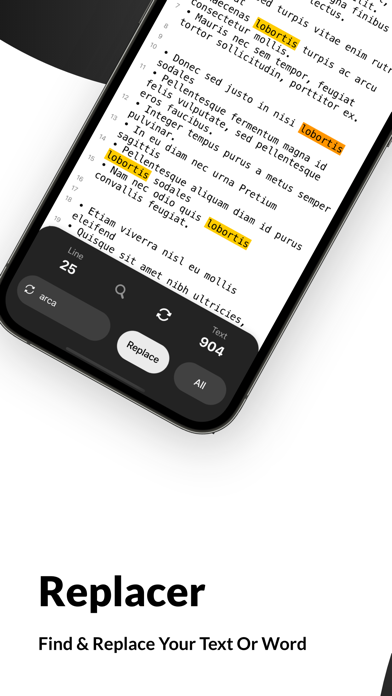
So, what can you do with the **Text Editor - Document Editor**? This powerful editing app lets you edit word files anytime, from anywhere. When you rewrite your texts, you can find new words and replace your old text easily. The app acts as a text changer, allowing you to change any word instantly. You can replace multiple words and search for new ones within this word editor.
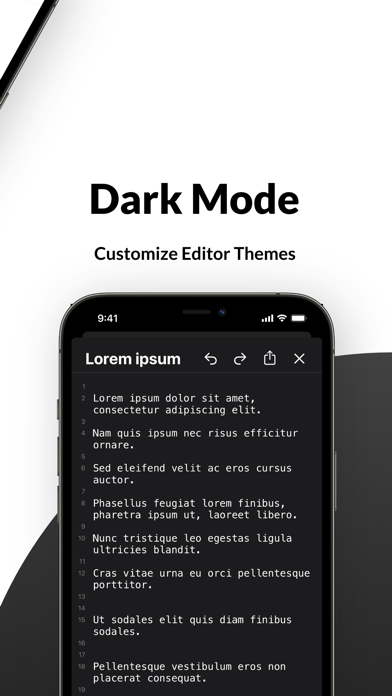
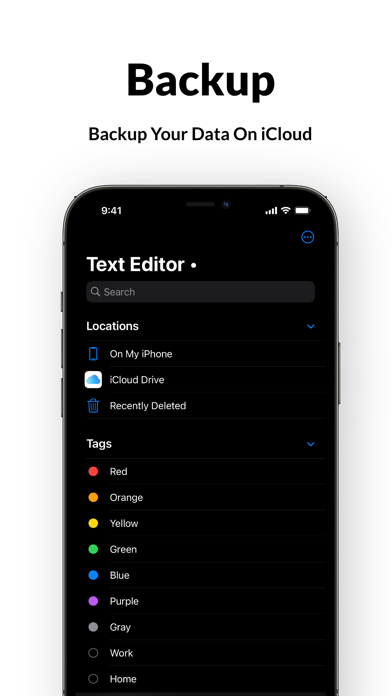
Additionally, you can customize editor themes to suit your preference, including options for dark mode at night and light mode during the day. You can also back up your files to cloud storage with a single click, ensuring that your documents are safe.
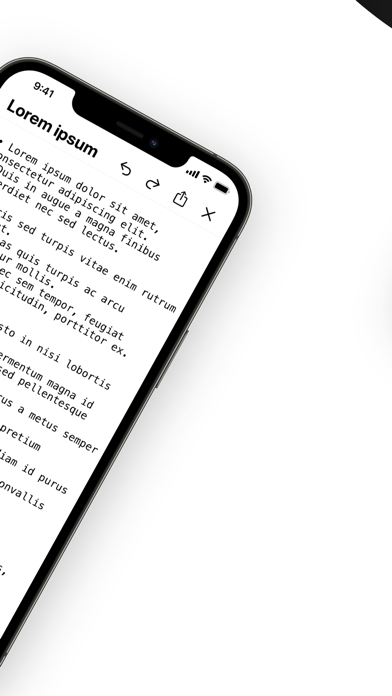
Whether you need to edit Google documents or customize your notebook word writings, this editing app is designed to help you efficiently. The user interface is simple and easy to navigate, allowing you to edit texts quickly and without confusion. Once you install the app on your iPhone, you can start editing your texts instantly, without needing complicated settings.
Within the app, you can customize text according to your needs. There are hundreds of font sizes available in the markdown app, letting you choose the right size for your work. You can also enable the auto-correction feature so the app can correct any mistakes you might make while writing. The docs and notes editor allows you to view and read texts in fullscreen mode, giving you a clear focus on your content.
Your recent activity history is saved, so you can easily find previous documents in just one tap. If you are in search of an elegant text editing tool that has all the necessary functions, your search ends with this quick edit app.
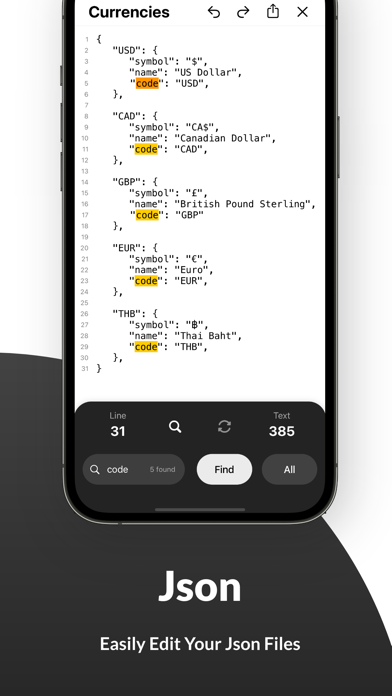
You can find and replace words easily with this text editor app. This text changer function lets you select a word to change, find an alternative in the app, and replace it quickly. You can even edit your JSON files effortlessly with this quick edit feature.
The texting editor allows you to customize your theme further, with options to switch to dark mode or light mode based on your need. Keeping a backup of your edited word doc or Google Docs in the cloud is straightforward, so you never lose your important files. The app also helps you find the right tags for organizing your documents and upload them directly to iCloud.
If you need a document editor that is free to edit files like word documents or JSON, this simple texting-file editor is ideal for you. Plus, there are in-app purchases available if you want to access additional unique features.
So, why wait? Install **Text Editor - Document Editor** on your iOS device today and start editing texts like a pro!

Kiosk — Editable Browser
Marco Tini
$2.99

Geo Trace: Traceroute App
Tamara Dudarenko
$2.49
$1.90

Mockup Screenshot
Mert Can Kus
$0.99