
$6.99
$3.50
50% Off
Annotate: Screenshot Markup
Timo Josten

About the App
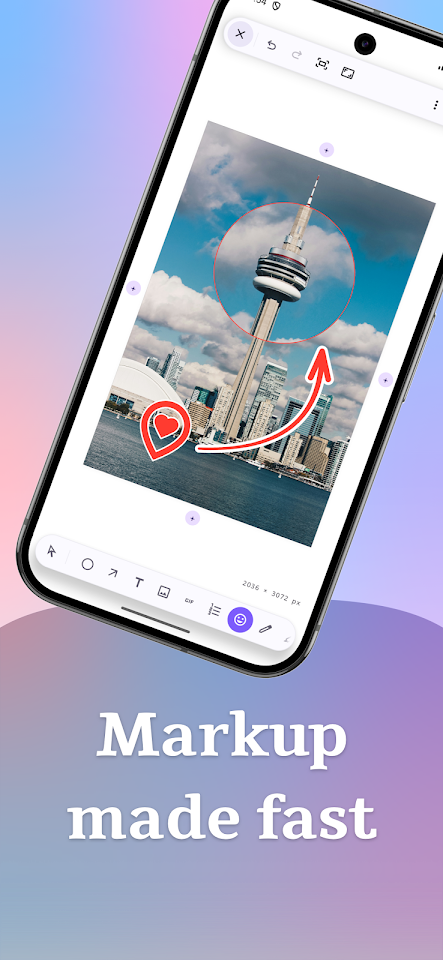
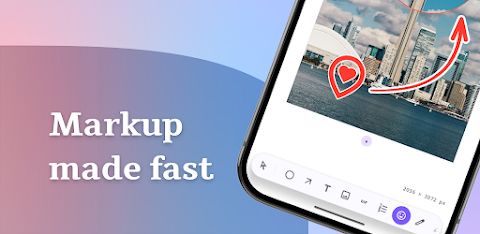
Annotate: Screenshot Markup is a powerful app that helps you easily mark up screenshots and images. Designed for Android, it allows you to create fast, polished results with clean shapes and text. This image editing software offers 17 useful screenshot markup tools, including a crop tool, blurring sensitive information, and more.
With Annotate, you can add text using various text annotation tools. You have full control over how the text looks, including options for font, size, and alignment. Also, you can enhance your images with customizable arrowheads and detailed annotation control.
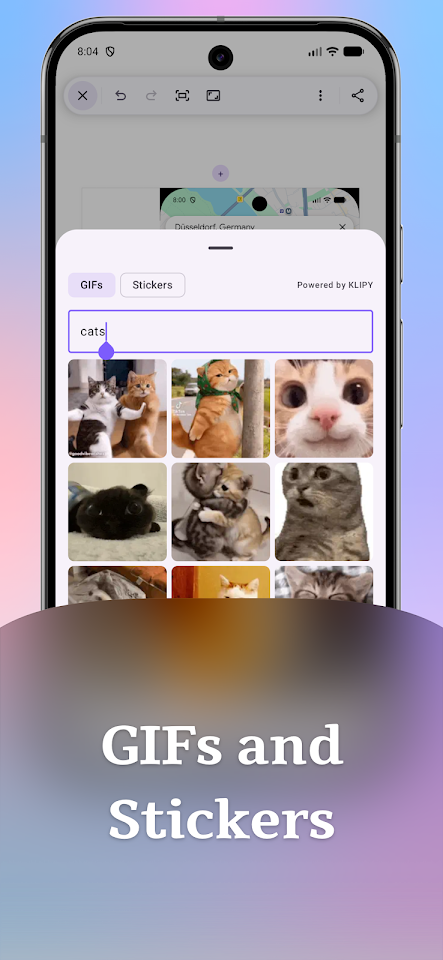
One standout feature is the animated GIF integration. You can search KLIPY right in the editor, drop animated GIFs on your canvas, and even export your work as a video. This makes it easy to bring your screenshots to life in a fun and engaging way.
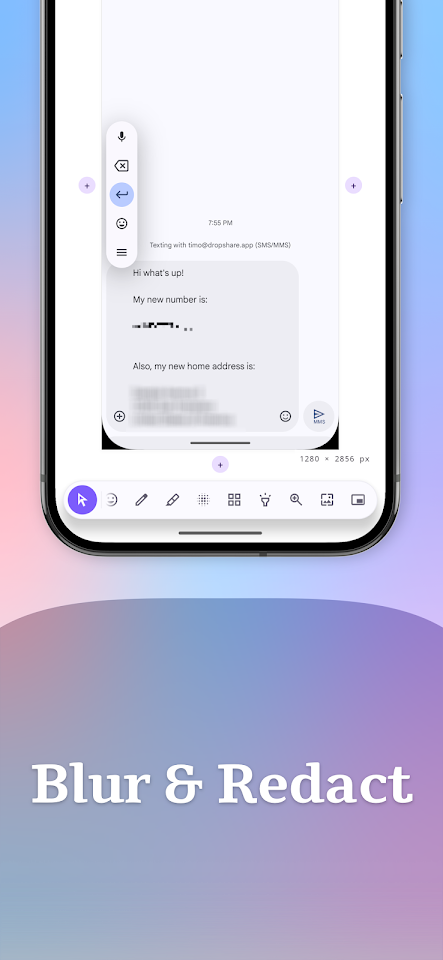
The app includes a freehand pen and marker for more creative edits. You can highlight important areas or pixelate areas you want to obscure. If you need to magnify specific details, use the loupe feature for detailed image magnification.
Annotate also has an Auto-Redact feature, which lets you quickly detect and hide sensitive information like credit cards or phone numbers with just one tap. This ensures your privacy while editing images.
For those who like precision, Annotate offers full customization options. You can adjust the stroke width, fill, outlines, shadow, and opacity of your annotations. You can also use precision rotation to turn your shapes, text, and images to any angle you need.
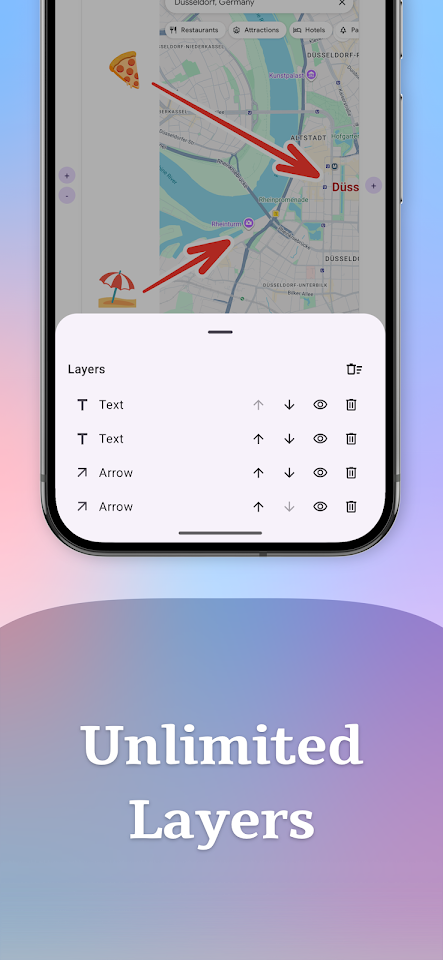
Managing your annotations is simple with layer management. You can organize your work with multiple annotation layers, allowing you to select, reorder, and delete layers as needed. Plus, you have neat alignment snapping to help keep everything tidy.
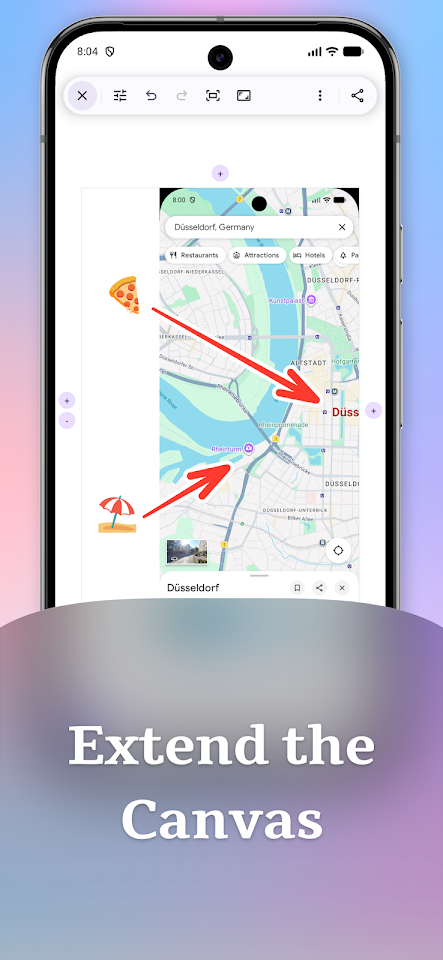
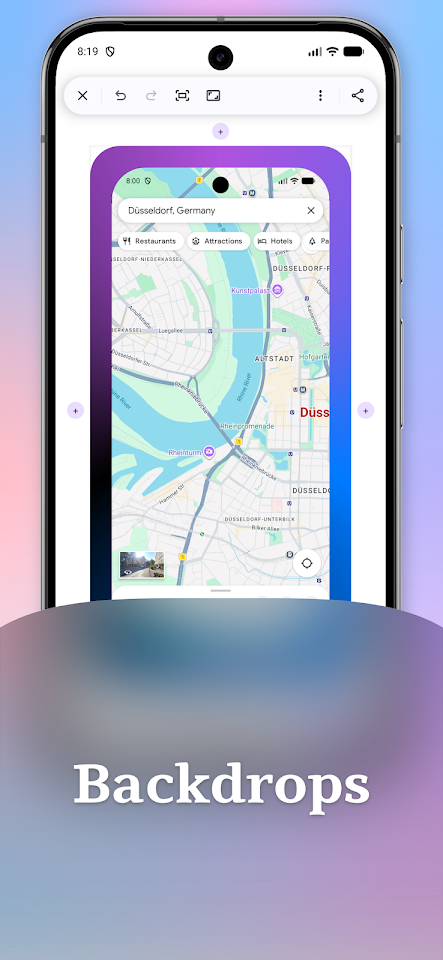
If you find that you need more space, the flexible canvas expansion feature allows you to grow the canvas by adding space on any edge. You can also choose from various backdrop styles to frame your screenshot, whether with solid colors or gradients.
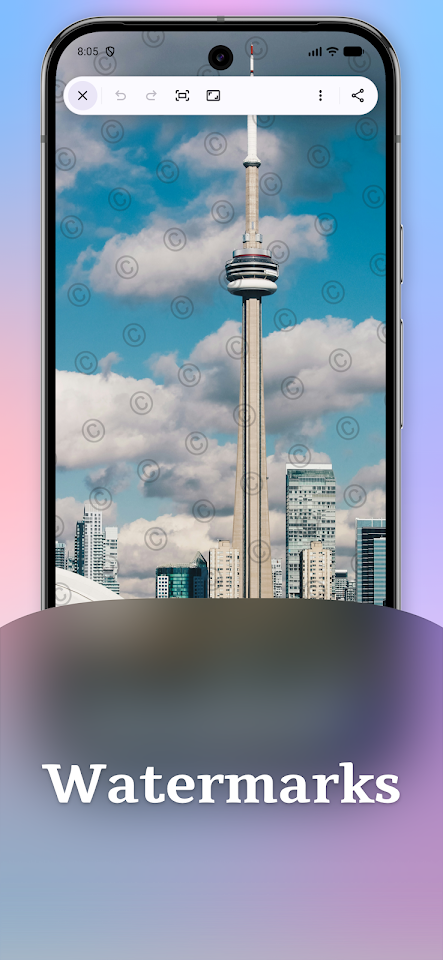
The app makes it easy to add an overlay watermark, helping to protect and brand your work. Additionally, with the template saving feature, you can save a set of annotations and apply them to any image. This will adapt to the new aspect ratio automatically.
You can start your projects from various sources, like Photos, Files, or the clipboard. When you’re finished, Annotate offers multiple image export options, including fast export to PNG, JPEG, or WebP formats. After preparing your images, sharing them is a breeze, thanks to its built-in image sharing capabilities.
Whether you’re doing quick screenshot editing or making detailed annotations, Annotate: Screenshot Markup is designed to meet your needs with user-friendly features. Enjoy straightforward image editing on your mobile device that makes your work look great.
With Annotate, you can add text using various text annotation tools. You have full control over how the text looks, including options for font, size, and alignment. Also, you can enhance your images with customizable arrowheads and detailed annotation control.
One standout feature is the animated GIF integration. You can search KLIPY right in the editor, drop animated GIFs on your canvas, and even export your work as a video. This makes it easy to bring your screenshots to life in a fun and engaging way.
The app includes a freehand pen and marker for more creative edits. You can highlight important areas or pixelate areas you want to obscure. If you need to magnify specific details, use the loupe feature for detailed image magnification.
Annotate also has an Auto-Redact feature, which lets you quickly detect and hide sensitive information like credit cards or phone numbers with just one tap. This ensures your privacy while editing images.
For those who like precision, Annotate offers full customization options. You can adjust the stroke width, fill, outlines, shadow, and opacity of your annotations. You can also use precision rotation to turn your shapes, text, and images to any angle you need.
Managing your annotations is simple with layer management. You can organize your work with multiple annotation layers, allowing you to select, reorder, and delete layers as needed. Plus, you have neat alignment snapping to help keep everything tidy.
If you find that you need more space, the flexible canvas expansion feature allows you to grow the canvas by adding space on any edge. You can also choose from various backdrop styles to frame your screenshot, whether with solid colors or gradients.
The app makes it easy to add an overlay watermark, helping to protect and brand your work. Additionally, with the template saving feature, you can save a set of annotations and apply them to any image. This will adapt to the new aspect ratio automatically.
You can start your projects from various sources, like Photos, Files, or the clipboard. When you’re finished, Annotate offers multiple image export options, including fast export to PNG, JPEG, or WebP formats. After preparing your images, sharing them is a breeze, thanks to its built-in image sharing capabilities.
Whether you’re doing quick screenshot editing or making detailed annotations, Annotate: Screenshot Markup is designed to meet your needs with user-friendly features. Enjoy straightforward image editing on your mobile device that makes your work look great.

Cash Log Basic
Kaloyan Lachezarov
$2.99
$0.99

ACDSee Pro
ACD Systems International Inc.
$5.99

Panols
Juan Arreguin
$1.99