
$4.99
$1.25
75% Off
Graphie – EXIF editor
Pavlo Rekun


About the App
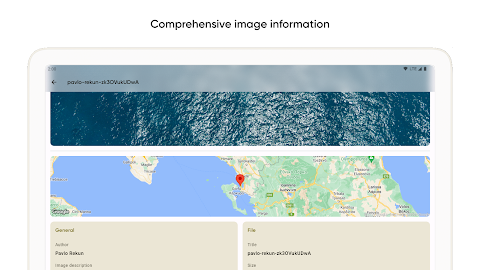
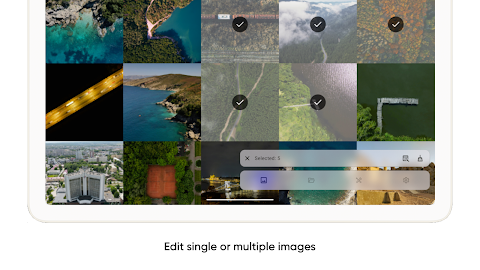
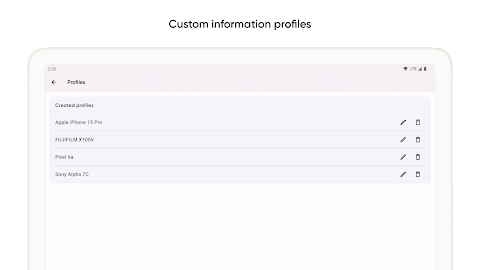
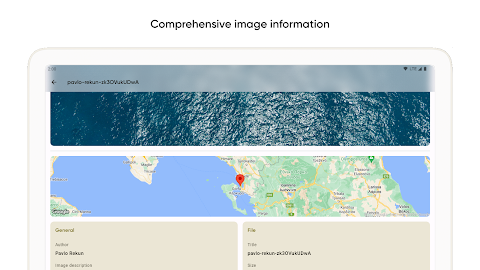
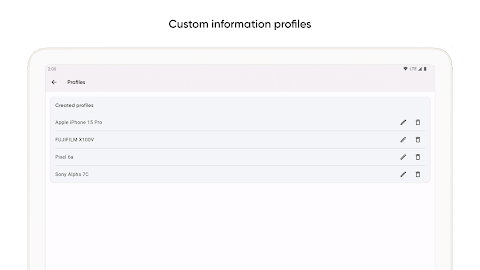
Graphie is a powerful tool designed for advanced management of your images. It helps you with tasks such as metadata editing, extracting colors, and tracking the shoot location of your photos. This makes it a great choice for both casual users and professional designers.
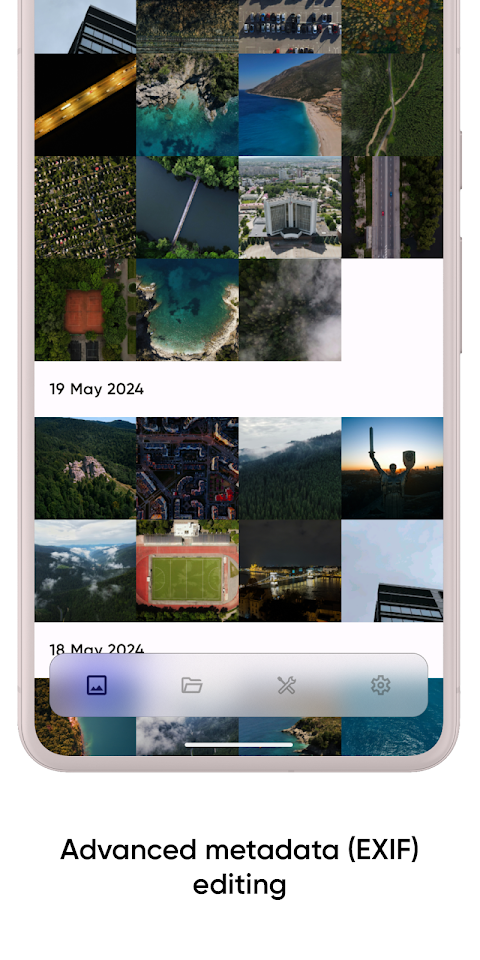
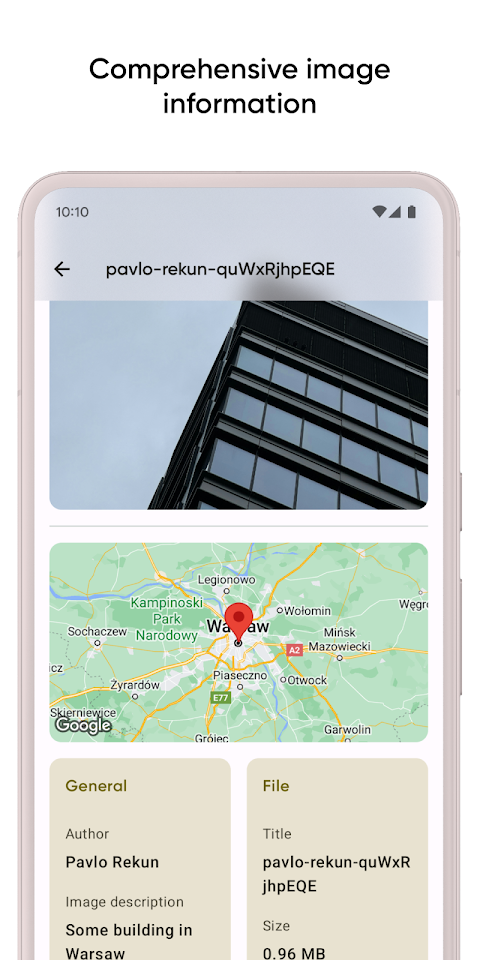
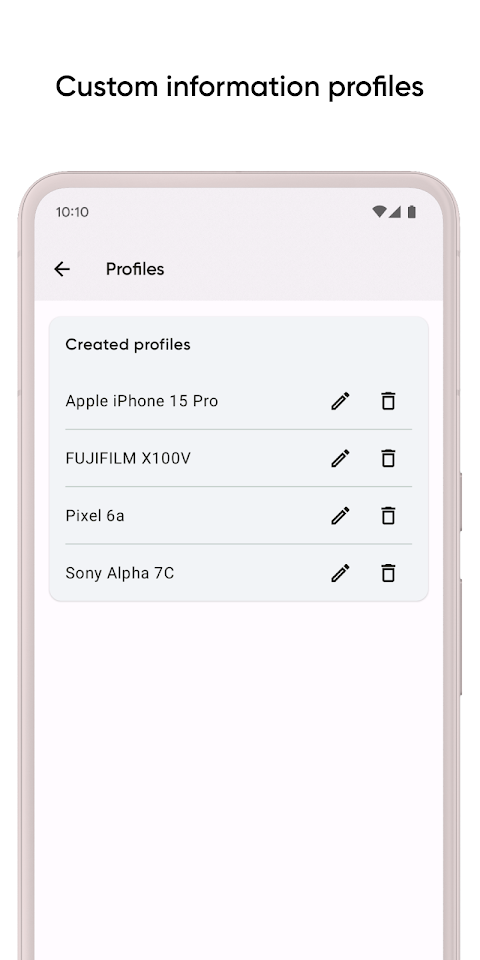
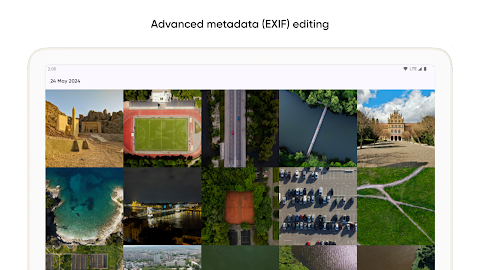
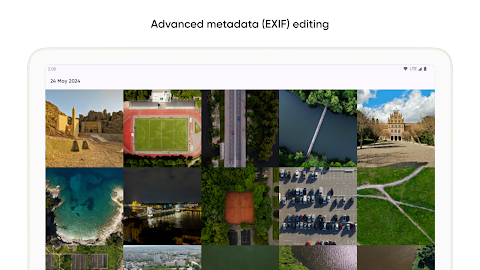
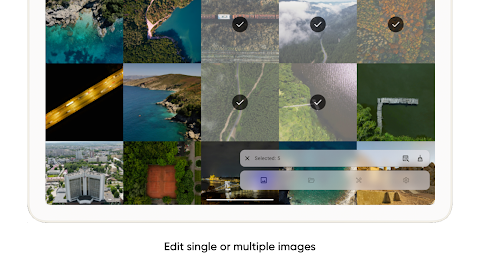
One of the standout features of Graphie is its EXIF management capabilities. You can easily make manual EXIF changes to any image, allowing you to enter data whenever you need to update your photos. If you prefer a quicker way, Graphie also provides pre-collected parameters. With just a click, you can clear all EXIF tags for any image, making the process simple and efficient.
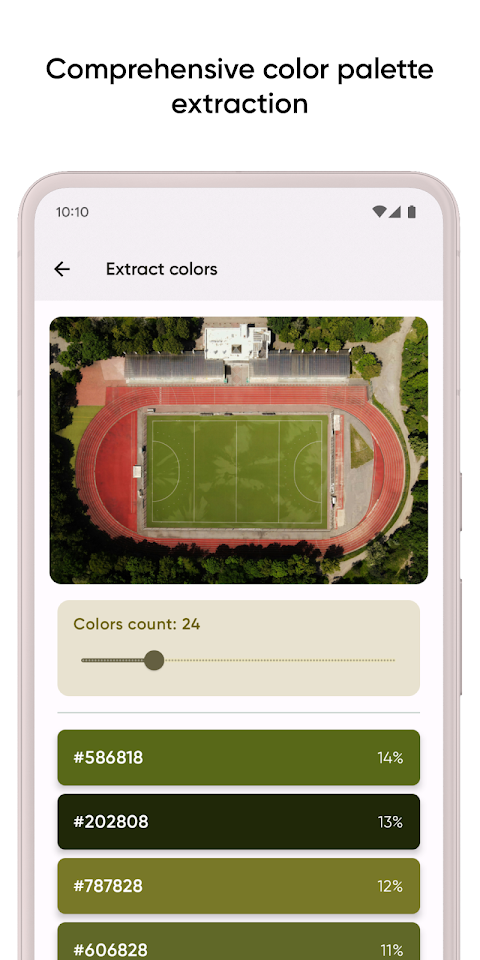
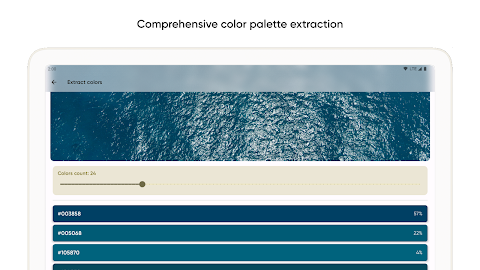
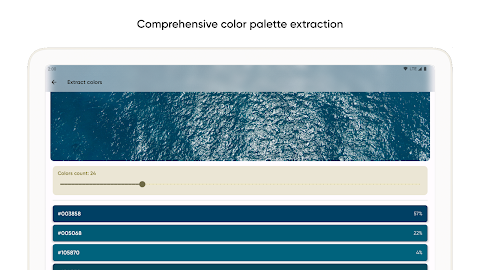
Graphie offers even more options for users. You can use its color extraction tools to get vibrant and muted colors from your images. This means you can extract bold colors as well as softer shades, helping you find the perfect palette for your design projects.
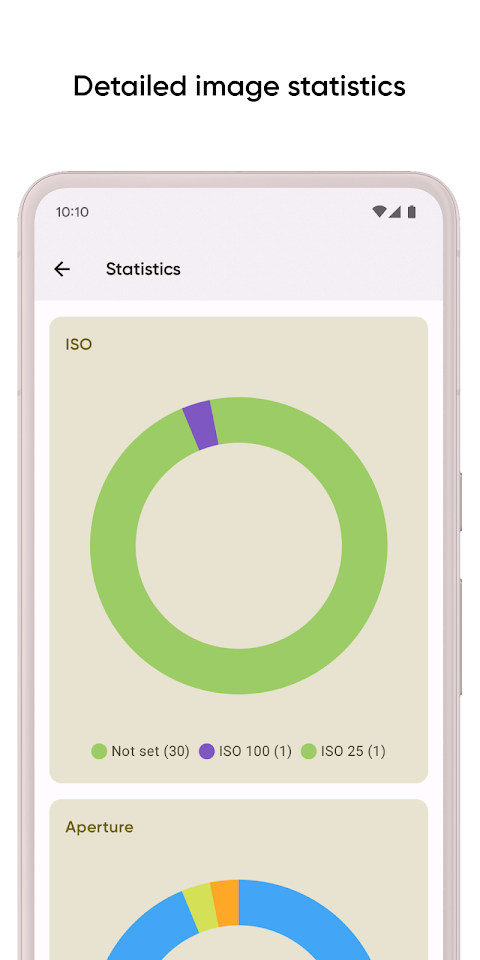
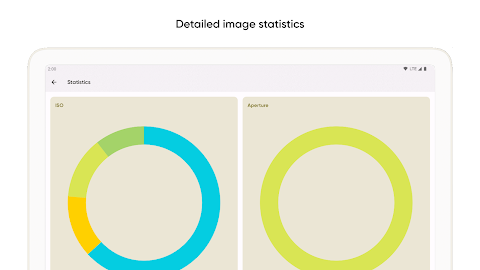
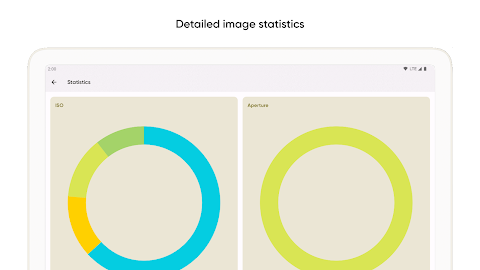
In addition to these features, Graphie provides image statistics collection. You can gather detailed image statistics from your photos, which include filtering by ISO, Aperture settings, and Color space analysis. This allows you to analyze your images thoroughly and makes searching by criteria a more manageable task.
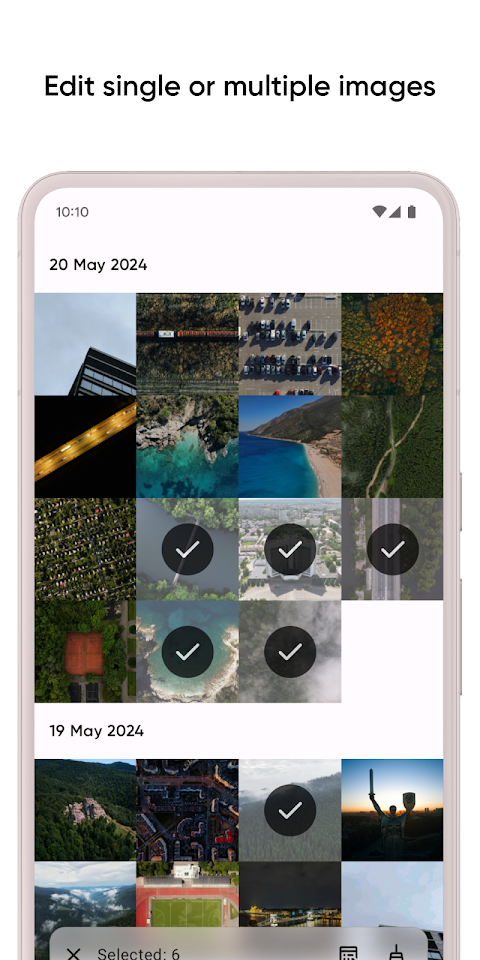
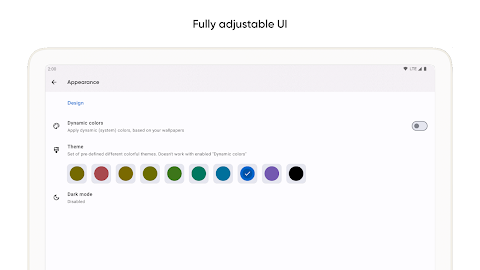
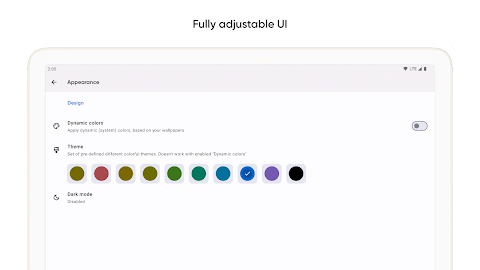
For those looking for a user-friendly interface, Graphie excels in making it easy to navigate. Whether you are using it for photo editing applications or image management software, you will find it intuitive and efficient. It serves as a comprehensive photo management solution, combining various tools to help you organize your images better.
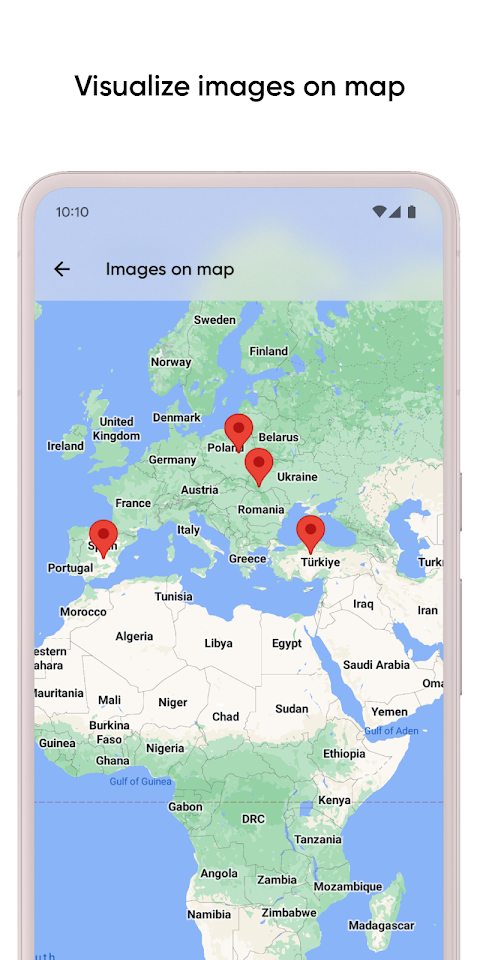
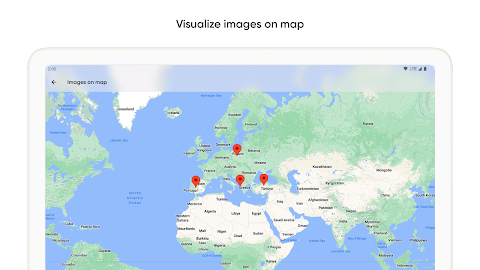
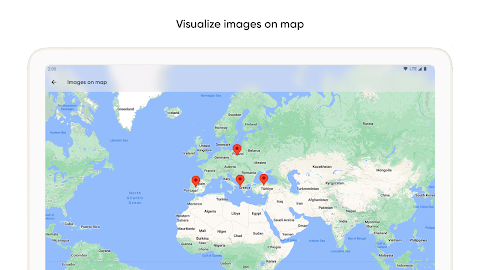
If you're a photographer or a designer, Graphie provides all the necessary tools for effective image management. With its image analysis features, you can track photo metadata easily and enhance your workflow. Plus, the ability to perform location-based photo searches helps you find shooting locations effortlessly.
Overall, Graphie is an excellent choice for anyone looking for advanced image management. Its features, like clearing EXIF tags and vibrant color extraction, along with options for muted color extraction, offer great flexibility. Whether you are looking to create visual statistics dashboards or just need a simple way to manage your images, Graphie has got you covered.
If you have any questions or need further information, you can check the FAQ page. Graphie is here to simplify your photo management needs while making the process enjoyable and straightforward.
One of the standout features of Graphie is its EXIF management capabilities. You can easily make manual EXIF changes to any image, allowing you to enter data whenever you need to update your photos. If you prefer a quicker way, Graphie also provides pre-collected parameters. With just a click, you can clear all EXIF tags for any image, making the process simple and efficient.
Graphie offers even more options for users. You can use its color extraction tools to get vibrant and muted colors from your images. This means you can extract bold colors as well as softer shades, helping you find the perfect palette for your design projects.
In addition to these features, Graphie provides image statistics collection. You can gather detailed image statistics from your photos, which include filtering by ISO, Aperture settings, and Color space analysis. This allows you to analyze your images thoroughly and makes searching by criteria a more manageable task.
For those looking for a user-friendly interface, Graphie excels in making it easy to navigate. Whether you are using it for photo editing applications or image management software, you will find it intuitive and efficient. It serves as a comprehensive photo management solution, combining various tools to help you organize your images better.
If you're a photographer or a designer, Graphie provides all the necessary tools for effective image management. With its image analysis features, you can track photo metadata easily and enhance your workflow. Plus, the ability to perform location-based photo searches helps you find shooting locations effortlessly.
Overall, Graphie is an excellent choice for anyone looking for advanced image management. Its features, like clearing EXIF tags and vibrant color extraction, along with options for muted color extraction, offer great flexibility. Whether you are looking to create visual statistics dashboards or just need a simple way to manage your images, Graphie has got you covered.
If you have any questions or need further information, you can check the FAQ page. Graphie is here to simplify your photo management needs while making the process enjoyable and straightforward.

Pencil Sketch HD
Dumpling Sandwich Software Inc.
$9.49
$4.89
MotionCam Pro: RAW Capture
MotionCam
$39.99
$20.00

HD Wallpapers Gallery
Power Mind Apps
$0.99