
$39.99
$20.00
50% Off
MotionCam Pro: RAW Capture
MotionCam

About the App
MotionCam Pro is an app designed for creators who want to fully utilize their phone's camera capabilities. If you're a filmmaker, photographer, or just someone curious about capturing high-quality visuals, this app is made for you.
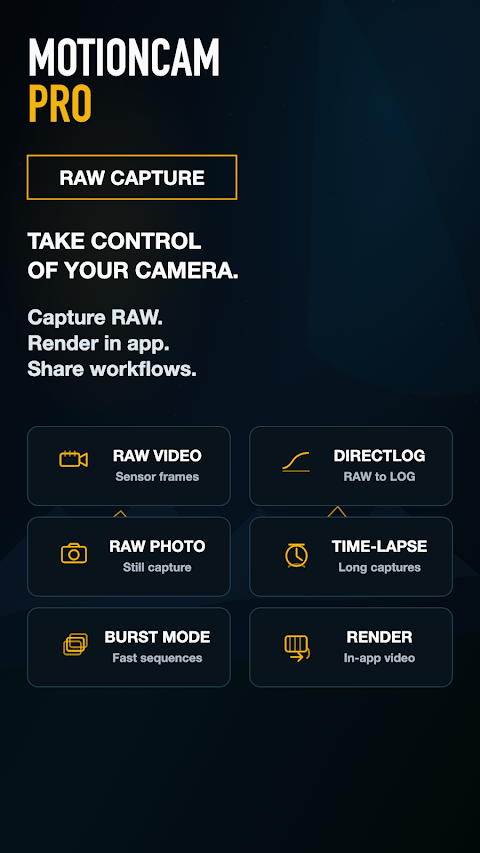
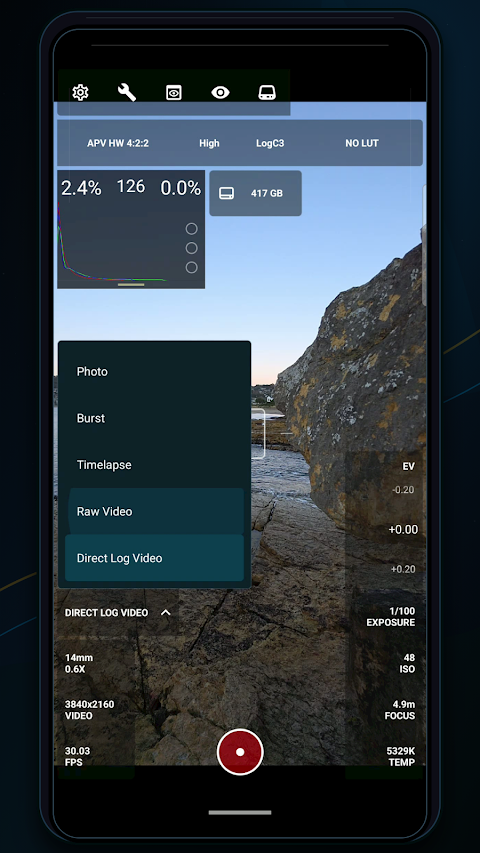
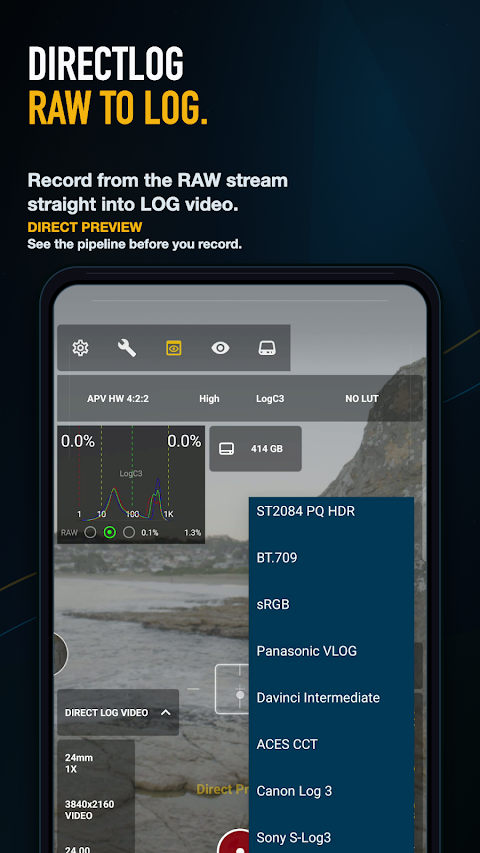
With MotionCam Pro, you can perform RAW video capture, allowing you to record videos with rich, unprocessed data right from the camera sensor. You can also take stunning RAW photos, use burst sequences for capturing fast action, and create beautiful time-lapse sequences that showcase changes over time. The app supports DirectLog video for real-time RAW-to-LOG recording, giving you even more flexibility in your projects.
Most smartphones process images through a built-in pipeline, resulting in a fixed “phone look” that is hard to change later on. But MotionCam Pro changes that. It is built around RAW sensor data, so you can monitor the signal and protect highlights. This gives you the power to shape the final image yourself, making it adaptable to your creative vision.
The app offers a variety of tools for capturing with precision, including RAW photo modes, in-app export workflows, and post-production options. You can choose HEVC / H.265 encoding to ensure your videos are both high in quality and efficient in storage. With video rendering tools included, you can easily process your footage on-device.
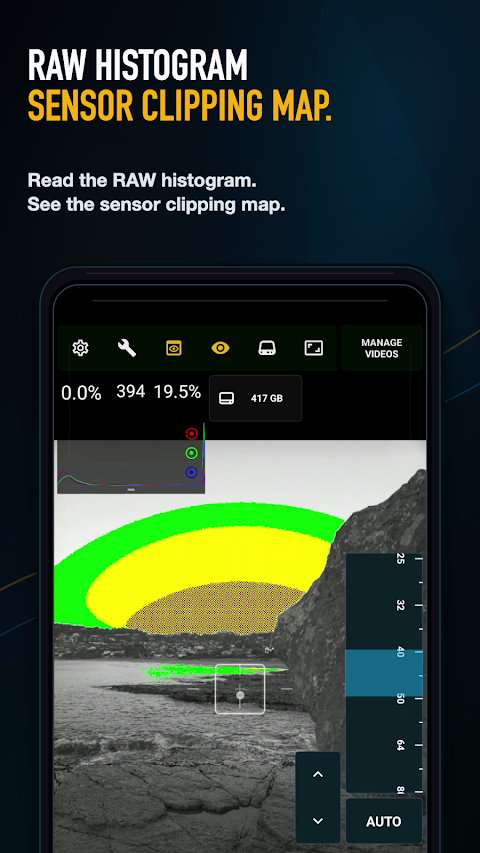
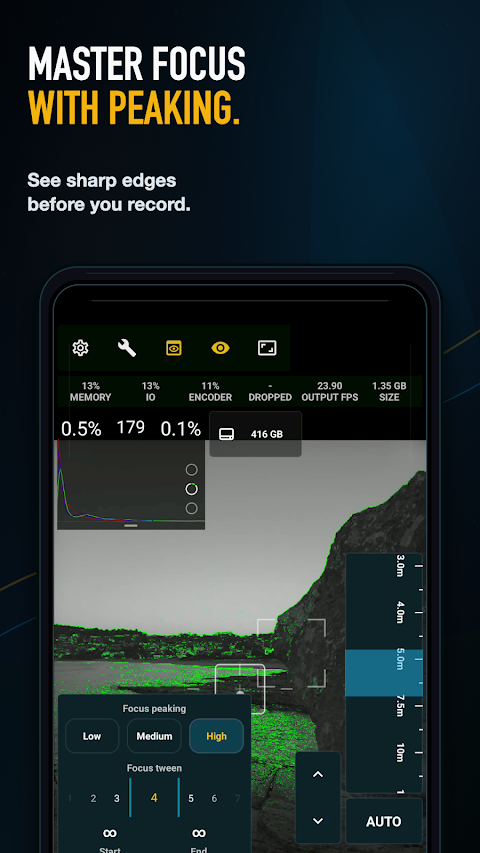
When it comes to exposure, you can use features like RAW histogram and focus peaking. The false color monitoring feature helps you assess exposure levels at a glance. There's also a handy sensor clipping map that shows you clipping by RGB channel, ensuring that you know exactly where your highlights are.
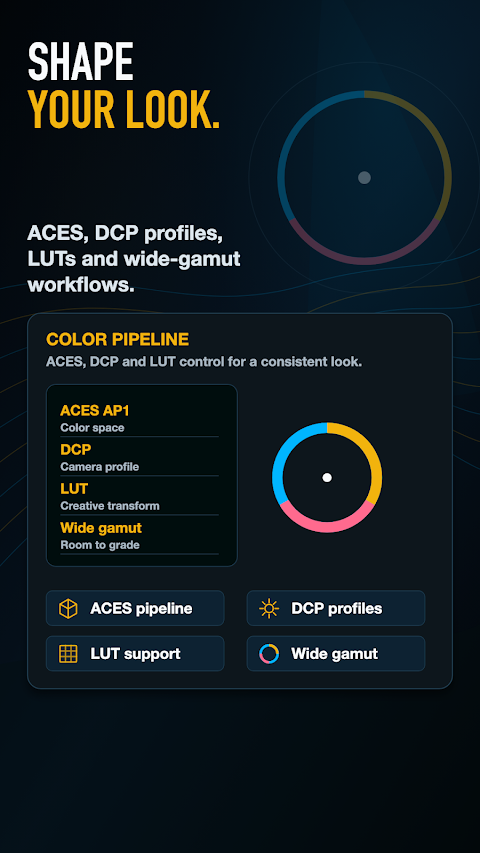
You can shape your look with professional workflows. The app integrates with an ACES color pipeline and allows the use of DCP profiles for accurate color management. There’s LUT support available as well, so you can apply color grading that fits your unique style. With wide-gamut workflows and LOG outputs, grading in professional tools becomes a seamless part of your process.
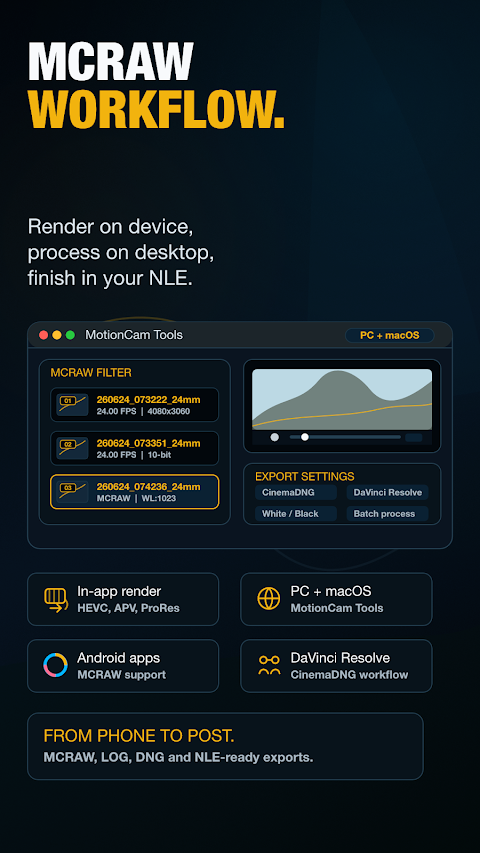
Once you've captured your footage, you can continue your workflow using desktop processing tools. MotionCam Tools for PC and MotionCam Tools for macOS allow you to process your footage beyond your phone, increasing your editing options. Export your videos easily for professional color grading or further editing, making it simple to integrate the app into your existing workflow.
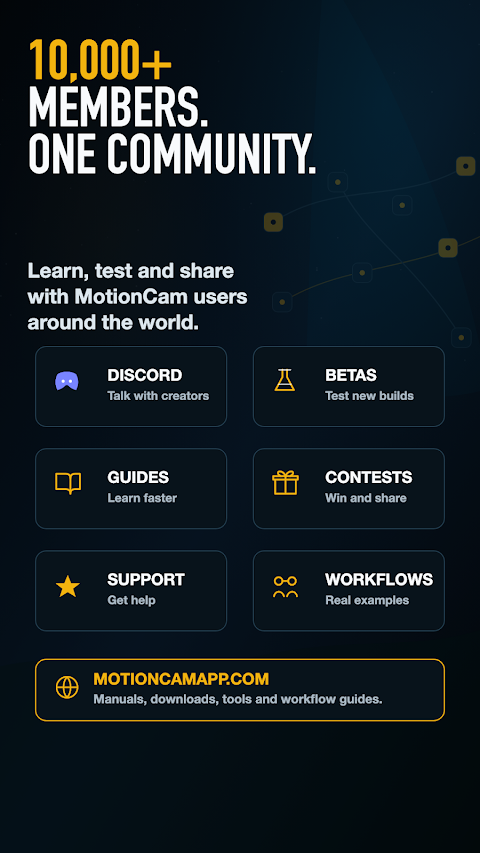
By joining the MotionCam community, made up of over 10,000 users, you can learn from others and share workflows. This helps everyone improve their results and explore new image optimization techniques. Whether you're looking to test new ideas or improve your skills, there’s a supportive community ready to help you.
MotionCam Pro puts creative control back into your hands, allowing you to take your photography and filmmaking to the next level. With the ability to monitor signals, protect highlights, and shape your images as you desire, this app provides an unparalleled level of detail and customization for your mobile projects.
With MotionCam Pro, you can perform RAW video capture, allowing you to record videos with rich, unprocessed data right from the camera sensor. You can also take stunning RAW photos, use burst sequences for capturing fast action, and create beautiful time-lapse sequences that showcase changes over time. The app supports DirectLog video for real-time RAW-to-LOG recording, giving you even more flexibility in your projects.
Most smartphones process images through a built-in pipeline, resulting in a fixed “phone look” that is hard to change later on. But MotionCam Pro changes that. It is built around RAW sensor data, so you can monitor the signal and protect highlights. This gives you the power to shape the final image yourself, making it adaptable to your creative vision.
The app offers a variety of tools for capturing with precision, including RAW photo modes, in-app export workflows, and post-production options. You can choose HEVC / H.265 encoding to ensure your videos are both high in quality and efficient in storage. With video rendering tools included, you can easily process your footage on-device.
When it comes to exposure, you can use features like RAW histogram and focus peaking. The false color monitoring feature helps you assess exposure levels at a glance. There's also a handy sensor clipping map that shows you clipping by RGB channel, ensuring that you know exactly where your highlights are.
You can shape your look with professional workflows. The app integrates with an ACES color pipeline and allows the use of DCP profiles for accurate color management. There’s LUT support available as well, so you can apply color grading that fits your unique style. With wide-gamut workflows and LOG outputs, grading in professional tools becomes a seamless part of your process.
Once you've captured your footage, you can continue your workflow using desktop processing tools. MotionCam Tools for PC and MotionCam Tools for macOS allow you to process your footage beyond your phone, increasing your editing options. Export your videos easily for professional color grading or further editing, making it simple to integrate the app into your existing workflow.
By joining the MotionCam community, made up of over 10,000 users, you can learn from others and share workflows. This helps everyone improve their results and explore new image optimization techniques. Whether you're looking to test new ideas or improve your skills, there’s a supportive community ready to help you.
MotionCam Pro puts creative control back into your hands, allowing you to take your photography and filmmaking to the next level. With the ability to monitor signals, protect highlights, and shape your images as you desire, this app provides an unparalleled level of detail and customization for your mobile projects.
Gallery Slideshow
Yogesh Dama
$0.99

Fiold Camera
Gloton
$4.99

Zenith: Photo, Map & Astro
Bozdoğan Games
$4.99