
$1.99
$1.00
50% Off
PM Pro: Password Manager
TFH Technologies

About the App
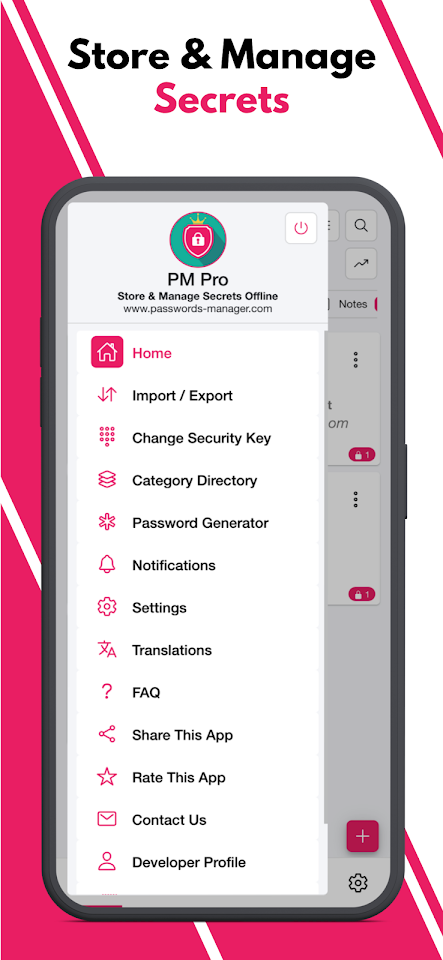
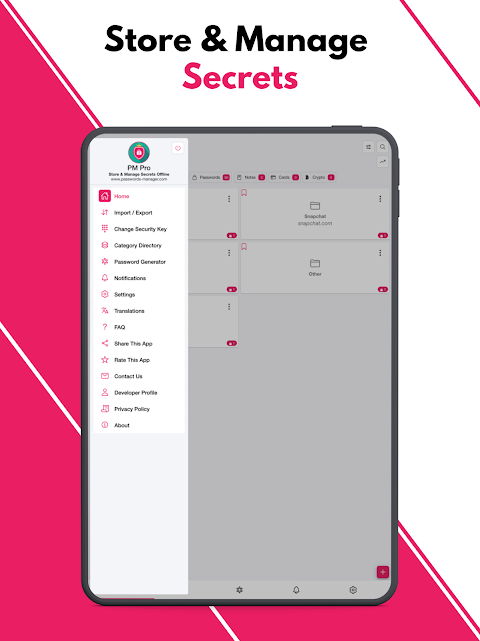
PM Pro: Password Manager is an offline password manager that helps you securely store, organize, and manage your passwords. With this app, you can keep notes and other sensitive information directly on your device without using any cloud services.
This application is designed to be completely offline. It works even without an internet connection. All your data is stored only on your device and is protected using AES-256 bit encryption. This level of security ensures that your information remains private and safe from unauthorized access.
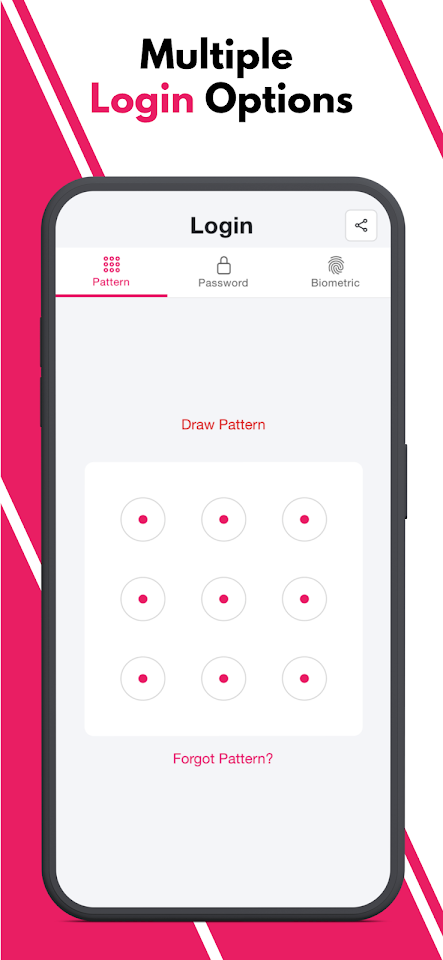
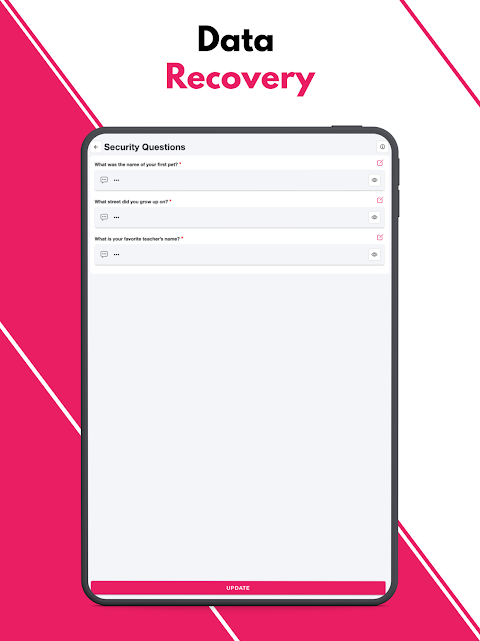
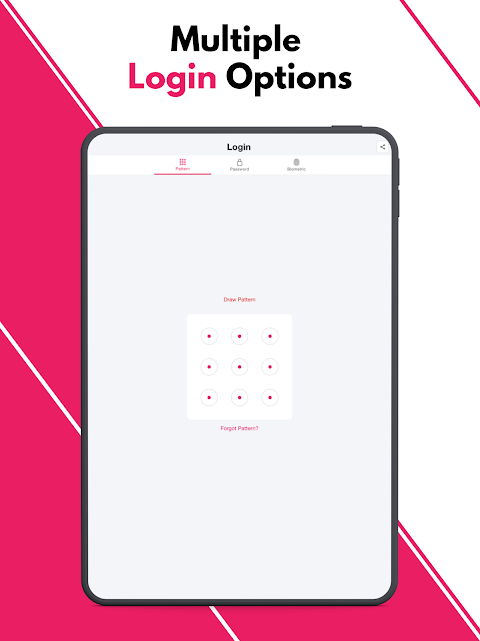
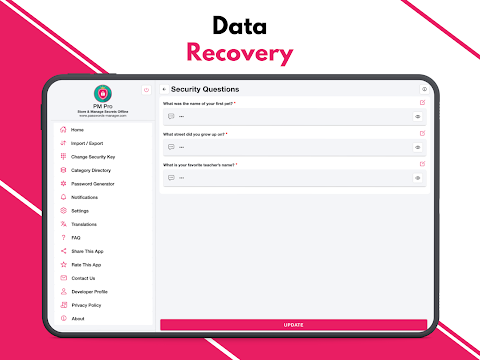
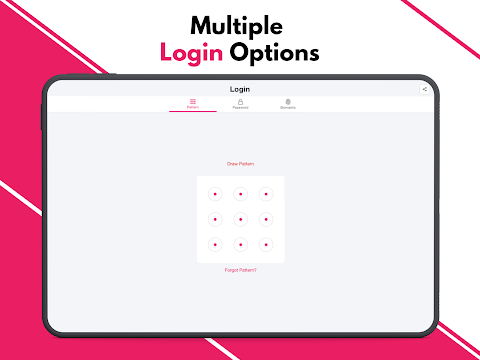
You can choose from three different login types for accessing your information: the pattern login type, passwords, or biometric login type. Each option gives you flexibility and control over how you want to secure your data. If there are multiple failed login attempts, the app has a malicious login detection feature that temporarily locks itself. This protects you from potential brute-force attacks.
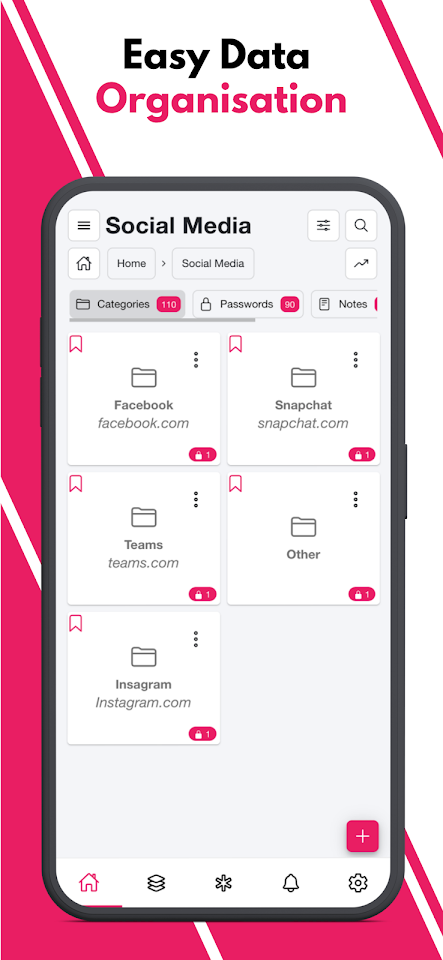
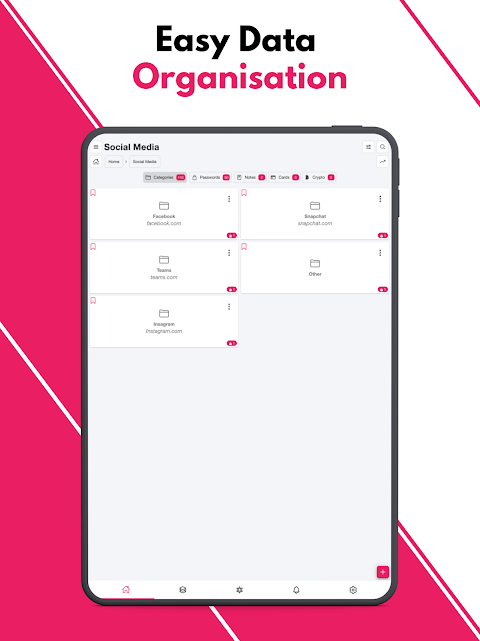
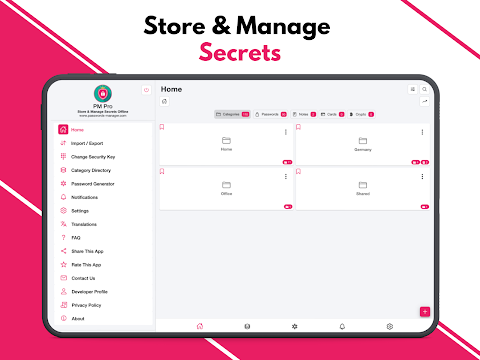
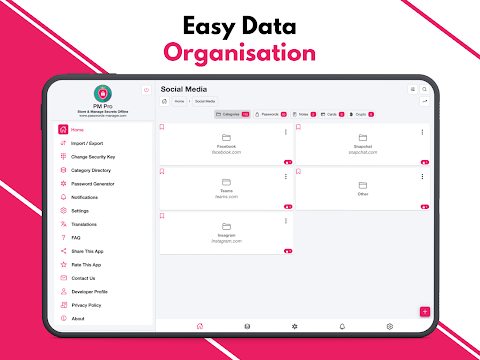
One of the great features of PM Pro is its hierarchical data organization. This means you can categorize your data into multi-level categories, allowing for a neat and structured way to store your passwords, notes, and other relevant data. You’ll even find custom fields support, which allows you to create as many fields as you need. You can use options like a passwords box, note box, or even store images.
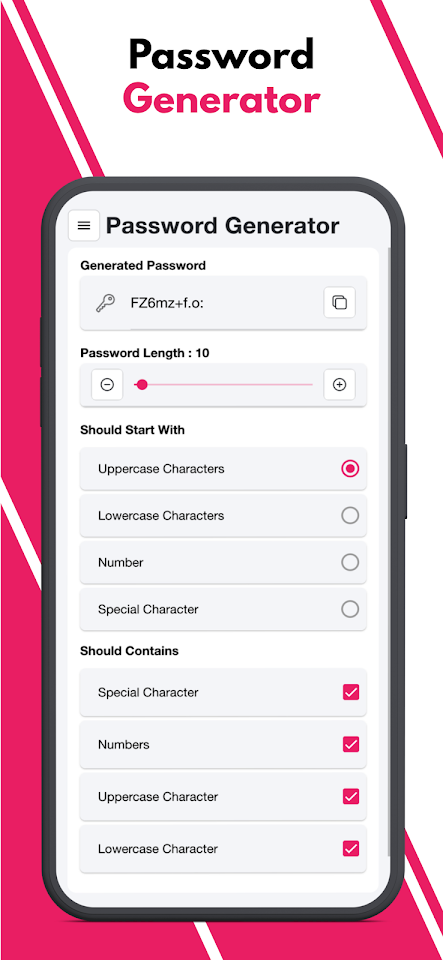
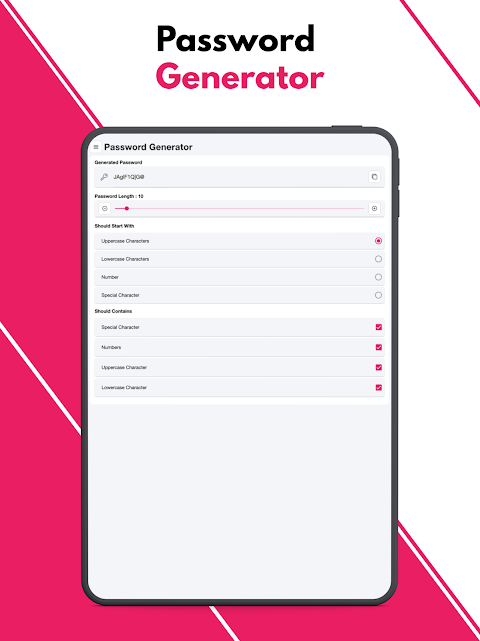
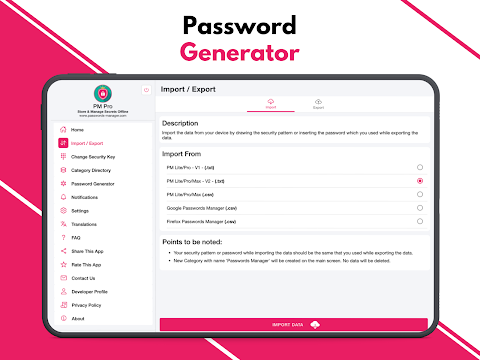
The built-in password generator tool assists you in creating secure passwords, adding another layer of safety. Additionally, the weak passwords alert helps you keep track of any weak or repeated passwords. You can easily view a repeated passwords list to manage your passwords better.
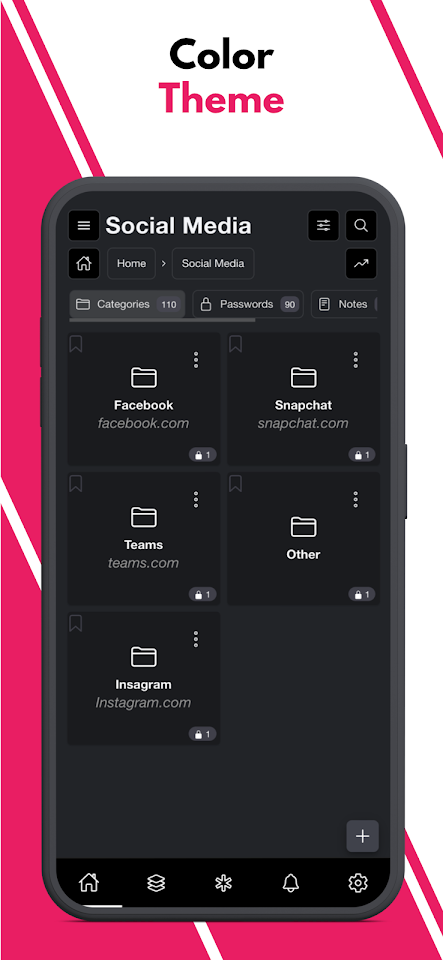
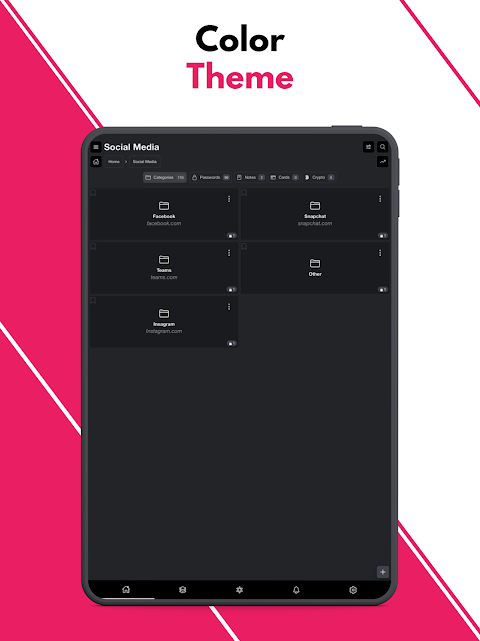
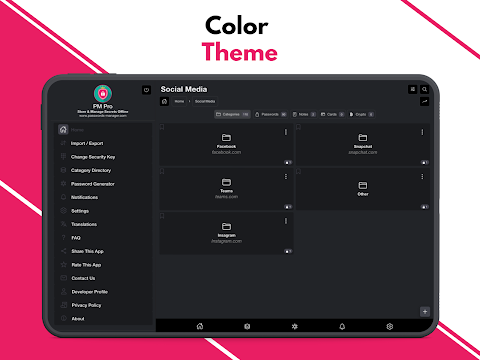
For how you want to see your data, the application offers multiple view types. You can switch between a tile view display and a list view display, depending on your preference. Plus, PM Pro offers both dark color theme and light color theme options, so you can choose what looks best for you.
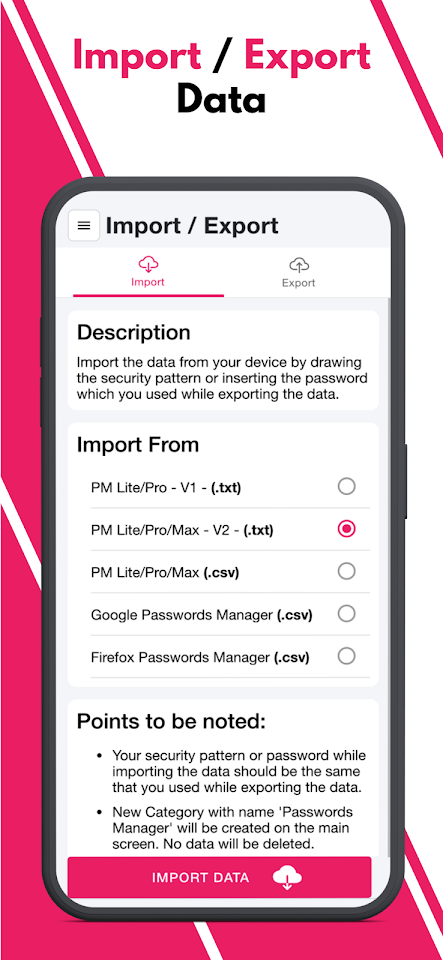
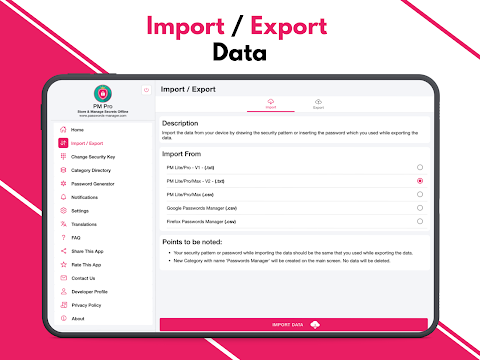
If you speak different languages, you’ll find that this app supports multiple language support, giving you access to over 14 languages. When it comes to managing your data, the export data feature lets you transfer your information manually to another device.
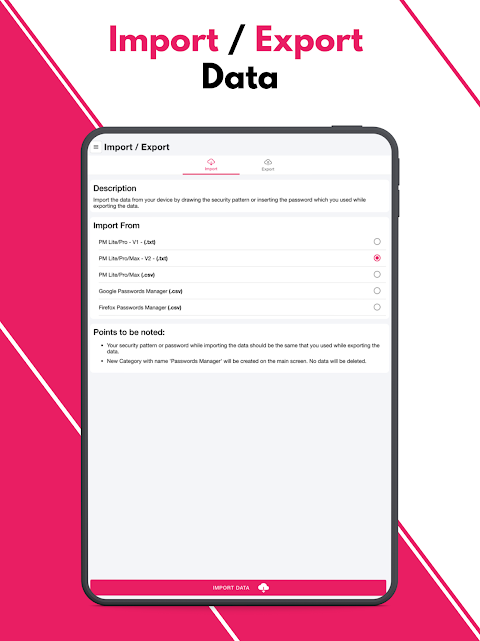
You can import passwords from various file formats including Google CSV files, .txt files, or other .csv files. There's a QR code import feature, which makes transferring passwords as easy as scanning a code on your other device.
To save time, you can bookmark frequently accessed data. This makes it easy to get to important information quickly. If you're not using the app for a specified period, the auto logout functionality will automatically log you out. This helps ensure that sensitive information remains protected from unauthorized access.
PM Pro operates on a one-time payment model, so you won’t have to worry about monthly or annual charges. This gives you lifetime access to the app and all its features. With PM Pro, you have a reliable data management application that offers secure password storage in a user-friendly interface. You can rest easy knowing your information is kept safe with encrypted offline storage and the benefits of a manual data transfer method.
This application is designed to be completely offline. It works even without an internet connection. All your data is stored only on your device and is protected using AES-256 bit encryption. This level of security ensures that your information remains private and safe from unauthorized access.
You can choose from three different login types for accessing your information: the pattern login type, passwords, or biometric login type. Each option gives you flexibility and control over how you want to secure your data. If there are multiple failed login attempts, the app has a malicious login detection feature that temporarily locks itself. This protects you from potential brute-force attacks.
One of the great features of PM Pro is its hierarchical data organization. This means you can categorize your data into multi-level categories, allowing for a neat and structured way to store your passwords, notes, and other relevant data. You’ll even find custom fields support, which allows you to create as many fields as you need. You can use options like a passwords box, note box, or even store images.
The built-in password generator tool assists you in creating secure passwords, adding another layer of safety. Additionally, the weak passwords alert helps you keep track of any weak or repeated passwords. You can easily view a repeated passwords list to manage your passwords better.
For how you want to see your data, the application offers multiple view types. You can switch between a tile view display and a list view display, depending on your preference. Plus, PM Pro offers both dark color theme and light color theme options, so you can choose what looks best for you.
If you speak different languages, you’ll find that this app supports multiple language support, giving you access to over 14 languages. When it comes to managing your data, the export data feature lets you transfer your information manually to another device.
You can import passwords from various file formats including Google CSV files, .txt files, or other .csv files. There's a QR code import feature, which makes transferring passwords as easy as scanning a code on your other device.
To save time, you can bookmark frequently accessed data. This makes it easy to get to important information quickly. If you're not using the app for a specified period, the auto logout functionality will automatically log you out. This helps ensure that sensitive information remains protected from unauthorized access.
PM Pro operates on a one-time payment model, so you won’t have to worry about monthly or annual charges. This gives you lifetime access to the app and all its features. With PM Pro, you have a reliable data management application that offers secure password storage in a user-friendly interface. You can rest easy knowing your information is kept safe with encrypted offline storage and the benefits of a manual data transfer method.

Solid Notes
Solid Apps S.R.L.
$2.99

Snap Markup – Annotation Tool
Raghvendra Bhargava
$1.99

Valence 3D
Hi-Rez, LLC
$39.99
$19.99