
$1.49
$0.39
74% Off
CFS156 Smart Panel
CFS Creative Face Studio

About the App
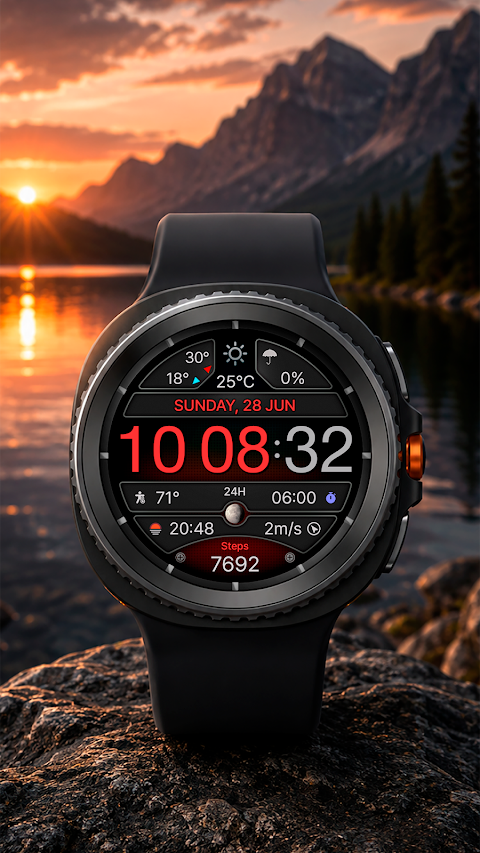
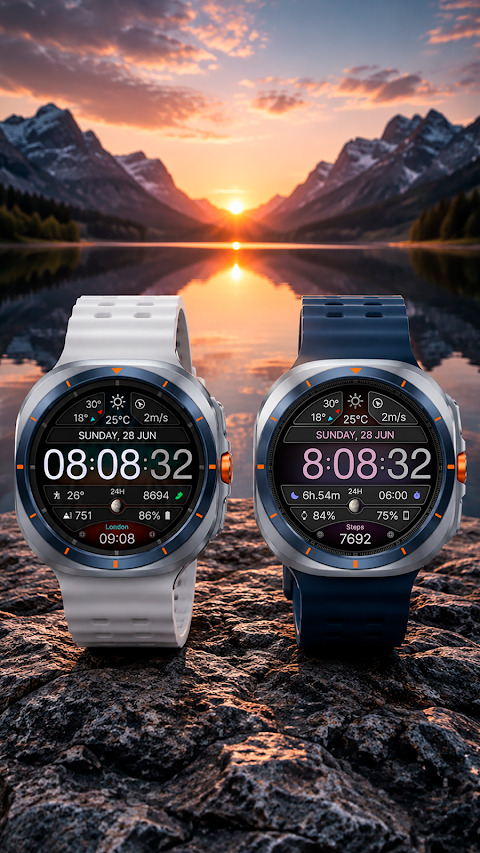
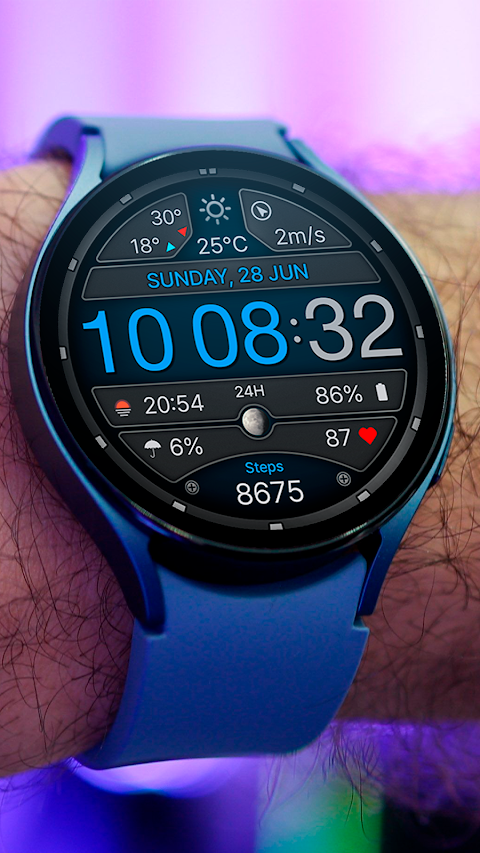
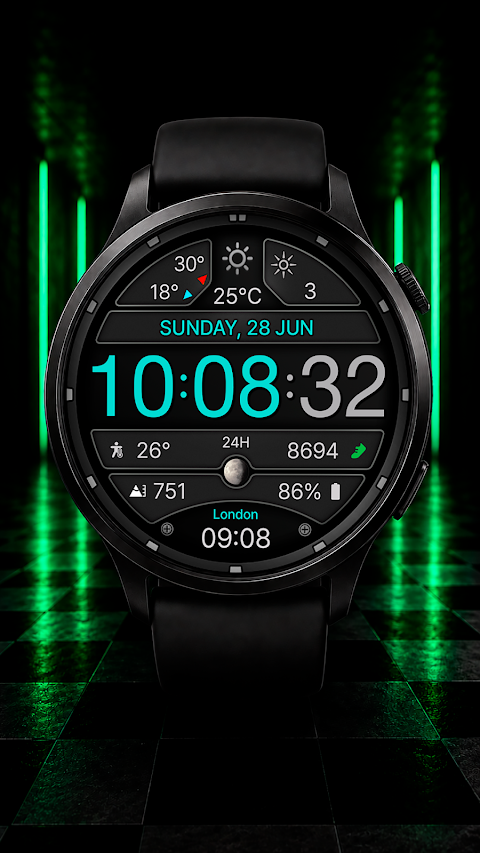
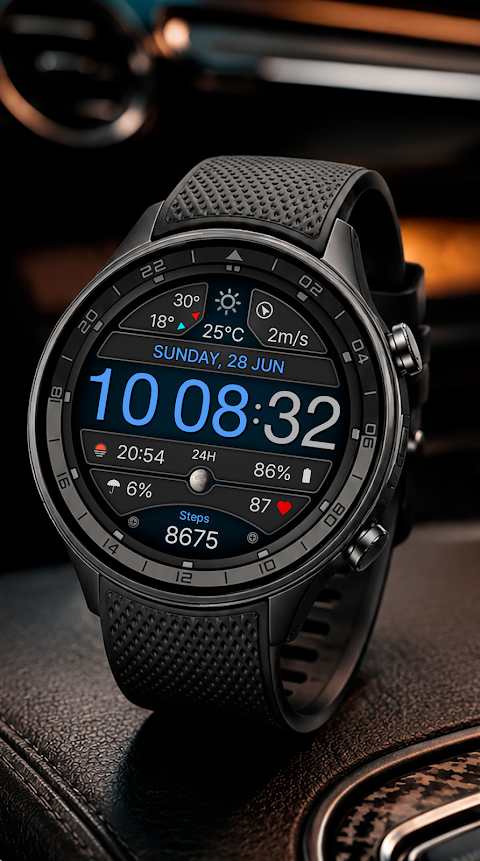
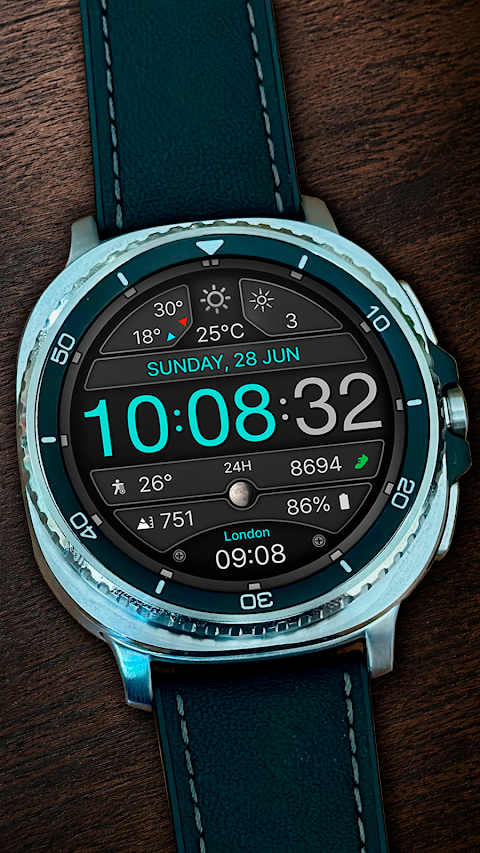
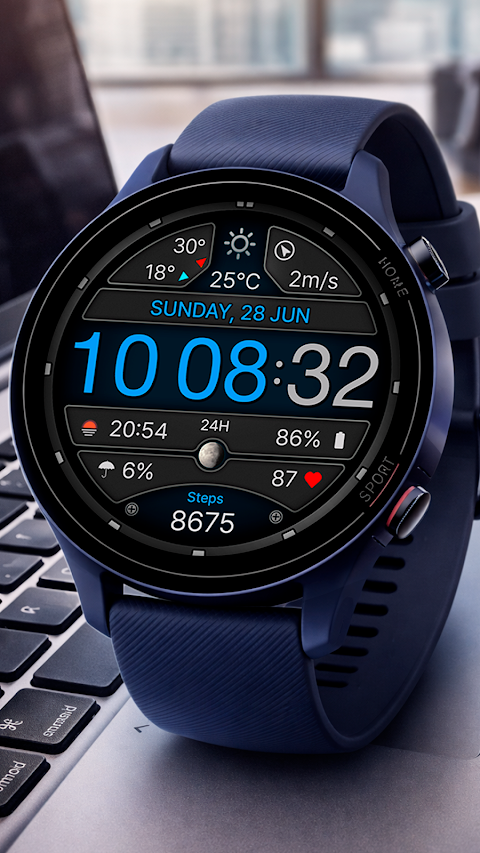
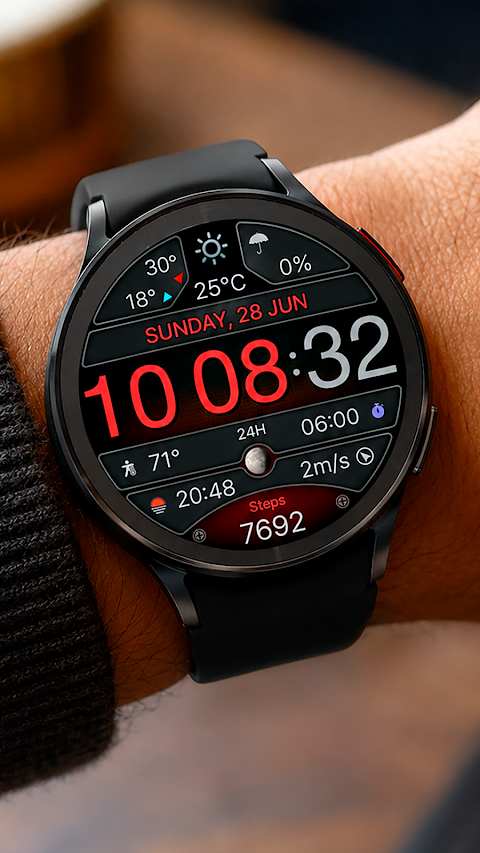
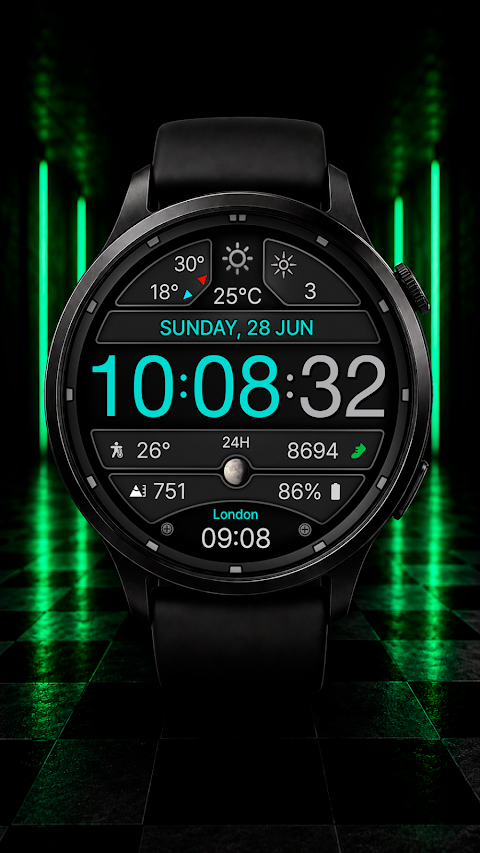
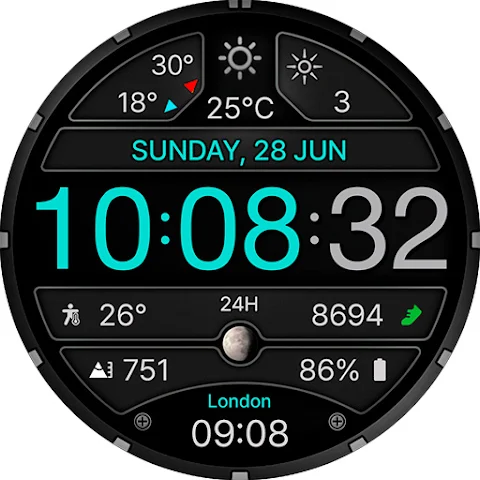
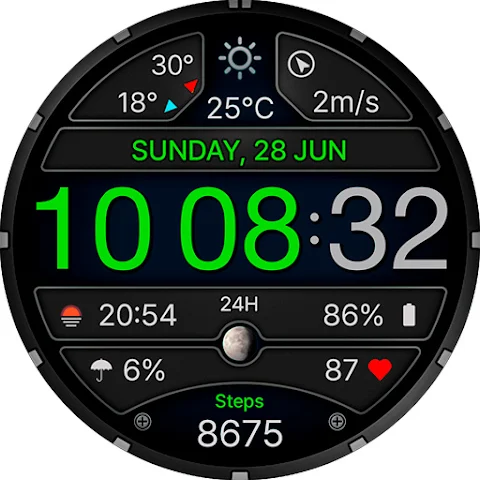
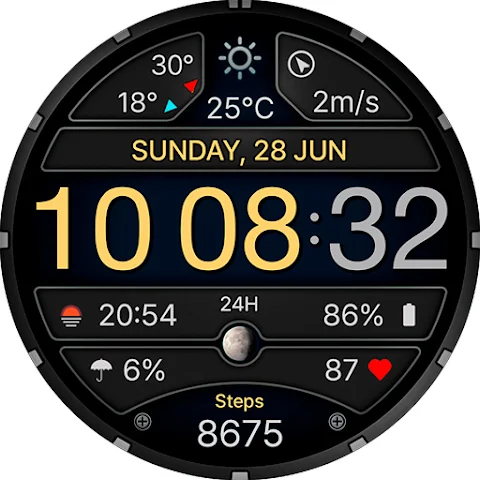
The CFS156 Smart Panel is a modern digital Wear OS watch face designed with a large time display that's easy to read. It shows important information like the weather, date, steps, and moon phase in a clear format. Users can choose from customizable color schemes to match their style or mood.
This watch face features a digital time display that offers both 12/24-hour format options, depending on the settings of your phone. It provides detailed weather data display, including minimum and maximum temperature for the day, so you’ll always know what to expect outside. The built-in step counter helps keep track of your daily activity, while the moon phase indicator adds a unique touch to the interface.
For those who enjoy personalization, the CFS156 Smart Panel supports custom shortcuts and allows for additional elements customization. You can also select from two AOD styles with four brightness levels to optimize your view under various lighting conditions.
The watch face is perfect for users looking for a user-friendly digital design. It is set up for easy use, emphasizing a convenient data layout that showcases all essential details clearly. You can easily access the watch face settings by touching and holding the watch screen.
Keep in mind that the availability of some features, additional elements, and weather information access may depend on the specific watch and phone model you are using, as well as installed apps, permissions, and system settings. Due to Galaxy Wearable app limitations, it may not always support the customization of complex watch faces correctly. In such cases, we recommend doing the customization directly on your watch.
It's also important to note that we can only guarantee correct touch zone operation on Samsung watches. The touch zone behavior might differ on watches from other manufacturers, so be aware of this when using the CFS156 Smart Panel.
If you ever face any difficulties with the watch face, we are here to provide watch face user support. Feel free to contact us, and we will do our best to help you out.
For installation instructions and customization tips, you can visit our website. Thank you for choosing the CFS156 Smart Panel, and we're excited for you to experience its modern watch face features!
This watch face features a digital time display that offers both 12/24-hour format options, depending on the settings of your phone. It provides detailed weather data display, including minimum and maximum temperature for the day, so you’ll always know what to expect outside. The built-in step counter helps keep track of your daily activity, while the moon phase indicator adds a unique touch to the interface.
For those who enjoy personalization, the CFS156 Smart Panel supports custom shortcuts and allows for additional elements customization. You can also select from two AOD styles with four brightness levels to optimize your view under various lighting conditions.
The watch face is perfect for users looking for a user-friendly digital design. It is set up for easy use, emphasizing a convenient data layout that showcases all essential details clearly. You can easily access the watch face settings by touching and holding the watch screen.
Keep in mind that the availability of some features, additional elements, and weather information access may depend on the specific watch and phone model you are using, as well as installed apps, permissions, and system settings. Due to Galaxy Wearable app limitations, it may not always support the customization of complex watch faces correctly. In such cases, we recommend doing the customization directly on your watch.
It's also important to note that we can only guarantee correct touch zone operation on Samsung watches. The touch zone behavior might differ on watches from other manufacturers, so be aware of this when using the CFS156 Smart Panel.
If you ever face any difficulties with the watch face, we are here to provide watch face user support. Feel free to contact us, and we will do our best to help you out.
For installation instructions and customization tips, you can visit our website. Thank you for choosing the CFS156 Smart Panel, and we're excited for you to experience its modern watch face features!
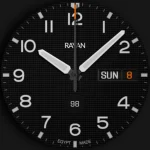
ProCaptain: Analog Pilot Watch
Rayan's
$0.99
$0.50
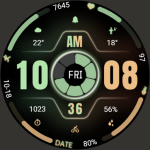
ZKin Watch Bright Function
ZKin
$2.99
$1.49

Everything Widgets
JustNewDesigns
$1.89
$0.38