
$3.00
$1.99
34% Off
File Manager: File Explorer
onTaps




About the App
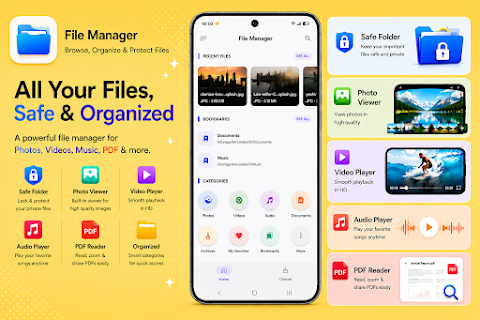
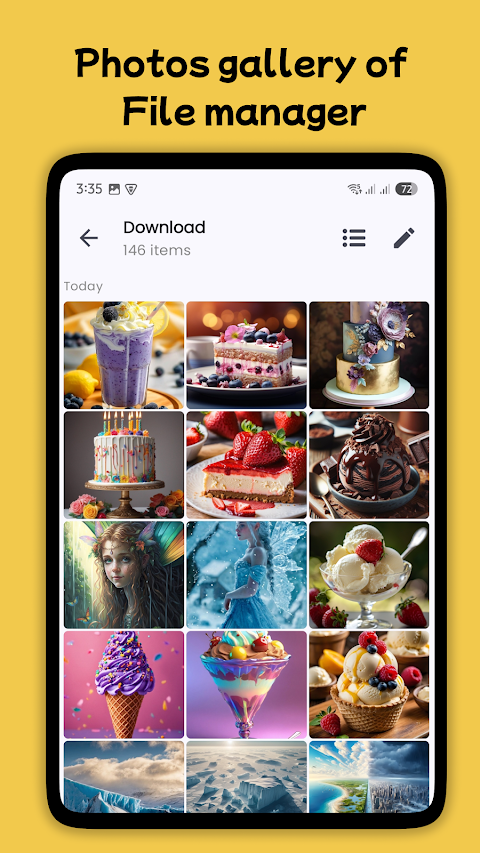
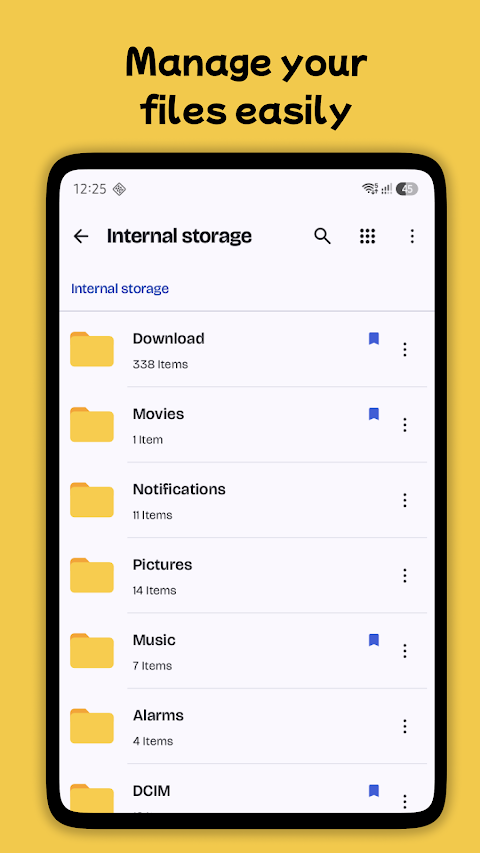
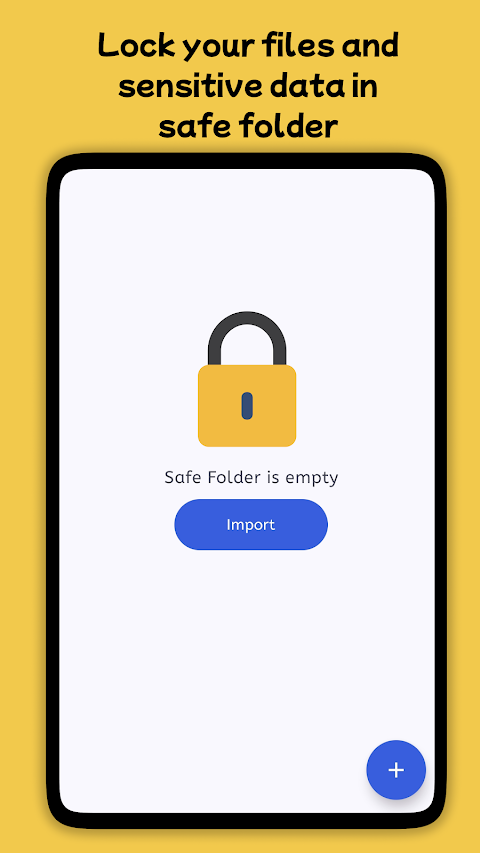
File Manager: File Explorer is a fast, secure, and easy-to-use file management tool that helps you handle all your files with ease. Whether you are managing files on your local device or SD card, or exploring cloud storage, this powerful app gives you complete control. With File Manager for Android, you can manage files, folders, videos, photos, audios, and more with just a few taps.
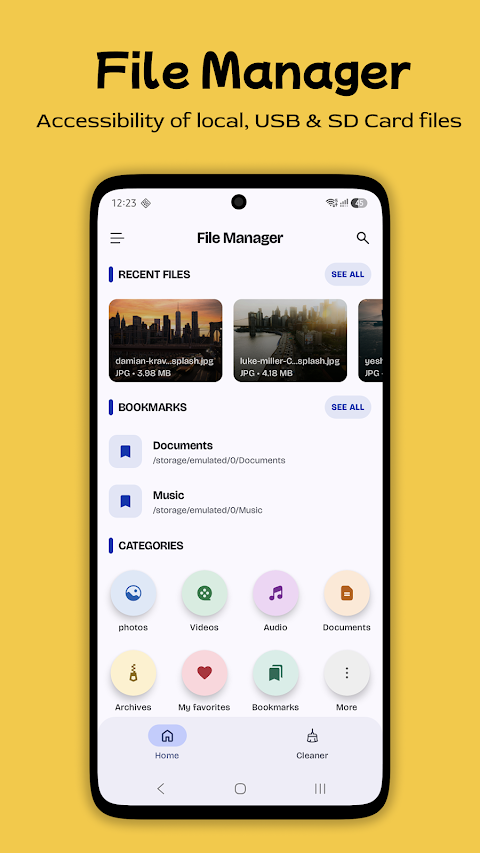
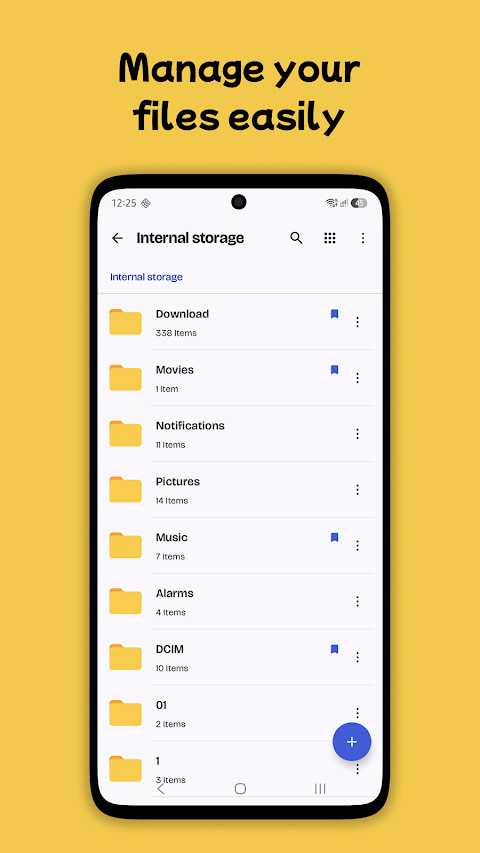
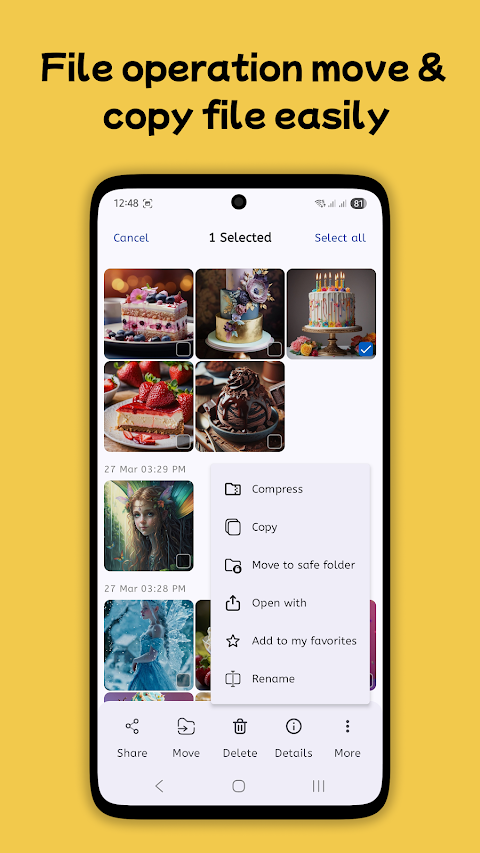
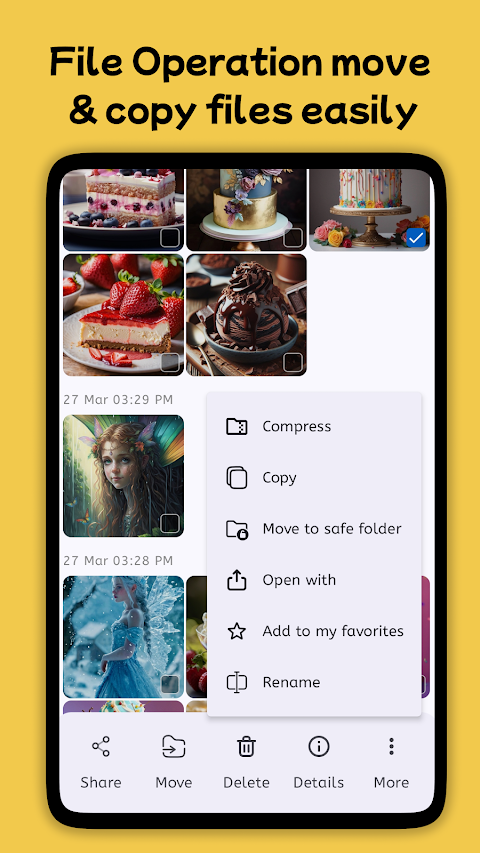
This app offers an all-in-one file management solution. You can browse files and folders, create new ones, rename them, and use multi-select files to make managing your content simpler. Copy and paste files, move them around, and organize files and folders easily to keep everything in a neat format.
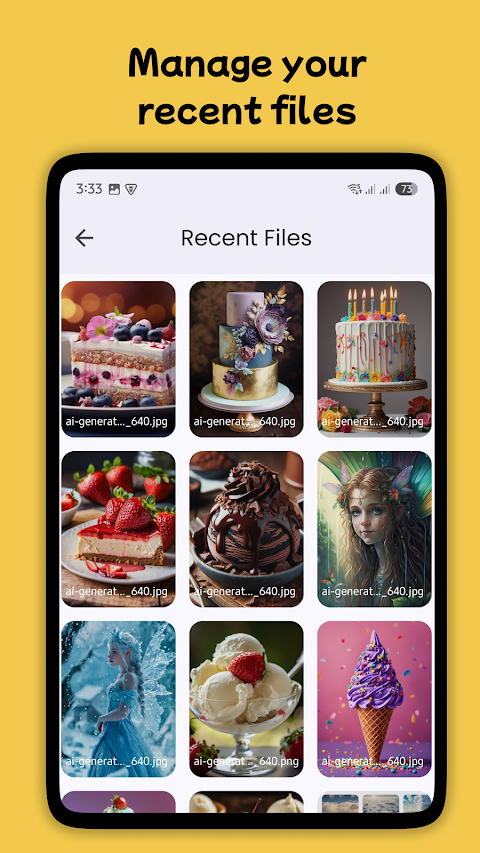
When you need to find something quickly, the app allows you to search and find files fast. You can easily look for documents, images, music, and videos with just a few taps. This means no more wasting time searching for the files you need; you will get fast and accurate results.
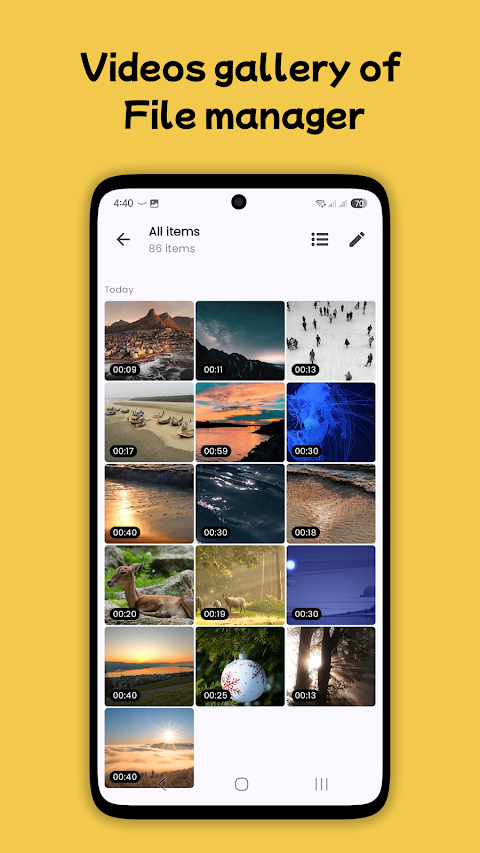
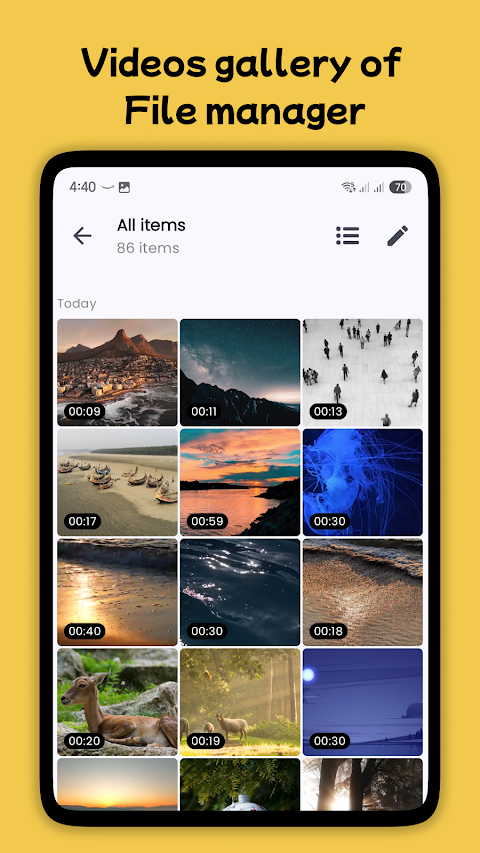
File Manager: File Explorer also comes with built-in apps for a complete experience. It features a built-in PDF reader that lets you view PDF documents directly without needing an external app. You can enjoy music with a music player integration and watch videos easily with video player accessibility. The file archiver functionality allows you to compress and decompress files, making it easy for you to manage different formats, including ZIP and RAR.
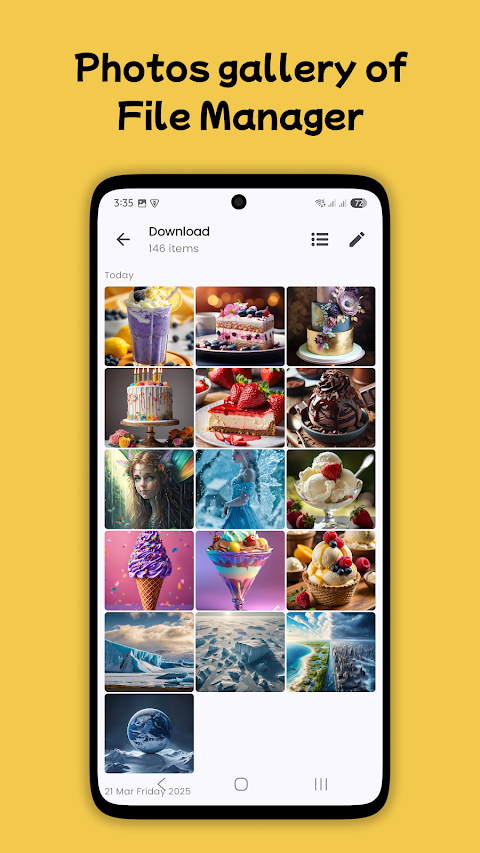
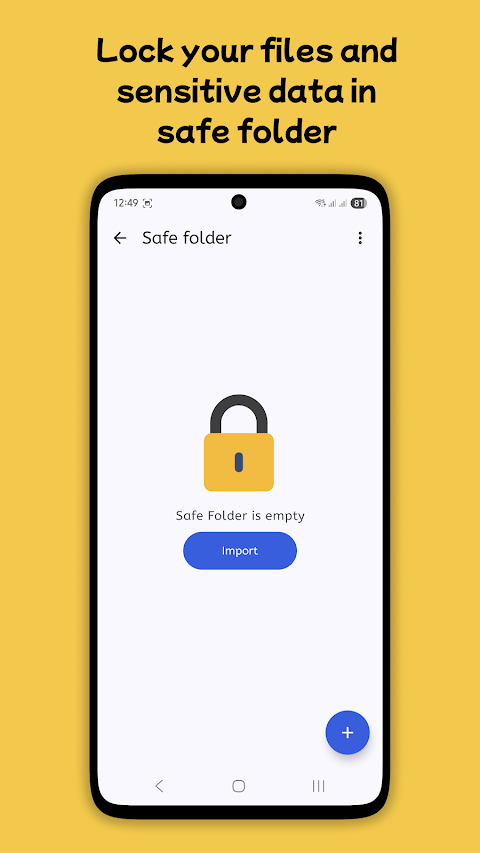
This feature-rich file manager tool supports all types of files, from documents and videos to audios, images, apps, and archives. It includes a recycle bin feature to restore deleted files, a duplicate file remover to help you save space, and app management tools to uninstall unused apps. You can even view hidden files for advanced file handling, ensuring that your file organization is smooth and efficient.
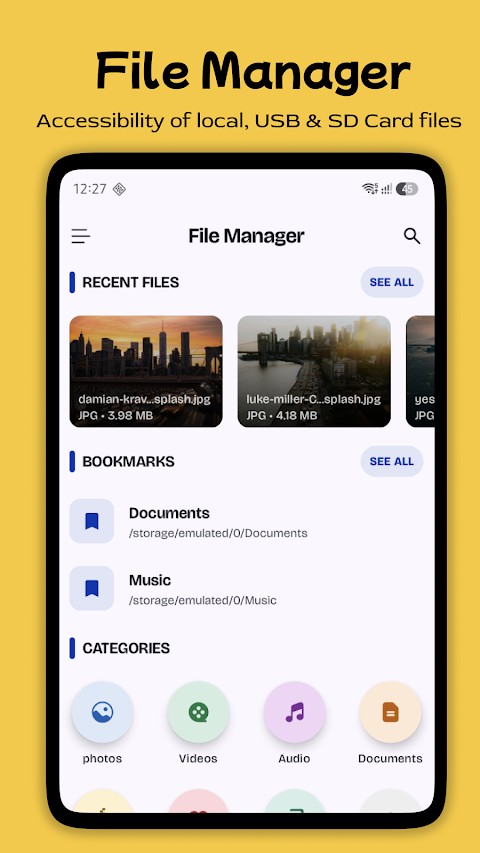
Using File Manager: File Explorer is simple and straightforward. The intuitive interface design makes it easy to browse, organize, and access your files, folders, and apps. Whether you are managing documents, music, or videos, this user-friendly file explorer allows you to find, move, and organize your content with just a few taps. You can enjoy a hassle-free content management experience with efficient tools and navigation.
Download File Manager: File Explorer today and discover your all-in-one solution for organizing, browsing, and managing files effortlessly. With features like file search functionality, compression, extraction, and folder management, it provides a seamless file management experience for all your digital needs.
This app offers an all-in-one file management solution. You can browse files and folders, create new ones, rename them, and use multi-select files to make managing your content simpler. Copy and paste files, move them around, and organize files and folders easily to keep everything in a neat format.
When you need to find something quickly, the app allows you to search and find files fast. You can easily look for documents, images, music, and videos with just a few taps. This means no more wasting time searching for the files you need; you will get fast and accurate results.
File Manager: File Explorer also comes with built-in apps for a complete experience. It features a built-in PDF reader that lets you view PDF documents directly without needing an external app. You can enjoy music with a music player integration and watch videos easily with video player accessibility. The file archiver functionality allows you to compress and decompress files, making it easy for you to manage different formats, including ZIP and RAR.
This feature-rich file manager tool supports all types of files, from documents and videos to audios, images, apps, and archives. It includes a recycle bin feature to restore deleted files, a duplicate file remover to help you save space, and app management tools to uninstall unused apps. You can even view hidden files for advanced file handling, ensuring that your file organization is smooth and efficient.
Using File Manager: File Explorer is simple and straightforward. The intuitive interface design makes it easy to browse, organize, and access your files, folders, and apps. Whether you are managing documents, music, or videos, this user-friendly file explorer allows you to find, move, and organize your content with just a few taps. You can enjoy a hassle-free content management experience with efficient tools and navigation.
Download File Manager: File Explorer today and discover your all-in-one solution for organizing, browsing, and managing files effortlessly. With features like file search functionality, compression, extraction, and folder management, it provides a seamless file management experience for all your digital needs.
Phone Cleaner
AVS Family Pvt. Ltd.
$0.99

GitPocket – GitHub Client
EifelBytes
$2.49
$1.25
Solarbank Home Widget
Schneider Digitalwerk
$9.49
$7.59