
$9.99
FREE
100% Off
MyKeyboard Pro
FiveSheep OU

About the App
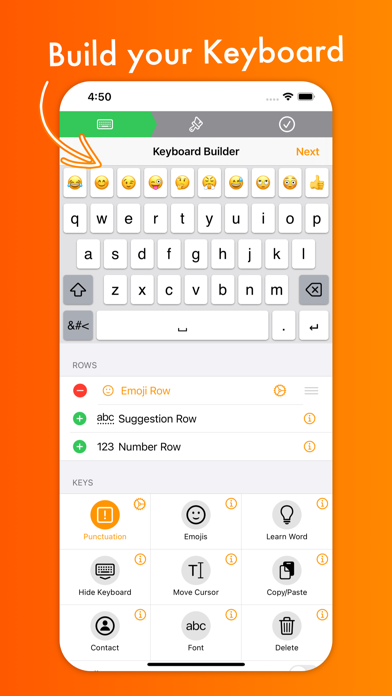
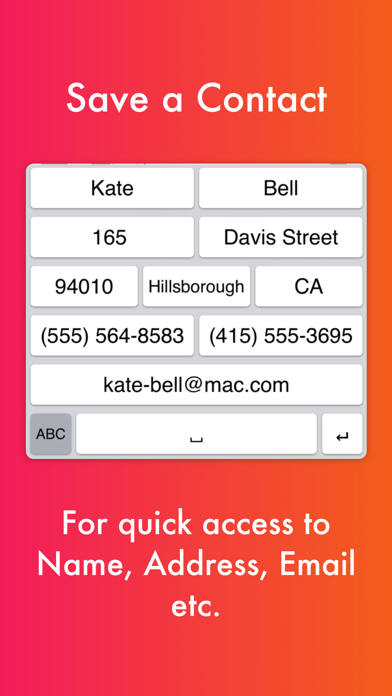
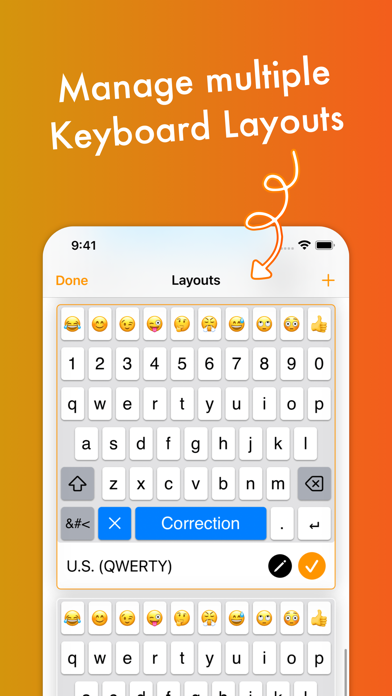
MyKeyboard Pro lets you customize your iOS keyboard like never before. With simple drag and drop customization, you can easily add or remove keys and rows. This app allows you to personalize the appearance and behavior of keys, and even change how long you need to hold a key before its subkeys pop up. You can add custom actions for keys to fit your typing style.
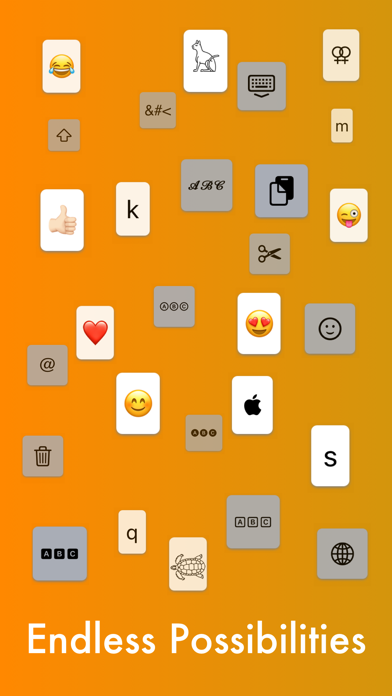
Many users love MyKeyboard Pro for its ease of use and the endless customization options it offers. A typical user can create a custom keyboard layout in just a minute using the keyboard builder feature. This feature allows you to create your own unique “My Keyboard.” You can add a number row, which serves as one of the fast access keys, or even an emoji keyboard functionality that lets you store all your favorite emojis, complete with personalized subkeys for similar emojis.
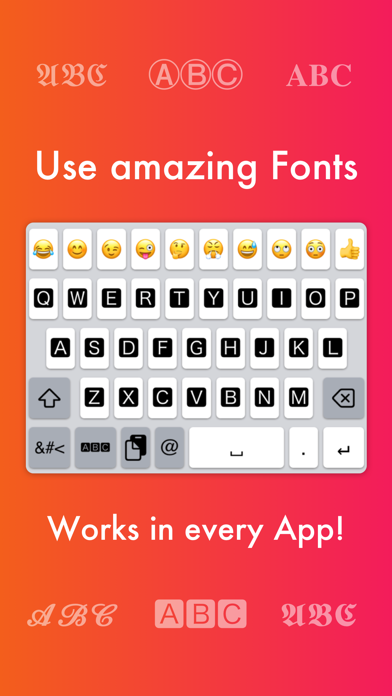
A standout feature in MyKeyboard Pro is the ability to switch between 19 amazing fonts. These switchable fonts can be applied across nearly all apps, such as WhatsApp, Instagram, Facebook, and iMessage. You can easily add a font key and switch to different styles with a simple tap.
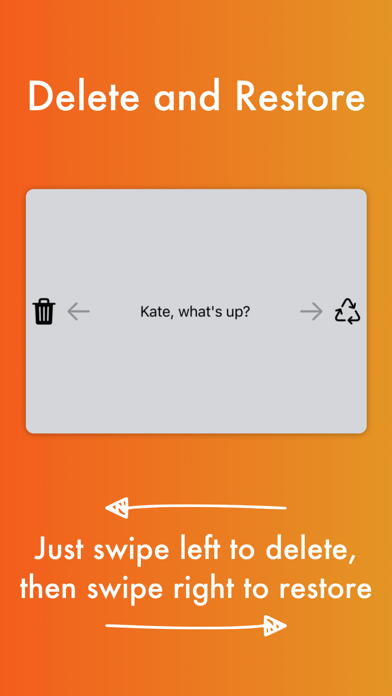
MyKeyboard Pro also includes a rich set of custom key actions. Actions like inserting appearance, replacing words, and showing subkeys can all be triggered with a tap and hold. When a key does not have a hold action assigned, the keyboard goes into trackpad mode functionality, allowing for easy cursor movement. The swipe deletion mode helps users delete text effortlessly by swiping left or retracting it by swiping right.
You can adjust the key hold time to decide how long you need to press a key before its action occurs. For your convenience, MyKeyboard Pro makes accessibility in keyboard customization reachable for everyone. You can create keys for copying, cutting, and pasting to simplify your tasks even more. For instance, a “delete all” key can speed up your editing processes.
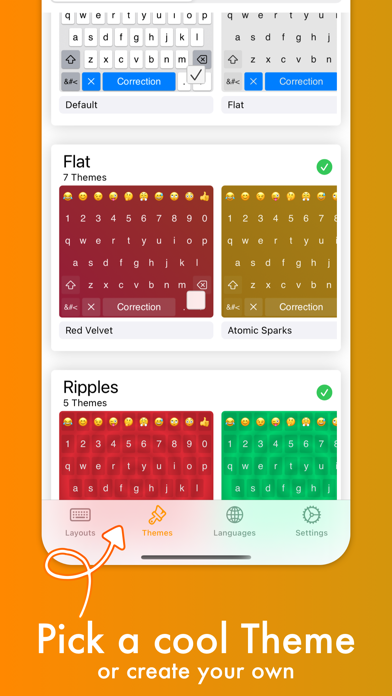
In addition to individual key adjustments, you also have options for custom themes creation. You can select from a variety of free and paid themes, or take it a step further by creating your own theme. With custom themes, you can change every aspect of your keyboard, including background image settings, background and foreground colors, and even the shadow and border sizes. You can adjust the key corner radius settings or customize the height of your keys.
Managing your customized themes is easy; the “my themes” section allows you to organize all your creations. Plus, you can share themes with friends who also use MyKeyboard Pro, so everyone can enjoy new designs.
With MyKeyboard Pro, you have an endless array of options at your fingertips. Whether you want to learn the current word as you type, dismiss corrections, or create your version of a g board, this app has you covered. From personalized emoji keys to customized keyboard themes, MyKeyboard Pro is designed to fit all your typing needs.
Many users love MyKeyboard Pro for its ease of use and the endless customization options it offers. A typical user can create a custom keyboard layout in just a minute using the keyboard builder feature. This feature allows you to create your own unique “My Keyboard.” You can add a number row, which serves as one of the fast access keys, or even an emoji keyboard functionality that lets you store all your favorite emojis, complete with personalized subkeys for similar emojis.
A standout feature in MyKeyboard Pro is the ability to switch between 19 amazing fonts. These switchable fonts can be applied across nearly all apps, such as WhatsApp, Instagram, Facebook, and iMessage. You can easily add a font key and switch to different styles with a simple tap.
MyKeyboard Pro also includes a rich set of custom key actions. Actions like inserting appearance, replacing words, and showing subkeys can all be triggered with a tap and hold. When a key does not have a hold action assigned, the keyboard goes into trackpad mode functionality, allowing for easy cursor movement. The swipe deletion mode helps users delete text effortlessly by swiping left or retracting it by swiping right.
You can adjust the key hold time to decide how long you need to press a key before its action occurs. For your convenience, MyKeyboard Pro makes accessibility in keyboard customization reachable for everyone. You can create keys for copying, cutting, and pasting to simplify your tasks even more. For instance, a “delete all” key can speed up your editing processes.
In addition to individual key adjustments, you also have options for custom themes creation. You can select from a variety of free and paid themes, or take it a step further by creating your own theme. With custom themes, you can change every aspect of your keyboard, including background image settings, background and foreground colors, and even the shadow and border sizes. You can adjust the key corner radius settings or customize the height of your keys.
Managing your customized themes is easy; the “my themes” section allows you to organize all your creations. Plus, you can share themes with friends who also use MyKeyboard Pro, so everyone can enjoy new designs.
With MyKeyboard Pro, you have an endless array of options at your fingertips. Whether you want to learn the current word as you type, dismiss corrections, or create your version of a g board, this app has you covered. From personalized emoji keys to customized keyboard themes, MyKeyboard Pro is designed to fit all your typing needs.

Minimalistic Countdown Timer
Igor Donkov
$1.99
Annotate: Screenshot Markup
Timo Josten
$6.99
$3.50
WatchKeys: Wear OS Keyboard
JellyToot
$0.99
$0.50