

$0.99
FREE
100% Off
Lineblack – Yellow icon Pack
Panoto Gomo



About the App
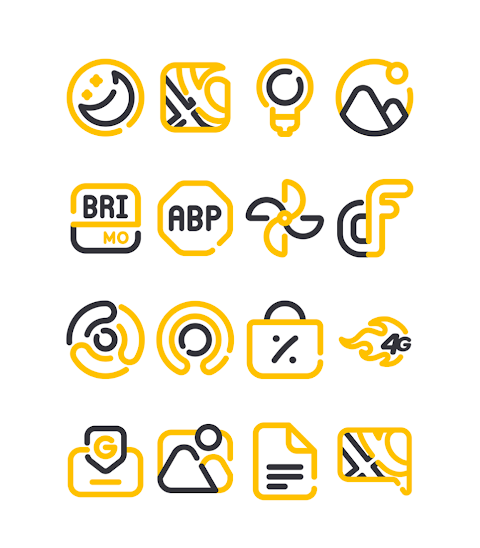
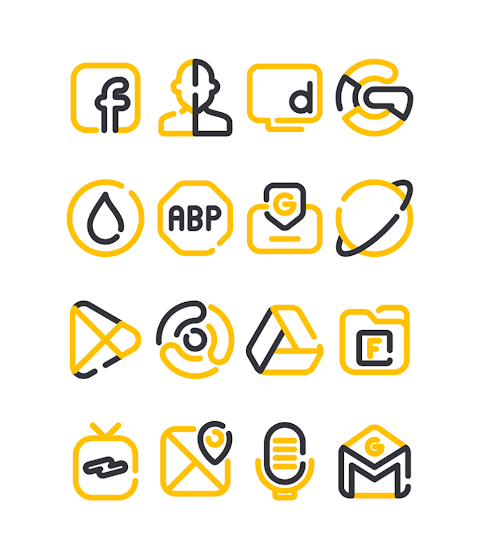
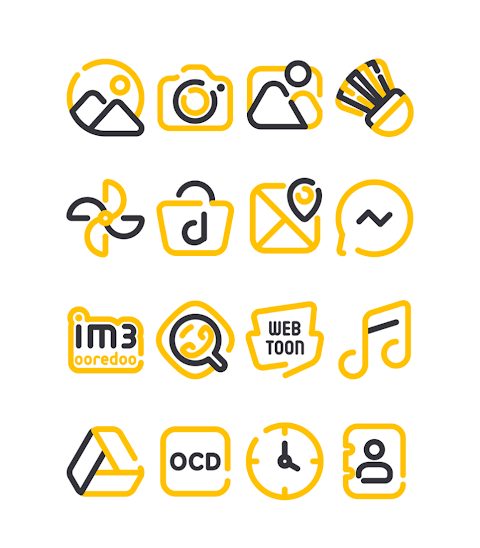
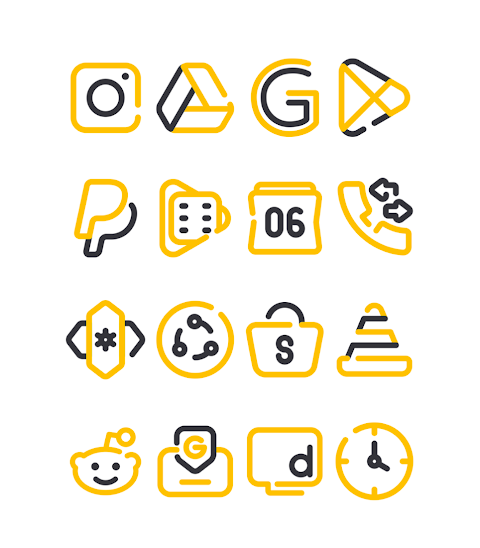
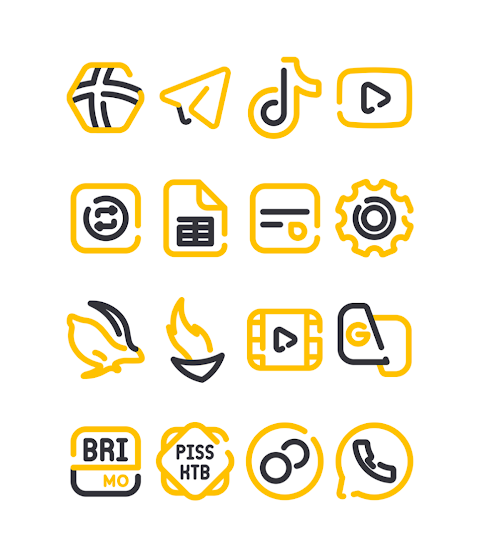
LineBlack Yellow is a vibrant version of the popular LineBlack icon pack, designed to give your device a unique and colorful look. With over 3000 icons and counting, this icon pack provides a wide range of designs to choose from. Each icon features an impressive HD icon resolution of 256x256px, ensuring they look sharp and clear on your screen.
One of the highlights of LineBlack Yellow is its icon request feature. If you can't find the icon you are looking for, simply request it through the app, and enjoy ongoing design customization. This makes it perfect for users who want a personal touch to their home screens.
Applying LineBlack Yellow is easy and straightforward. It supports many popular launchers, including nova launcher and evie launcher, allowing you to customize your device effortlessly. Here’s how you can use the icon pack:
1. Open the LineBlack Yellow app on your device.
2. Navigate to the Apply Icon Pack Screen.
3. You will see a list of supported launchers like nova launcher and evie launcher. Choose the launcher you have installed on your phone to apply the icons.
4. The app will automatically apply the icons for your chosen launcher.
If you don’t see your launcher while trying to apply the icons, you might want to apply it directly through the launcher settings.
For users of the Sony Xperia Home Launcher, there is a special way to apply LineBlack Yellow. Simply long-press on your main screen, open the settings, scroll down to appearance settings, and select LineBlack Yellow. Do keep in mind that this icon pack only supports Sony Xperia Home Launcher versions 10.0.A.0.8 or higher.
This icon pack is compatible with a variety of launchers, including Action Launcher, Apex Launcher, ADW Launcher, ABC Launcher, smart launcher, Go Launcher, Zero Launcher, Lucid Launcher, Next Launcher, Holo Launcher, and M Launcher. However, please note that Go Launcher and Zero Launcher have icon masking limitations, which may affect how certain icons appear.
In addition to the icons, LineBlack Yellow also includes wallpapers to complement your new look. This way, you can enhance the overall appearance of your device.
For design enthusiasts, there’s more to explore. You can find additional information about the design process on platforms like Google+, Instagram, and Twitter. These pages offer sneak peeks and updates, helping you stay connected with the latest designs and support.
Special thanks to Dani Mahardika for the Candybar dashboard integration, which enhances the experience of using this icon pack.
With LineBlack Yellow, you have the tools to customize your device just the way you like it. Enjoy the blend of colorful icon design and user-friendly features to make your home screen truly yours.
One of the highlights of LineBlack Yellow is its icon request feature. If you can't find the icon you are looking for, simply request it through the app, and enjoy ongoing design customization. This makes it perfect for users who want a personal touch to their home screens.
Applying LineBlack Yellow is easy and straightforward. It supports many popular launchers, including nova launcher and evie launcher, allowing you to customize your device effortlessly. Here’s how you can use the icon pack:
1. Open the LineBlack Yellow app on your device.
2. Navigate to the Apply Icon Pack Screen.
3. You will see a list of supported launchers like nova launcher and evie launcher. Choose the launcher you have installed on your phone to apply the icons.
4. The app will automatically apply the icons for your chosen launcher.
If you don’t see your launcher while trying to apply the icons, you might want to apply it directly through the launcher settings.
For users of the Sony Xperia Home Launcher, there is a special way to apply LineBlack Yellow. Simply long-press on your main screen, open the settings, scroll down to appearance settings, and select LineBlack Yellow. Do keep in mind that this icon pack only supports Sony Xperia Home Launcher versions 10.0.A.0.8 or higher.
This icon pack is compatible with a variety of launchers, including Action Launcher, Apex Launcher, ADW Launcher, ABC Launcher, smart launcher, Go Launcher, Zero Launcher, Lucid Launcher, Next Launcher, Holo Launcher, and M Launcher. However, please note that Go Launcher and Zero Launcher have icon masking limitations, which may affect how certain icons appear.
In addition to the icons, LineBlack Yellow also includes wallpapers to complement your new look. This way, you can enhance the overall appearance of your device.
For design enthusiasts, there’s more to explore. You can find additional information about the design process on platforms like Google+, Instagram, and Twitter. These pages offer sneak peeks and updates, helping you stay connected with the latest designs and support.
Special thanks to Dani Mahardika for the Candybar dashboard integration, which enhances the experience of using this icon pack.
With LineBlack Yellow, you have the tools to customize your device just the way you like it. Enjoy the blend of colorful icon design and user-friendly features to make your home screen truly yours.

Fasttrack Realistic PDX WF
Kevin L Partridge
$2.99

Red
Atanu Sanyal
$0.49
$0.29
AD Nothing Dots – Watch Face
Albuquerque Design
$1.49
$0.99