
$2.49
$1.00
60% Off
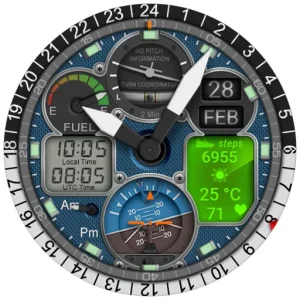
WB PILOT 3 Animated Watch Face
WatchBase Aura

About the App
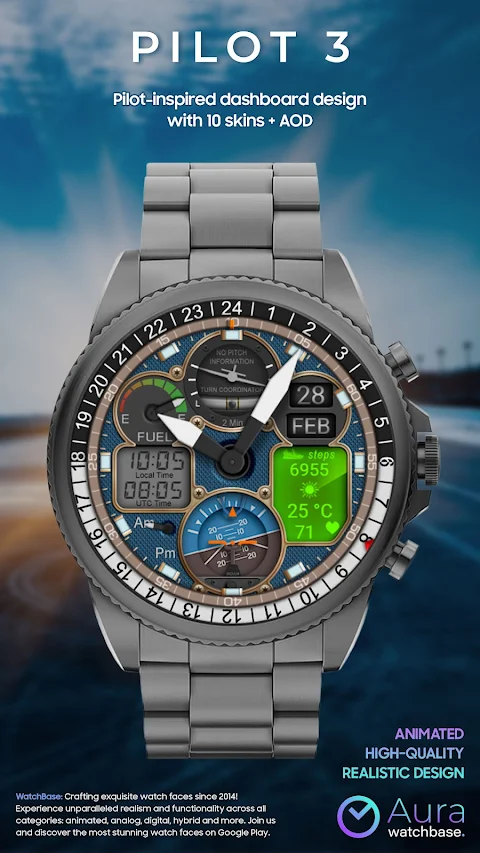
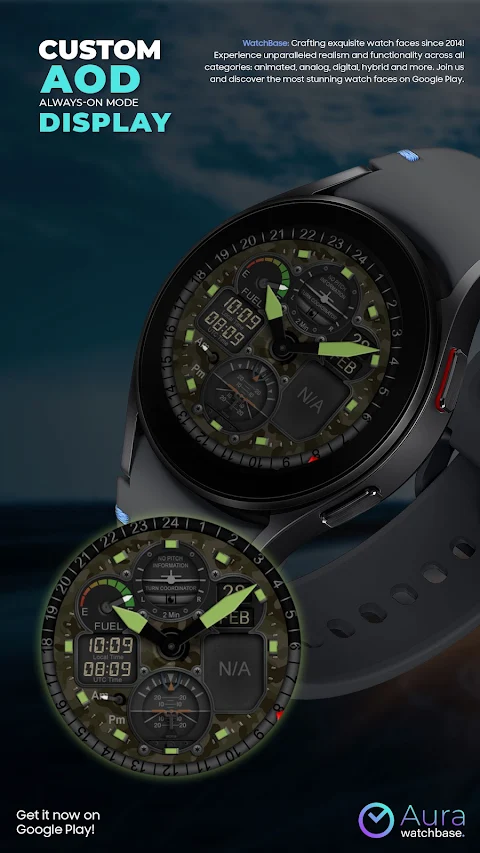
Get ready for takeoff with the WB PILOT 3 Animated Watch Face! This watch face is perfect for those who want to bring the thrill of the cockpit right to their smartwatch running Wear OS 5 or higher. With stunning graphics and smooth animations, it truly makes you feel like a pilot.
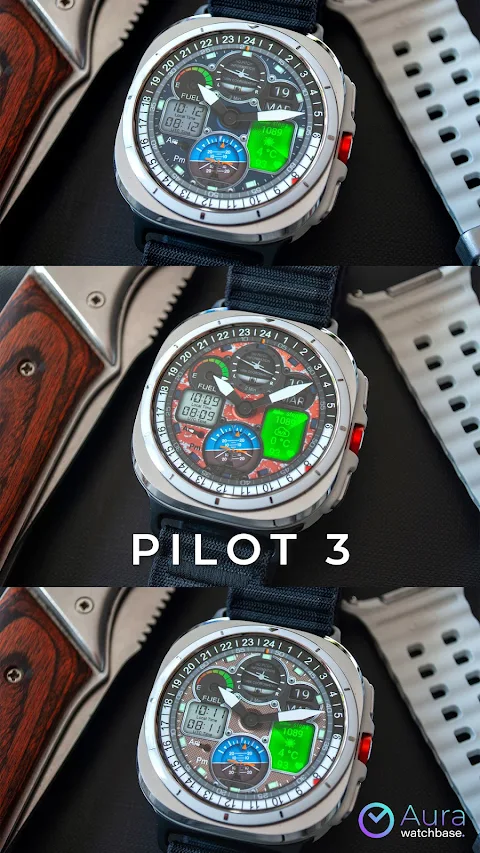
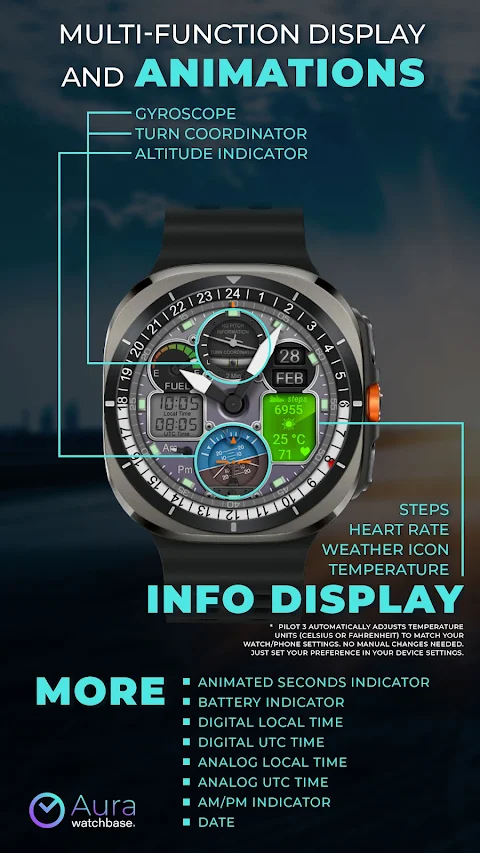
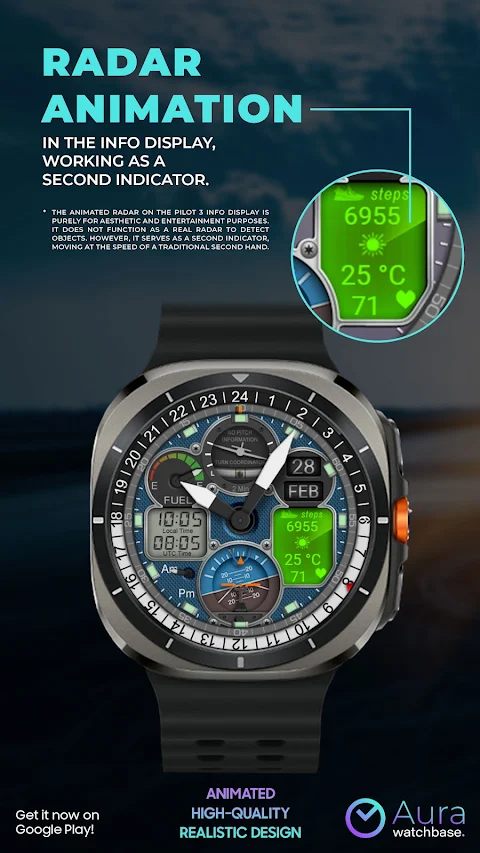
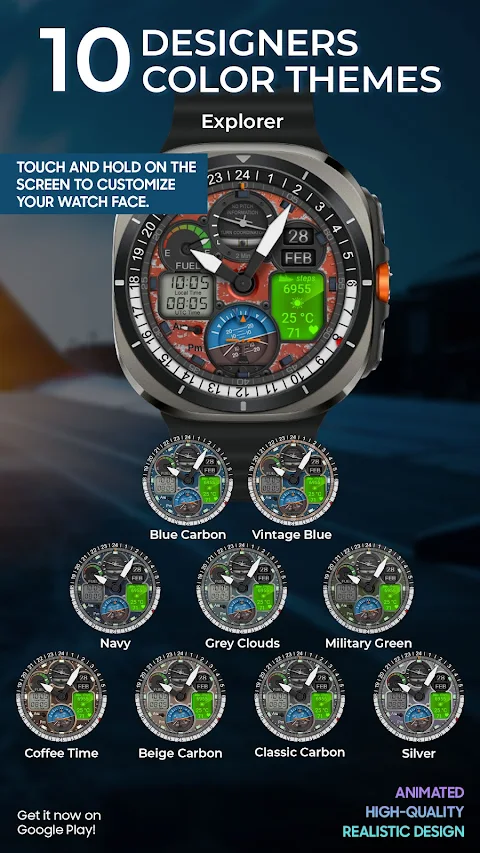
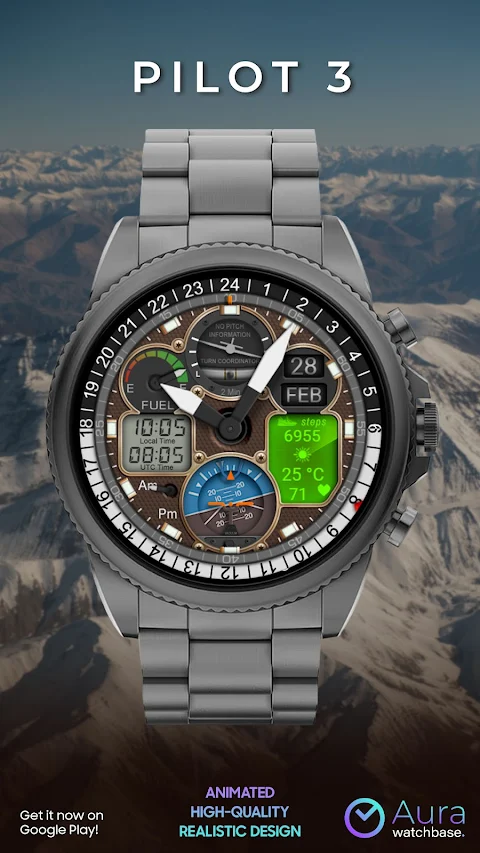
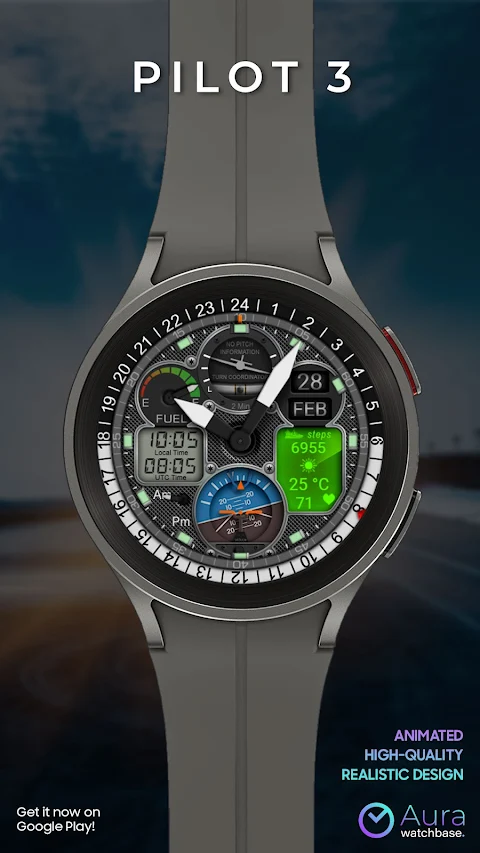
The WB PILOT 3 is a hybrid watch face that combines both digital and analog time. Users can choose from ten different skins to match their style. It features an AOD display to ensure you can see the time at a glance, even when your watch is inactive. You’ll find several animated elements, including a Turn Coordinator, Altitude Indicator, and a Gyroscope, all of which add depth to the cockpit design. There's also an animated second indicator, allowing you to see the seconds tick by in a fun way.
The watch face provides important information at a glance. You can check the local time display as well as UTC time display. It also includes an AM/PM indicator, making it easy to see whether it's morning or afternoon. Keep tabs on your battery with the battery indicator, and stay updated with the date.
For fitness enthusiasts, the WB PILOT 3 tracks your steps and heart rate. Plus, it displays weather information, including a temperature display that adjusts automatically between Celsius and Fahrenheit, depending on your device settings. This means there are no manual changes needed; simply set your preferences and enjoy.
Installing the WB PILOT 3 is straightforward. To customize your watch face, simply touch and hold on the screen, then tap on customize. If you experience any issues during the installation process, just remember that some common problems can arise. After buying the watch face, you might find it difficult to locate it. If this happens, touch and hold the main screen of your watch and swipe left to find your new watch face. You can also tap the "+" sign to add a watch face and locate it there.
Using a companion app on your phone can make the installation smoother. After you purchase the watch face, tap the install button—be sure to check your watch. A screen will appear with the watch face; just tap install again and wait for it to finish. If you see a message asking you to buy the watch face again, don't worry. This is a common synchronization issue. Just be patient, or you can try restarting your watch.
If you're someone who enjoys connecting with others, join the WatchBase community! Participate in conversations on the Facebook watch group or follow the WatchBase page for updates. You can even subscribe to our YouTube channel for helpful tips and more information.
With the WB PILOT 3 Animated Watch Face, you get an aviation-themed look that's not just visually appealing but also packed with smart features. Whether you want to track your fitness, check the time easily, or simply show off a stylish watch face, the WB PILOT 3 has you covered. Enjoy the experience of flying without leaving the ground!
The WB PILOT 3 is a hybrid watch face that combines both digital and analog time. Users can choose from ten different skins to match their style. It features an AOD display to ensure you can see the time at a glance, even when your watch is inactive. You’ll find several animated elements, including a Turn Coordinator, Altitude Indicator, and a Gyroscope, all of which add depth to the cockpit design. There's also an animated second indicator, allowing you to see the seconds tick by in a fun way.
The watch face provides important information at a glance. You can check the local time display as well as UTC time display. It also includes an AM/PM indicator, making it easy to see whether it's morning or afternoon. Keep tabs on your battery with the battery indicator, and stay updated with the date.
For fitness enthusiasts, the WB PILOT 3 tracks your steps and heart rate. Plus, it displays weather information, including a temperature display that adjusts automatically between Celsius and Fahrenheit, depending on your device settings. This means there are no manual changes needed; simply set your preferences and enjoy.
Installing the WB PILOT 3 is straightforward. To customize your watch face, simply touch and hold on the screen, then tap on customize. If you experience any issues during the installation process, just remember that some common problems can arise. After buying the watch face, you might find it difficult to locate it. If this happens, touch and hold the main screen of your watch and swipe left to find your new watch face. You can also tap the "+" sign to add a watch face and locate it there.
Using a companion app on your phone can make the installation smoother. After you purchase the watch face, tap the install button—be sure to check your watch. A screen will appear with the watch face; just tap install again and wait for it to finish. If you see a message asking you to buy the watch face again, don't worry. This is a common synchronization issue. Just be patient, or you can try restarting your watch.
If you're someone who enjoys connecting with others, join the WatchBase community! Participate in conversations on the Facebook watch group or follow the WatchBase page for updates. You can even subscribe to our YouTube channel for helpful tips and more information.
With the WB PILOT 3 Animated Watch Face, you get an aviation-themed look that's not just visually appealing but also packed with smart features. Whether you want to track your fitness, check the time easily, or simply show off a stylish watch face, the WB PILOT 3 has you covered. Enjoy the experience of flying without leaving the ground!
B.efore midnight tonight
Singular Dials watchfaces
$1.49
FREE
Splatter Digital
Bloomfield Watchfaces
$1.99
$0.40
Kenobi watch face Wear OS
Rayan's
$0.99
$0.79