
$1.99
$0.99
50% Off
Photo Perspective Editor&Maker
永亮 潘

About the App
Photo Perspective Editor is a helpful tool for fixing distorted pictures. If your photos have perspective distortion or tilt distortion, this app can straighten and adjust them easily. It works by converting non-rectangular images into rectangular ones, making your pictures look better.
This software has two main modes: auto correction mode and fine correction mode. Each mode allows you to tackle various image distortion issues, including those caused by oblique objects or skewed vertical lines. For example, if the horizon in your photo is tilted, the Photo Perspective Editor can help with horizon tilt adjustment, ensuring your images look straight and balanced.
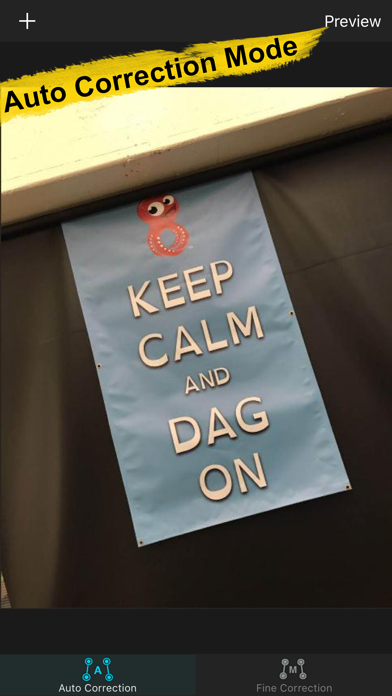
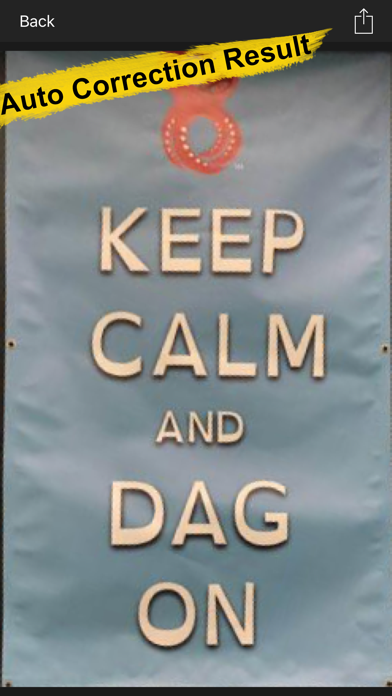
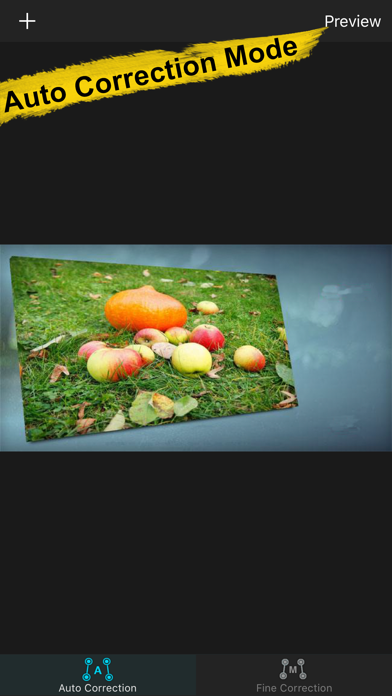
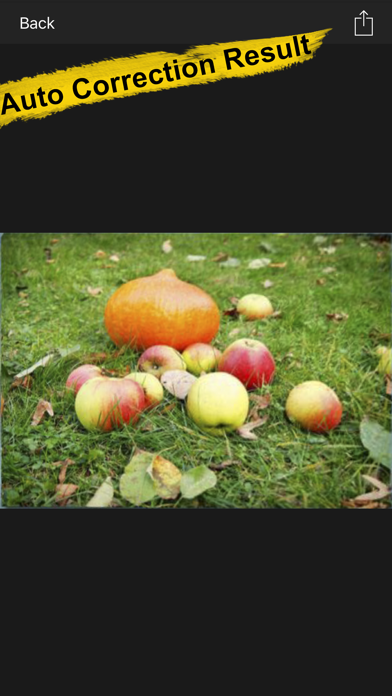
In auto correction mode, the app automatically detects distorted pictures. It identifies and corrects the edges of your images with little effort from you. You simply need to import your original pictures by dragging and dropping them into the software. The system takes care of complex perspective problems and optimizes the images for the best view. Once the corrections are made, you can easily save the improved pictures.
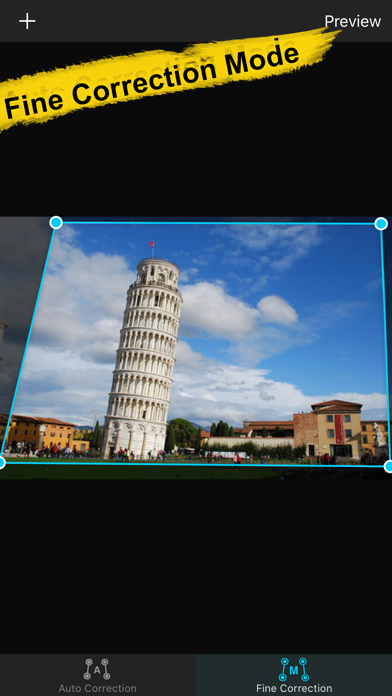
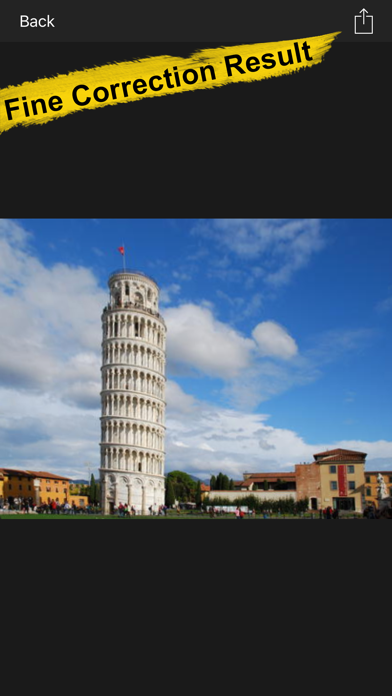
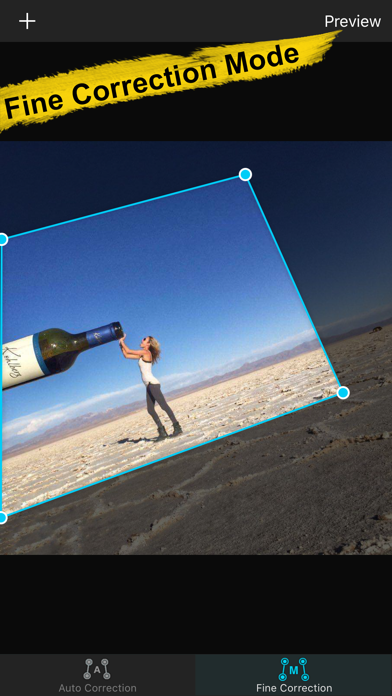
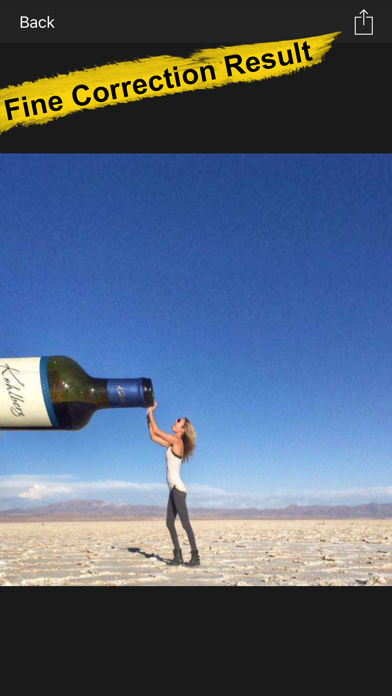
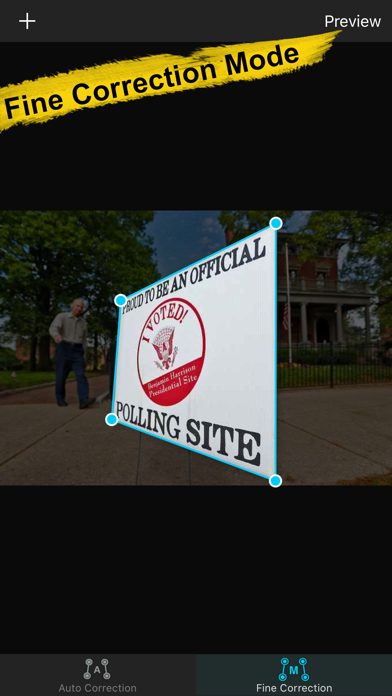
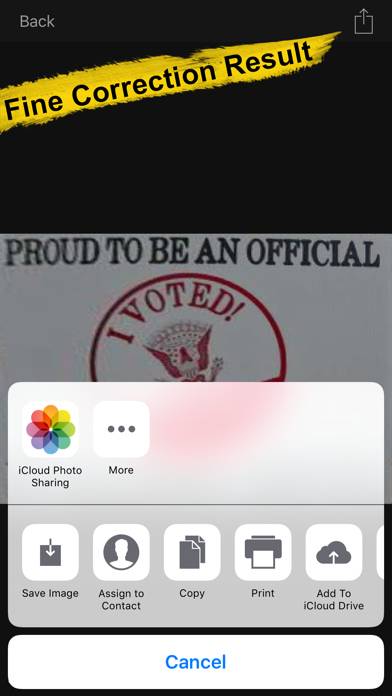
The fine correction mode offers more control over your images. It includes four advanced photo tools for users who want to make specific adjustments according to their preferences. These tools consist of quadrilateral correction, which lets you select areas to fix distortion; single-line correction, perfect for straightening the horizon; vertical double-line correction, which addresses vertical perspective distortion; and horizontal double-line correction, useful for adjusting horizontal distortions. With real-time correction results displayed as you work, you can see changes instantly and save your corrected images when you’re satisfied.
Photo Perspective Editor supports over 70 common image formats, so you can use it with a variety of pictures. Whether you want to make subtle improvements or address large image distortion issues, this photo editing software provides the necessary perspective correction tools. Users appreciate how it simplifies complicated tasks, offering both automatic image optimization and options for manual photo adjustment.
For anyone dealing with distorted image adjustments, this application is a perfect solution. It’s designed for both casual users and those with more advanced image repair preferences. If you encounter any challenges while using the app, you can reach out for assistance at ColorLemonStudio@yeah.net.
In summary, Photo Perspective Editor is a versatile tool that not only handles basic image corrections but also provides advanced features to enhance the overall quality of your photos. Whether you are correcting oblique objects, fixing skewed vertical lines, or cropping quadrangular areas, you can trust this software to deliver optimized correction results.
This software has two main modes: auto correction mode and fine correction mode. Each mode allows you to tackle various image distortion issues, including those caused by oblique objects or skewed vertical lines. For example, if the horizon in your photo is tilted, the Photo Perspective Editor can help with horizon tilt adjustment, ensuring your images look straight and balanced.
In auto correction mode, the app automatically detects distorted pictures. It identifies and corrects the edges of your images with little effort from you. You simply need to import your original pictures by dragging and dropping them into the software. The system takes care of complex perspective problems and optimizes the images for the best view. Once the corrections are made, you can easily save the improved pictures.
The fine correction mode offers more control over your images. It includes four advanced photo tools for users who want to make specific adjustments according to their preferences. These tools consist of quadrilateral correction, which lets you select areas to fix distortion; single-line correction, perfect for straightening the horizon; vertical double-line correction, which addresses vertical perspective distortion; and horizontal double-line correction, useful for adjusting horizontal distortions. With real-time correction results displayed as you work, you can see changes instantly and save your corrected images when you’re satisfied.
Photo Perspective Editor supports over 70 common image formats, so you can use it with a variety of pictures. Whether you want to make subtle improvements or address large image distortion issues, this photo editing software provides the necessary perspective correction tools. Users appreciate how it simplifies complicated tasks, offering both automatic image optimization and options for manual photo adjustment.
For anyone dealing with distorted image adjustments, this application is a perfect solution. It’s designed for both casual users and those with more advanced image repair preferences. If you encounter any challenges while using the app, you can reach out for assistance at ColorLemonStudio@yeah.net.
In summary, Photo Perspective Editor is a versatile tool that not only handles basic image corrections but also provides advanced features to enhance the overall quality of your photos. Whether you are correcting oblique objects, fixing skewed vertical lines, or cropping quadrangular areas, you can trust this software to deliver optimized correction results.
![File Explorer & Player [Pro]](https://appdovo.com/wp-content/uploads/2026/05/1095142462AppIcon-0-0-1x_U007emarketing-0-8-0-85-220-150x150.jpg)
File Explorer & Player [Pro]
Remote Sunrise LTD
$5.00
PDF Reader & Editor (PRO)
Apps360 Team
$9.99

Strongbox Zero
Phoebe Code Limited
$99.99
$49.99