

$0.99
$0.49
51% Off
RoseLine Red – Icon Pack
Panoto Gomo



About the App
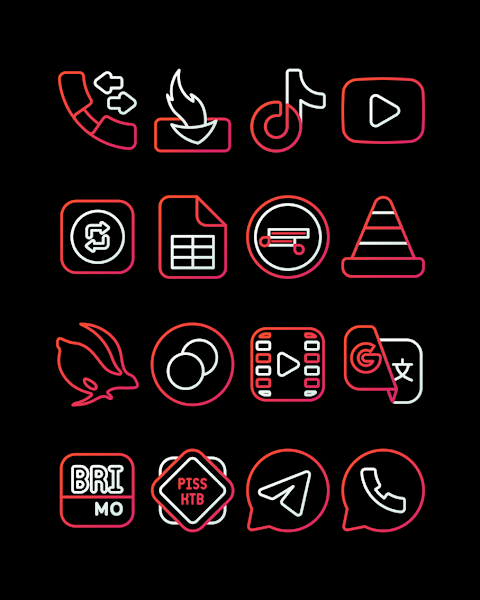
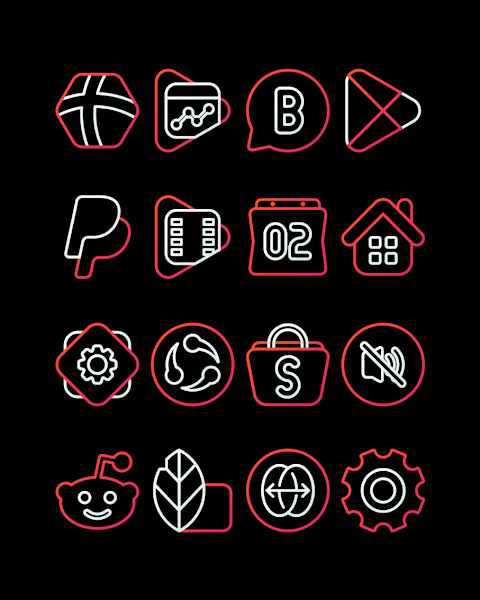
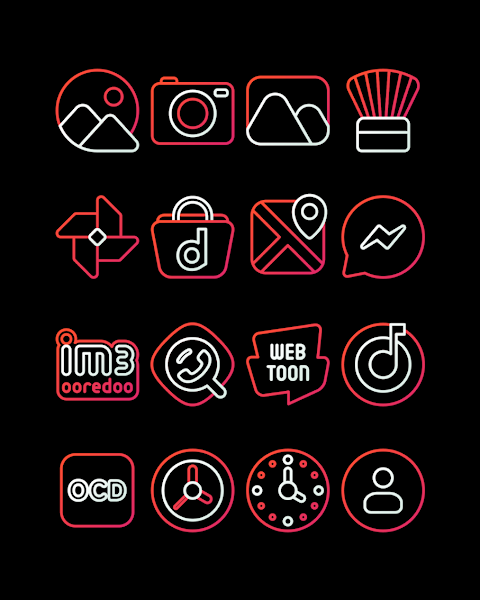
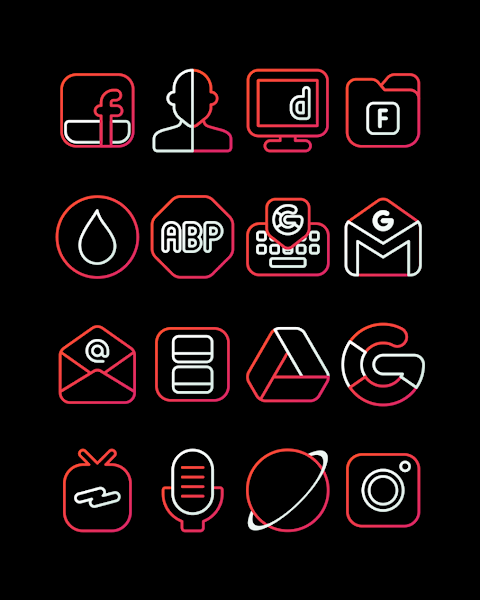
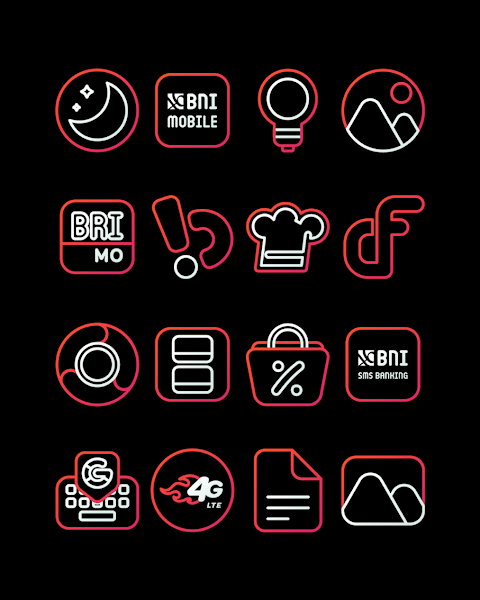
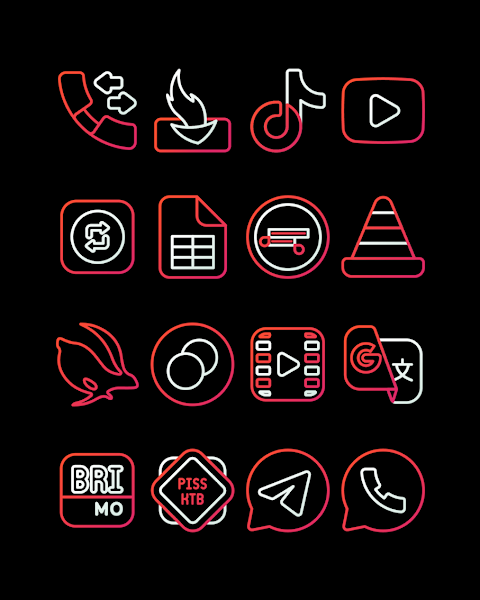
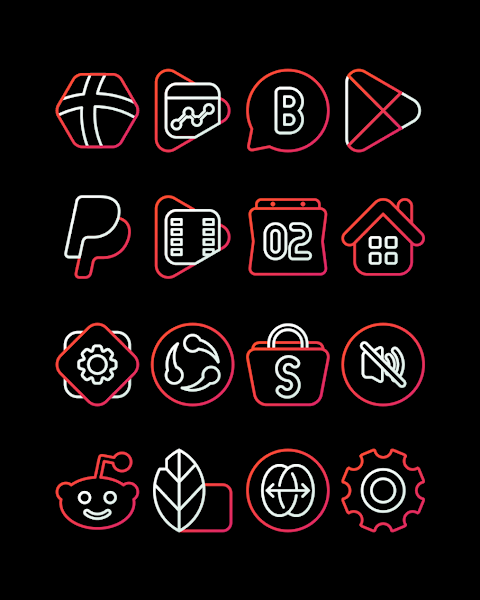
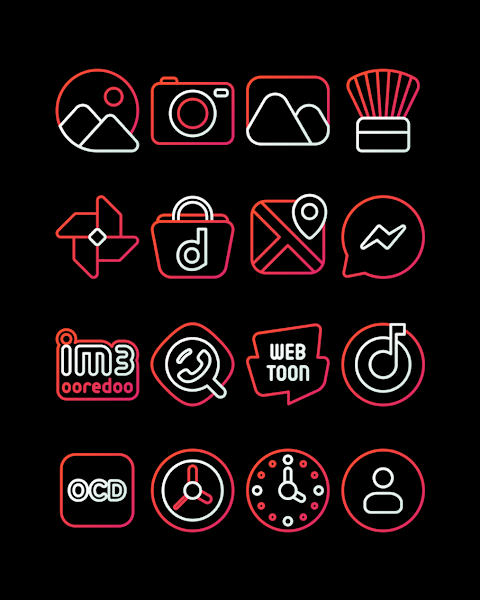
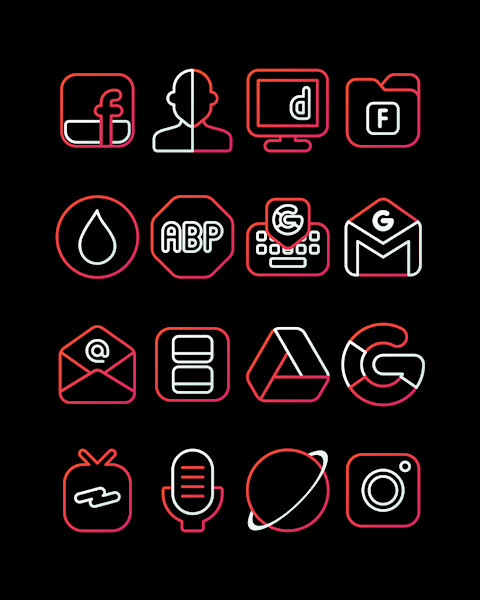
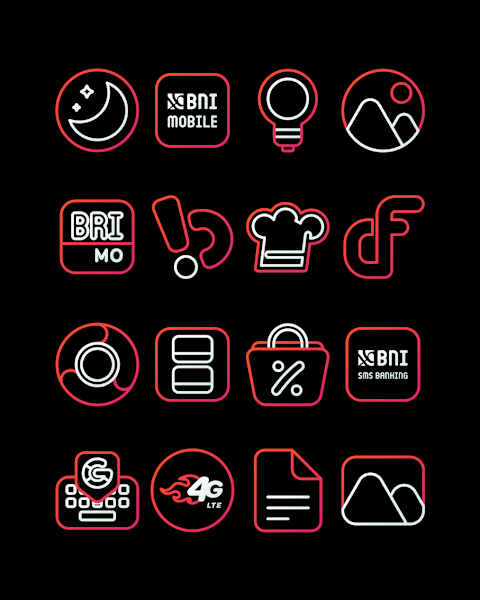
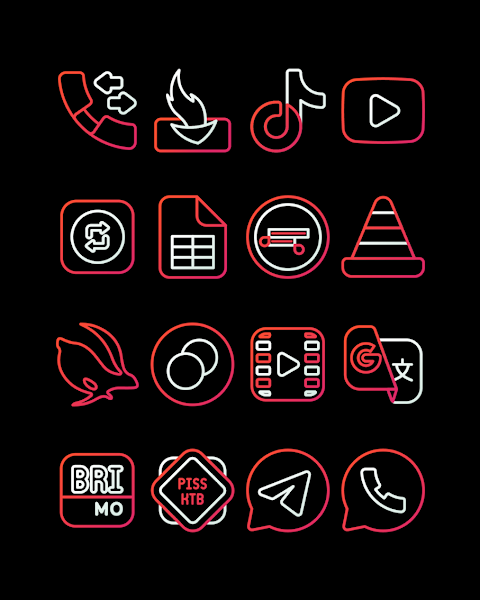
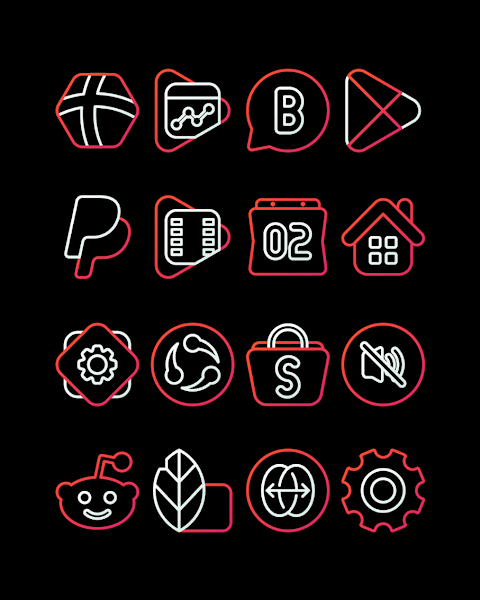
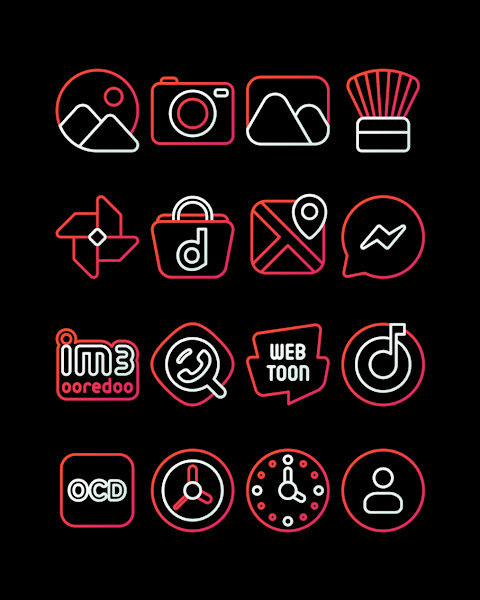
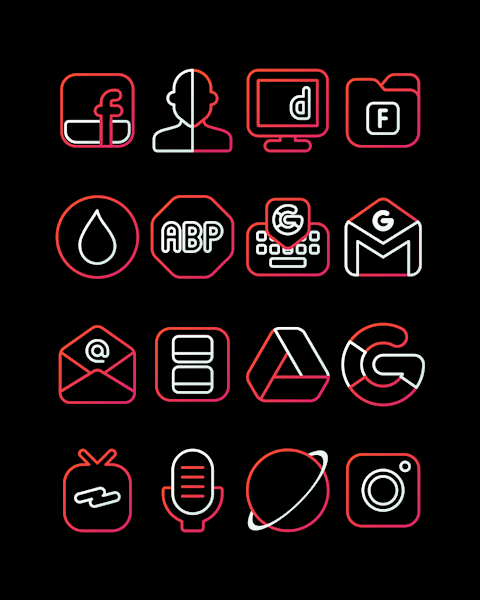
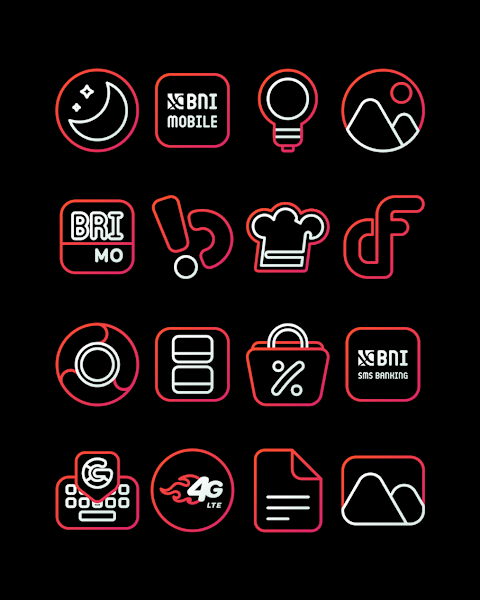
RoseLine Red - Icon Pack features beautiful and elegant red lined icons that can transform your screen into something fabulous. With over 3000 icons and counting, this icon pack offers a wide variety of icons to personalize your home screen design.
Each icon in RoseLine Red - Icon Pack has an HD icon resolution of 256x256px, ensuring that your icons look sharp and vibrant. The pack also offers a unique Icon Request feature, allowing you to suggest icons you want to see added in future updates.
To apply the RoseLine Red - Icon Pack, you'll need to use a compatible launcher. This pack supports popular launchers like Nova Launcher and Evie Launcher, among others. Applying the icons is simple. Just open the RoseLine Red - Icon Pack app, go to the Apply Icon Pack screen, and select your installed Nova Launcher to begin the application process. The app will then automatically apply the new icons for you.
If your launcher doesn’t show up while you’re trying to apply the icons, you can go into your launcher’s settings to apply RoseLine Red - Icon Pack directly from there. For users of Sony Xperia Home Launcher, you can still enjoy RoseLine Red - Icon Pack. Just long press on your main screen, open the settings, and scroll down to find the appearance icon setting where you can choose this icon pack.
It's important to note that the icon pack works with Sony Xperia Home Launcher version 10.0.A.0.8 or higher. However, there are a few limitations with Go Launcher and Zero Launcher, as these do not support icon masking.
RoseLine Red - Icon Pack not only enhances your user interface but also supports various launcher themes, making it versatile for all your Android customization needs. You can use it with various popular launchers, such as Apex Launcher, ADW Launcher, Smart Launcher, and more.
This lightweight icon pack is designed to enhance your home screen aesthetics with elegant icon styles and diverse icon customization options. Plus, the addition of colorful wallpapers allows for even more personalization.
For additional design resources and updates, you can follow RoseLine on social media. Find us on Google+, Instagram, and Twitter for more information and to keep in touch.
With the RoseLine Red - Icon Pack, you’ll not only enjoy a fabulous screen but also access to all the features you need to customize your Android device beautifully. Transform your home screen today!
Each icon in RoseLine Red - Icon Pack has an HD icon resolution of 256x256px, ensuring that your icons look sharp and vibrant. The pack also offers a unique Icon Request feature, allowing you to suggest icons you want to see added in future updates.
To apply the RoseLine Red - Icon Pack, you'll need to use a compatible launcher. This pack supports popular launchers like Nova Launcher and Evie Launcher, among others. Applying the icons is simple. Just open the RoseLine Red - Icon Pack app, go to the Apply Icon Pack screen, and select your installed Nova Launcher to begin the application process. The app will then automatically apply the new icons for you.
If your launcher doesn’t show up while you’re trying to apply the icons, you can go into your launcher’s settings to apply RoseLine Red - Icon Pack directly from there. For users of Sony Xperia Home Launcher, you can still enjoy RoseLine Red - Icon Pack. Just long press on your main screen, open the settings, and scroll down to find the appearance icon setting where you can choose this icon pack.
It's important to note that the icon pack works with Sony Xperia Home Launcher version 10.0.A.0.8 or higher. However, there are a few limitations with Go Launcher and Zero Launcher, as these do not support icon masking.
RoseLine Red - Icon Pack not only enhances your user interface but also supports various launcher themes, making it versatile for all your Android customization needs. You can use it with various popular launchers, such as Apex Launcher, ADW Launcher, Smart Launcher, and more.
This lightweight icon pack is designed to enhance your home screen aesthetics with elegant icon styles and diverse icon customization options. Plus, the addition of colorful wallpapers allows for even more personalization.
For additional design resources and updates, you can follow RoseLine on social media. Find us on Google+, Instagram, and Twitter for more information and to keep in touch.
With the RoseLine Red - Icon Pack, you’ll not only enjoy a fabulous screen but also access to all the features you need to customize your Android device beautifully. Transform your home screen today!
Pixel Pie 3D – Icon Pack
Olivera Onias Design
$1.99
$1.00
Pilot Watch Face
amoledwatchfaces™
$1.79
$0.49
Ares Dark Icon Pack
One4Studio
$3.49
$1.75