
$1.49
$0.75
50% Off
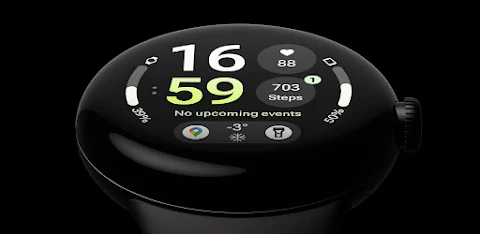
InfoBlock Watch Face
amoledwatchfaces™









About the App
InfoBlock Watch Face is designed specifically for Wear OS devices, requiring API 28 or higher. It is powered by a unique Watch Face Format, ensuring you have a smooth and enjoyable experience.
One exciting offer available is the buy one get one deal, which you can find at amoledwatchfaces.com/bogo. This could be a great chance to explore more watch faces in their collection. If you’re interested in adding more features, you can also check out the custom complication apps available at amoledwatchfaces.com/apps.
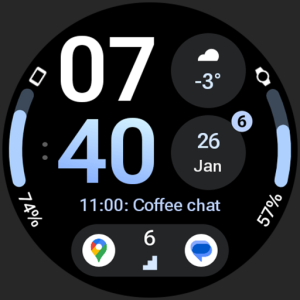
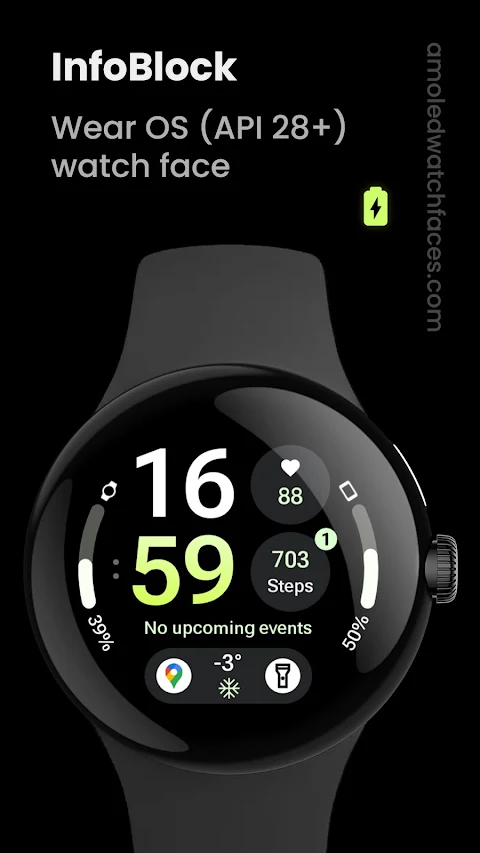
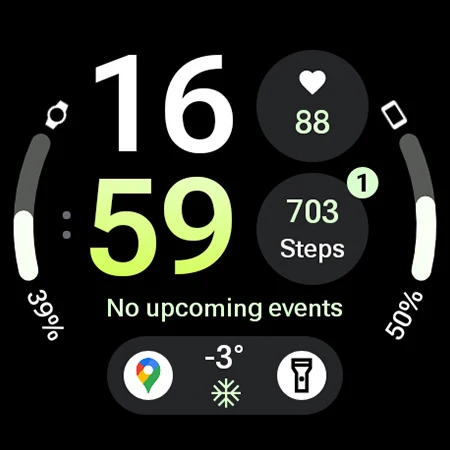
The InfoBlock Watch Face is inspired by the popular info brick watch face. Its features include a better working progress bar, thanks to the RANGED_VALUE complications that provide useful data at a glance. You can easily access apps with the 2x app shortcuts, and you won't miss any updates because of the unread notifications indicator.
The display boasts a true black background and high-resolution elements, ensuring every detail is clear. The pixel perfect design will make your watch look stunning. Additionally, the watch face benefits from PNGQuant optimized layers, which enhance battery friendly design, helping your watch last longer between charges.
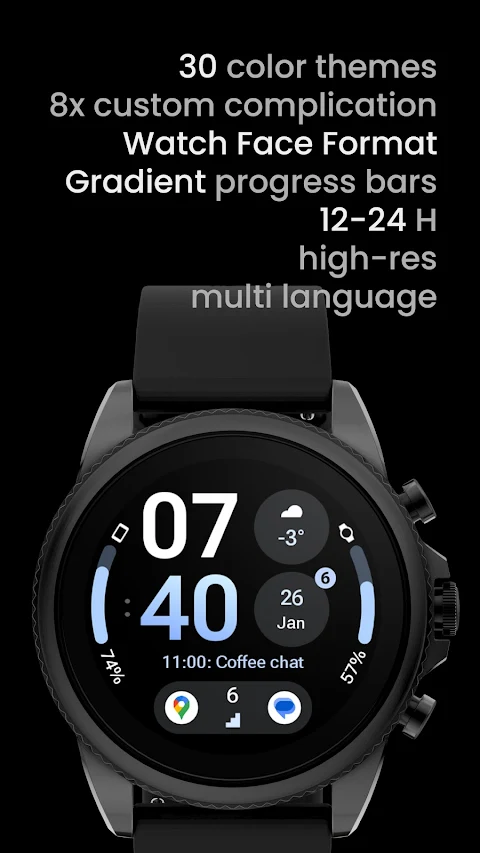
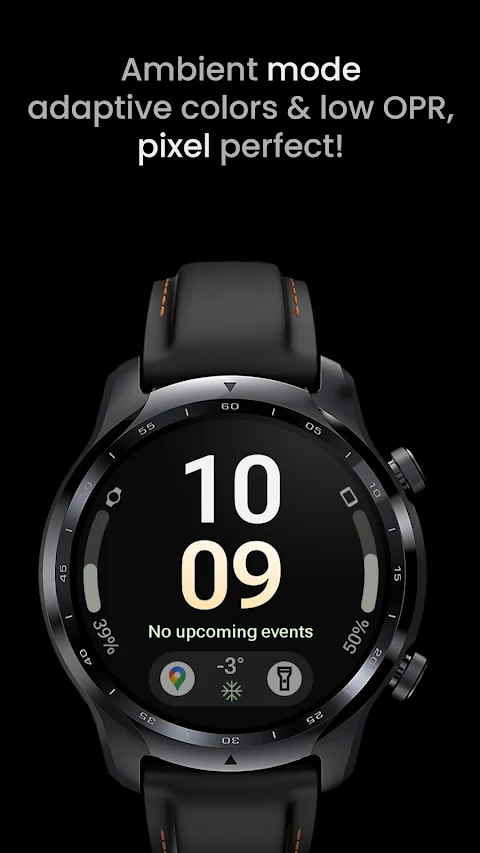
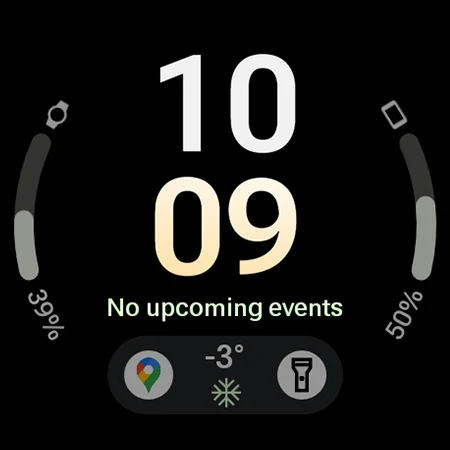
InfoBlock allows for a variety of custom complications, with up to 8 available for your personalization. The unique ambient mode offers a low OPR mode to save power, along with an adaptive color minute font that adjusts to your viewing needs.
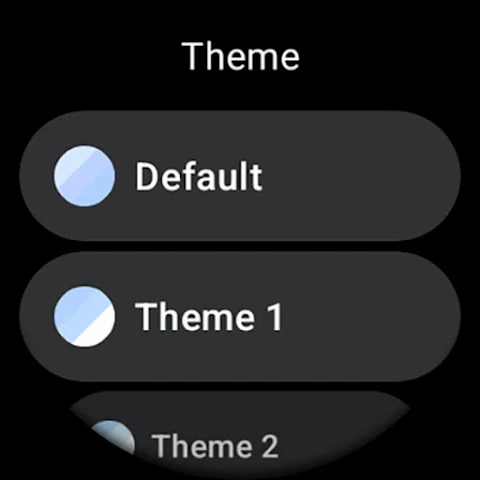
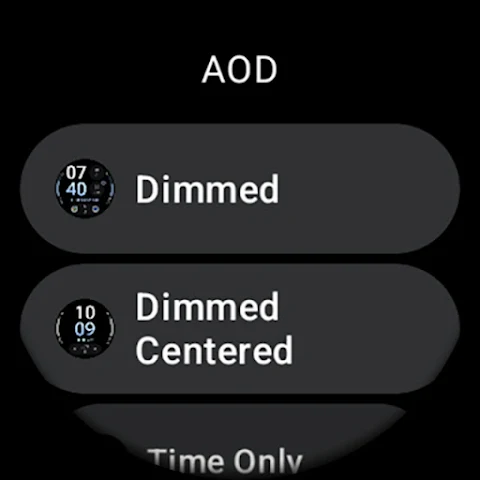
Users can customize their themes, choosing from the default option and 29 other theme configurations. There are gradient color options for two slots, allowing for further personalization of your watch face. With AOD compatibility for newer devices (API 33 and above), you can set it to show essential information even when the screen is off. You can also select from 12 different colors for the minutes, making it easy to match your style.
If you have any questions or run into issues, you can find helpful resources, including an installation guide, at amoledwatchfaces.com/guide. For more direct support, you can reach out to our support address for help at support@amoledwatchfaces.com.
There’s also a Telegram support group where you can join discussions and receive live support from fellow users. If you want updates, consider signing up for the newsletter at amoledwatchfaces.com/contact#newsletter.
The InfoBlock Watch Face combines personalization, functionality, and style, making it a highly configurable choice for anyone looking to enhance their smartwatch experience. Whether you want advanced customization or straightforward features, this watch face has what you need.
One exciting offer available is the buy one get one deal, which you can find at amoledwatchfaces.com/bogo. This could be a great chance to explore more watch faces in their collection. If you’re interested in adding more features, you can also check out the custom complication apps available at amoledwatchfaces.com/apps.
The InfoBlock Watch Face is inspired by the popular info brick watch face. Its features include a better working progress bar, thanks to the RANGED_VALUE complications that provide useful data at a glance. You can easily access apps with the 2x app shortcuts, and you won't miss any updates because of the unread notifications indicator.
The display boasts a true black background and high-resolution elements, ensuring every detail is clear. The pixel perfect design will make your watch look stunning. Additionally, the watch face benefits from PNGQuant optimized layers, which enhance battery friendly design, helping your watch last longer between charges.
InfoBlock allows for a variety of custom complications, with up to 8 available for your personalization. The unique ambient mode offers a low OPR mode to save power, along with an adaptive color minute font that adjusts to your viewing needs.
Users can customize their themes, choosing from the default option and 29 other theme configurations. There are gradient color options for two slots, allowing for further personalization of your watch face. With AOD compatibility for newer devices (API 33 and above), you can set it to show essential information even when the screen is off. You can also select from 12 different colors for the minutes, making it easy to match your style.
If you have any questions or run into issues, you can find helpful resources, including an installation guide, at amoledwatchfaces.com/guide. For more direct support, you can reach out to our support address for help at support@amoledwatchfaces.com.
There’s also a Telegram support group where you can join discussions and receive live support from fellow users. If you want updates, consider signing up for the newsletter at amoledwatchfaces.com/contact#newsletter.
The InfoBlock Watch Face combines personalization, functionality, and style, making it a highly configurable choice for anyone looking to enhance their smartwatch experience. Whether you want advanced customization or straightforward features, this watch face has what you need.

Manager Watch Face
amoledwatchfaces™
$1.49
$0.75

HomeCare for HomeKit
Anthonin Cocagne
$9.99
$5.99
Height Converter
Anna Filobok
$1.99