
$0.99
$0.49
51% Off
Glass Icons
NARIK DESIGN

About the App
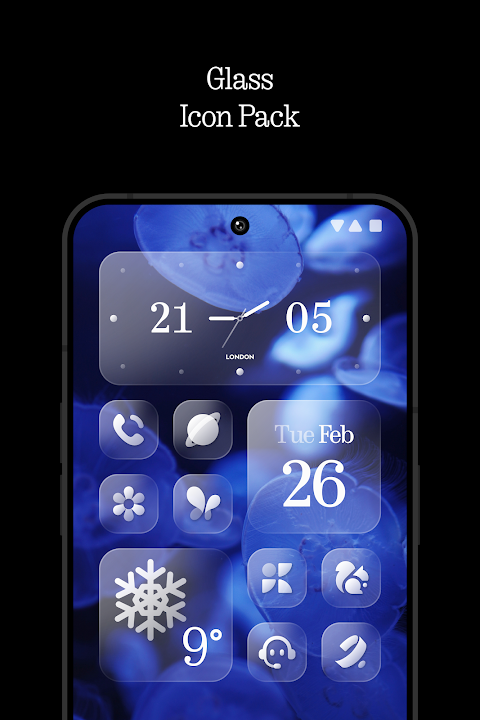
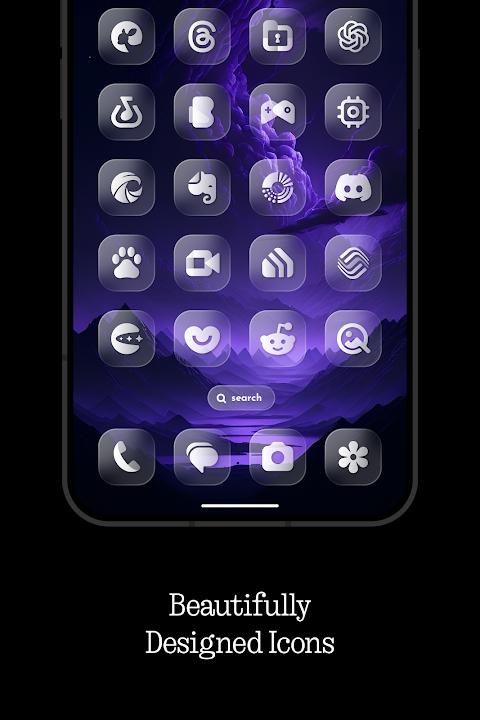
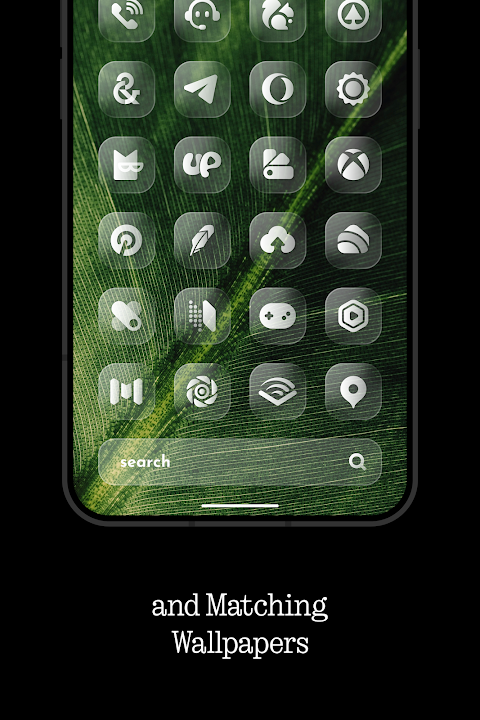
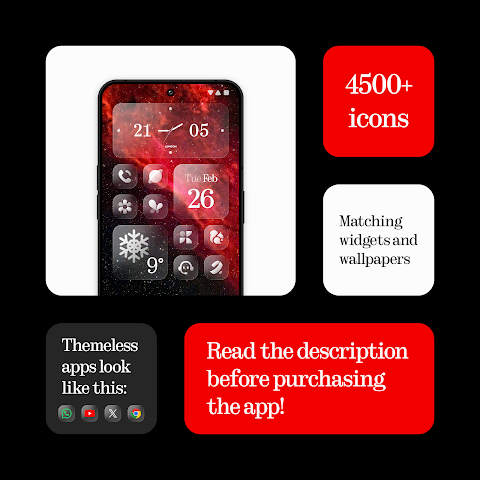
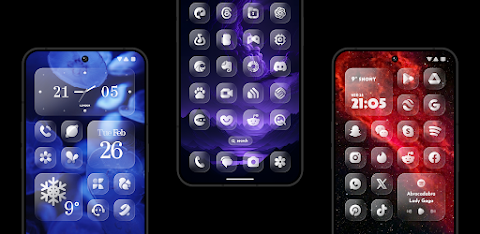
Glass Icons offers a collection of crystal-clear, square icons that give your device a sleek and sophisticated visual upgrade. With over 5600 icons to choose from, this pack lets you easily customize your device's interface. The icons seamlessly blend with various supported launchers, making it simple to create a unique look for your phone or tablet.
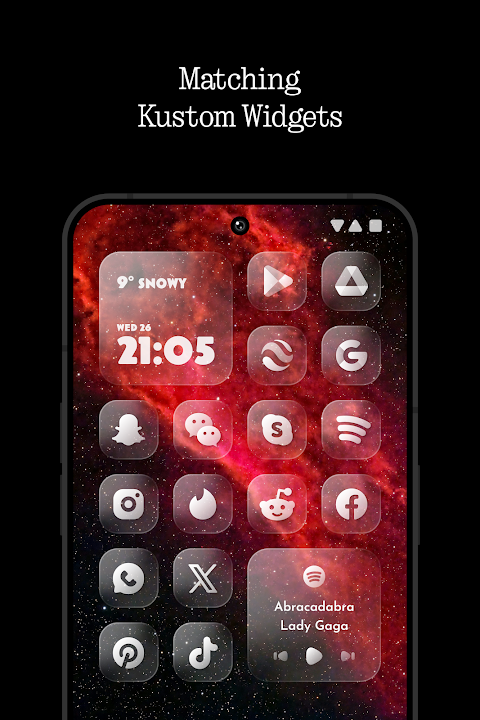
Along with the extensive icon collection, Glass Icons includes 5 Kustom widgets and cloud-based wallpapers. These features enhance your device's appearance and provide advanced theme options to suit your personal style. If you have a specific icon in mind, you can use the icon request tool to ask for it, making your experience even more enjoyable. Regular updates keep the collection fresh and up-to-date.
To use this icon pack, you need to install a supported launcher first. Some popular options include Nova Launcher, Nothing Launcher, Lawnchair Launcher, and Niagara Launcher. Other compatible launchers are Smart Launcher 6, Rootless Pixel Launcher, Shade Launcher, Lean Launcher, Hyperion Launcher, Posidon Launcher, Action Launcher, and Stario Launcher. Make sure to check the supported launcher requirements to ensure compatibility.
Once you have installed a supported launcher, open Glass Icons. Go to the Apply section and select your launcher from the list to apply the icon pack. If your launcher isn’t on that list, you can usually apply it through your launcher settings.
For those using the Pixel Launcher on Pixel devices, you can take advantage of the app Shortcut Maker to get the most out of the icons. If you're using the Stock One UI Launcher, Theme Park will help you apply the icon pack. For Nova Launcher users, remember that shadows must be active for the best appearance.
If you want to use the Kustom widgets, you'll need the KWGT app along with the KWGT PRO version, as the Kustom widgets won’t work without it. To get answers to your questions, there is an interactive FAQ section inside the app. It's a good idea to check this before reaching out for support.
Glass Icons also provides social media support channels. You can follow and contact the developer on X, Telegram, and Instagram for more information or assistance.
In summary, with Glass Icons, you get a stunning collection of over 5600 icons, a user-friendly setup process, and various tools to customize your device interface. Enjoy a surreal visual upgrade while exploring modern mobile customization tools.
Along with the extensive icon collection, Glass Icons includes 5 Kustom widgets and cloud-based wallpapers. These features enhance your device's appearance and provide advanced theme options to suit your personal style. If you have a specific icon in mind, you can use the icon request tool to ask for it, making your experience even more enjoyable. Regular updates keep the collection fresh and up-to-date.
To use this icon pack, you need to install a supported launcher first. Some popular options include Nova Launcher, Nothing Launcher, Lawnchair Launcher, and Niagara Launcher. Other compatible launchers are Smart Launcher 6, Rootless Pixel Launcher, Shade Launcher, Lean Launcher, Hyperion Launcher, Posidon Launcher, Action Launcher, and Stario Launcher. Make sure to check the supported launcher requirements to ensure compatibility.
Once you have installed a supported launcher, open Glass Icons. Go to the Apply section and select your launcher from the list to apply the icon pack. If your launcher isn’t on that list, you can usually apply it through your launcher settings.
For those using the Pixel Launcher on Pixel devices, you can take advantage of the app Shortcut Maker to get the most out of the icons. If you're using the Stock One UI Launcher, Theme Park will help you apply the icon pack. For Nova Launcher users, remember that shadows must be active for the best appearance.
If you want to use the Kustom widgets, you'll need the KWGT app along with the KWGT PRO version, as the Kustom widgets won’t work without it. To get answers to your questions, there is an interactive FAQ section inside the app. It's a good idea to check this before reaching out for support.
Glass Icons also provides social media support channels. You can follow and contact the developer on X, Telegram, and Instagram for more information or assistance.
In summary, with Glass Icons, you get a stunning collection of over 5600 icons, a user-friendly setup process, and various tools to customize your device interface. Enjoy a surreal visual upgrade while exploring modern mobile customization tools.

Pix Material You Light/Dark
PashaPuma Design
$1.99
$1.55
Glossy Glow Icon Pack
Padmanabhan
$0.49
$0.19
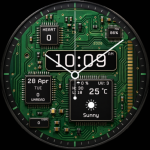
Circuit Board Watch Face GTS2
GoodTimes Initiative
$1.99
$1.00