
$1.99
$0.99
50% Off
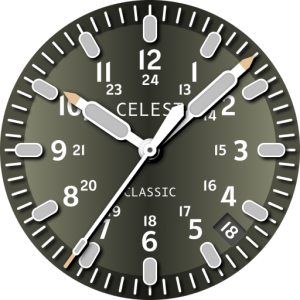
CELEST1610 Analog Watch
CELEST Watches

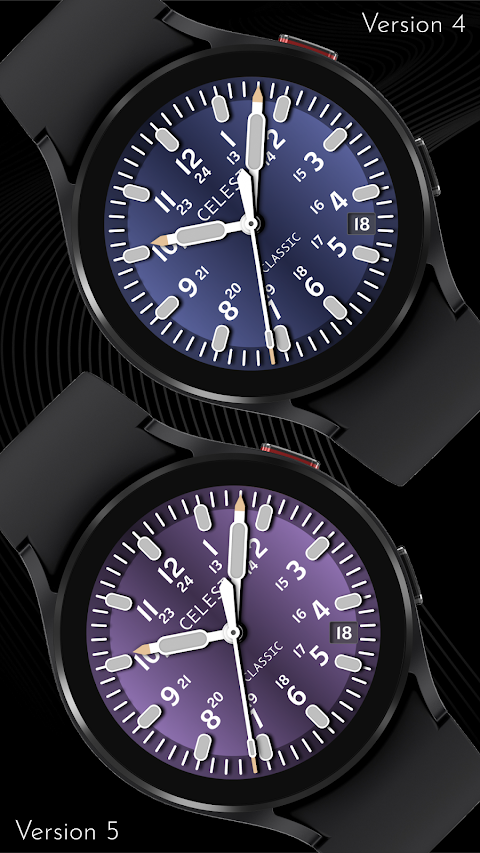
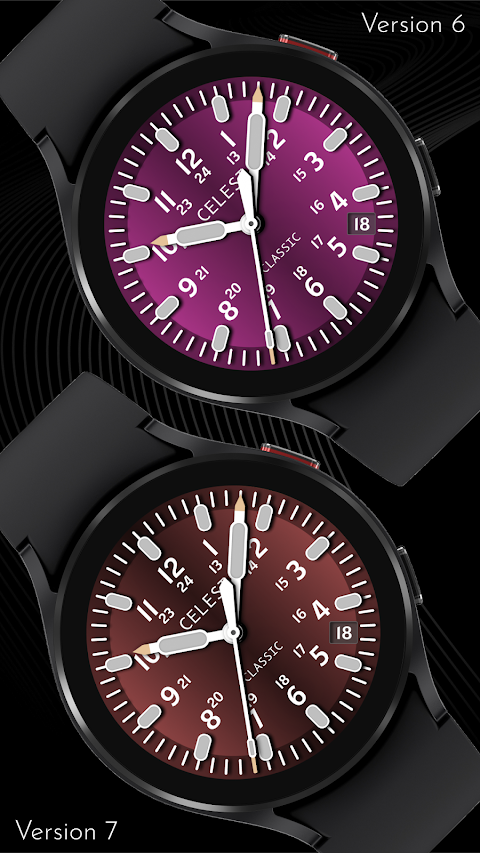
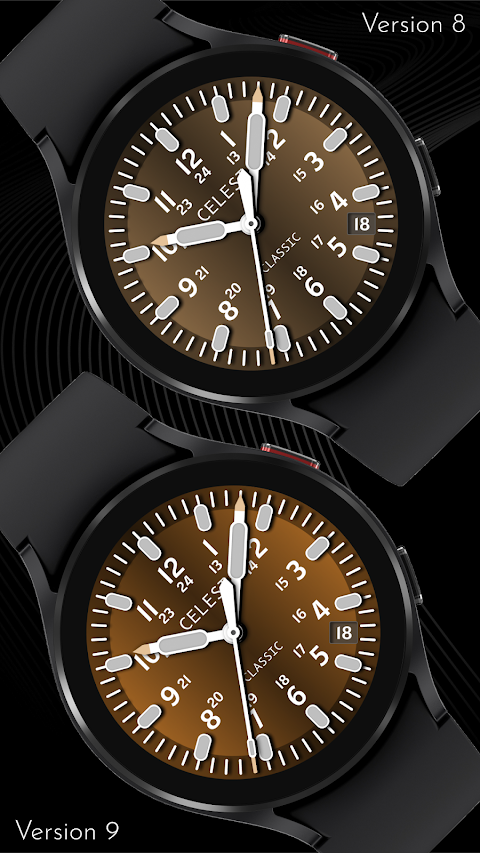

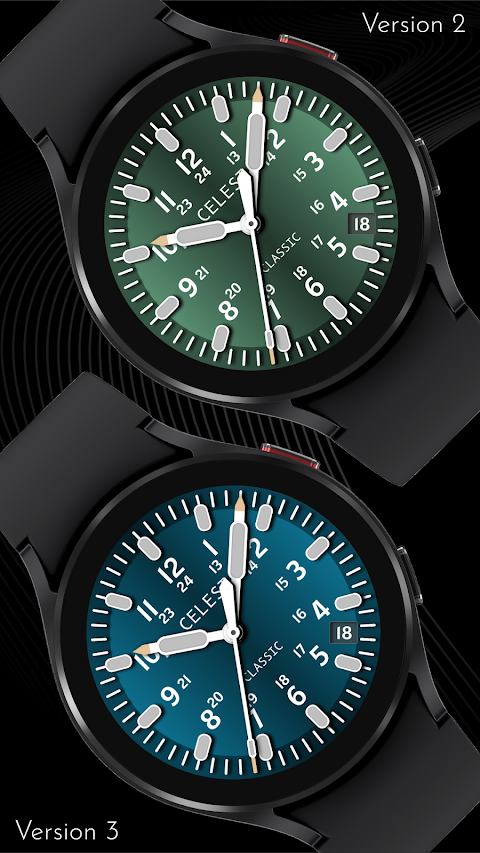



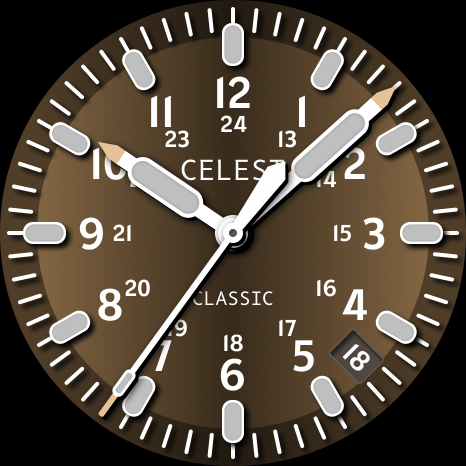
About the App
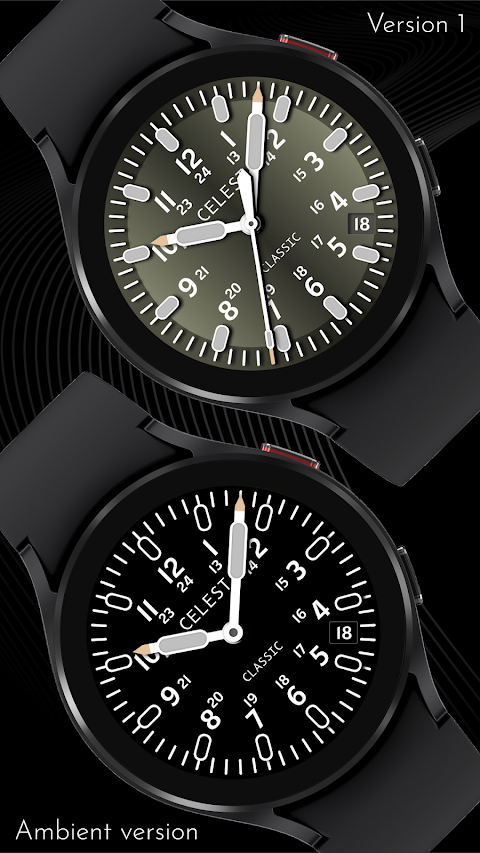
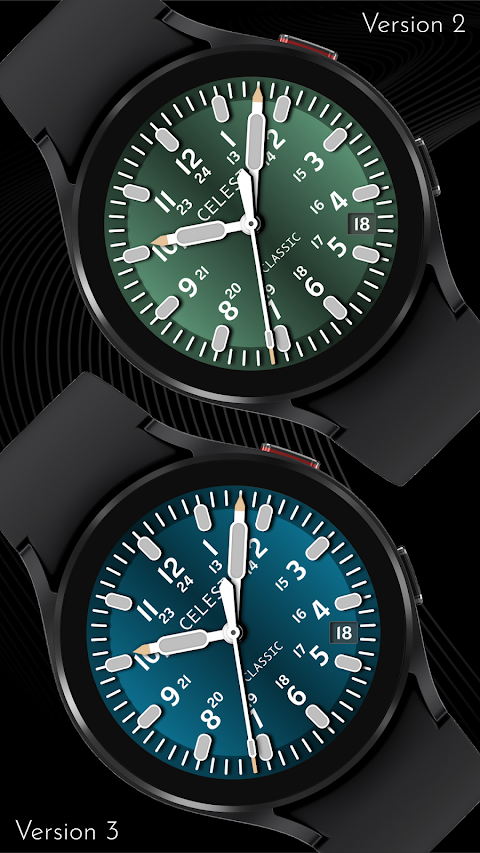
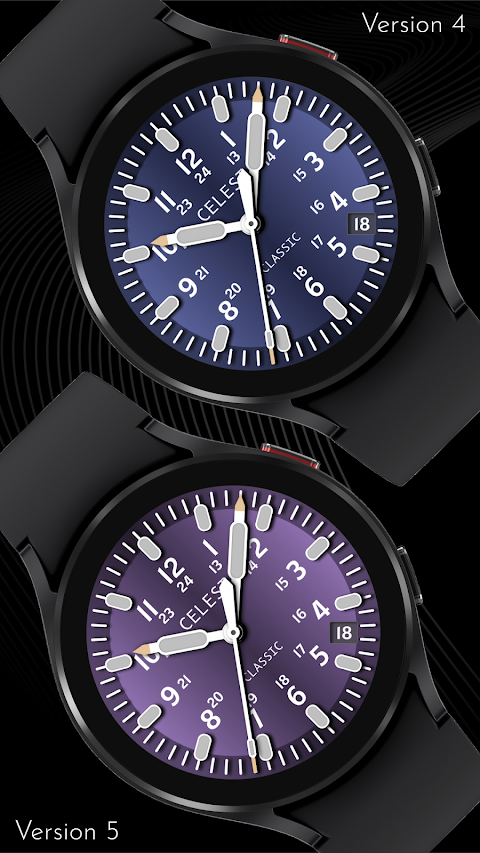
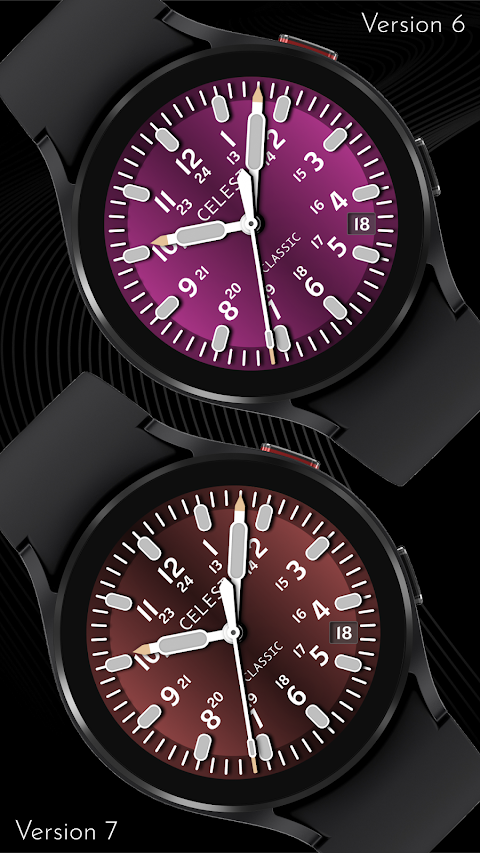
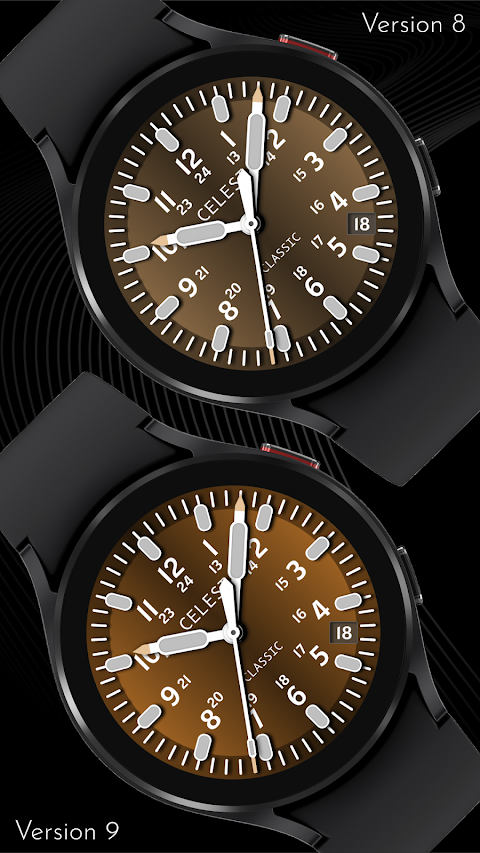
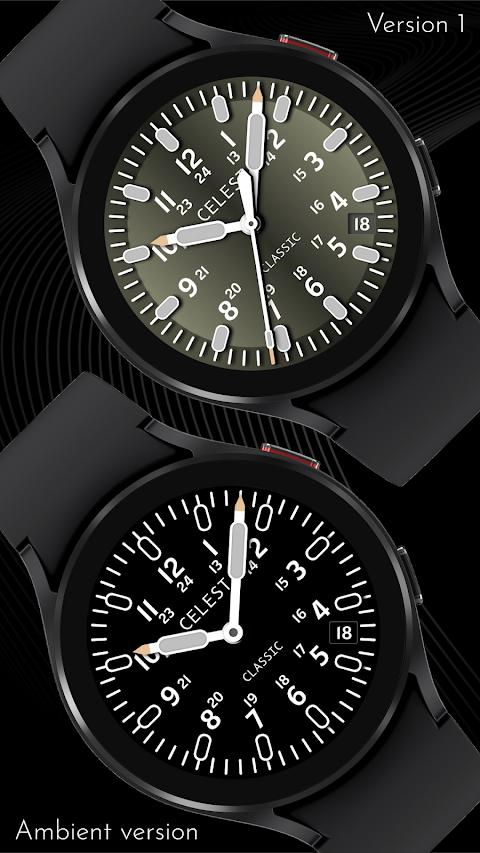
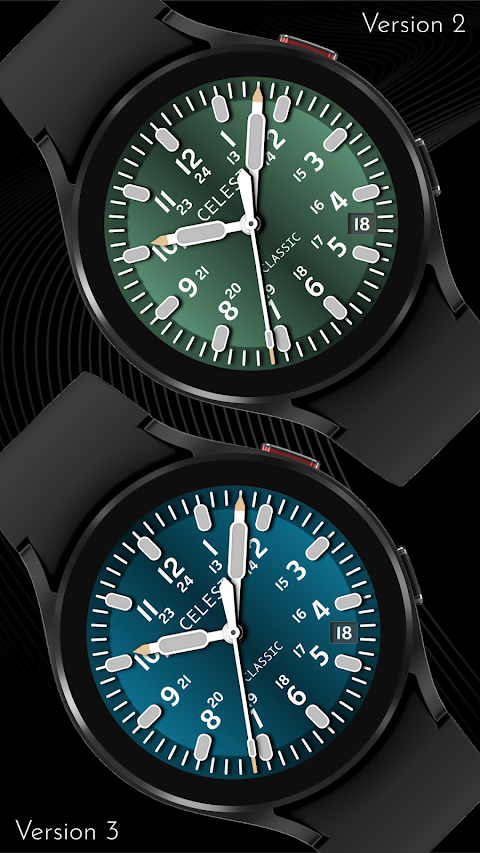
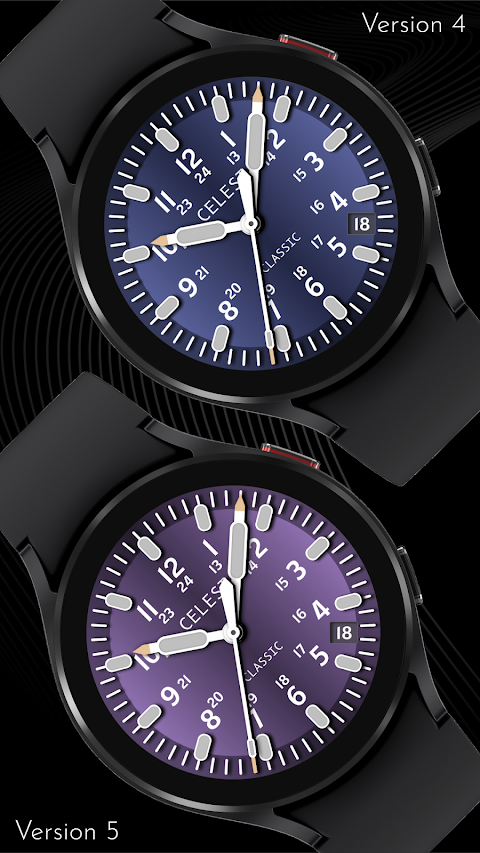
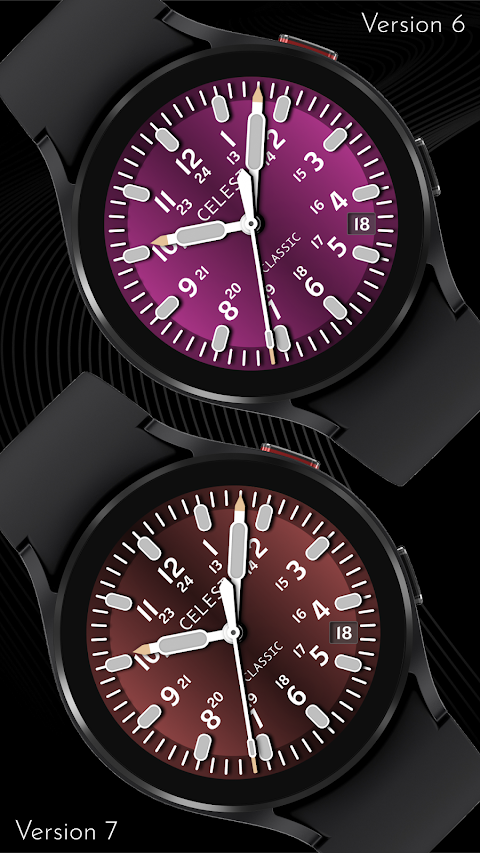
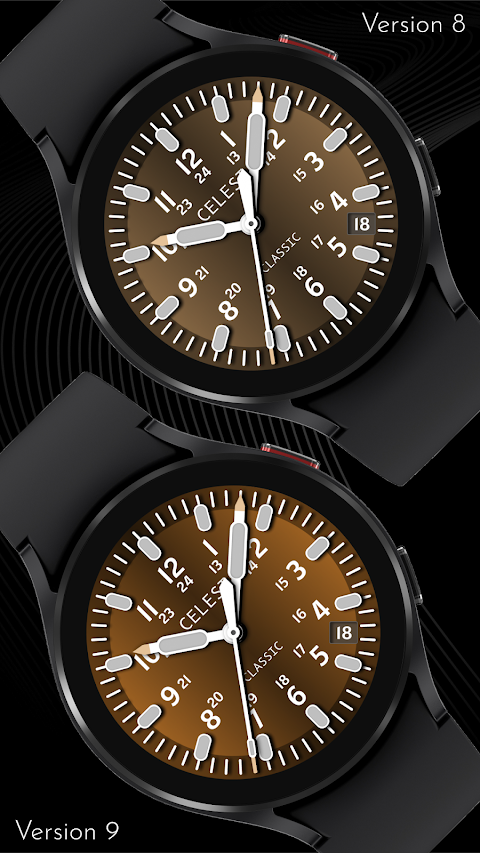
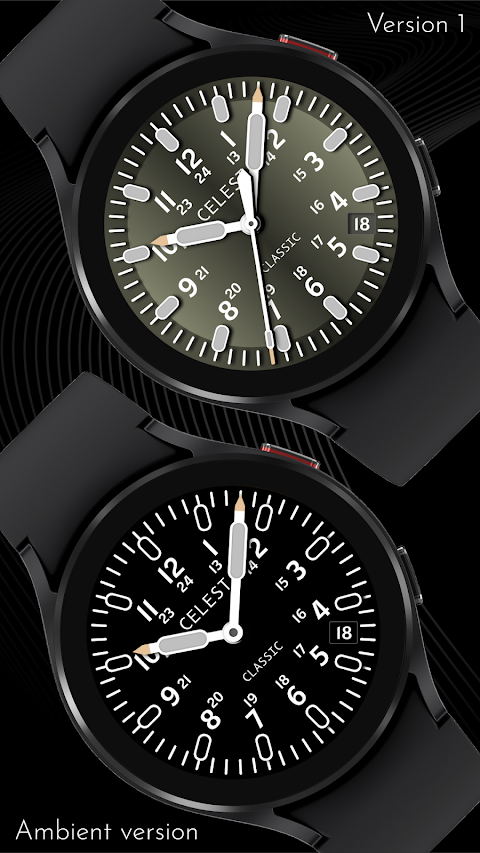
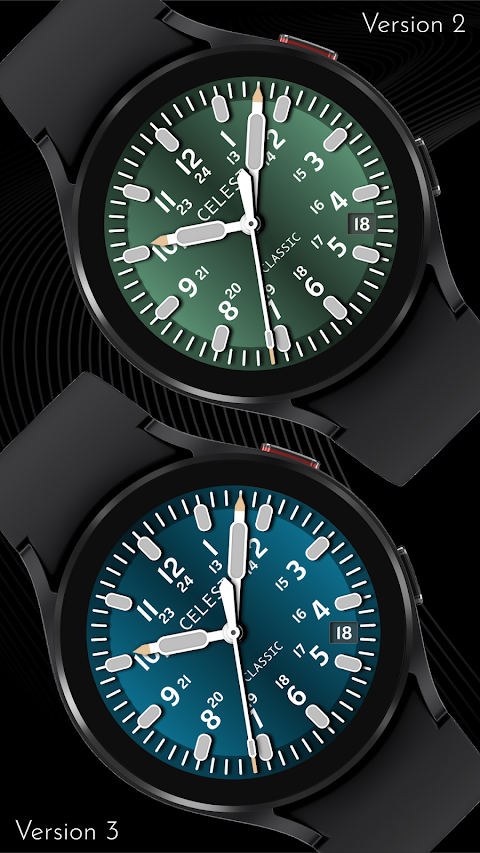
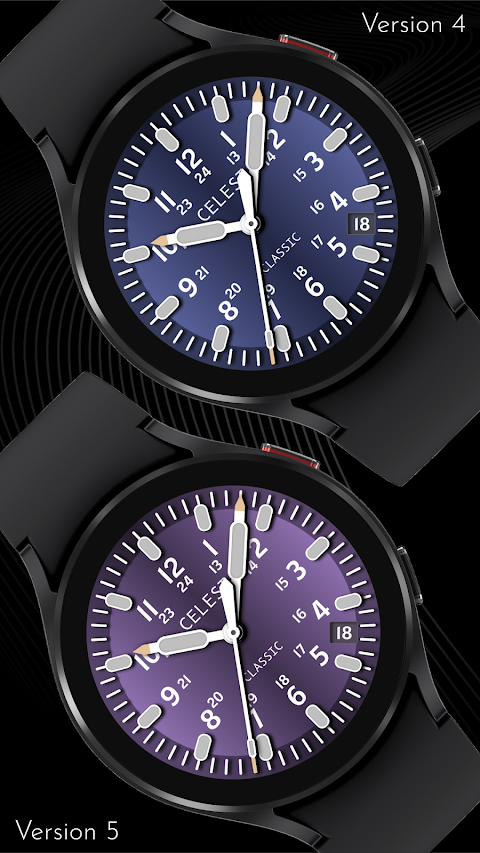
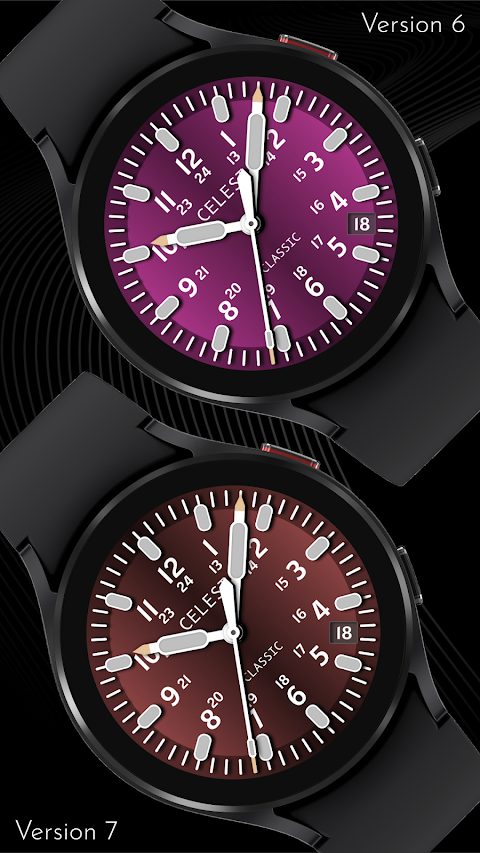
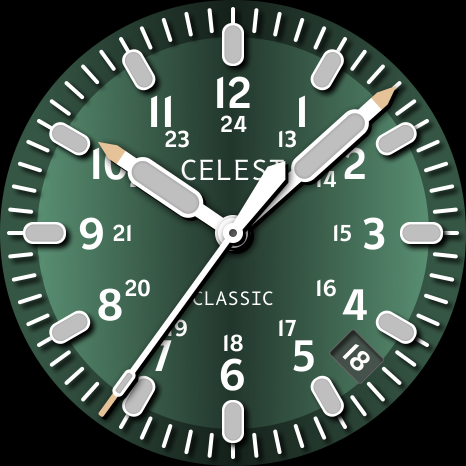
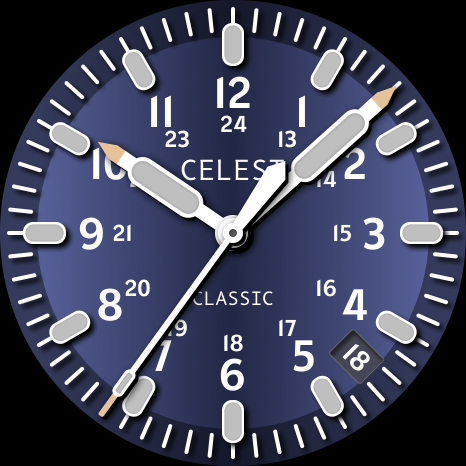
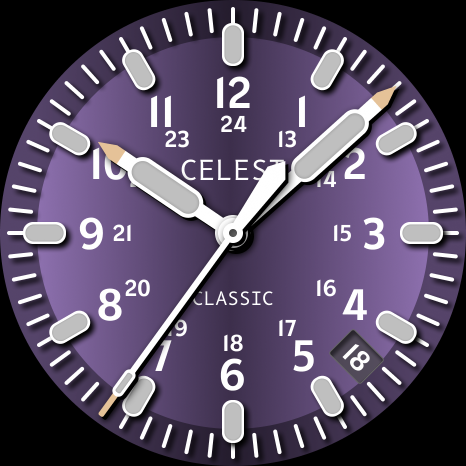
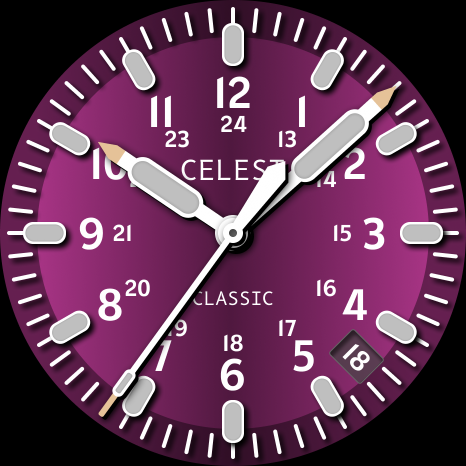
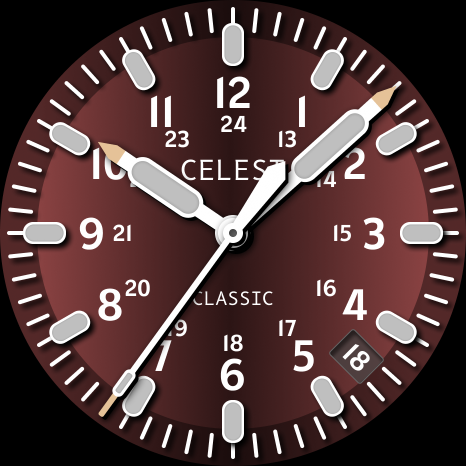
With the CELEST1610 Analog Watch, you can show off your unique style and taste through stunning watch face customization. This app allows you to choose from 10 color variations, helping you create a look that fits your personality perfectly.
If you’re having trouble with the installation, this installation guide will help you out. When you try to install a watch face from the Google Play Android app, there might be some issues you encounter. For instance, if you see that the watch face is installed on your phone but not showing up on your watch, there’s a convenient companion app you can use. This app makes your watch face easier to find on the Play Store.
If needed, look for the triangular symbol next to the Install button in the Google Play app. This symbol opens a dropdown menu where you can select your watch as the target device for installation. Alternatively, you can access the Play Store on a web browser through your laptop, Mac, or PC. This way, you can clearly select the correct device for the installation process.
For Samsung users, you can also use the Galaxy Wearable app to find your watch face. Go to the Downloaded section within the app, and you'll see the watch face there. Simply click it to start the installation.
The CELEST1610 Analog Watch stands out not just because of its watch face designs, but also due to its smartwatch compatibility. It brings you fashionable watch faces that can help make a statement on your wrist. Both Wear OS and Apple Watch compatibility mean you'll have options no matter what device you use.
Additionally, if you’re looking for more options or discounts, you can visit our online catalog for a variety of watch faces available. This catalog also includes discounted watch faces, which are ideal if you're looking to save while enhancing your wearable technology.
Your user installation experience is important to us, and we strive to make it as smooth as possible. If you ever run into any watch face installation issues or Android app issues, feel free to consult the visual installation guide for step-by-step instructions. Remember to check the Play Store interface for updates or additional apps that can enhance your watch face visibility.
At CELEST Watches, we take pride in our social media presence, with platforms like Instagram and Facebook where you can stay updated on new designs and offers. For those interested in custom watch designs, we invite you to explore our resources for visual customization options that might inspire you.
No matter your style, CELEST1610 Analog Watch offers a watch face marketplace filled with choices that reflect who you are. Start customizing today and bring your wrist to life with a watch face that truly represents you!
If you’re having trouble with the installation, this installation guide will help you out. When you try to install a watch face from the Google Play Android app, there might be some issues you encounter. For instance, if you see that the watch face is installed on your phone but not showing up on your watch, there’s a convenient companion app you can use. This app makes your watch face easier to find on the Play Store.
If needed, look for the triangular symbol next to the Install button in the Google Play app. This symbol opens a dropdown menu where you can select your watch as the target device for installation. Alternatively, you can access the Play Store on a web browser through your laptop, Mac, or PC. This way, you can clearly select the correct device for the installation process.
For Samsung users, you can also use the Galaxy Wearable app to find your watch face. Go to the Downloaded section within the app, and you'll see the watch face there. Simply click it to start the installation.
The CELEST1610 Analog Watch stands out not just because of its watch face designs, but also due to its smartwatch compatibility. It brings you fashionable watch faces that can help make a statement on your wrist. Both Wear OS and Apple Watch compatibility mean you'll have options no matter what device you use.
Additionally, if you’re looking for more options or discounts, you can visit our online catalog for a variety of watch faces available. This catalog also includes discounted watch faces, which are ideal if you're looking to save while enhancing your wearable technology.
Your user installation experience is important to us, and we strive to make it as smooth as possible. If you ever run into any watch face installation issues or Android app issues, feel free to consult the visual installation guide for step-by-step instructions. Remember to check the Play Store interface for updates or additional apps that can enhance your watch face visibility.
At CELEST Watches, we take pride in our social media presence, with platforms like Instagram and Facebook where you can stay updated on new designs and offers. For those interested in custom watch designs, we invite you to explore our resources for visual customization options that might inspire you.
No matter your style, CELEST1610 Analog Watch offers a watch face marketplace filled with choices that reflect who you are. Start customizing today and bring your wrist to life with a watch face that truly represents you!
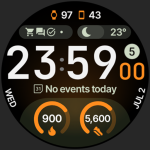
TrackMate Watch Face
amoledwatchfaces™
$1.79
$0.90
KTbw
KocaTurk Watch Faces
$0.99
$0.50
Lunachron Luxury Watch Face
Time Canvas
$1.69
$0.85