
$0.99
$0.50
49% Off
KTbw
KocaTurk Watch Faces



About the App
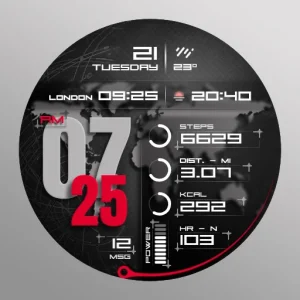
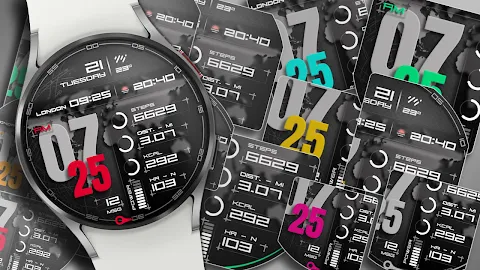
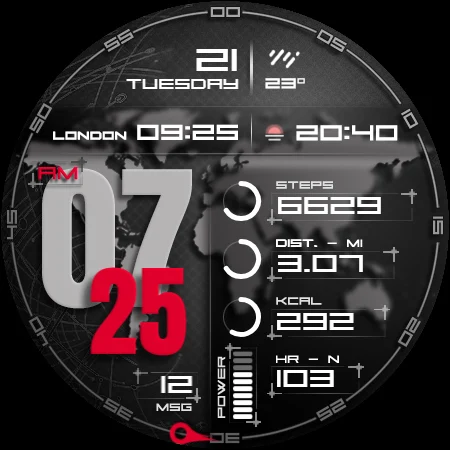
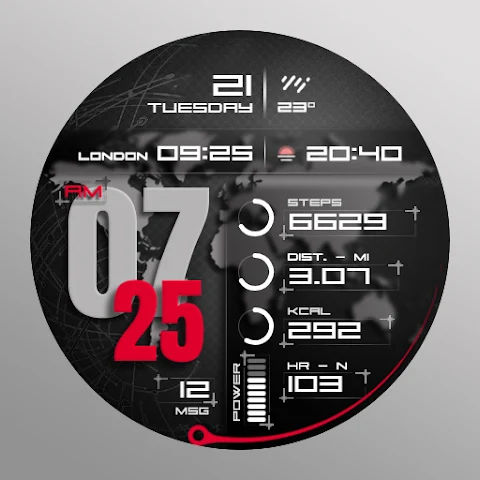
KTbw is a digital watch face designed for Wear OS. This app helps you keep track of various important data right on your wrist.
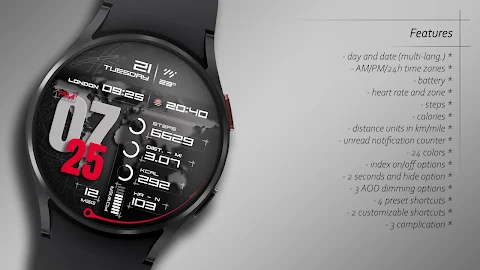
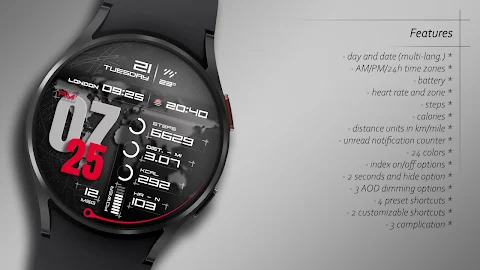
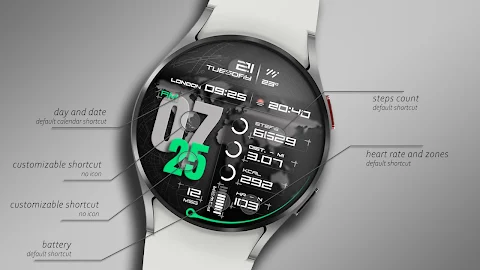
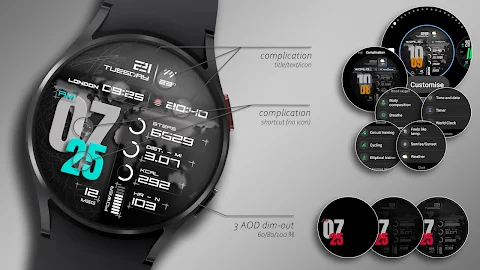
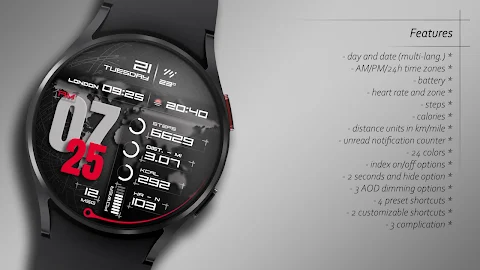
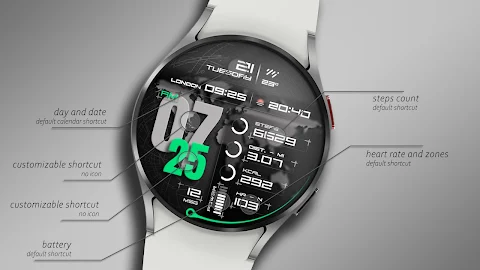
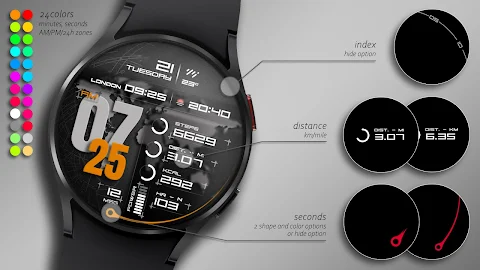
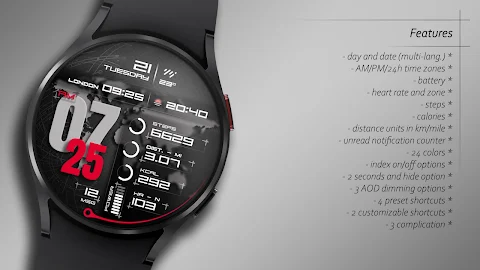
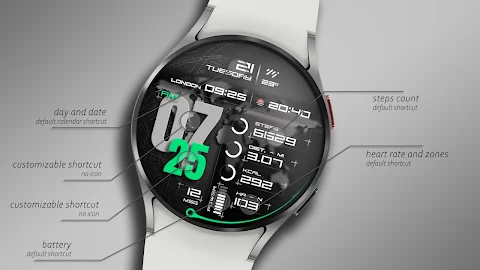
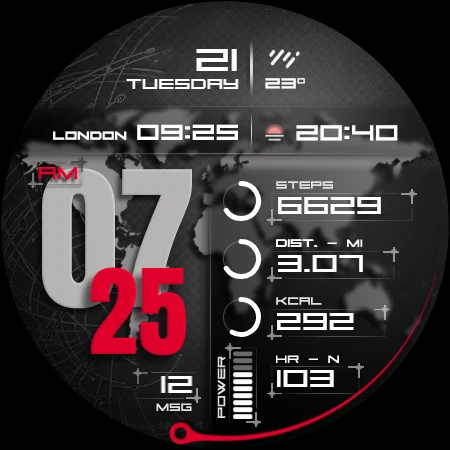
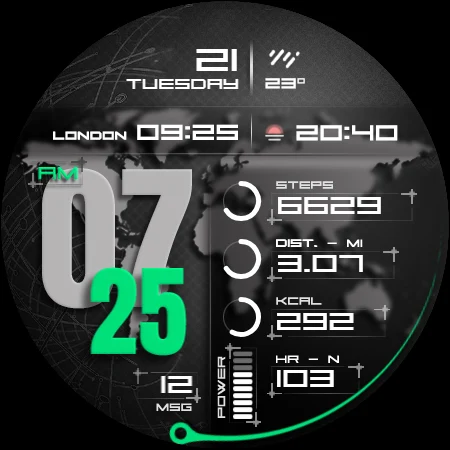
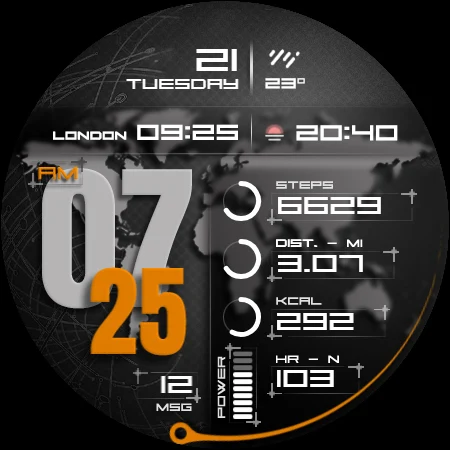
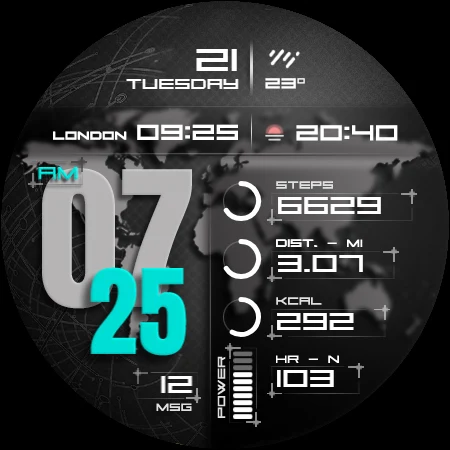
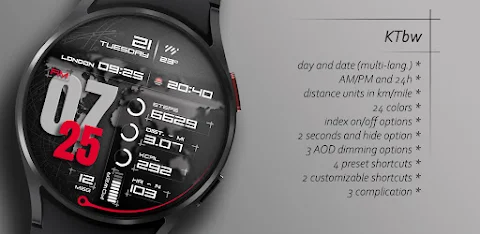
With KTbw, you can effortlessly view the time display in either a 12-hour or 24-hour format. You also get a date display for easy reference. If you're into fitness, KTbw offers heart rate tracking, a step counter, and calorie tracking. It even allows you to monitor your distance tracking and provides an unread notification count to help you stay organized.
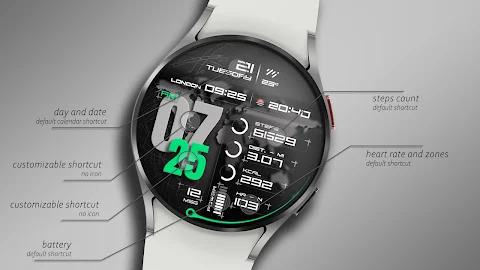
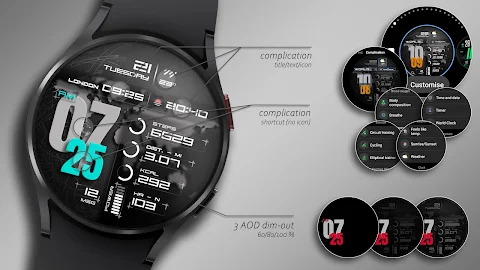
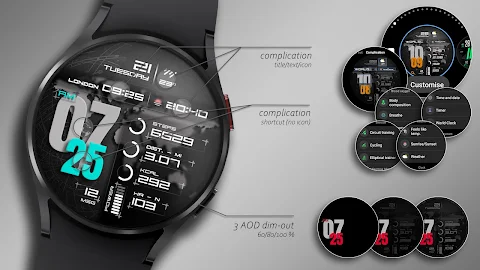
The app includes several preset shortcuts for quick access. You can easily check your battery status, steps, heart rate, calendar events, and messages with just a few taps. KTbw also has complications and shortcuts that you can customize according to your preferences.
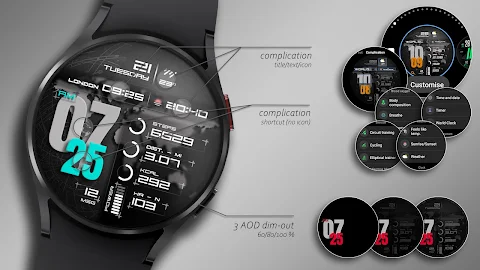
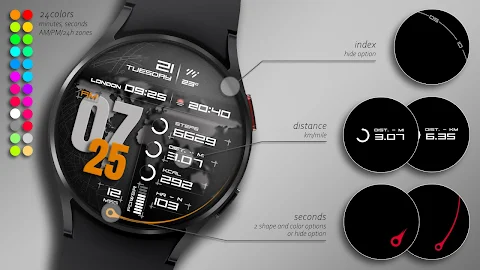
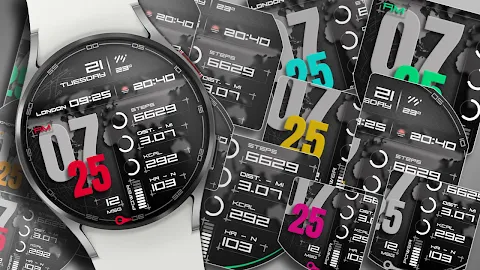
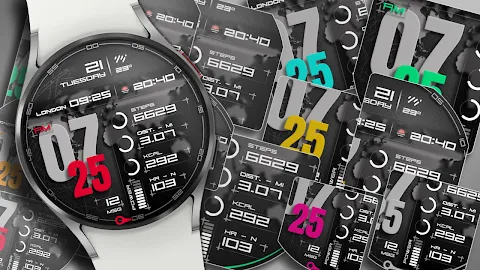
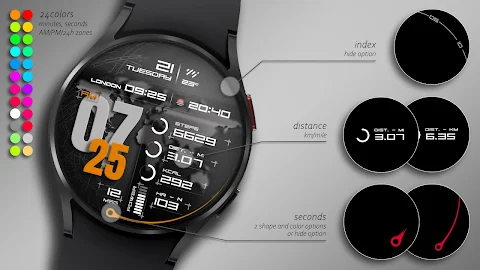
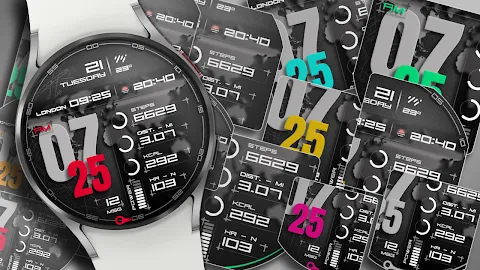
Customization options are one of the standout features of KTbw. You can choose from a 24 color palette to find the look that suits you best. There are index options to toggle on or off, as well as seconds options that allow you to choose between long, short, or off displays. For distance tracking, you can select between km or mi, and you'll find AOD dim out settings that can be adjusted to 60%, 80%, or 100% based on your preference.
To personalize your watch face, simply long press on the watch screen. This brings up the customization button. From there, you swipe left or right to navigate through different customizable elements. You can swipe up or down to change colors and options for each element. Just keep in mind that customization may experience some delays or glitches, so it’s best to make these settings directly on your watch.
It's important to note that square watch models are unsupported in this app, and some features may not be available on all models. Therefore, check your watch compatibility before installation.
When installing KTbw, click on the arrow next to the Buy button to ensure your watch is selected from the list of devices. After the download is finished, if your watch was not selected, a second installation option called the "Companion App" will be available on your phone. Open this app and tap on the image to access the Play Store download screen on your watch. You can check if the download has started.
Once the download is complete, return to your watch’s home screen, long-press the display, and go to the watch face selection area. Click on the "add" option on the far right and find the watch face you purchased to activate it.
If you run into issues during payment, don’t worry. Only one payment will be processed even if you see multiple prompts. If you experience any problems, wait for about 5 minutes or try restarting your watch. Sync issues with Google servers can happen, but these problems are not the responsibility of the developer.
Your experience with KTbw is important to us. For updates, discounts, and promotions, be sure to follow us on social media. You can find us on Facebook, Instagram, and Telegram for all the latest news. Enjoy using KTbw, where your watch meets your lifestyle!
With KTbw, you can effortlessly view the time display in either a 12-hour or 24-hour format. You also get a date display for easy reference. If you're into fitness, KTbw offers heart rate tracking, a step counter, and calorie tracking. It even allows you to monitor your distance tracking and provides an unread notification count to help you stay organized.
The app includes several preset shortcuts for quick access. You can easily check your battery status, steps, heart rate, calendar events, and messages with just a few taps. KTbw also has complications and shortcuts that you can customize according to your preferences.
Customization options are one of the standout features of KTbw. You can choose from a 24 color palette to find the look that suits you best. There are index options to toggle on or off, as well as seconds options that allow you to choose between long, short, or off displays. For distance tracking, you can select between km or mi, and you'll find AOD dim out settings that can be adjusted to 60%, 80%, or 100% based on your preference.
To personalize your watch face, simply long press on the watch screen. This brings up the customization button. From there, you swipe left or right to navigate through different customizable elements. You can swipe up or down to change colors and options for each element. Just keep in mind that customization may experience some delays or glitches, so it’s best to make these settings directly on your watch.
It's important to note that square watch models are unsupported in this app, and some features may not be available on all models. Therefore, check your watch compatibility before installation.
When installing KTbw, click on the arrow next to the Buy button to ensure your watch is selected from the list of devices. After the download is finished, if your watch was not selected, a second installation option called the "Companion App" will be available on your phone. Open this app and tap on the image to access the Play Store download screen on your watch. You can check if the download has started.
Once the download is complete, return to your watch’s home screen, long-press the display, and go to the watch face selection area. Click on the "add" option on the far right and find the watch face you purchased to activate it.
If you run into issues during payment, don’t worry. Only one payment will be processed even if you see multiple prompts. If you experience any problems, wait for about 5 minutes or try restarting your watch. Sync issues with Google servers can happen, but these problems are not the responsibility of the developer.
Your experience with KTbw is important to us. For updates, discounts, and promotions, be sure to follow us on social media. You can find us on Facebook, Instagram, and Telegram for all the latest news. Enjoy using KTbw, where your watch meets your lifestyle!

OctaRing – Icon Pack
GomoTheGom
$1.49
$0.29

Material You Square Icon Pack
GomoTheGom
$1.49
FREE
WB Digital Base Hybrid
WatchBase Aura
$2.99
$0.99