
$1.99
$0.99
50% Off
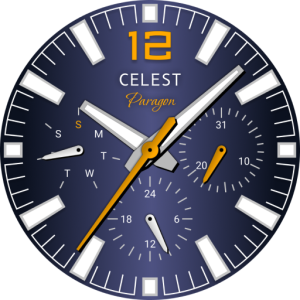
CELEST1730 Analog Watch
CELEST Watches









About the App
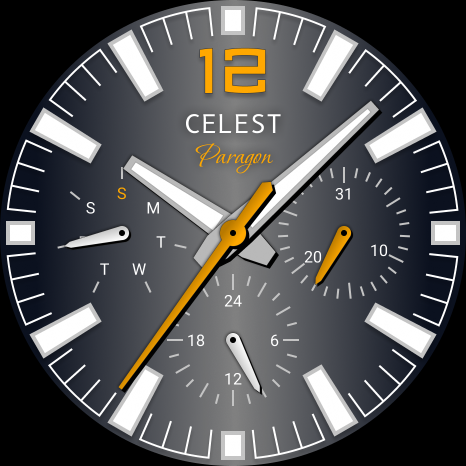
The CELEST1730 Analog Watch is more than just a timepiece; it offers a CELEST Watches watch face that allows users to express their unique style and taste. With this watch face, you can easily showcase your personal flair while keeping track of time.
Installing the watch face is simple, but sometimes issues can arise. If you have successfully installed the watch face on your phone but don’t see it on your watch, the developer has created a companion app to help with installation visibility. If you need to, you can uninstall this companion app from your phone. When you look in the Play Store app, check for a triangular symbol next to the Install button. This symbol shows a dropdown menu where you can choose your watch as the target device for installation.
If you prefer a different method, you can use a laptop installation guide. Open the Play Store in a web browser on your laptop, Mac, or PC. This allows you to visually select the correct device for installation, ensuring everything goes smoothly.
For Samsung users, if the watch face still does not appear on your watch, open the Galaxy Wearable app. Inside this app, go to the Downloaded section, where you should find the installed watch face waiting for you. Just click on it to start the installation.
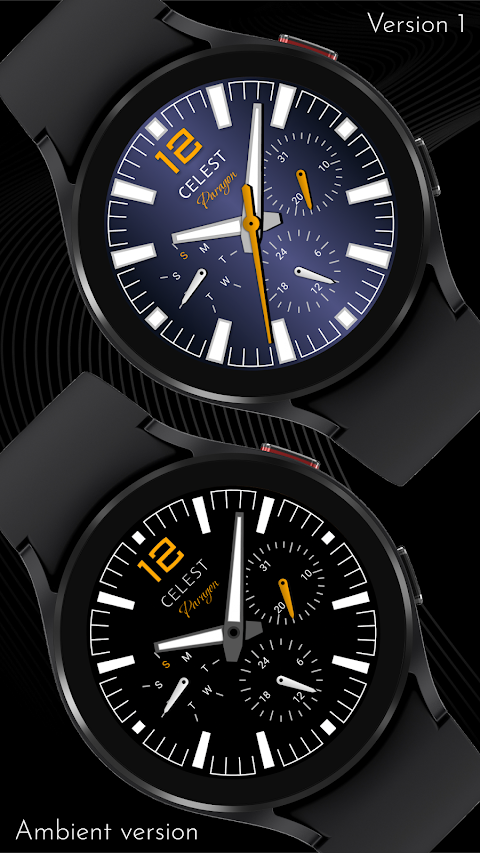
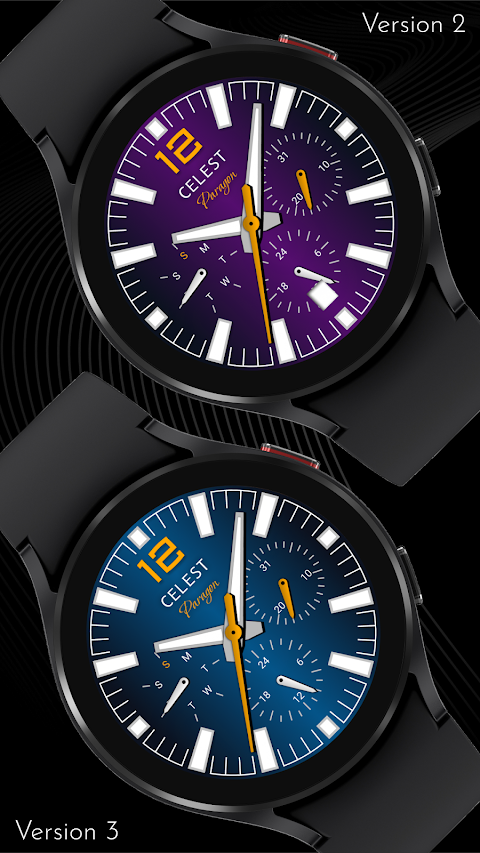
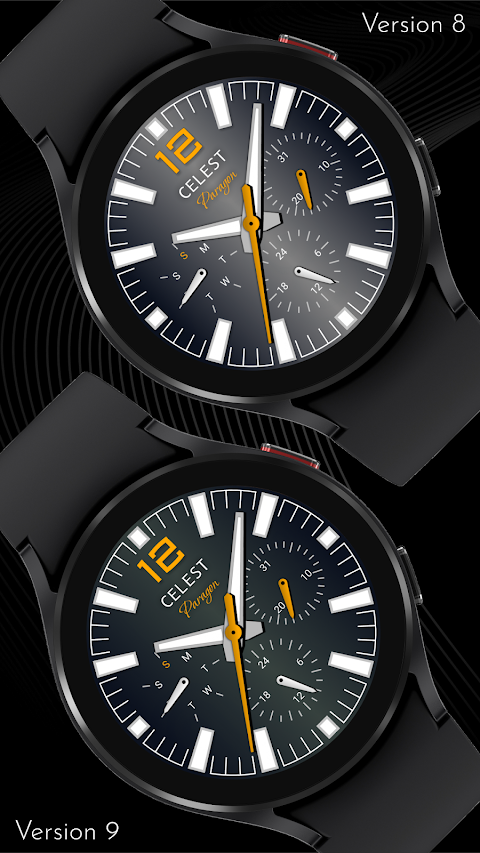
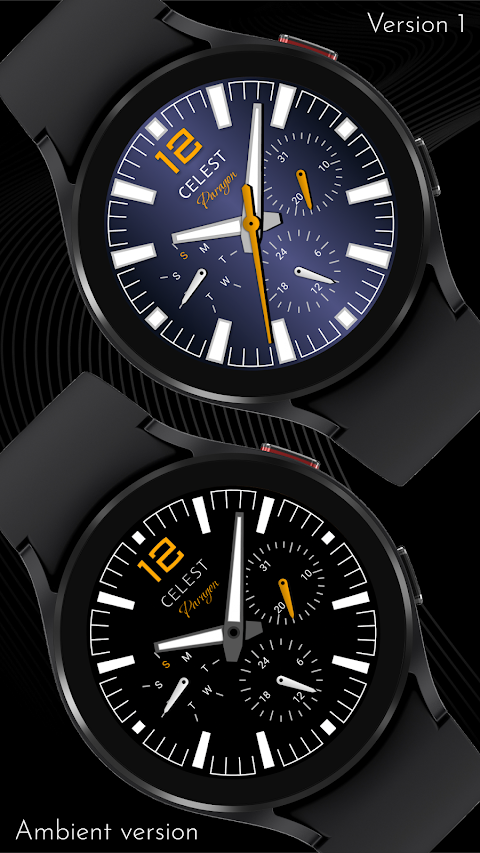
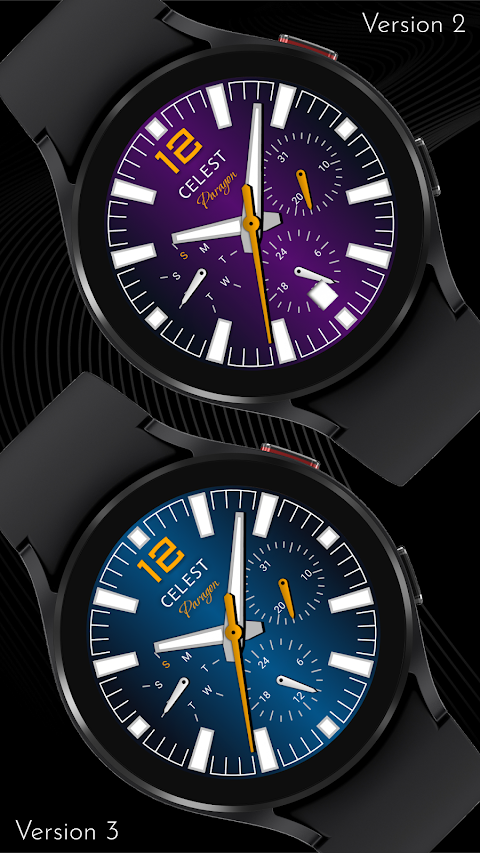
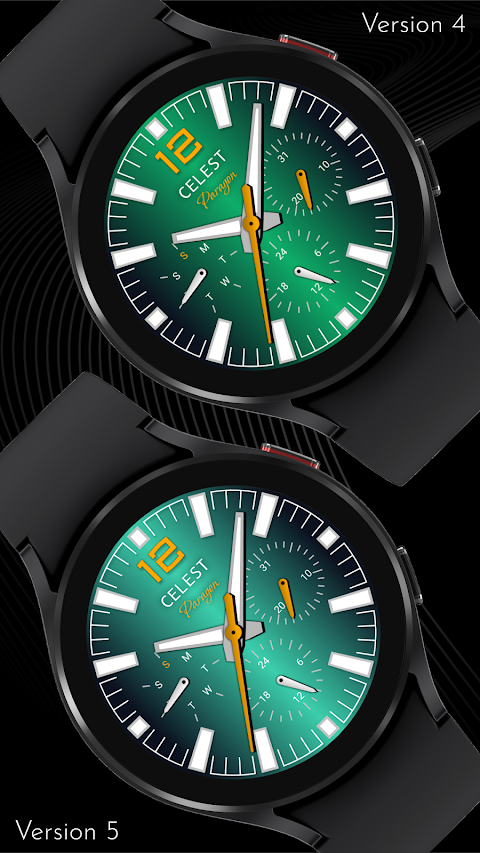
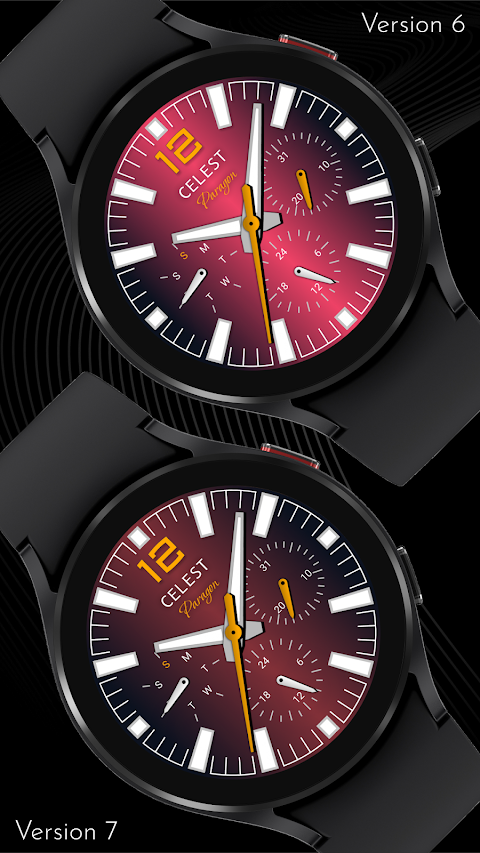
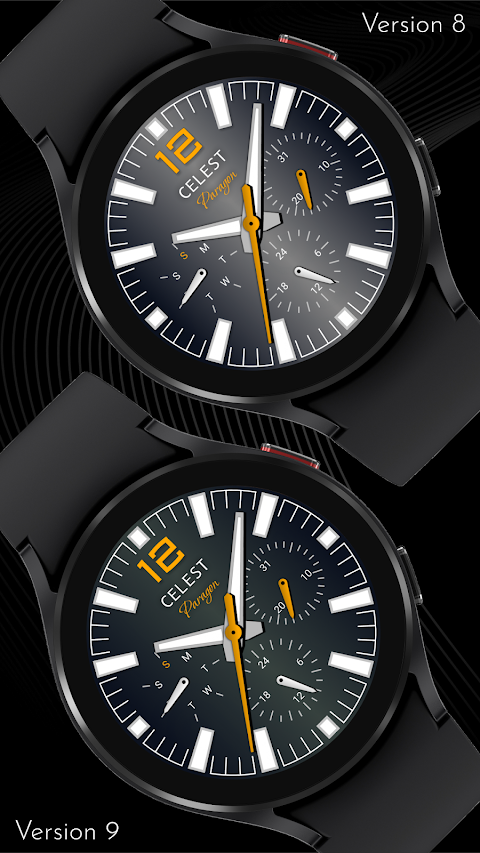
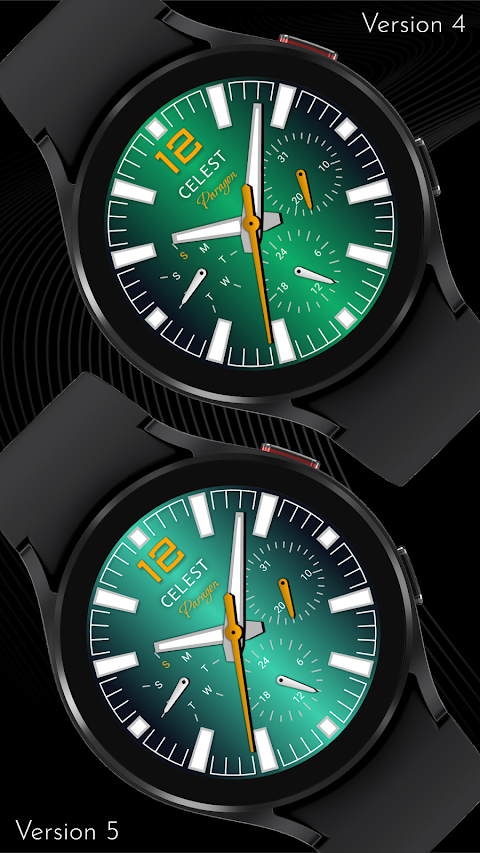
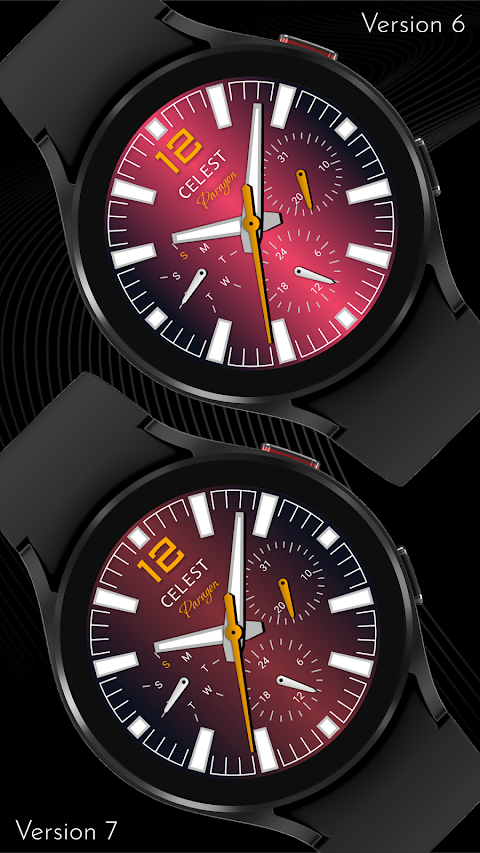
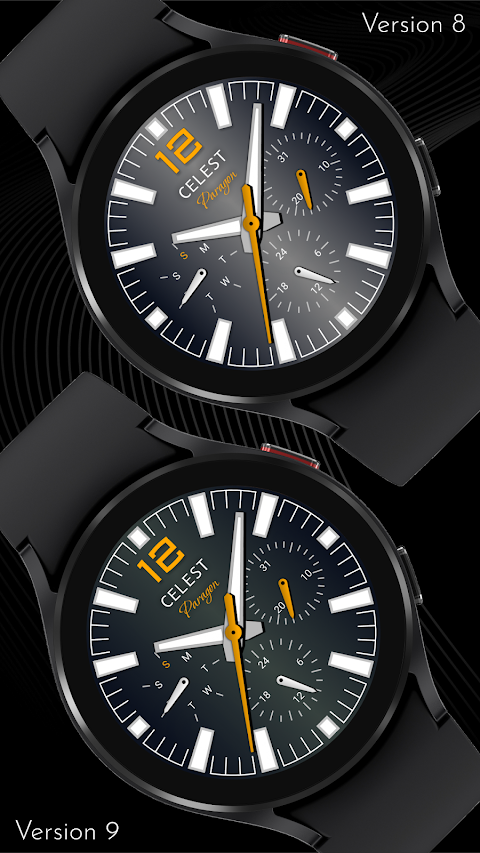
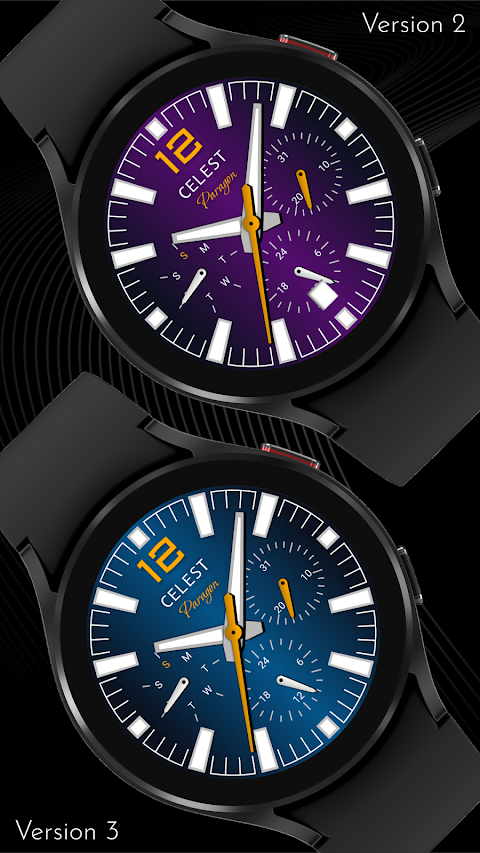
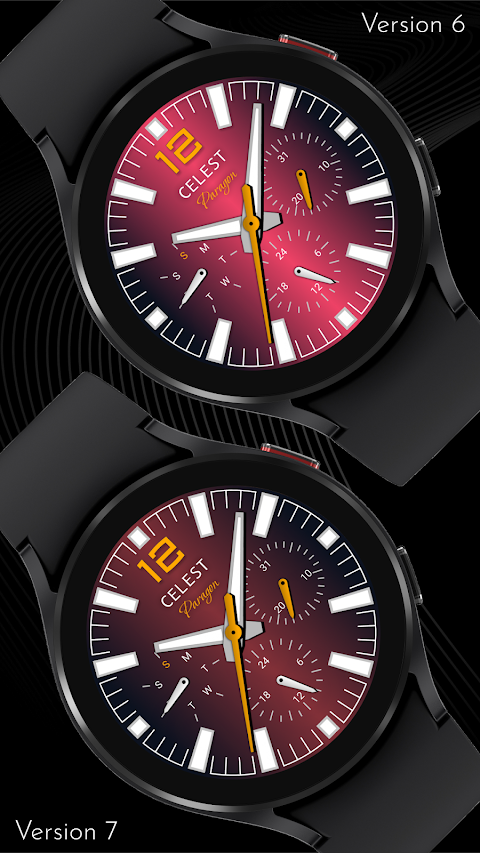
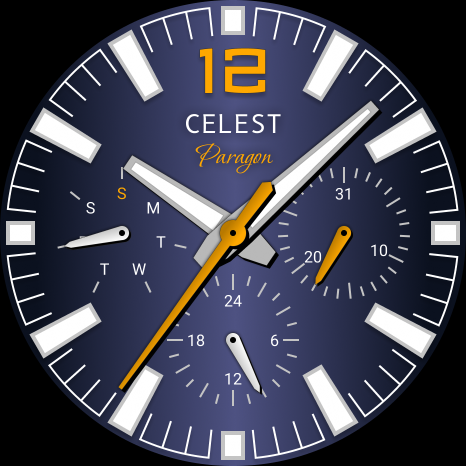
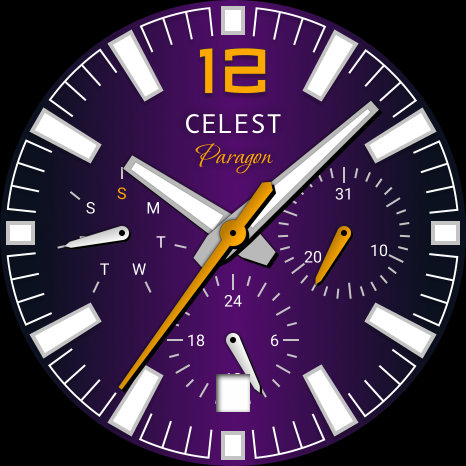
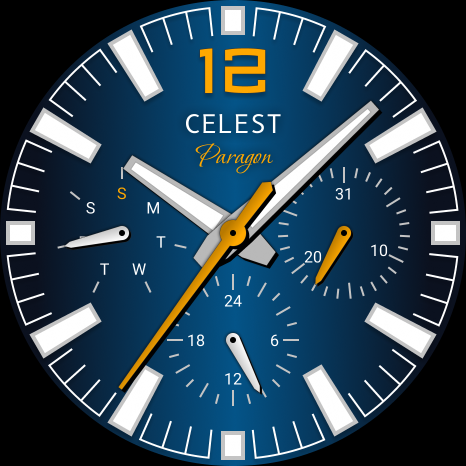
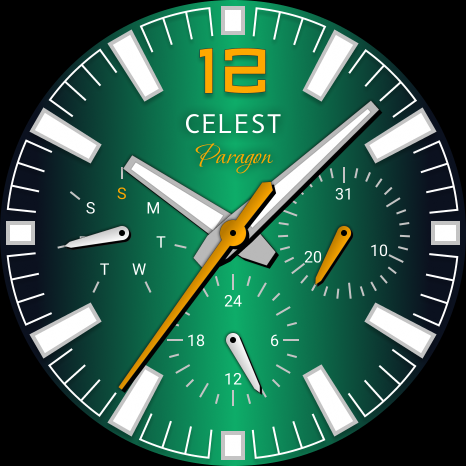
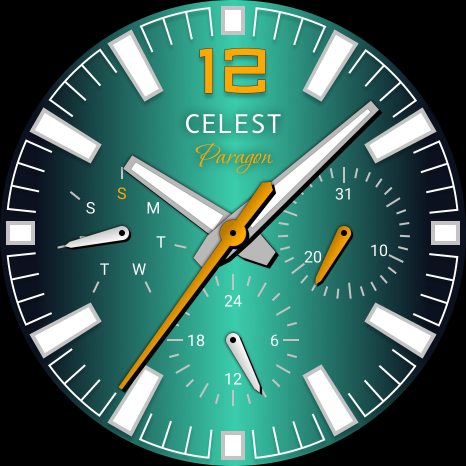
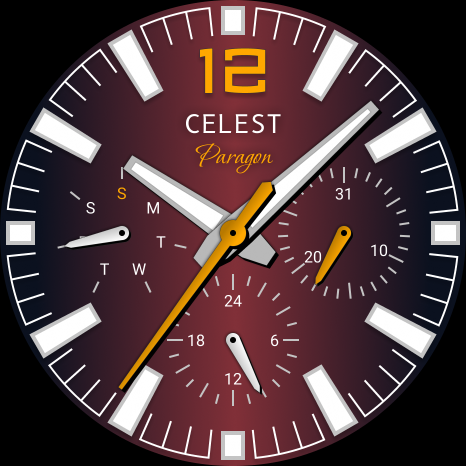
The CELEST1730 Analog Watch is designed with several impressive features. It includes a gyro effect on the gradient background, which gives it a dynamic look. You also have nine color variations to choose from, making it easy to match your watch to your outfit. Additionally, the watch face includes a week day dial, a date dial, and a 24-hour dial, providing you with all the information you need at a glance.
If you’re interested in more options, you can browse our online catalog. Here you will find various choices compatible with Wear OS. Plus, we often have discounts on Wear OS watches, making it easier for you to find the perfect watch face at a great price.
We value our community and encourage you to follow us on social media. Stay updated with our latest designs and special promotions by checking out our Instagram, Facebook, Twitter, and Telegram accounts.
In summary, the CELEST1730 Analog Watch not only enhances your style but also offers practical features to make your day easier. Whether you face installation issues or want to choose from various color options, our support is here to help you enjoy your watch to the fullest.
Installing the watch face is simple, but sometimes issues can arise. If you have successfully installed the watch face on your phone but don’t see it on your watch, the developer has created a companion app to help with installation visibility. If you need to, you can uninstall this companion app from your phone. When you look in the Play Store app, check for a triangular symbol next to the Install button. This symbol shows a dropdown menu where you can choose your watch as the target device for installation.
If you prefer a different method, you can use a laptop installation guide. Open the Play Store in a web browser on your laptop, Mac, or PC. This allows you to visually select the correct device for installation, ensuring everything goes smoothly.
For Samsung users, if the watch face still does not appear on your watch, open the Galaxy Wearable app. Inside this app, go to the Downloaded section, where you should find the installed watch face waiting for you. Just click on it to start the installation.
The CELEST1730 Analog Watch is designed with several impressive features. It includes a gyro effect on the gradient background, which gives it a dynamic look. You also have nine color variations to choose from, making it easy to match your watch to your outfit. Additionally, the watch face includes a week day dial, a date dial, and a 24-hour dial, providing you with all the information you need at a glance.
If you’re interested in more options, you can browse our online catalog. Here you will find various choices compatible with Wear OS. Plus, we often have discounts on Wear OS watches, making it easier for you to find the perfect watch face at a great price.
We value our community and encourage you to follow us on social media. Stay updated with our latest designs and special promotions by checking out our Instagram, Facebook, Twitter, and Telegram accounts.
In summary, the CELEST1730 Analog Watch not only enhances your style but also offers practical features to make your day easier. Whether you face installation issues or want to choose from various color options, our support is here to help you enjoy your watch to the fullest.
Analog 2: Watch face
amoledwatchfaces™
$0.99
$0.50
RoseLine Red – Icon Pack
Panoto Gomo
$0.99
$0.49
Everything You: Adaptive Icons
NARIK DESIGN
$0.99
$0.49